

Adobe continues to expand the use of artificial intelligence across its software lineup, with Acrobat becoming the latest product to receive a broader set of AI-driven tools. The newest updates focus on practical workflows rather than experimental features, introducing prompt-based file editing, automated presentation creation, and audio-style summaries designed to resemble short podcasts.
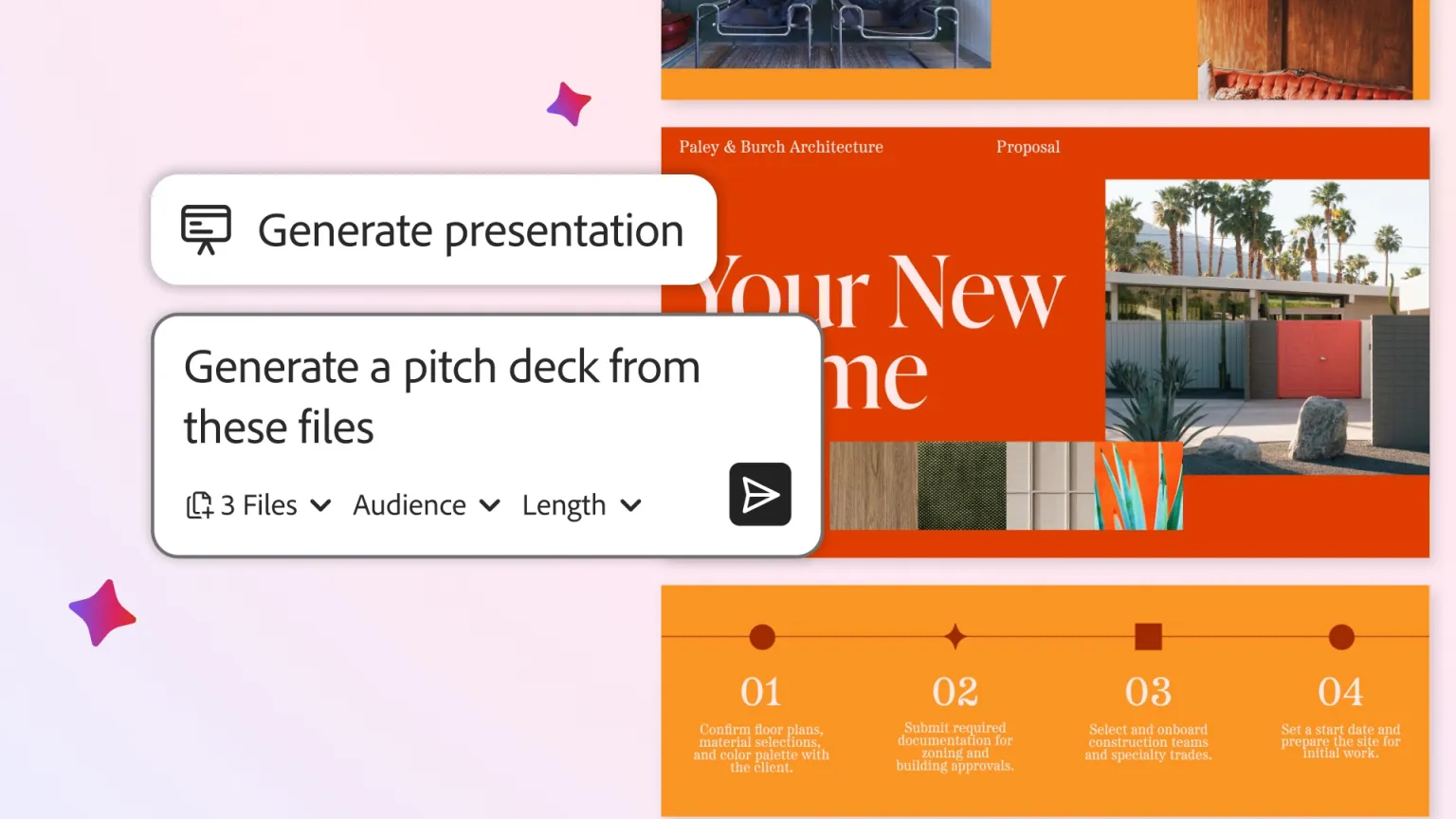
A key addition centers on Adobe Spaces, a shared workspace introduced last year that allows multiple users to organize documents and notes in one place. Acrobat now lets users draw directly from the information stored in a Space to generate presentations using natural language prompts. In practice, this means a collection of financial data, planning documents, and competitive research can be turned into a draft pitch deck without manually assembling slides from scratch. The system produces an editable outline that highlights the main talking points rather than a finished presentation.
Once that draft is generated, users can refine it using tools from Adobe Express. This includes applying prebuilt themes, adding stock images, or incorporating custom visuals. Brand elements can be applied across the deck, and individual slides remain fully editable, keeping the process closer to a starting point than a final, locked asset. Similar capabilities already exist in platforms such as Canva and NotebookLM, placing Acrobat’s new features firmly within an increasingly competitive category rather than setting it apart entirely.
Another notable update is the ability to generate audio-style summaries of documents or entire Spaces. These summaries are framed as podcasts, offering a way to review material in a more passive format. Comparable features are already available through tools like Speechify and ElevenLabs’ Reader app, and Acrobat’s version appears aimed at users who want quick overviews of lengthy files rather than polished audio productions.
Acrobat is also gaining prompt-based editing controls. Users can now issue written commands to perform tasks such as removing pages, deleting text or images, finding and replacing words, adding comments, applying passwords, or inserting e-signatures. Adobe says there are currently a dozen supported actions, suggesting a controlled rollout rather than open-ended editing.
Sharing features within Spaces are being updated as well. When documents are shared, they can now include AI-generated summaries with citations that link back to specific sections of the file. Contributors can comment, revise content, or remove material directly, reinforcing Acrobat’s role as a collaborative document hub. Users can also choose between different AI assistant roles, such as analyst or instructor, or define a custom role through prompts.
Taken together, these updates position Acrobat less as a static PDF viewer and more as a workflow tool that reflects how documents are created, reviewed, and reused today, without fundamentally changing what the software is meant to do.