By using this site, you agree to our Privacy Policy and Terms of Service.
Accept
Absolute Geeks UAEAbsolute Geeks UAE
  • STORIES
    • TECH
    • AUTOMOTIVE
    • GUIDES
    • OPINIONS
  • REVIEWS
    • READERS’ CHOICE
    • ALL REVIEWS
    • ━
    • SMARTPHONES
    • CARS
    • HEADPHONES
    • ACCESSORIES
    • LAPTOPS
    • TABLETS
    • WEARABLES
    • SPEAKERS
    • APPS
  • WATCHLIST
    • TV & MOVIES REVIEWS
    • SPOTLIGHT
  • GAMING
    • GAMING NEWS
    • GAME REVIEWS
  • +
    • OUR STORY
    • GET IN TOUCH
Reading: Logitech introduces “Capture”
Share
Notification Show More
Absolute Geeks UAEAbsolute Geeks UAE
  • STORIES
    • TECH
    • AUTOMOTIVE
    • GUIDES
    • OPINIONS
  • REVIEWS
    • READERS’ CHOICE
    • ALL REVIEWS
    • ━
    • SMARTPHONES
    • CARS
    • HEADPHONES
    • ACCESSORIES
    • LAPTOPS
    • TABLETS
    • WEARABLES
    • SPEAKERS
    • APPS
  • WATCHLIST
    • TV & MOVIES REVIEWS
    • SPOTLIGHT
  • GAMING
    • GAMING NEWS
    • GAME REVIEWS
  • +
    • OUR STORY
    • GET IN TOUCH
Follow US

Logitech introduces “Capture”

GEEK DESK
GEEK DESK
Jan 9

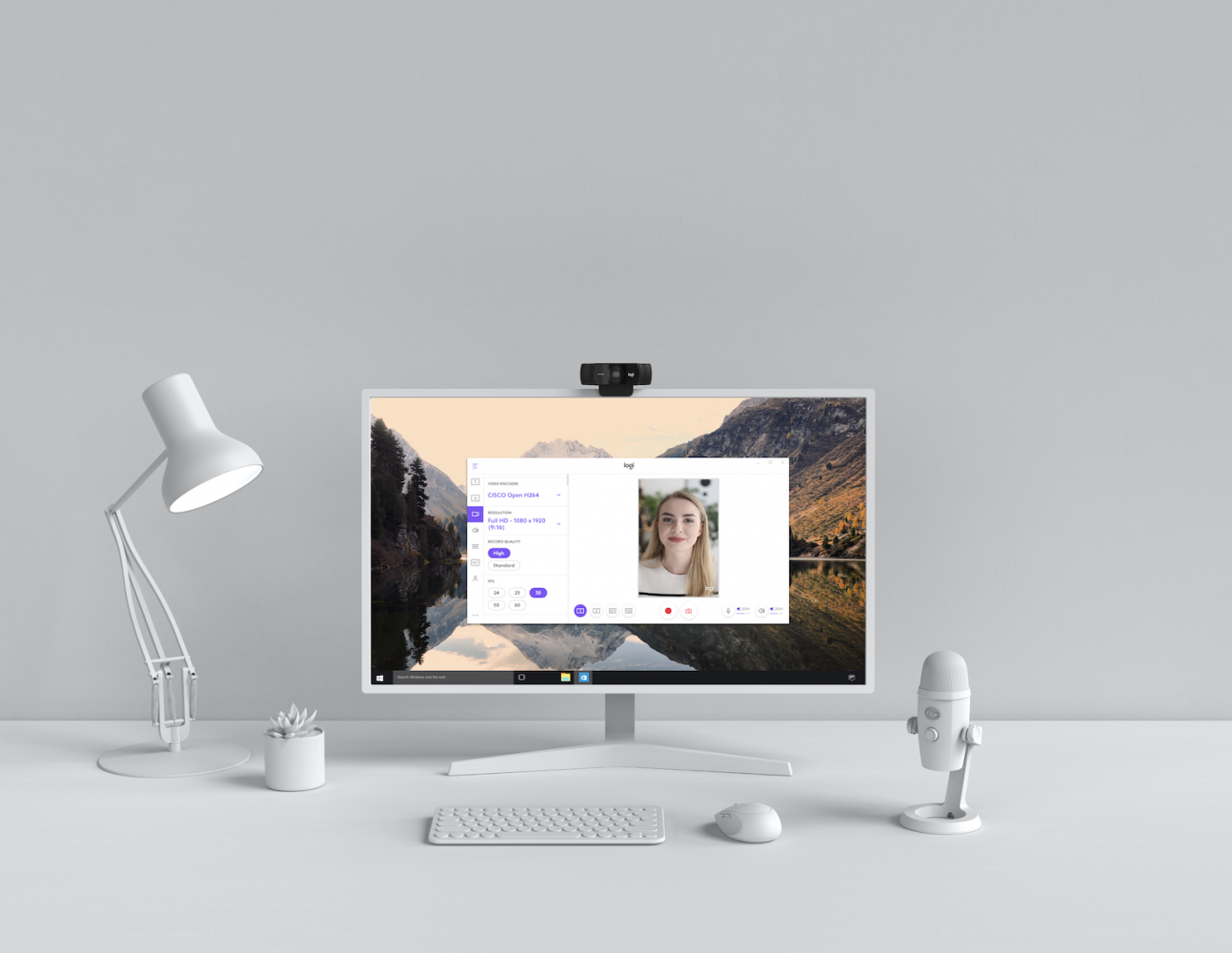
Logitech recently introduced a new application to simplify video content creation, Logitech Capture™. This powerful software, which works with the popular Logitech C920, C922 andBRIO 4K Pro webcams, helps aspiring content creators easily create polished and memorable content directly with their Logitech webcams. Capture aims to help creators engage with their communities in new and deeper ways.
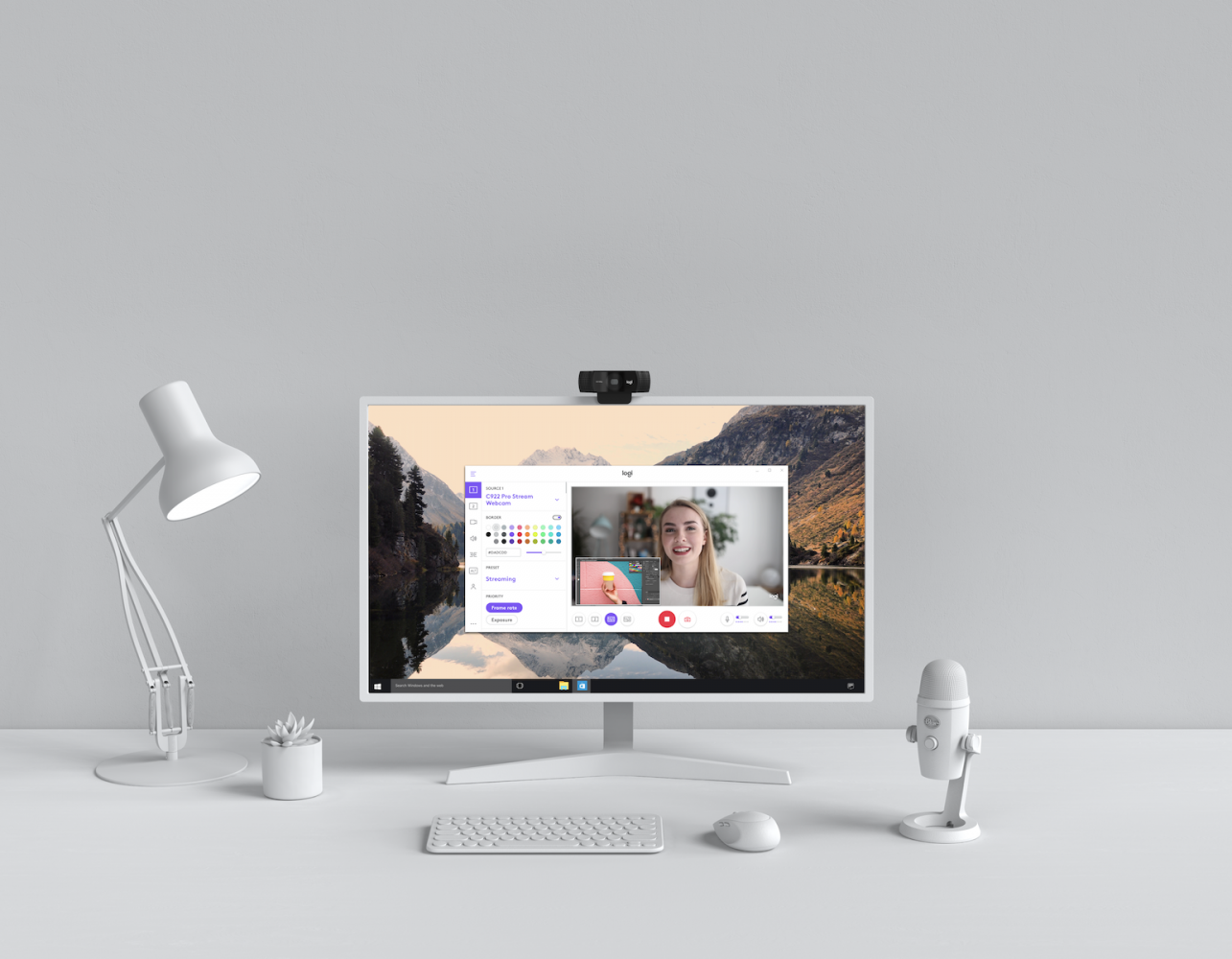
With Logitech Capture, you can record from multiple sources, meaning you can record from two webcams simultaneously or combine screen recording with your webcam feed. For example, you can record webcam video and your desktop screen, or two webcams simultaneously, for creating picture-in-picture content, and then use Logitech Capture to arrange those picture-in-picture frames. 

You can also create vertical video. Logitech Capture lets you record in 9:16 format for a portrait viewing experience optimized for mobile phones and social media posts. You can even stream directly from your webcam to YouTube without having to use a complex encoder. You’ll keep access to all the editing and customization options in Logitech Capture during your stream. 

Plus, Logitech Capture offers studio style control. You can enable ChromaKey recording, apply transition effects when switching sources, and change the size and color of borders. You can also take still images and adjust mic input volume without leaving the app. 
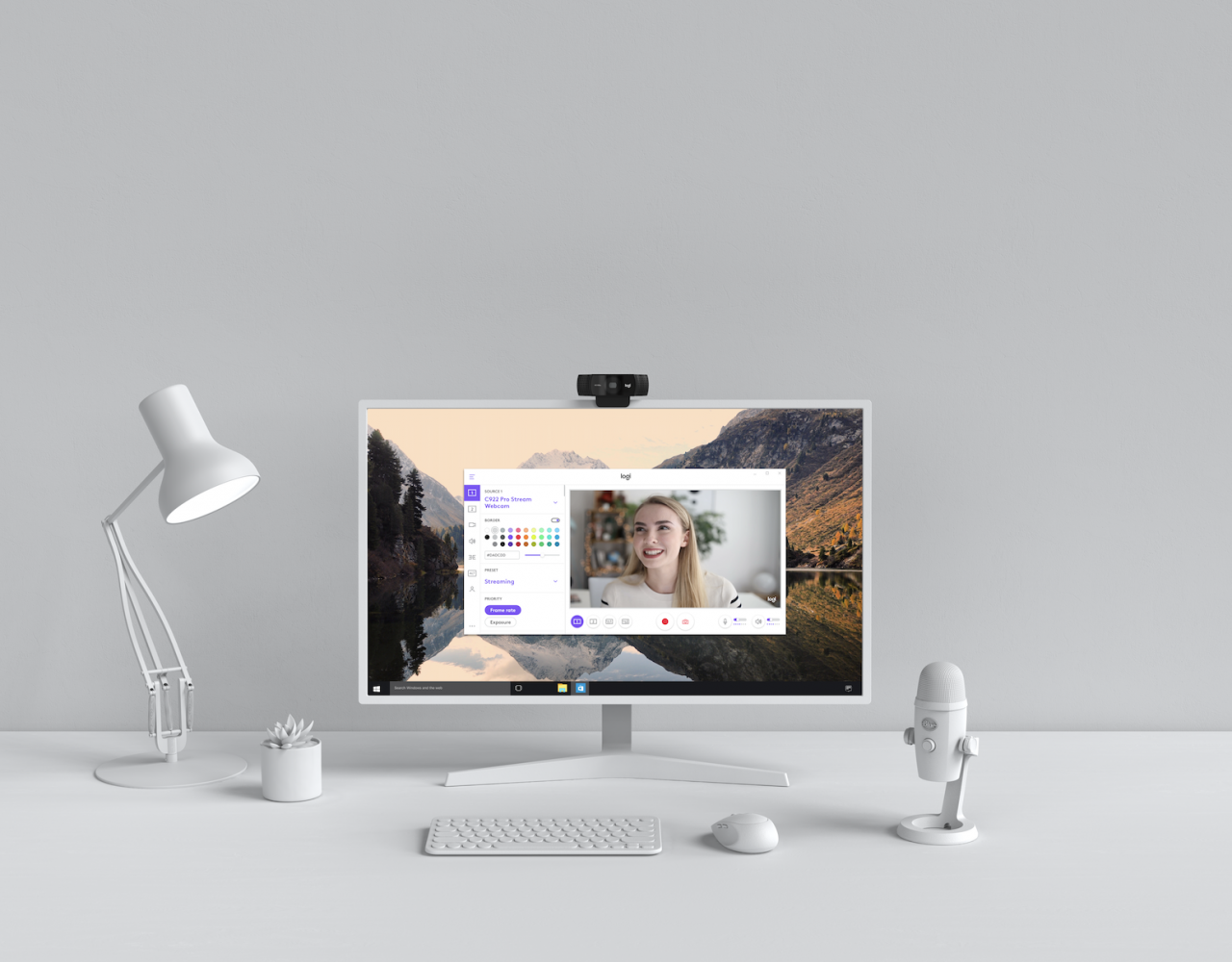
Lastly, Logitech Capture enables camera customization, so you can select your field of view, aspect ratio and recording resolution. Advanced users can also adjust white-balance, auto-focus and frame-per-second settings. Logitech Capture saves all your settings in your user profile. 

Availability

Logitech Capture is supported by Windows 7 and above and is available at Logitech.com through a free download. This software replaces and enhances the features that were previously available through Logitech Webcam Software (LWS). More info available here.

Share
What do you think?
Happy0
Sad0
Love0
Surprise0
Cry0
Angry0
Dead0

WHAT'S HOT ❰

ChatGPT’s latest $100 Pro subscription doubles Codex limits temporarily to compete with Claude
Level-5 reveals Holy Horror Mansion, a quirky monster-collecting game
Rockstar Games confirms data breach, but says players are unaffected
Trash folder rolls out to Google Messages on Android with 30-day grace period
PS5 users get first look at refreshed PlayStation Store interface in beta testing
Absolute Geeks UAEAbsolute Geeks UAE
Follow US
AbsoluteGeeks.com was assembled during a caffeine incident.
© Absolute Geeks Media FZE LLC 2014–2026. All rights reserved.
Proudly made in Dubai, UAE ❤️
Upgrade Your Brain Firmware
Receive updates, patches, and jokes you’ll pretend you understood.
No spam, just RAM for your brain.
Welcome Back!

Sign in to your account

Username or Email Address
Password

Lost your password?