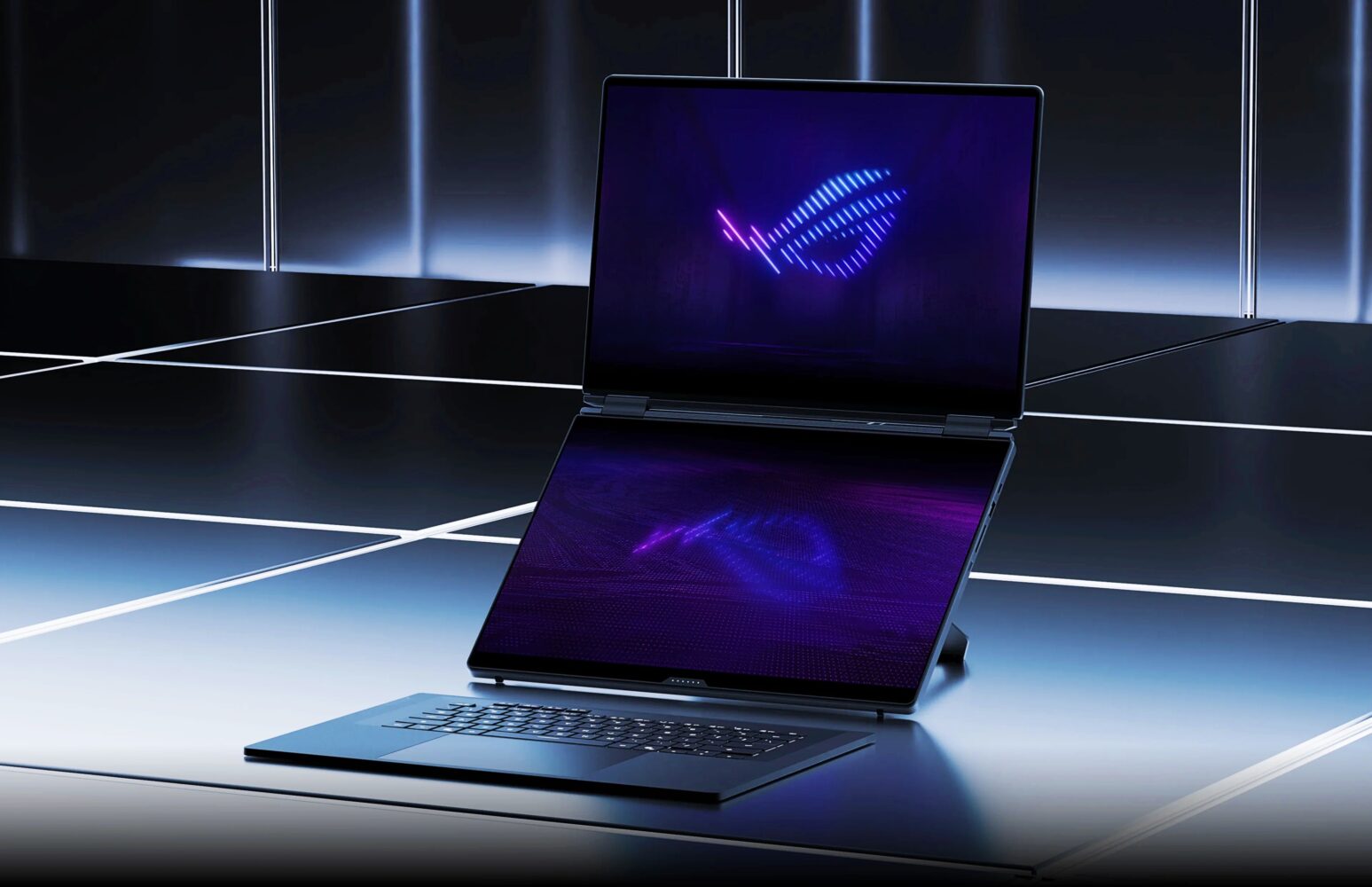
TL;DR: The ROG Zephyrus Duo 2026 combines flagship RTX 5090 performance with breathtaking dual 3K OLED displays and thoughtful premium design inside a surprisingly portable chassis. It excels as both a serious gaming powerhouse and versatile creative workstation making it a smart investment for multitaskers and innovators who refuse to compromise. A few minor battery trade-offs exist under maximum load but the revolutionary experience more than makes up for them.
ROG Zephyrus Duo 2026
I still remember the first time I cracked open a laptop with two screens years ago and thought this is either pure genius or absolute madness wrapped in circuits. Fast forward to today with the ROG Zephyrus Duo 2026 sitting on my desk in Dubai and I am fully convinced it is the former. This machine does not simply play games or handle tasks. It completely rearranges your entire workflow and daily computing life while pumping out flagship performance that leaves you questioning why you ever tolerated a single display setup.
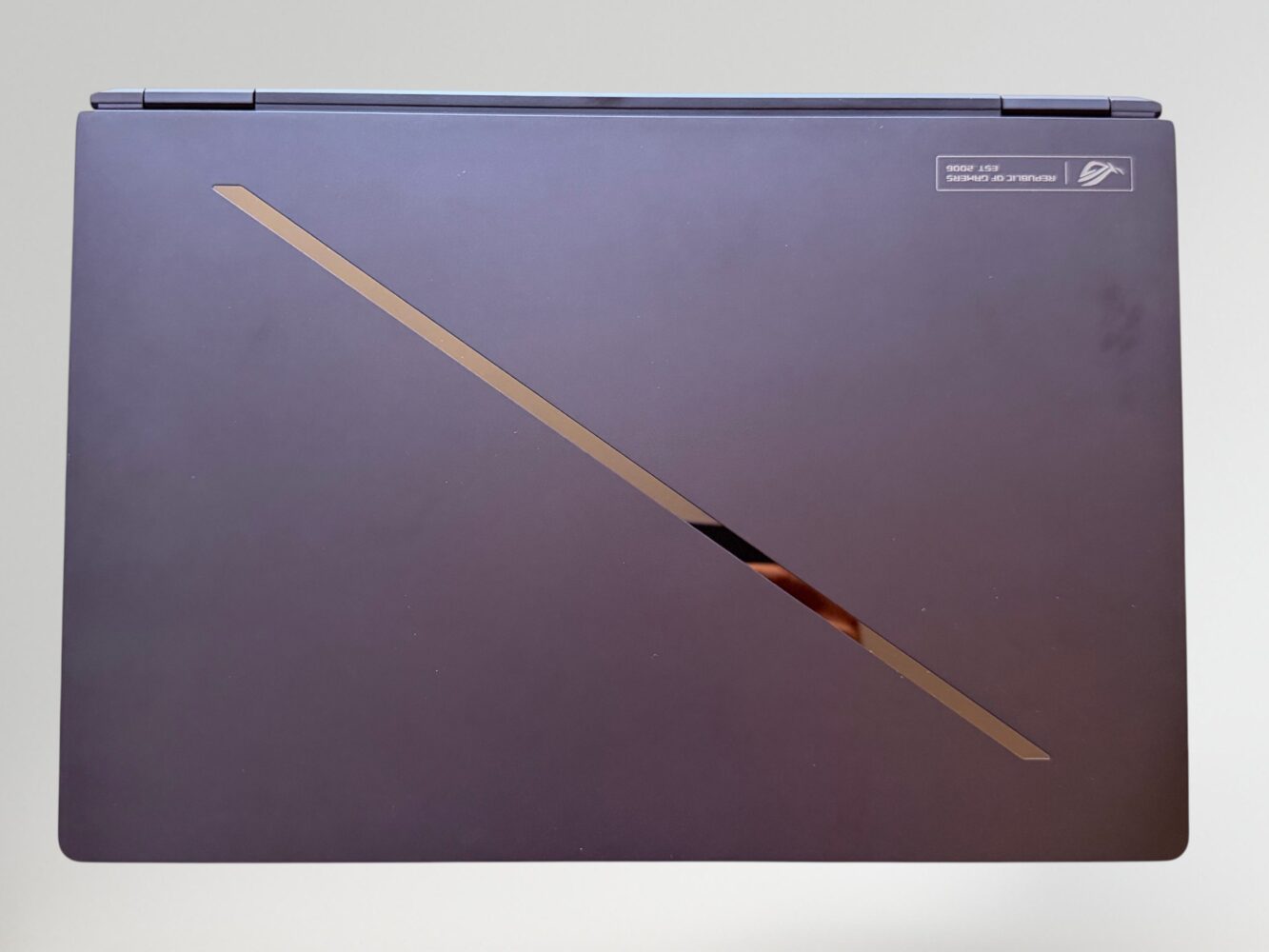
I have spent years chasing the holy grail of portable rigs. I dragged thick gaming bricks through busy airports and juggled clunky external monitors in crowded Dubai coffee shops where the Wi-Fi fights you every step of the way. The Zephyrus Duo flips that script entirely. Measuring just under 1.9 centimeters thick and tipping the scales at around 2.82 kilograms it slides into my everyday backpack like any ordinary ultrabook. Yet inside it carries hardware powerful enough to laugh in the face of demanding AAA titles cranked to the highest settings.
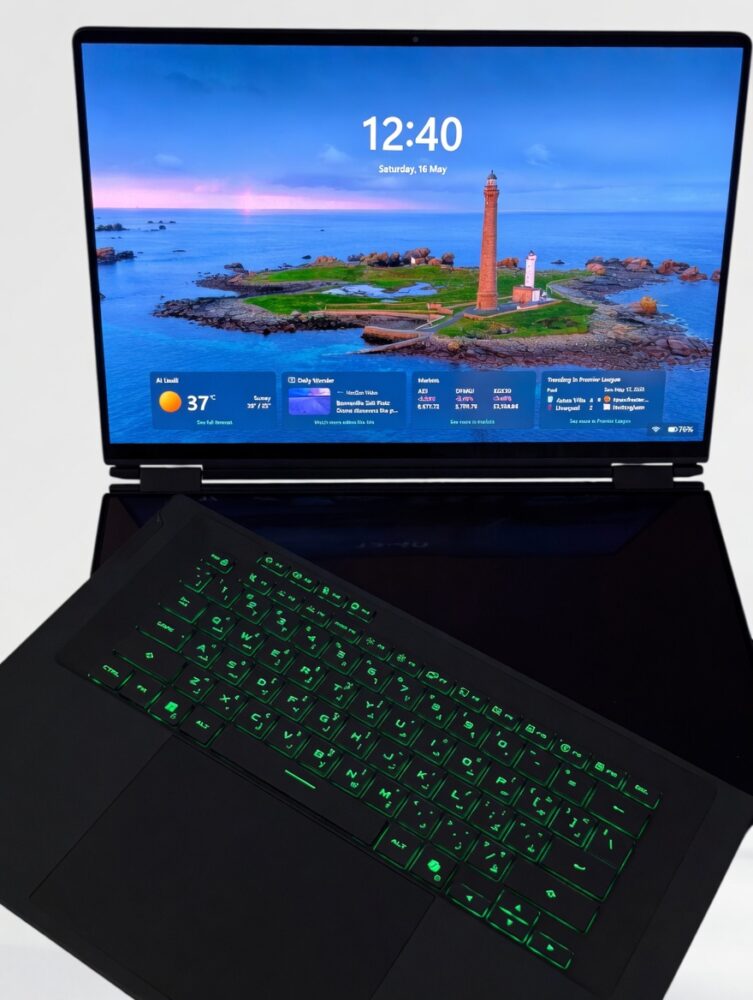
This is the kind of device that turns heads the moment you pull it out. People see flashy tech every day but few have encountered a dual 16-inch configuration this refined and purposeful. It feels like someone took the future of computing folded it neatly and handed it to you with a wink. I found myself grinning like a kid every time I opened the lid during my testing period. The anticipation of those two gorgeous screens lighting up never got old.
The Dual-Screen Revolution That Actually Works
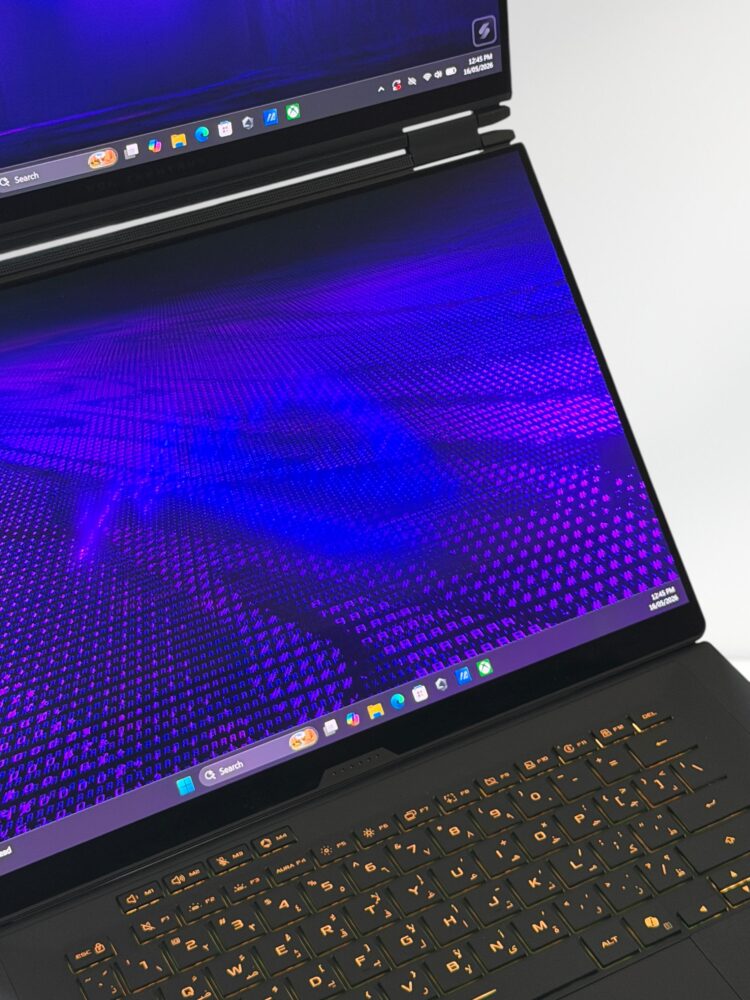
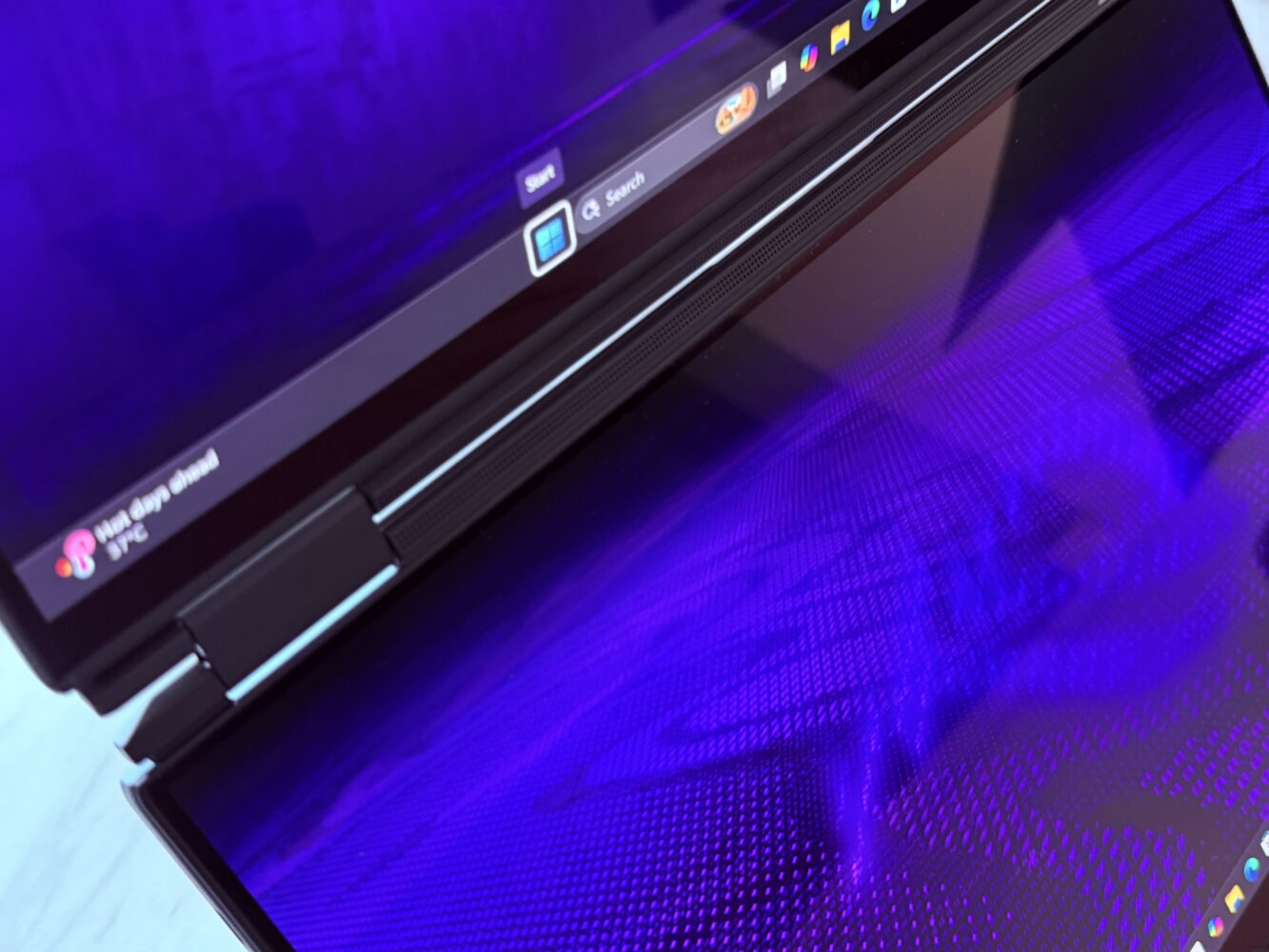
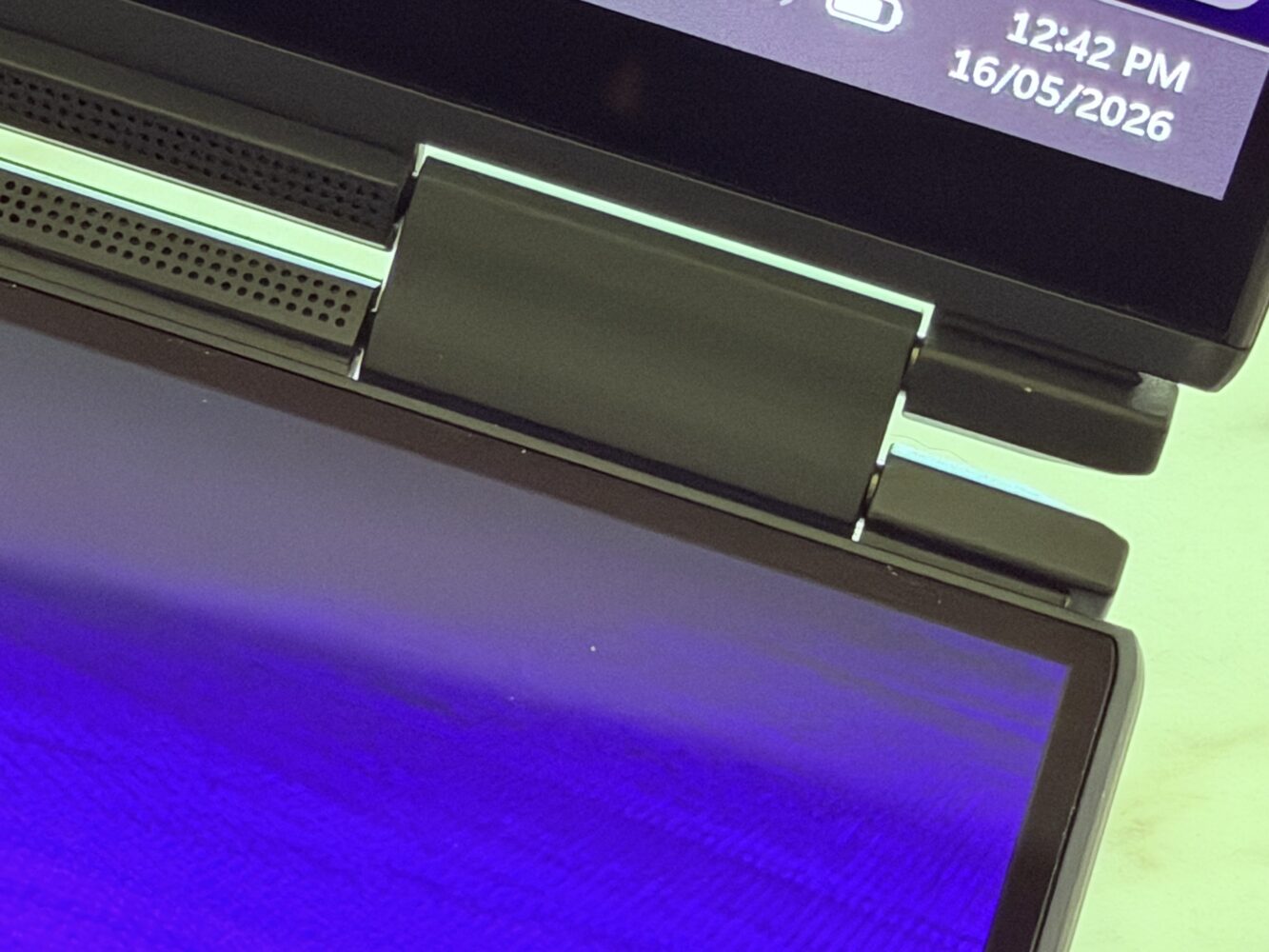
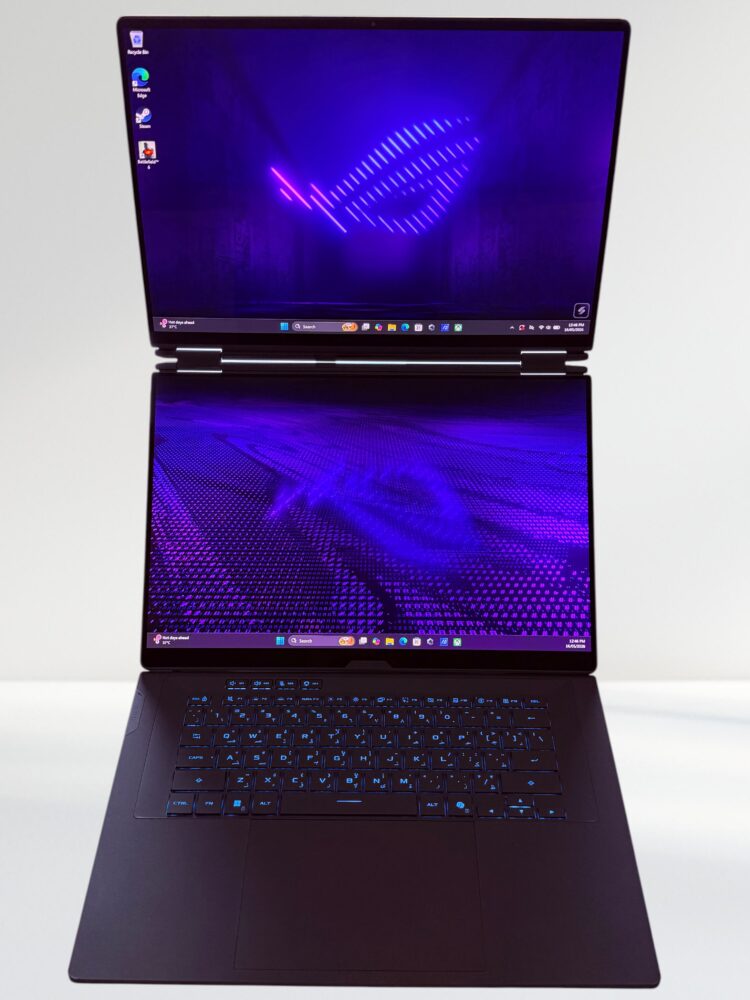
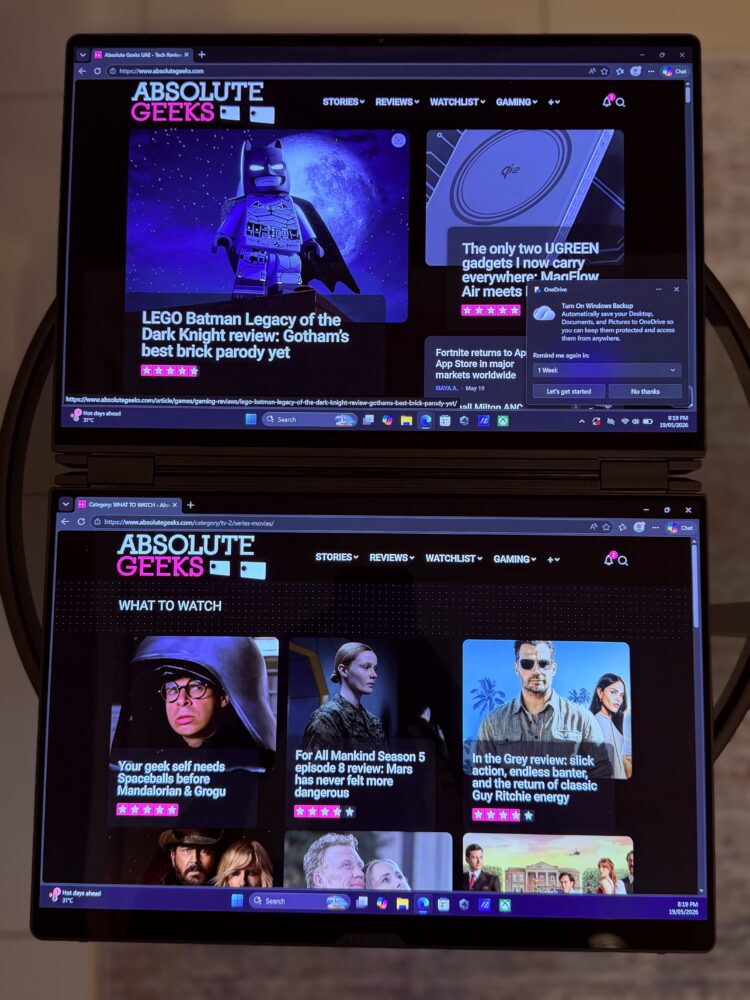
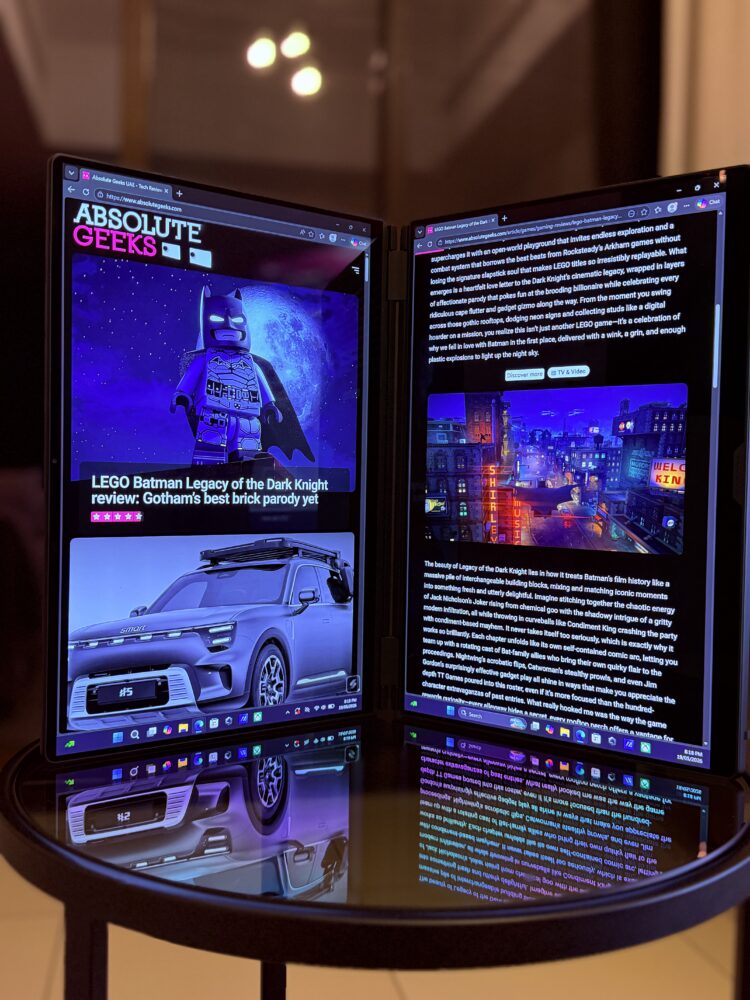
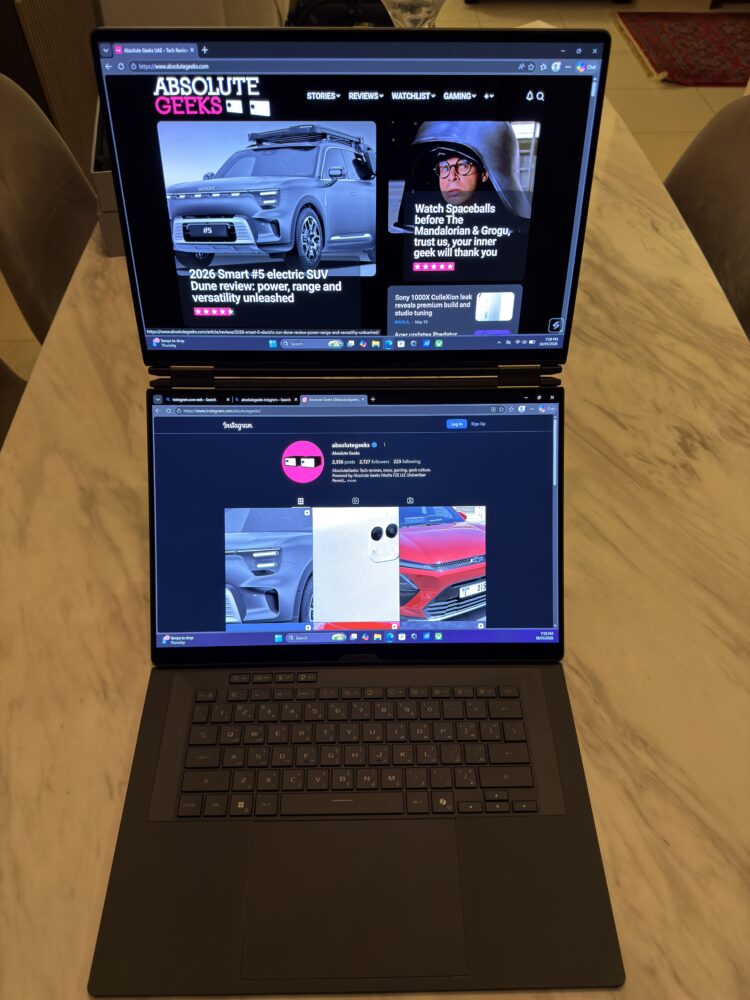
This is the part where the ROG Zephyrus Duo truly earns its place in the hall of fame for innovative laptops. Those two stunning 3K OLED panels go far beyond any mere gimmick. They fundamentally transform the way you interact with your computer on every level. The primary display bursts with vibrant lifelike colors perfect inky blacks and that unmistakable OLED depth that makes everything pop. Meanwhile the secondary screen angles perfectly for keeping reference materials chat windows or detailed timelines right in your line of sight without any awkward neck craning.
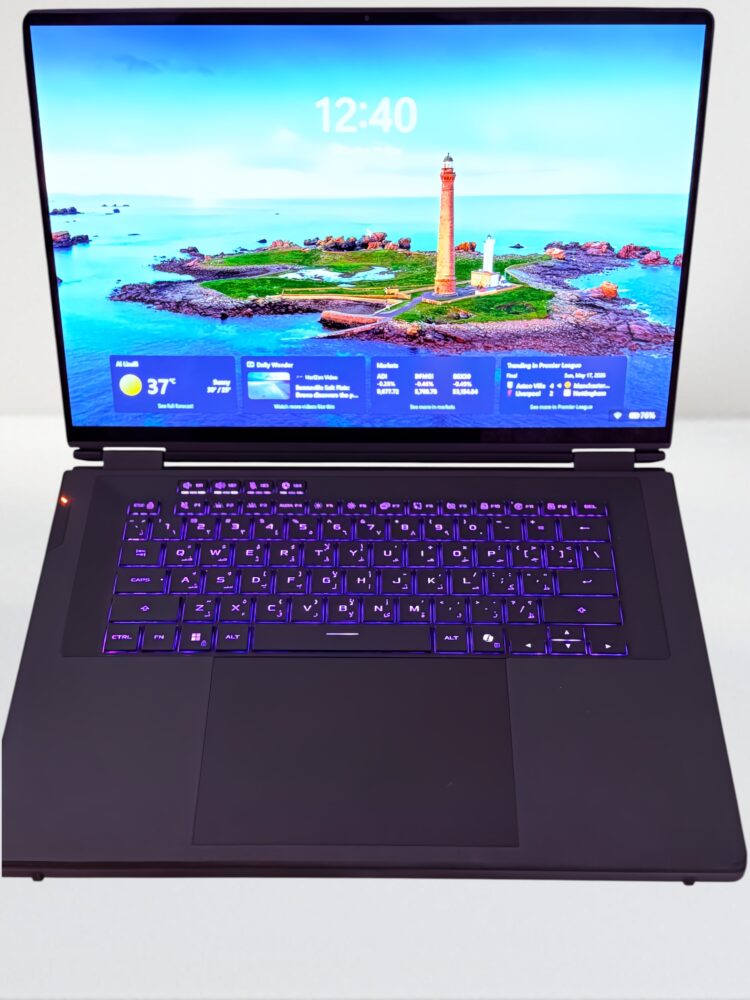
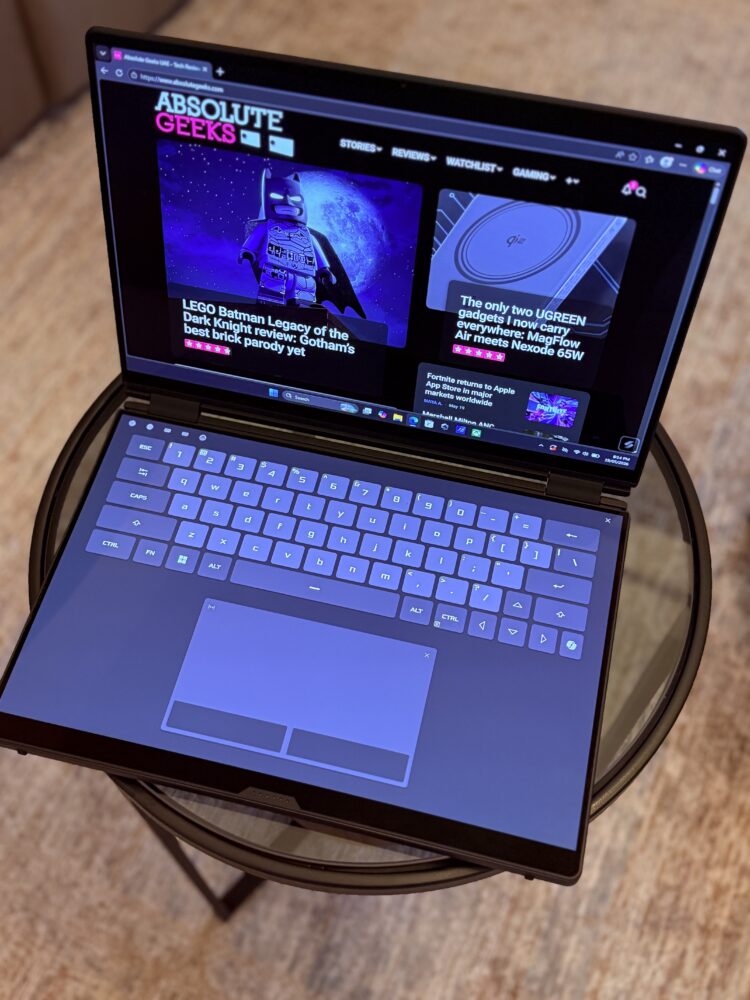
I put the system through its paces across multiple configurations during one especially chaotic week filled with content deadlines. Dual-screen mode instantly turned the laptop into a full portable workstation that felt expansive on my lap. Flipping into tent mode proved perfect for collaborative reviews with clients while book mode offered a relaxed way to consume long articles or scripts during travel. The responsive touchscreen on the upper panel added delightful intuition. I found myself pinching to zoom into fine details in footage or quickly sketching rough storyboards without ever reaching for a separate tablet.
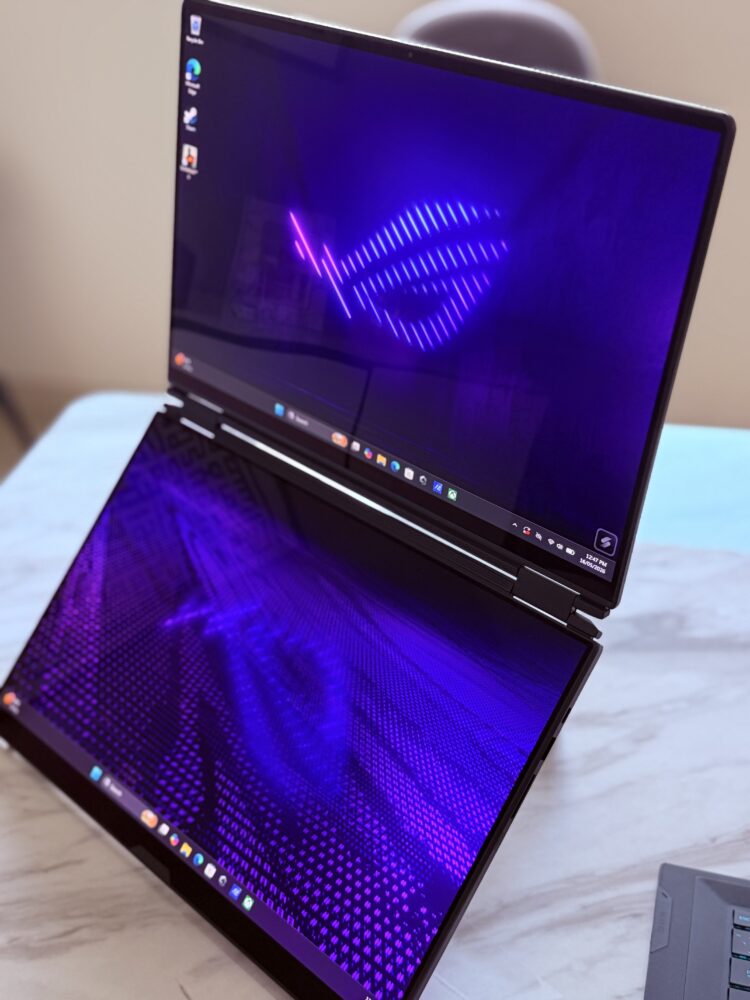
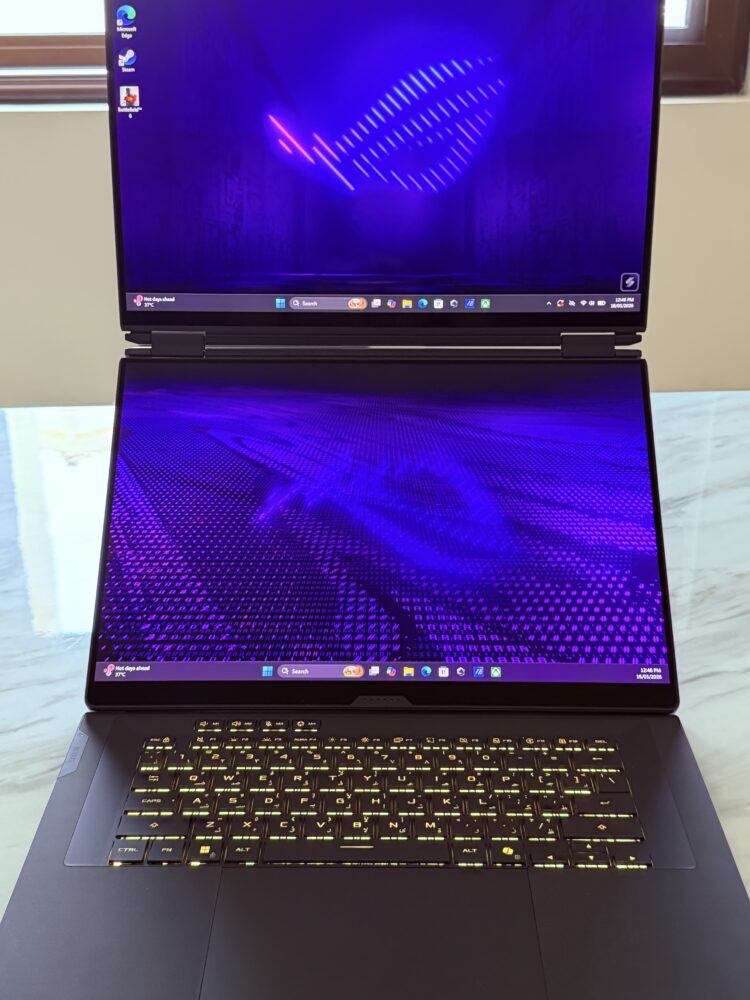
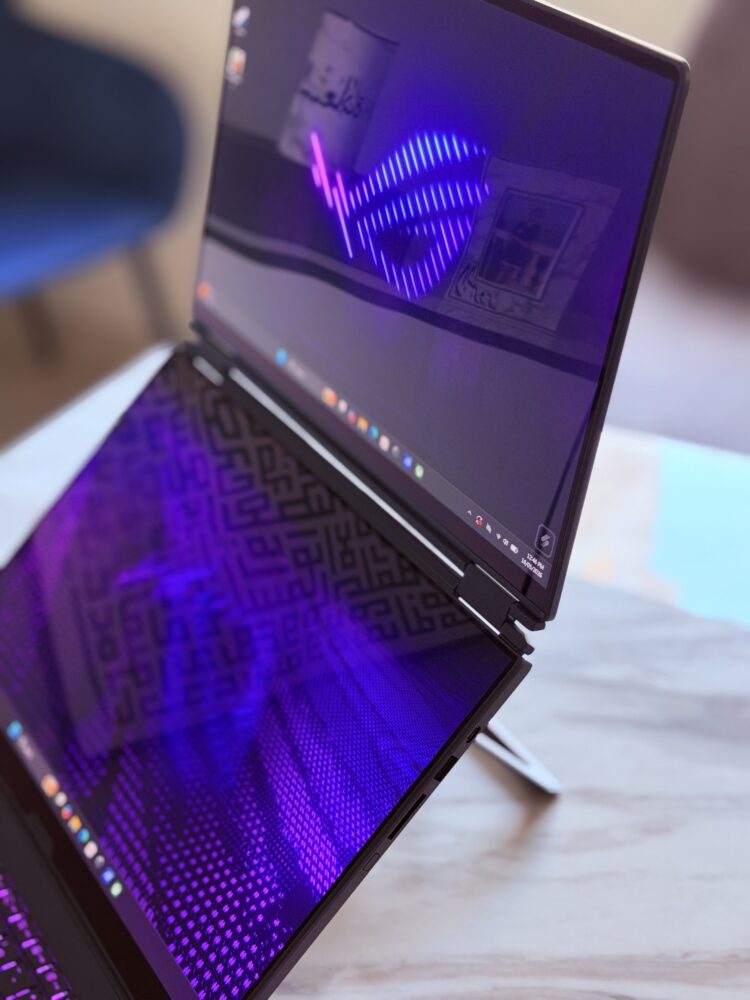
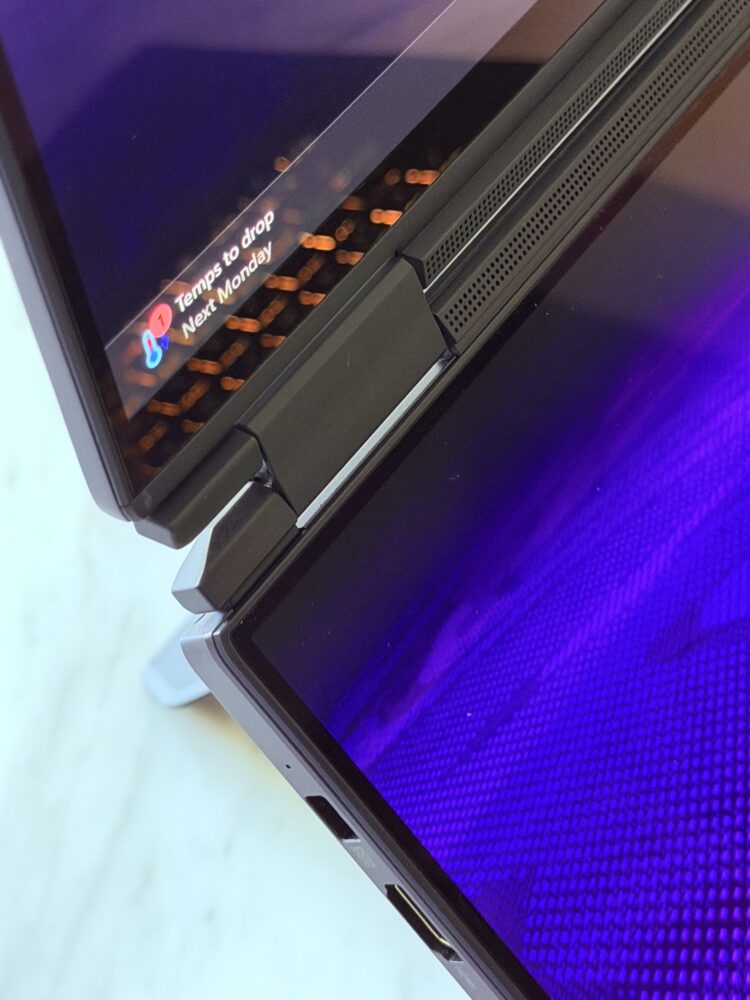
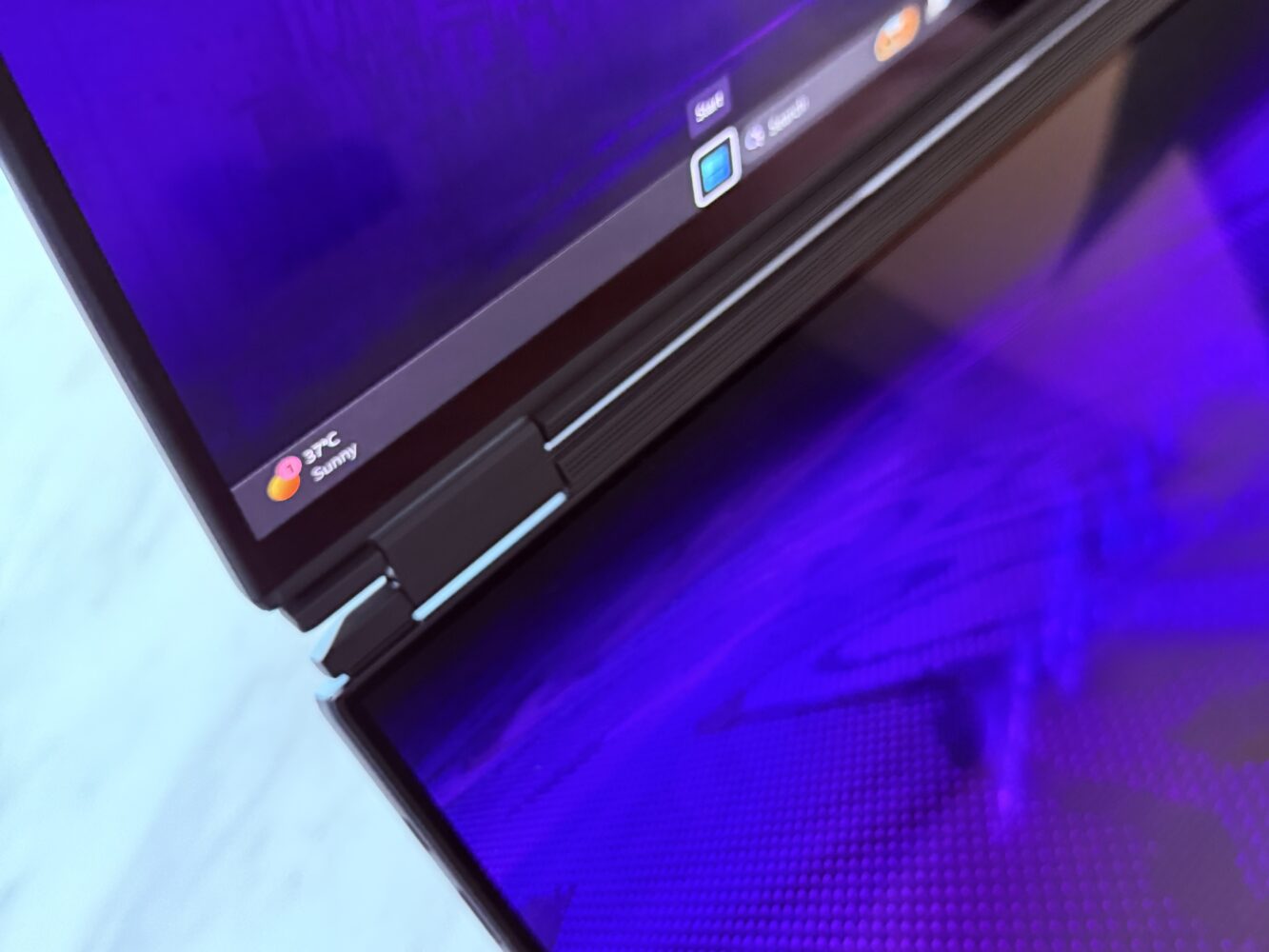
Color reproduction hits true professional standards right out of the box. I ran calibration once early on and then basically forgot about it because the Delta E values remained impressively tight across full DCI-P3 coverage. HDR content comes alive with incredible highlight detail and peak brightness that turns competitive games into something almost cinematic. Gaming with G-SYNC active eliminated every trace of tearing and made long sessions feel addictive. I kept playing well past my usual cutoff time simply because the responsiveness and visual fidelity were that engaging.
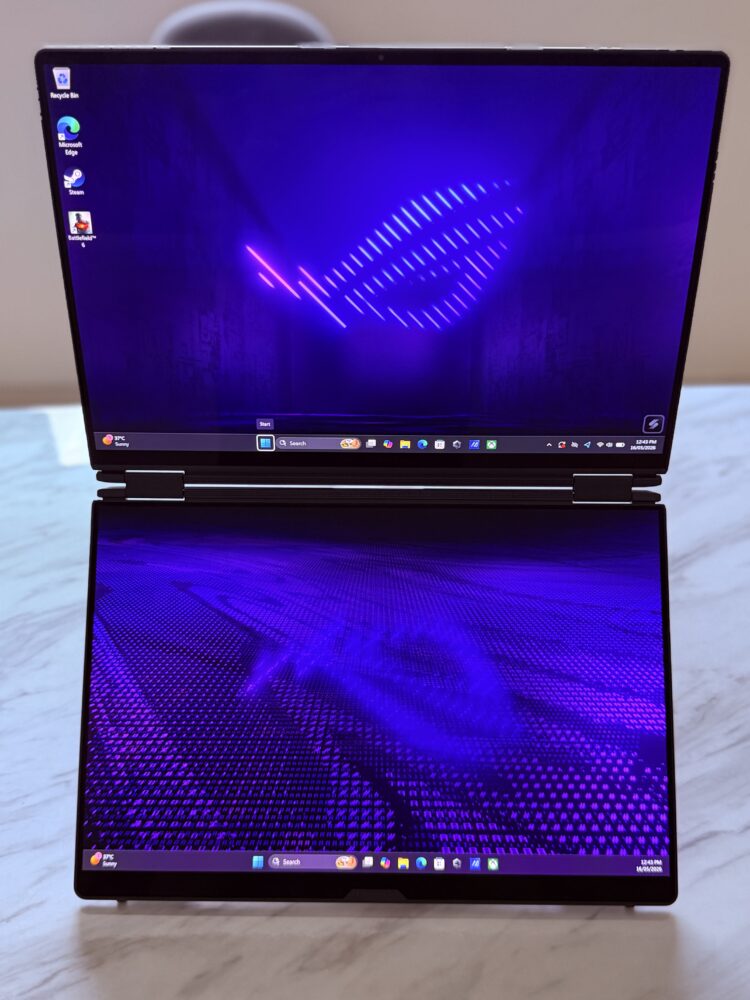
The extra real estate on the second panel became invaluable during streaming sessions. I kept overlays live chat feeds performance stats and reference images perfectly visible without ever cluttering the main gameplay view. It boosts productivity in ways that a traditional single screen or even a bulky external monitor simply cannot replicate in true portable form. One memorable late-night stream had my main game running crisply on the primary display while the secondary handled viewer interactions and monitoring tools. I glanced at everything fluidly and the whole experience felt like a well-oiled creative machine. That kind of workflow efficiency is pure gold for anyone who creates content while they game or vice versa.
Performance That Punches Way Above Its Weight
Let me paint a clearer picture for you. The moment you fire up this laptop it feels like you just unleashed a full desktop tower in a ridiculously slim disguise. The Intel Core Ultra 9 processor packs 16 cores and 16 threads that chew through heavy video exports complex multitasking across a dozen creative apps and still have plenty left in the tank. Pair that with up to an RTX 5090 Laptop GPU delivering a robust 150 watts of thermal design power and you get buttery smooth frame rates in the newest blockbusters. All while leaning on DLSS 4 wizardry to make visuals sharper and gameplay feel impossibly fluid.
What genuinely blew my mind during long testing marathons was how naturally it handled demanding AI workloads right on the device itself. Nearly 1824 TOPS of AI performance from the RTX 5090 Laptop GPU (alongside the Intel NPU’s 50 TOPS) means upscaling images, generating local models, and accelerating creative tools happens instantly without any cloud dependency.
With up to 64 gigabytes of ultra-fast LPDDR5X memory and those blazing PCIe 4.0 storage options load times basically vanish into thin air. I loaded massive game libraries packed with modern titles alongside huge project files from my video editing workflow and everything opened faster than I could finish my coffee. The balance struck here is masterful. This is no loud overheating brick that screams for mercy under pressure. It flexes serious flagship muscle yet stays cool and composed during extended creative sessions that would crush lesser machines.
I switched back and forth between intense gaming marathons with friends online and deep professional work sessions without ever scrambling for the power brick. In one particularly brutal week I edited a full-length 4K travel documentary complete with color grading effects layers and audio syncing. Then I jumped straight into competitive ranked matches without missing a beat. That seamless power delivery makes you appreciate just how far mobile processors and graphics have evolved. It is like having a high-end workstation that decided to go on a serious diet and hit the gym for agility instead.
Premium Build Quality That Feels Worth Every Dirham
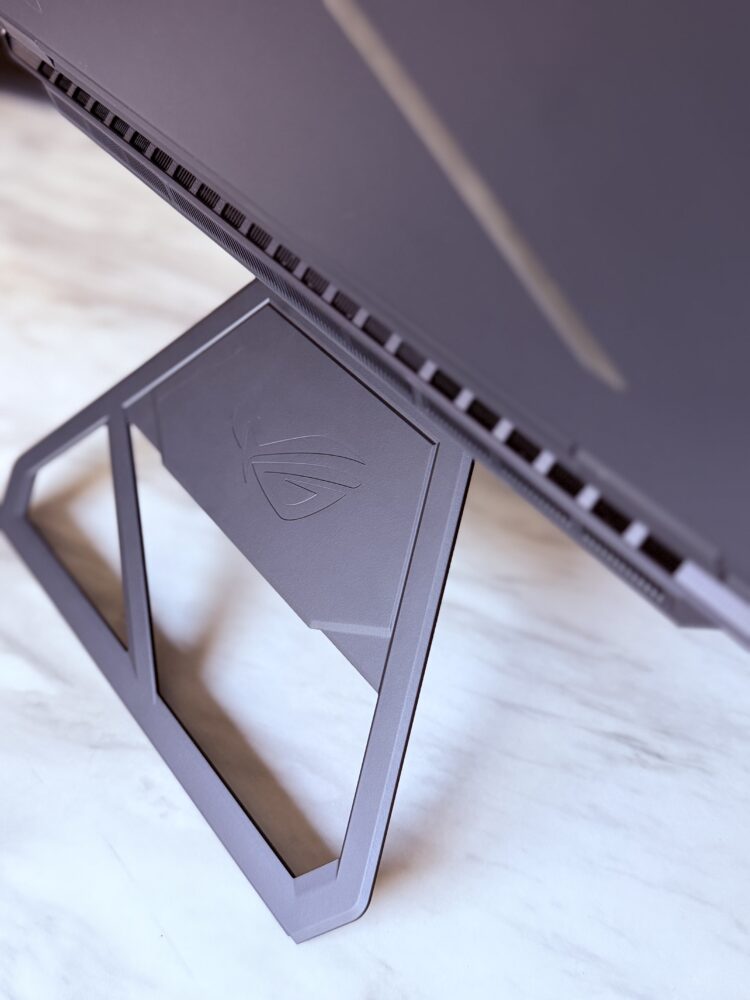
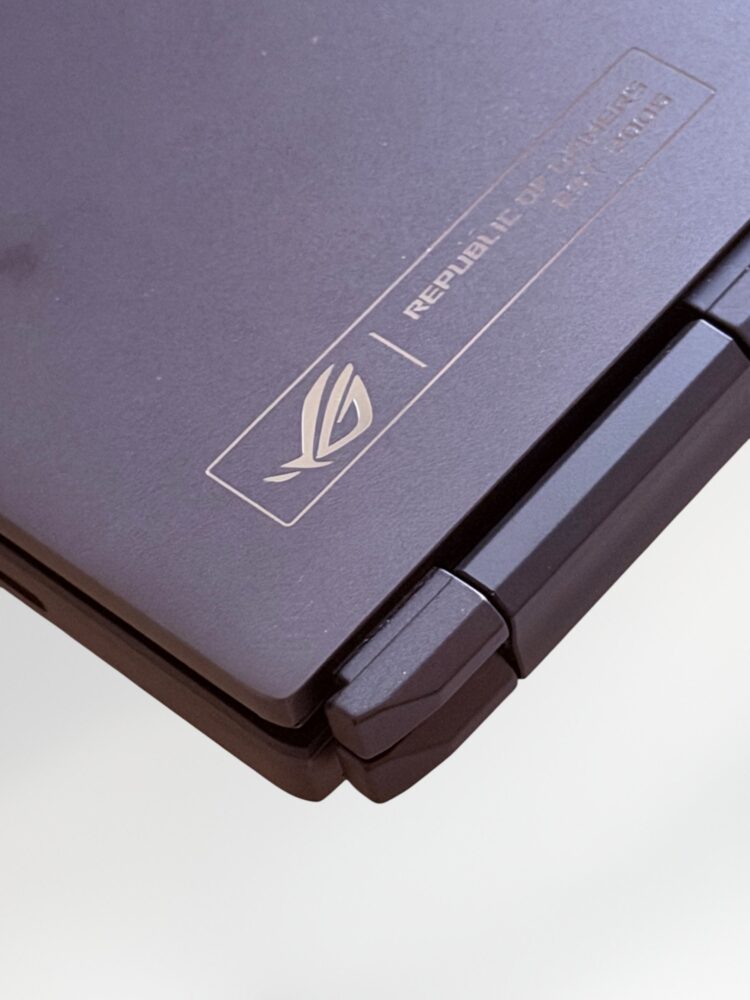
The Stellar Grey CNC-machined aluminum chassis radiates quiet sophisticated confidence from every angle. It avoids shouting gamer aesthetics with wild aggressive lines and sharp edges. Instead it chooses elegant refined contours and a high-end finish that slides effortlessly into both serious professional meetings and casual late-night LAN parties with friends. The special Excimer coating actively repels fingerprints and wipes clean in seconds which becomes a lifesaver when you are constantly moving through dusty bustling city environments like mine in Dubai.
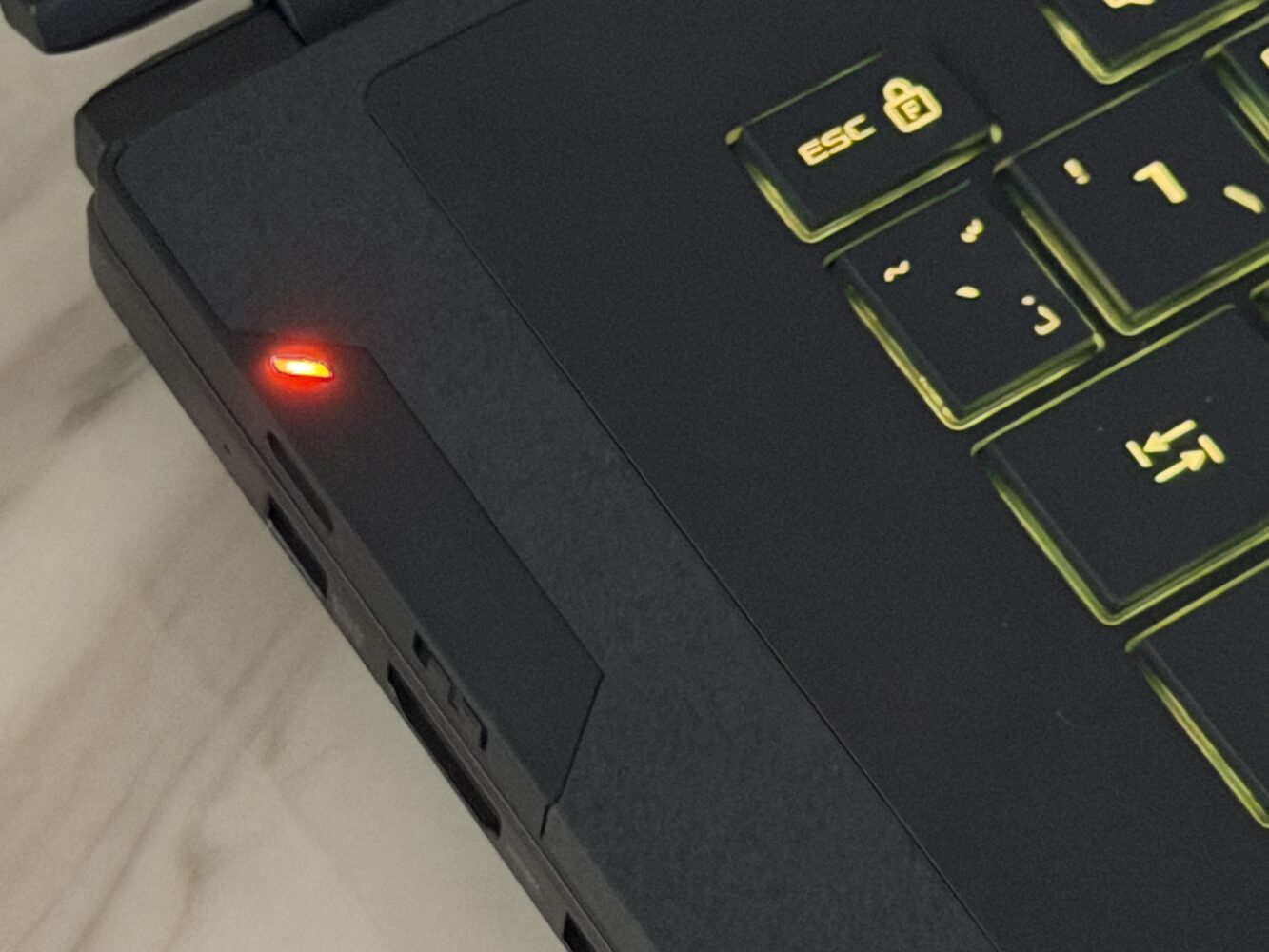
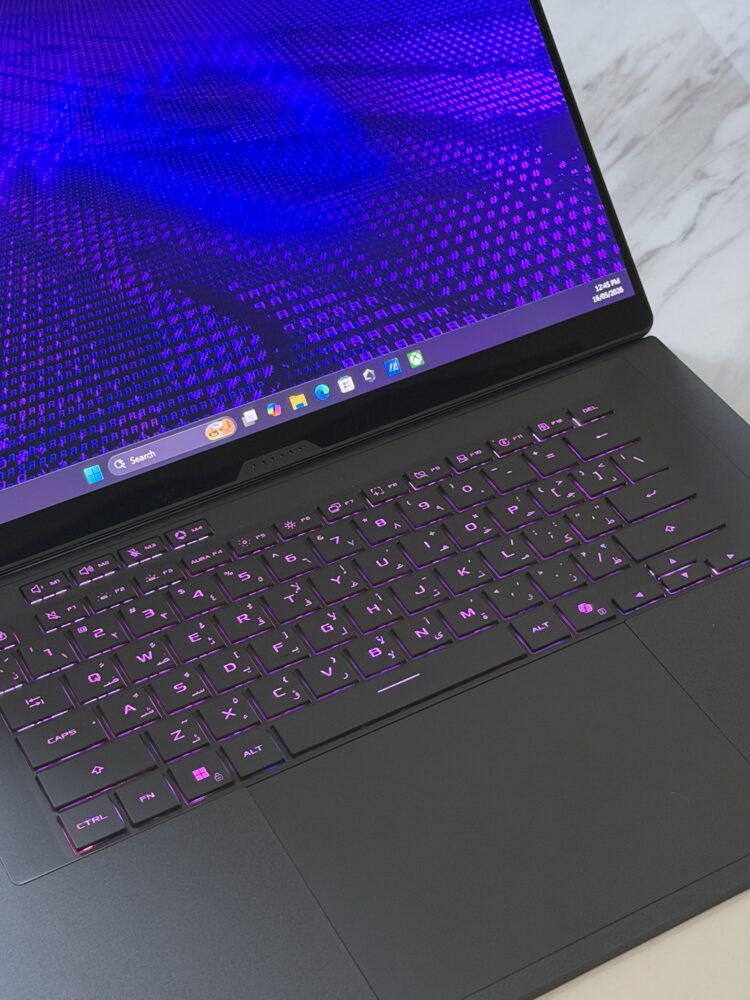
That wireless keyboard stands out as one of the smartest decisions in the entire design. Measuring a mere 5.1 millimeters thick it still somehow provides a deeply satisfying 1.7-millimeter key travel distance paired with a luxurious fabric-covered deck that feels incredible under prolonged typing. The generously oversized touchpad responds beautifully to every multi-touch gesture and the magnetic attachment makes switching between modes feel seamless and natural. I typed out thousands of words across reviews articles and scripts during my testing period and never once dealt with hand fatigue or discomfort. That level of ergonomic thoughtfulness speaks volumes.
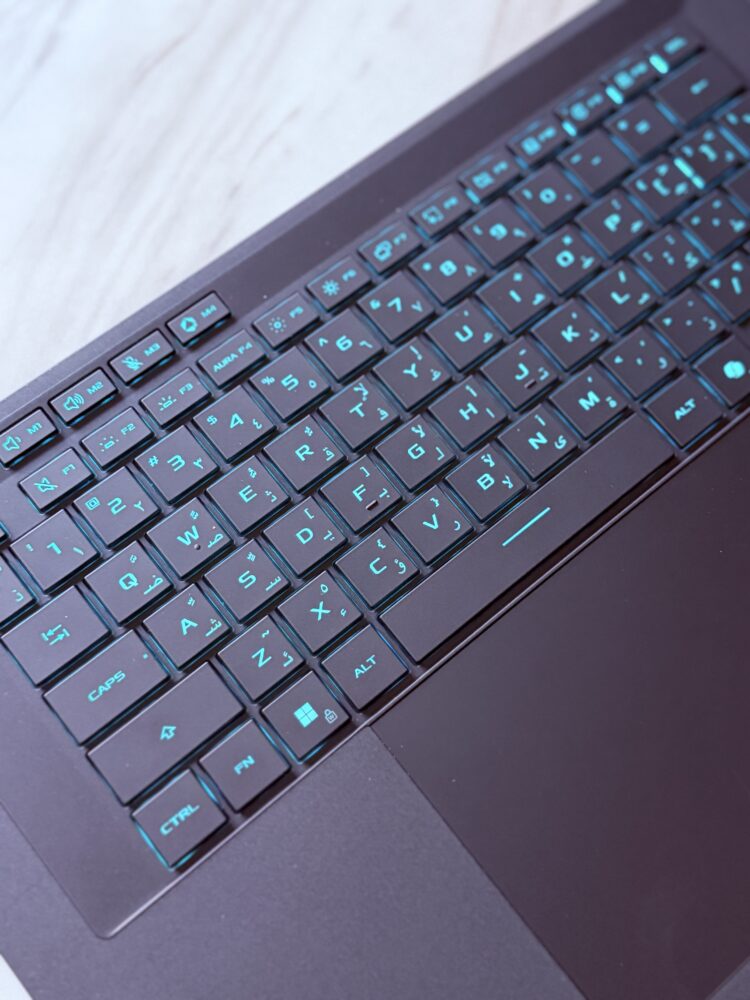
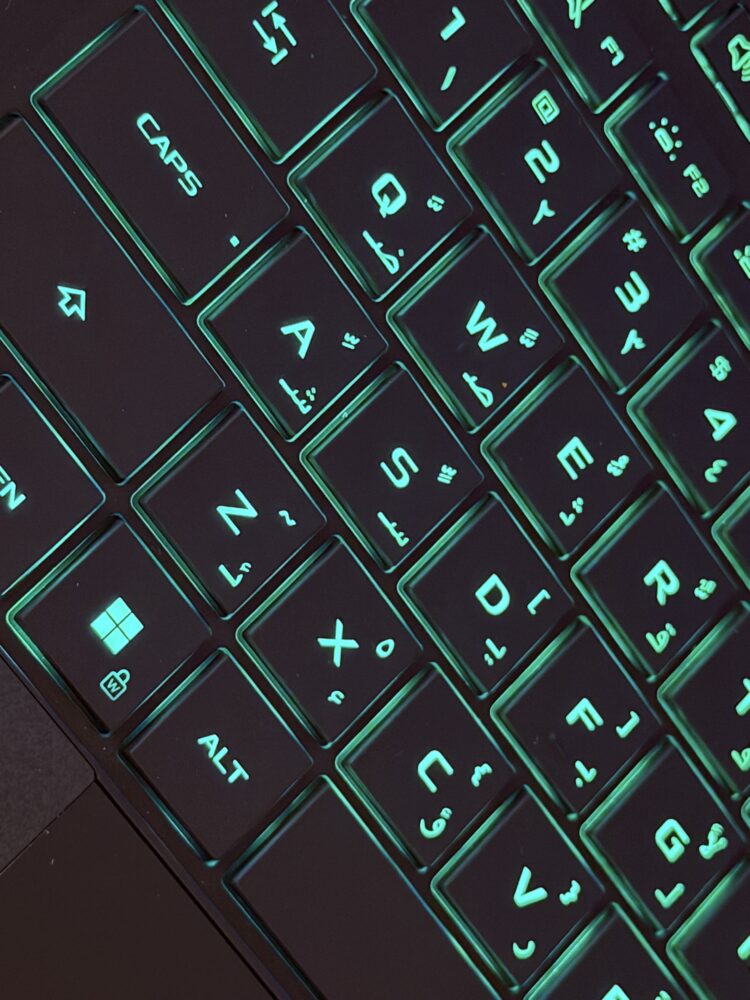
The lighting system adds just the right amount of personality. With 35 individual zones in the Slash array it brings subtle flair without ever crossing into flashy overkill. I synced everything to my favorite playlists one relaxed evening and watched the dynamic animations pulse perfectly in time with the music. It transformed an ordinary gaming night into something far more immersive and atmospheric. The deep customization options inside the software let you craft truly unique notification triggers and effects. One night I programmed a custom low-battery alert that lit up with my favorite sci-fi movie theme. Moments like that remind you why we geek out over hardware in the first place. It stops feeling like a tool and starts feeling like a true extension of your own style and personality.
Cooling Mastery in a Slim Chassis
Any laptop brave enough to attempt a dual-screen layout in such a compact body risks running into serious thermal challenges. Yet ASUS has executed the engineering here with remarkable precision and foresight. The large vapor chamber works hand in hand with liquid metal applied directly to the CPU along with redesigned dual fans and intelligent graphite nano-insulation layers. Together they maintain impressively controlled temperatures even when the machine is pushed to its absolute limits during marathon sessions.
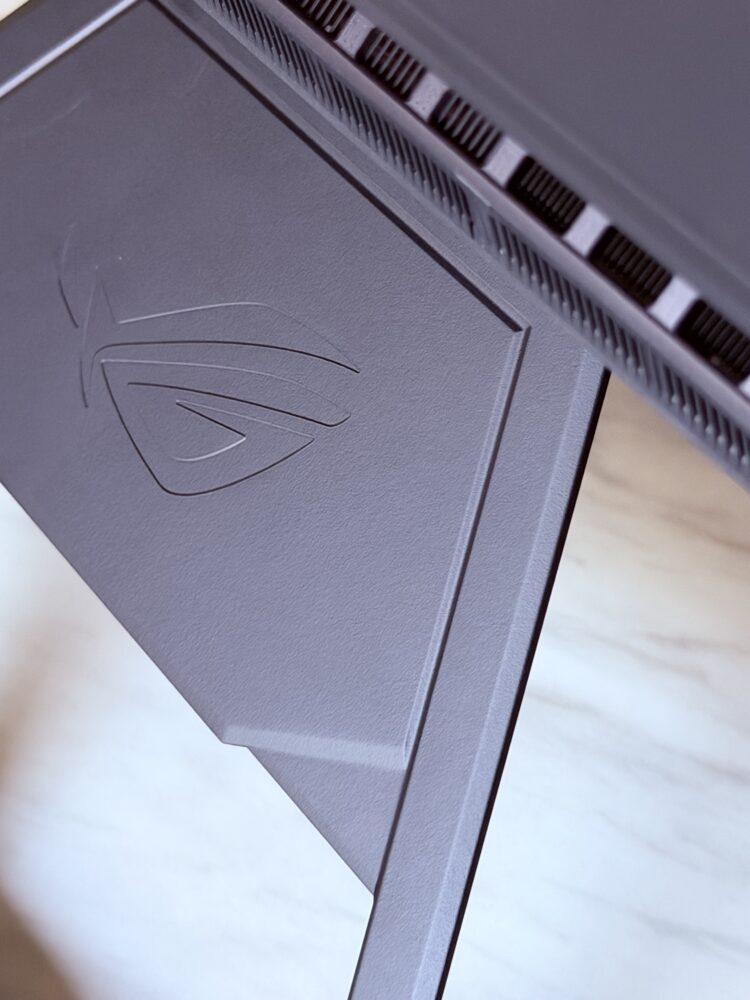
Zero-decibel ambient cooling technology means the fans stay completely silent during everyday activities like web browsing video playback or light document work. They only wake up when the workload genuinely demands it which preserves that luxurious premium feel users expect at this level. The thoughtful exhaust placement and integrated dust filters promote better longevity. This is a lesson I have learned the hard way after years of testing high-performance hardware that eventually succumbs to heat and dust buildup.
Audio, Battery, and Real-World Usability
The speaker system punches well above its weight class for such an impressively thin machine. A 4-speaker system with 2 tweeters complete with dedicated dual woofers delivers rich deep bass alongside crisp clear highs that make both movie nights and intense in-game soundscapes genuinely enjoyable even without headphones. The available volume headroom feels generous and the tuning avoids that common thin tinny character found in so many other slim laptops. I lost myself in several action films during downtime and the immersive audio quality pulled me deeper into every scene.
Battery performance impresses considering the high-end components packed inside. The sizable 90-watt-hour cell easily powers through solid hours of mixed productivity and entertainment especially once you disable the secondary screen for lighter tasks. Rapid USB-C charging support up to 100 watts turned out to be a practical lifesaver during busy travel days when I needed fast top-ups between meetings and flights.
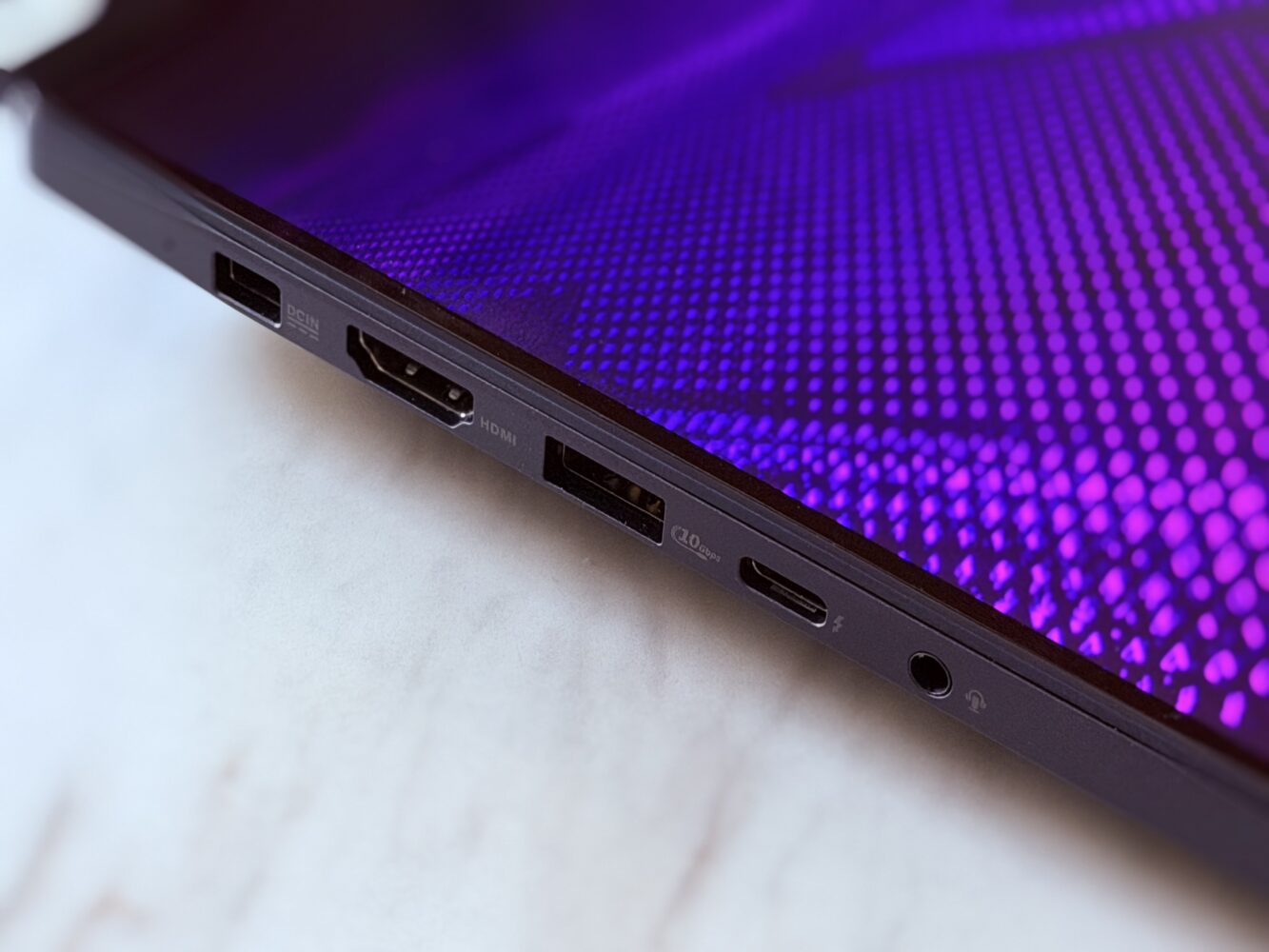
Connectivity options leave almost nothing to be desired. Dual Thunderbolt 4 ports a full HDMI 2.1 output a convenient full-sized SD card reader and strong Wi-Fi 7 readiness mean you rarely need adapters or dongles. I hooked up multiple external displays various peripherals and additional storage drives without any hassle. In one productive afternoon I turned the Duo into a complete mobile command center driving a large external monitor for final color grading work while the internal screens managed timelines previews and reference material. The flexibility and expandability feel unmatched in the current portable market.
Software That Enhances Rather Than Complicates
Armoury Crate acts as the polished central command hub for all monitoring power profiles and deep customization options. After spending meaningful time with it the interface feels intuitive and responsive rather than overwhelming. Dedicated screen management tools make the absolute most of the unique dual-display layout. You can effortlessly swap content between panels adjust brightness levels independently or completely power down the secondary screen to stretch battery life during travel. Built-in OLED care routines provide smart protection against potential burn-in which offers genuine long-term peace of mind.
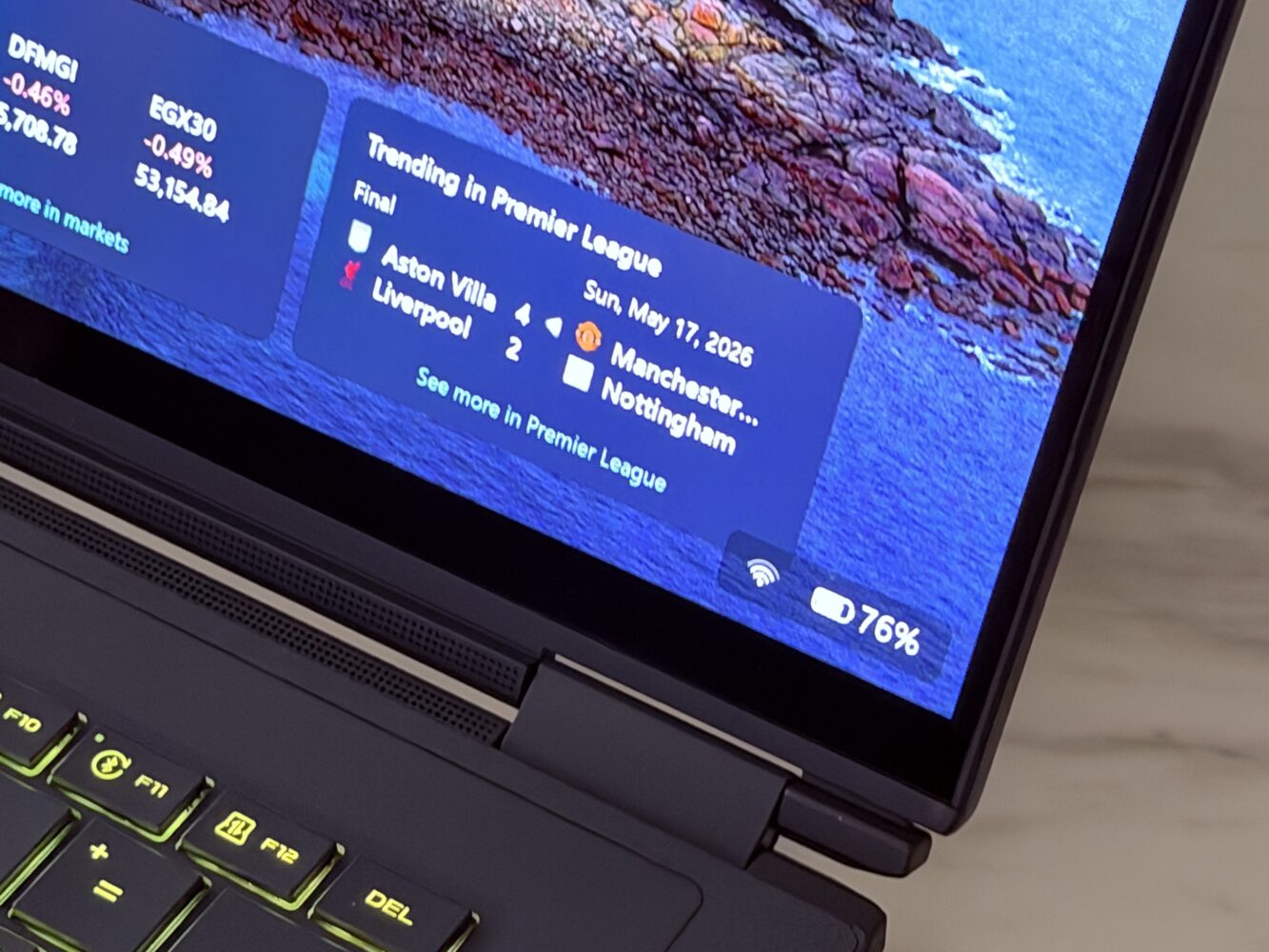
The seamless Windows 11 integration with Copilot+ features adds helpful AI assistance that feels natural and actually useful instead of gimmicky. Overall the software experience stays focused on empowering you to get real work done or crush leaderboards without unnecessary distractions. I appreciated how the entire suite adapts intelligently to the unconventional form factor. It avoids the awkward compromises I have encountered with earlier dual-screen experiments from other brands. Everything just works together harmoniously which is rarer than it should be.
Who Should Buy the ROG Zephyrus Duo 2026
This laptop makes the most sense for people who regularly juggle creative work and gaming at the same time. Video editors who need extra screen space for timelines, 3D artists who switch between tools, streamers who want chat and overlays visible, or heavy multitaskers who hate constantly alt-tabbing will get real value from the dual-screen setup. It is also a solid pick if you travel a lot but still want desktop-level power without dragging around extra monitors.
At AED 33,999.00 it sits at a high price point that reflects the unique dual-display design and top-tier components. That cost is something you need to weigh carefully. It is not the kind of machine you buy on a whim or if you are mainly looking for long battery life on the go. The premium tag only feels reasonable if the second screen will genuinely change how you work every day. For most everyday users or casual gamers a more standard single-screen laptop would probably do the job just fine for less money.
ROG Zephyrus Duo 2026
After spending two full weeks living with the Zephyrus Duo through intense work, play, travel and everything in between, I walked away thoroughly impressed. This is not merely another high-end gaming laptop. It represents an exciting glimpse into the future of portable computing where true innovation meets everyday practicality in the most engaging way imaginable.