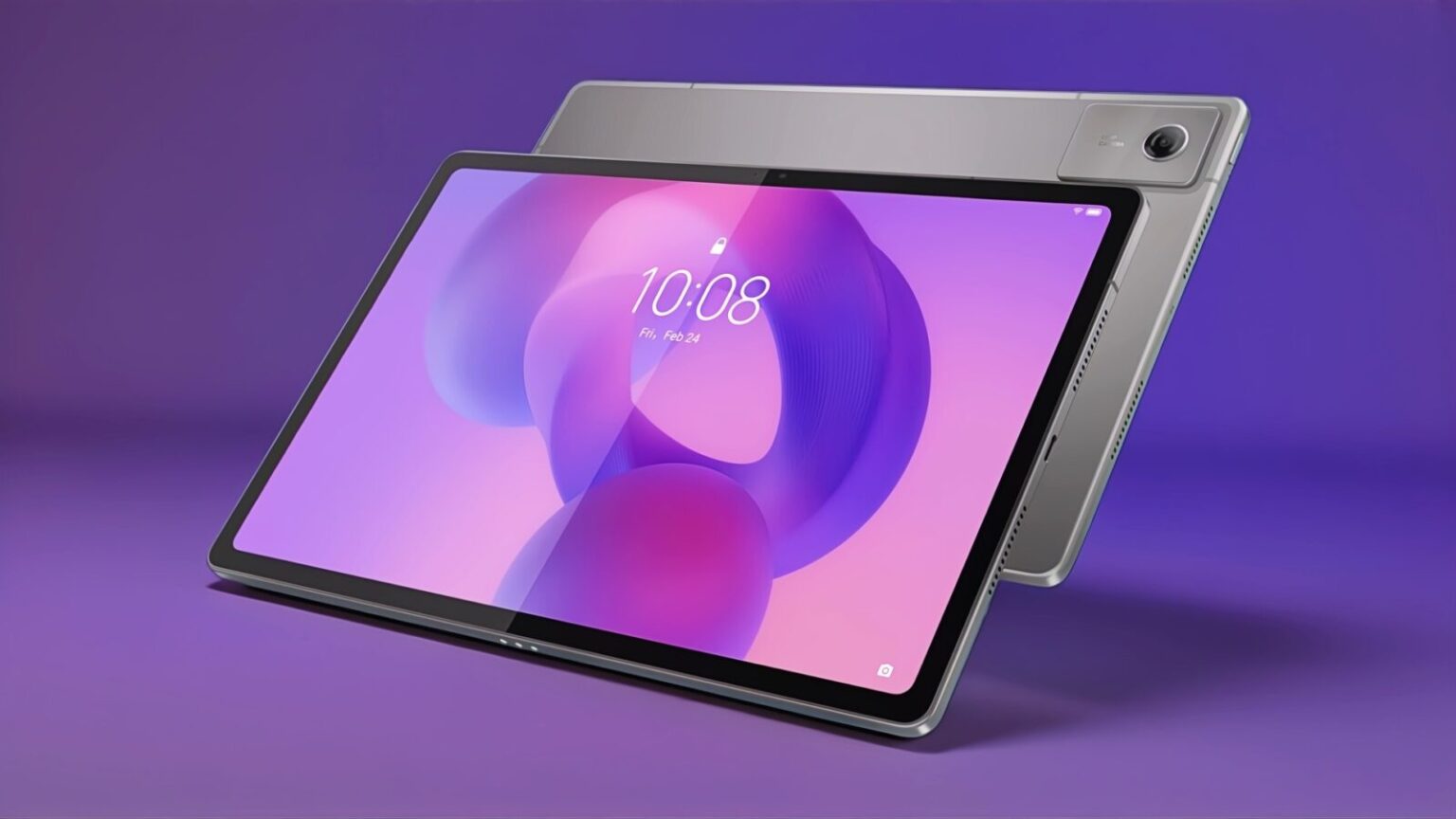
TL;DR: The Lenovo Idea Tab Plus is an affordable Android tablet with a vibrant display, strong battery life, clean software, and modest performance. The stylus is its weakest point, but as a lightweight, everyday tablet, it offers excellent value for the price.
Lenovo Idea Tab Plus with Tab Pen (2025)
I’ve spent a genuinely meaningful amount of time with the Lenovo Idea Tab Plus now. Long enough that it’s stopped feeling like “a review unit” and started feeling like “the tablet that’s just… there.” On the couch. On the desk. In the bag. Always charged enough. Always ready enough.
Lenovo didn’t try to reinvent tablets here. Instead, they trimmed expectations, shaved costs in very specific places, and focused on delivering something that feels easy to live with. And most of the time, that strategy works surprisingly well.
But the compromises are real — and worth talking about properly.
Design: Safe, Familiar, and Surprisingly Well-Built
The Lenovo Idea Tab Plus looks exactly like what it is: a modern Android tablet designed to feel premium enough without stepping on the toes of Lenovo’s more expensive models.
It’s glass on the front, aluminum everywhere else, with a subtle dark grey accent bar across the back and a shiny Lenovo logo that catches the light just enough to remind you who made it. No weird textures. No experimental materials. No gimmicks. Just clean, modern hardware that doesn’t fight you.
At roughly 6.3mm thick and 530 grams, it lands in a sweet spot. It’s thin enough to feel elegant but not so thin that it feels fragile. The 12.1-inch size sounds big on paper, yet the weight distribution makes it comfortable to hold for long stretches. It’s not featherweight, but it’s never fatiguing.
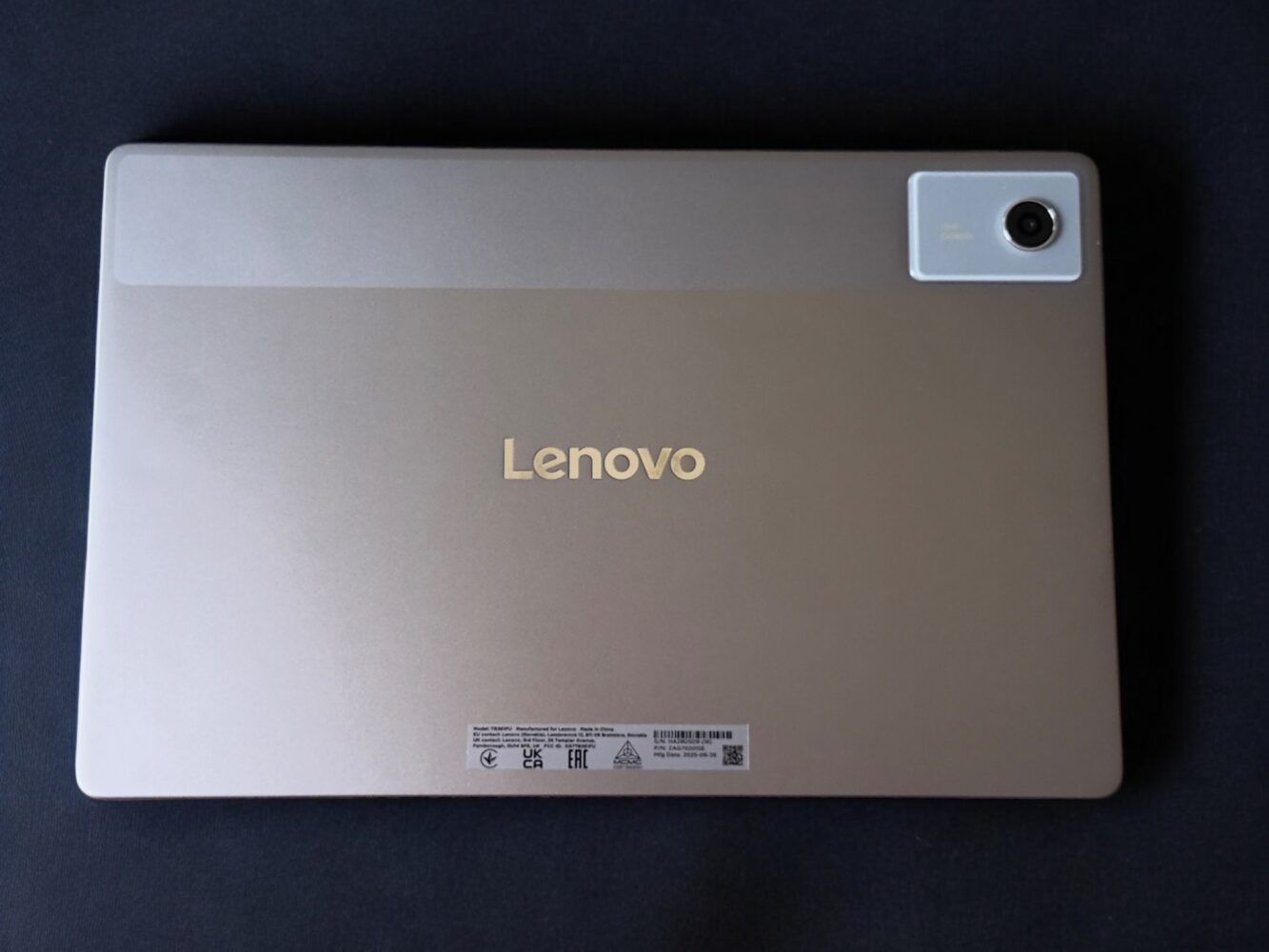
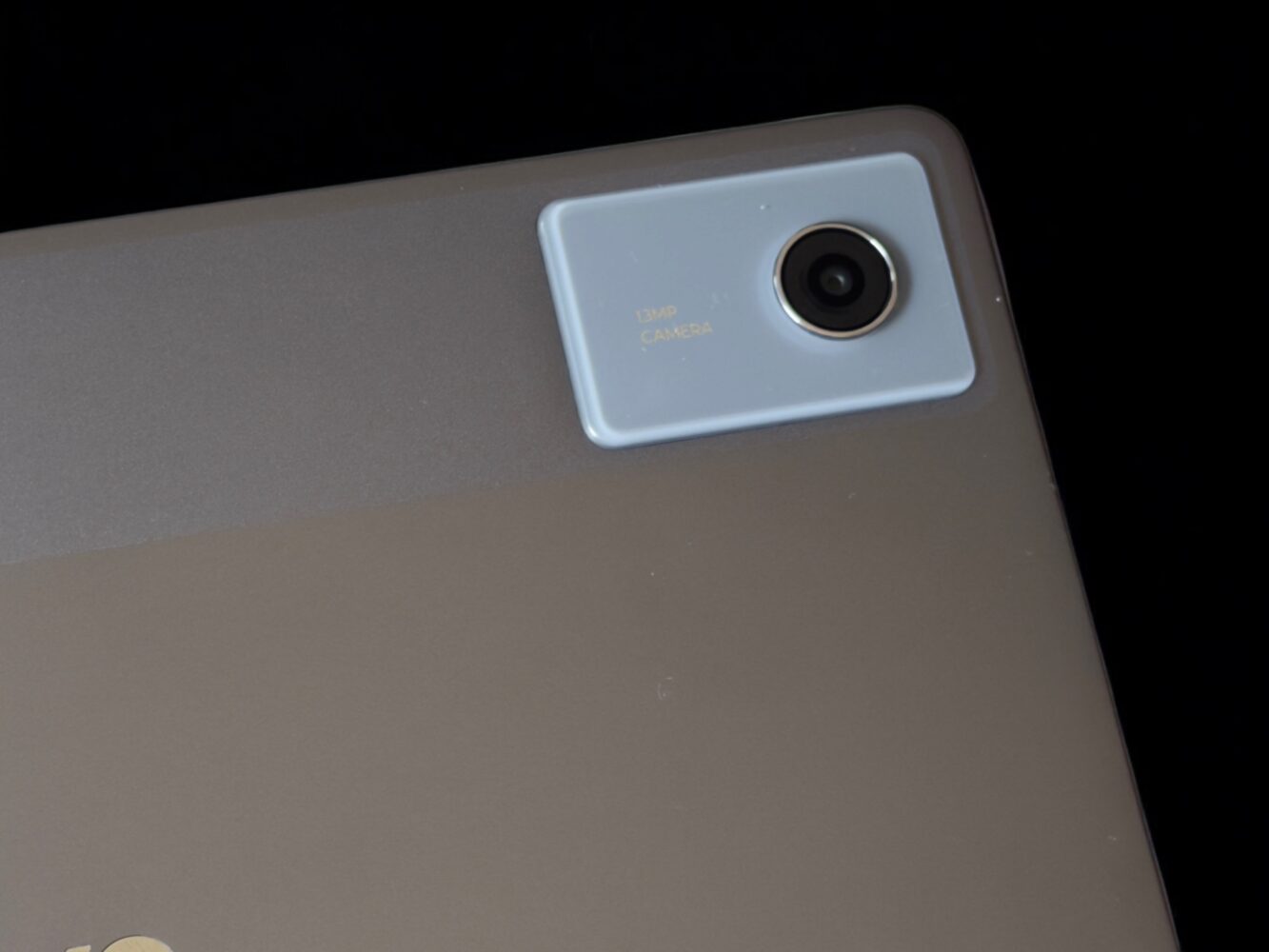
Buttons are placed logically, the USB-C port is where you expect it to be, and nothing rattles — except, unfortunately, the stylus (we’ll get there).
The only genuine design misstep is the magnetic pen attachment. The magnet is weak. Distractingly weak. Toss the tablet into a bag and the pen will almost certainly detach. This isn’t a deal-breaker, but it’s one of those small daily annoyances that chips away at the experience over time.
Display: One of the Tablet’s Strongest Cards
If there’s one area where the Idea Tab Plus confidently overdelivers, it’s the display.
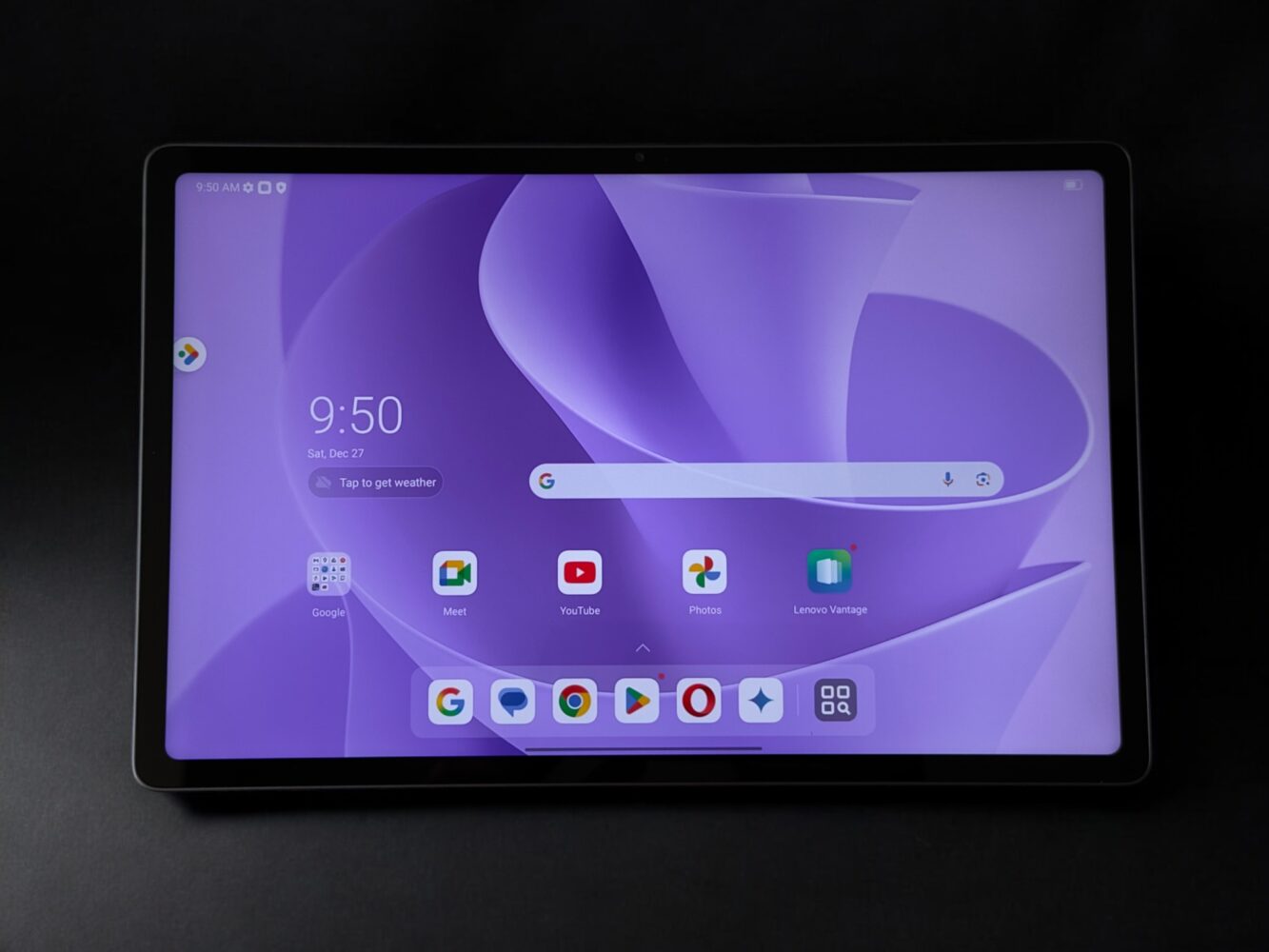
The 12.1-inch LCD panel runs at a 2.5K resolution (2560 × 1600) and supports a 90Hz refresh rate. On spec sheets, that sounds solid but unremarkable. In practice, it’s better than expected.
Colors look bold and lively. Whites stay clean. Blacks aren’t OLED-deep, but they’re consistent and easy on the eyes. Despite benchmark numbers suggesting “good but not amazing” color accuracy, the real-world impression is a vivid, punchy screen that looks great across video, reading, and general browsing.
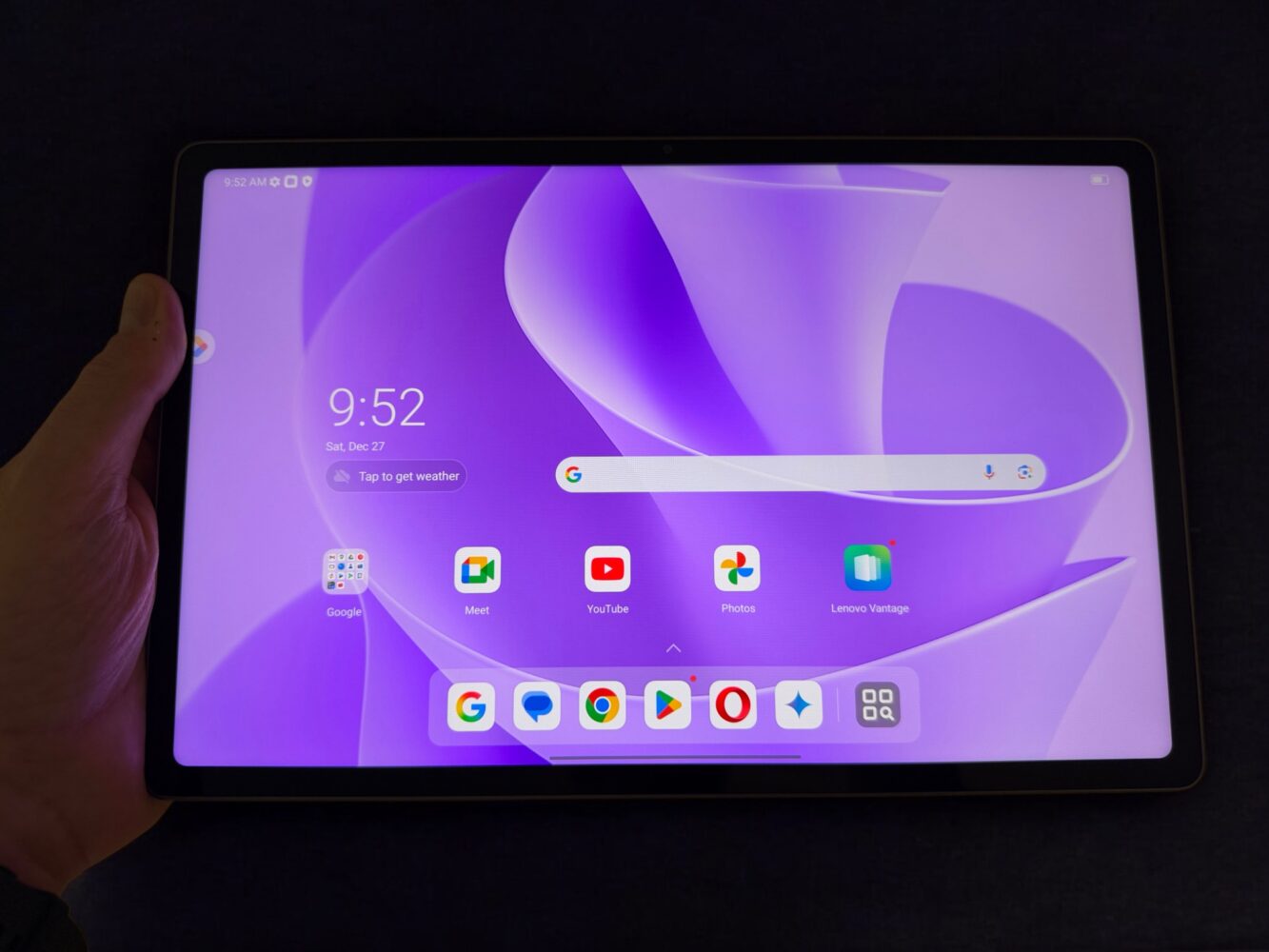
Brightness peaks just under 600 nits in standard conditions and can push higher with HDR content. That means it holds up well in bright rooms, near windows, and under overhead lighting without washing out.
Yes, the bezels are thicker than on premium tablets. No, it doesn’t matter after five minutes. The smoothness of 90Hz scrolling contributes far more to perceived quality than ultra-thin borders ever could.
This is a display you’ll enjoy looking at — and that counts for a lot.
Performance: Modest Power, Better Than Expected Feel
Let’s address the elephant in the room: the MediaTek Dimensity 6400 is not an impressive chip on paper.
Built on a 6nm process, it’s efficient rather than powerful. Geekbench scores are low. Single-core performance is modest. Multi-core numbers look borderline grim compared to higher-end tablets.
And yet… the experience doesn’t feel bad.
Day-to-day usage is smooth. App launches are quick. Animations are fluid thanks to the 90Hz display. Split-screen multitasking works reliably. You can jump between apps, stream content, browse heavily, and generally do “tablet things” without frustration.
The gap between benchmarks and real-world feel is noticeable here. This isn’t fast in a bragging-rights sense, but it is responsive enough that you stop thinking about performance entirely — which is arguably the highest compliment for hardware at this price.
Just don’t expect miracles. This tablet avoids stutter, not heavy workloads.
Battery Life: Reliable, Consistent, and Stress-Free
Battery life is quietly excellent.
In looped video tests, the Idea Tab Plus pushes past 14 hours — outperforming some more expensive Lenovo tablets and holding its own against competitors that cost significantly more.
In everyday mixed use, it’s the kind of tablet you charge when you remember, not because you have to. It survives long days without panic. It doesn’t drain mysteriously overnight. It doesn’t punish you for turning the brightness up.
Fast charging helps too. Even short top-ups make a noticeable difference, which reinforces that “low maintenance” feeling this tablet does so well.
Audio: Surprisingly Capable Speakers
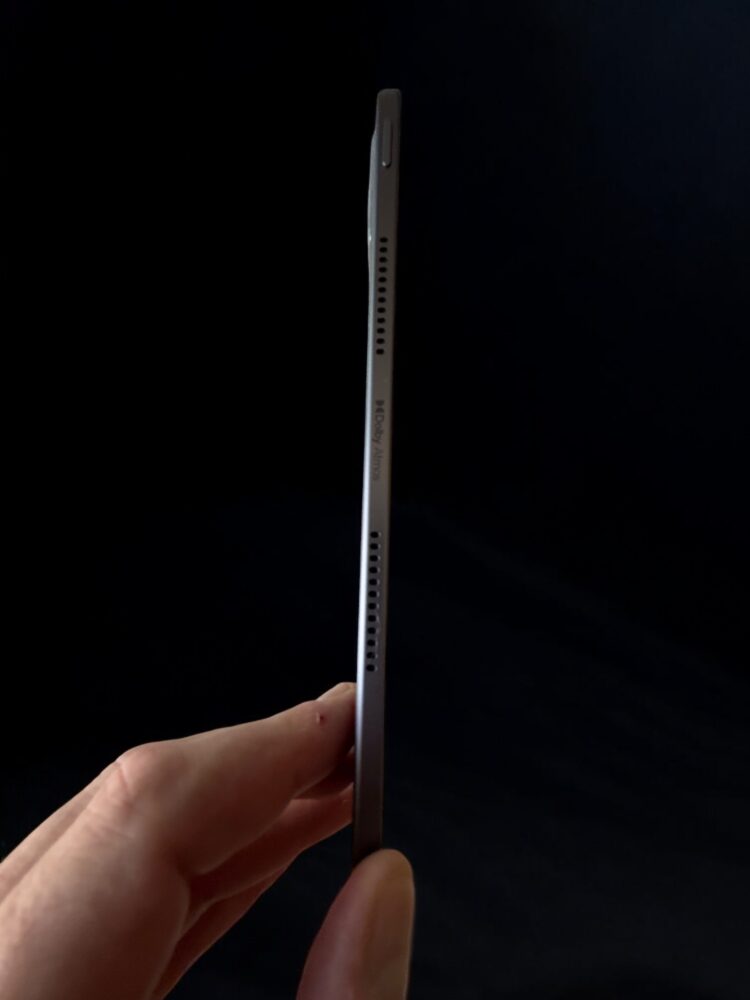
Quad speakers tuned with Dolby Atmos branding could easily be marketing fluff — but here, they actually matter.
Audio is loud without distortion. Dialogue is clear. Music has body. Stereo separation is respectable given the thin chassis. You won’t confuse this with dedicated speakers, but for a tablet this slim, it sounds far better than expected.
It’s more than good enough for casual listening, background music, and watching content without headphones.
Stylus: The Cost-Cutting Is Obvious
This is where Lenovo’s budget strategy becomes impossible to ignore.
The included stylus uses an AAAA battery, and yes — it rattles. That alone sets the tone. It works, but it never quite disappears into the experience the way better pens do.
Input is responsive enough for casual use, and pressure sensitivity exists, but it lacks the refinement and immediacy of higher-end styluses. Palm rejection is decent, not flawless. Line consistency is fine, not inspiring.
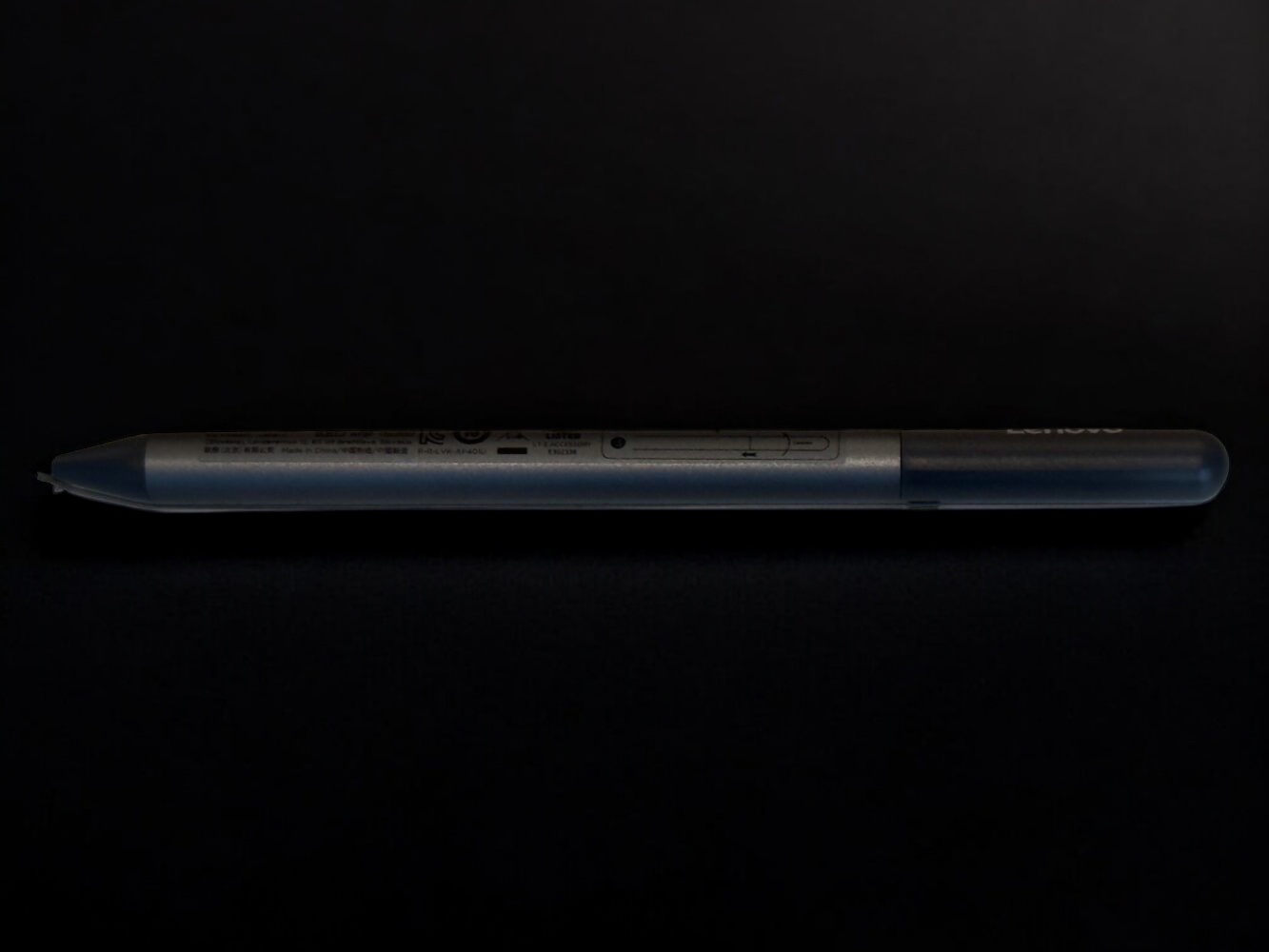
It’s usable. It’s not delightful. If pen input is important to you, upgrading the stylus should be considered mandatory.
Software Experience: Clean, Light, and Long-Lasting
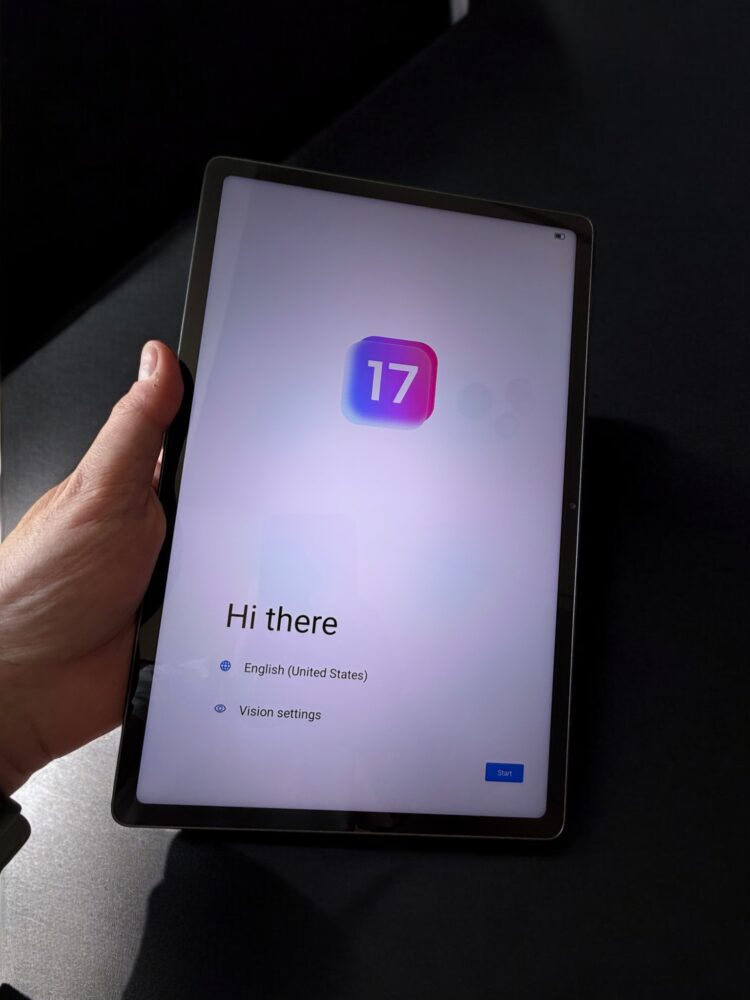
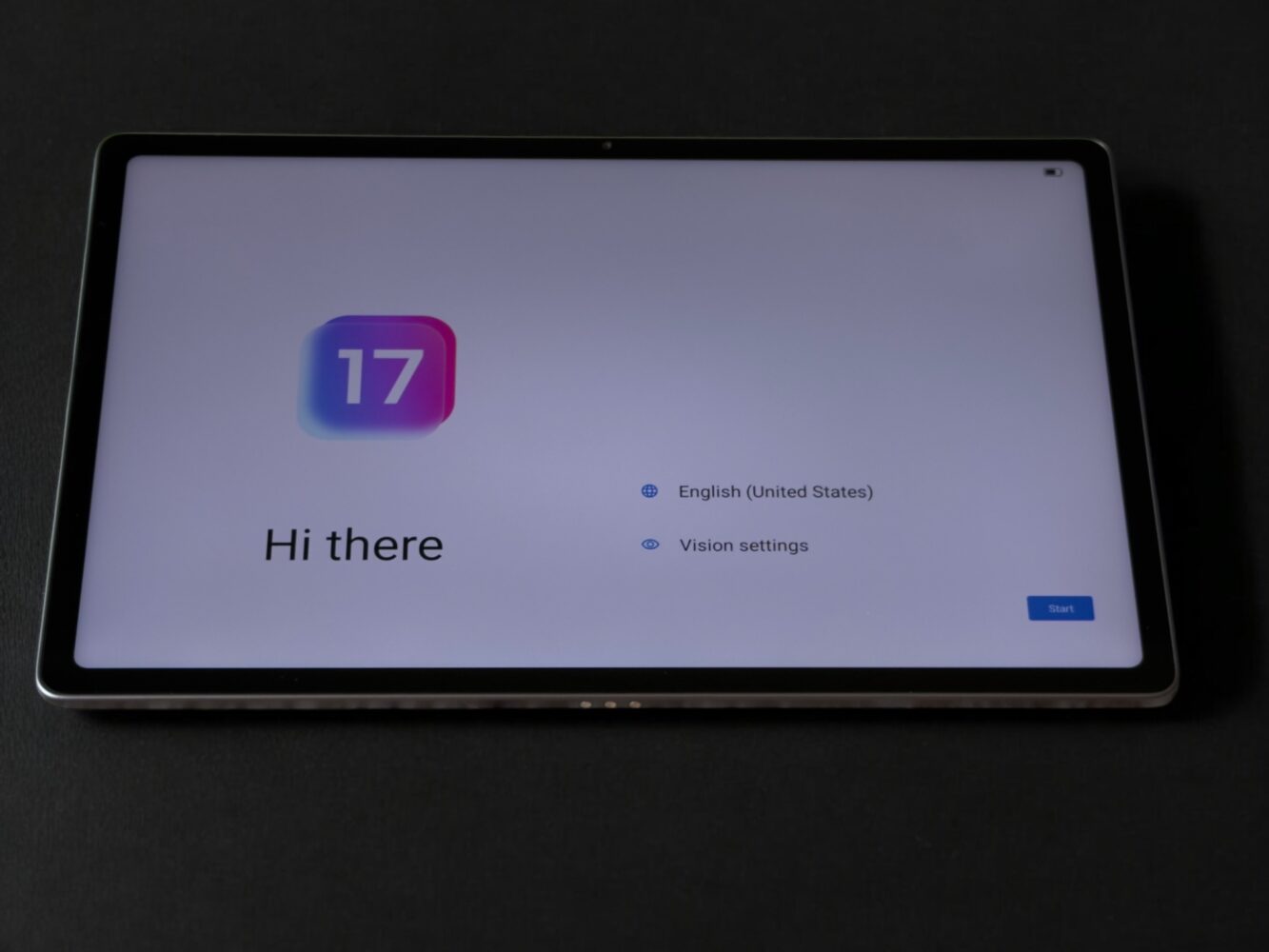
The Idea Tab Plus ships with Android 15 and Lenovo ZUI 17.0, and thankfully, Lenovo keeps things restrained.
There’s very little bloatware. The interface is clean. Navigation is intuitive. Nothing feels overloaded or aggressively “custom.”
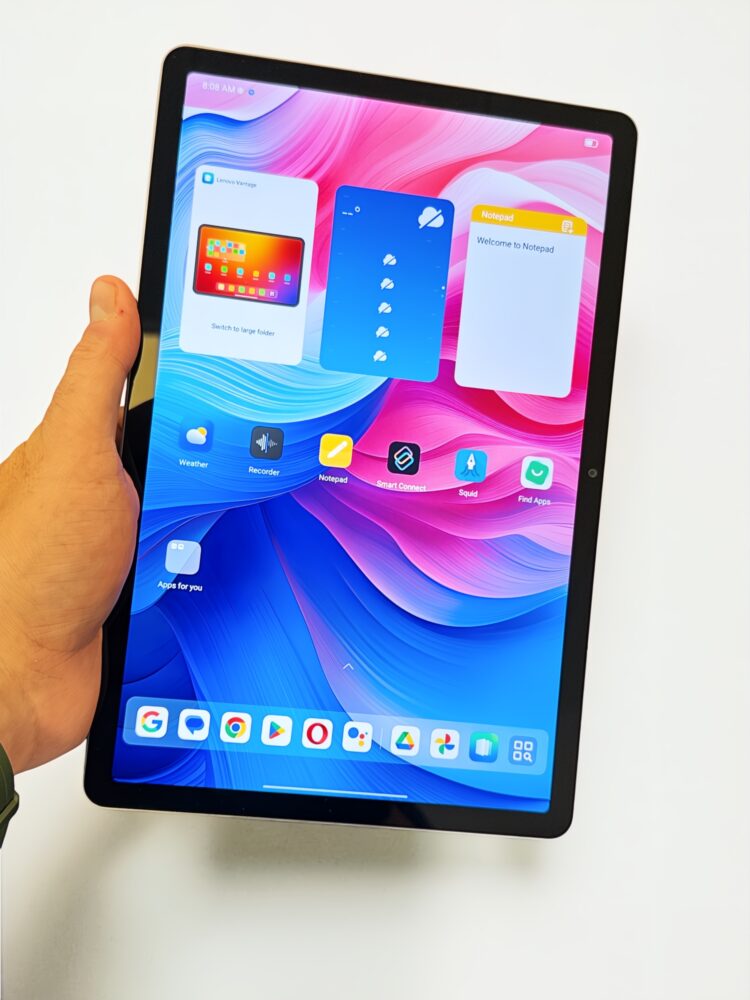
Split-screen multitasking works well and is enabled by default. Circle to Search with Google is genuinely useful. Lenovo’s AI features exist, but they don’t dominate the experience or get in your way.
Even better: Lenovo promises OS upgrades through Android 17 and security updates until 2029. That’s a serious commitment — and one that adds real long-term value.
The Big Picture: Knowing the Trade-Offs
The Lenovo Idea Tab Plus doesn’t pretend to be something it isn’t.
It sacrifices raw power and stylus quality to deliver a bright screen, long battery life, clean software, and a lightweight, comfortable design. If you’re okay with those compromises — and many people will be — it’s an easy tablet to recommend.
The Lenovo Idea Tab Plus succeeds because it understands restraint. It spends money where it matters, cuts corners where it can, and delivers a tablet that feels pleasant far more often than it feels compromised.