
TL;DR: Now that the HP OmniBook X has spent some serious time in the wild, the real question isn’t how it stacks up at launch—it’s whether it holds its ground in the rapidly evolving tech landscape of 2025. Nearly half a year since its release, the OmniBook X remains one of the most compelling ARM-powered Windows laptops for power users who value battery life, portability, and a solid productivity experience. But it’s not all roses: newer devices have started to leapfrog it in screen quality and performance flexibility.
Minimalist or Missed Opportunity? Rethinking the Design in 2025
Time has a funny way of making design choices look either timeless or tired. When I first unboxed the OmniBook X, I was torn. Its plain silver shell and understated branding felt intentional, like HP wanted it to fly under the radar. Now, several months later, I still feel conflicted.
Yes, the design has aged well in terms of durability. The aluminum chassis has resisted scuffs, the hinge still feels sturdy after hundreds of opens and closes, and there are no noticeable signs of wear. But the aesthetic? It’s… functional, in that IKEA kind of way. Not ugly, just uninspired. In an era when laptops are increasingly seen as lifestyle products, the OmniBook X doesn’t look like it belongs on a coffee shop Instagram reel.
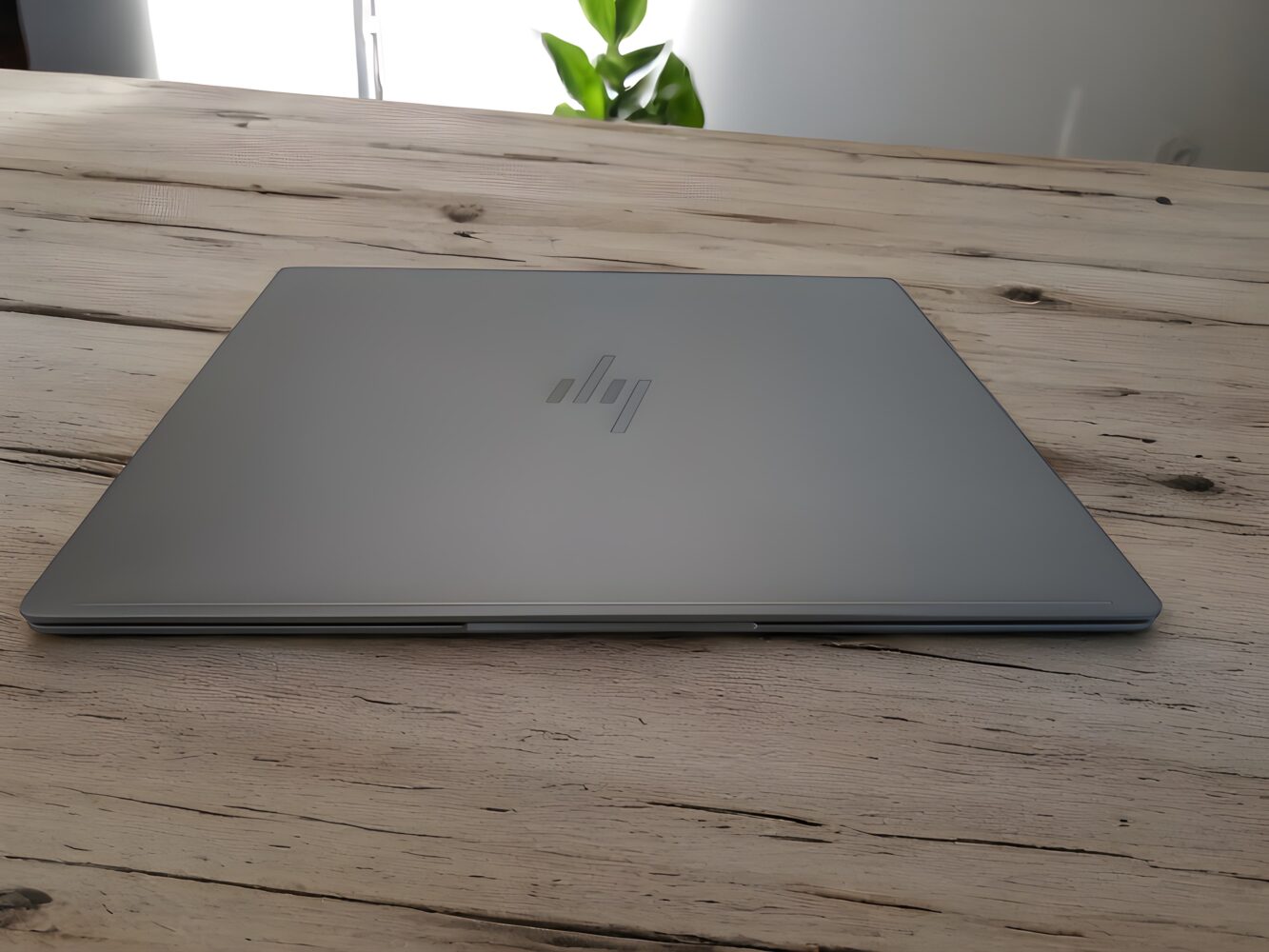
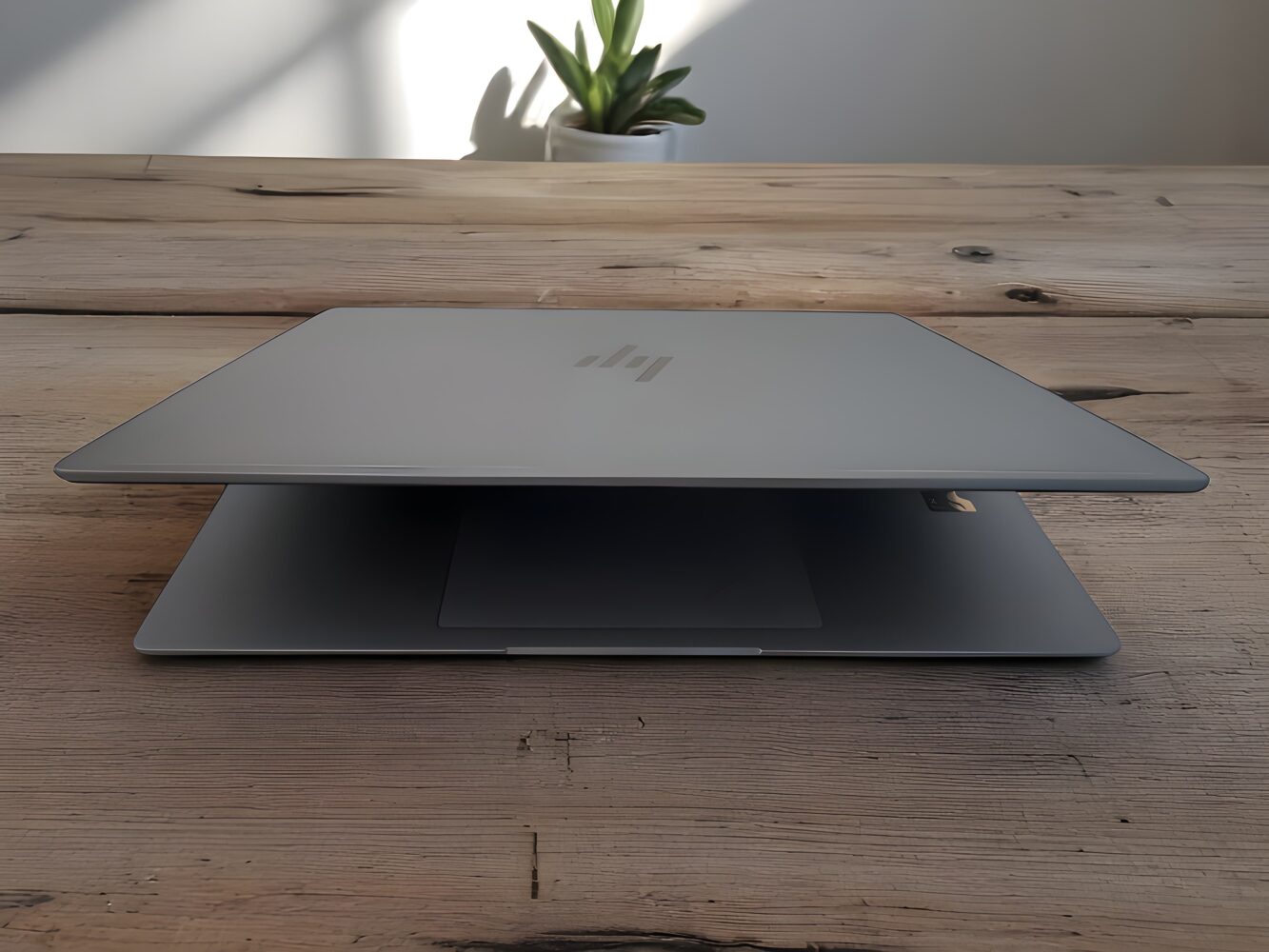
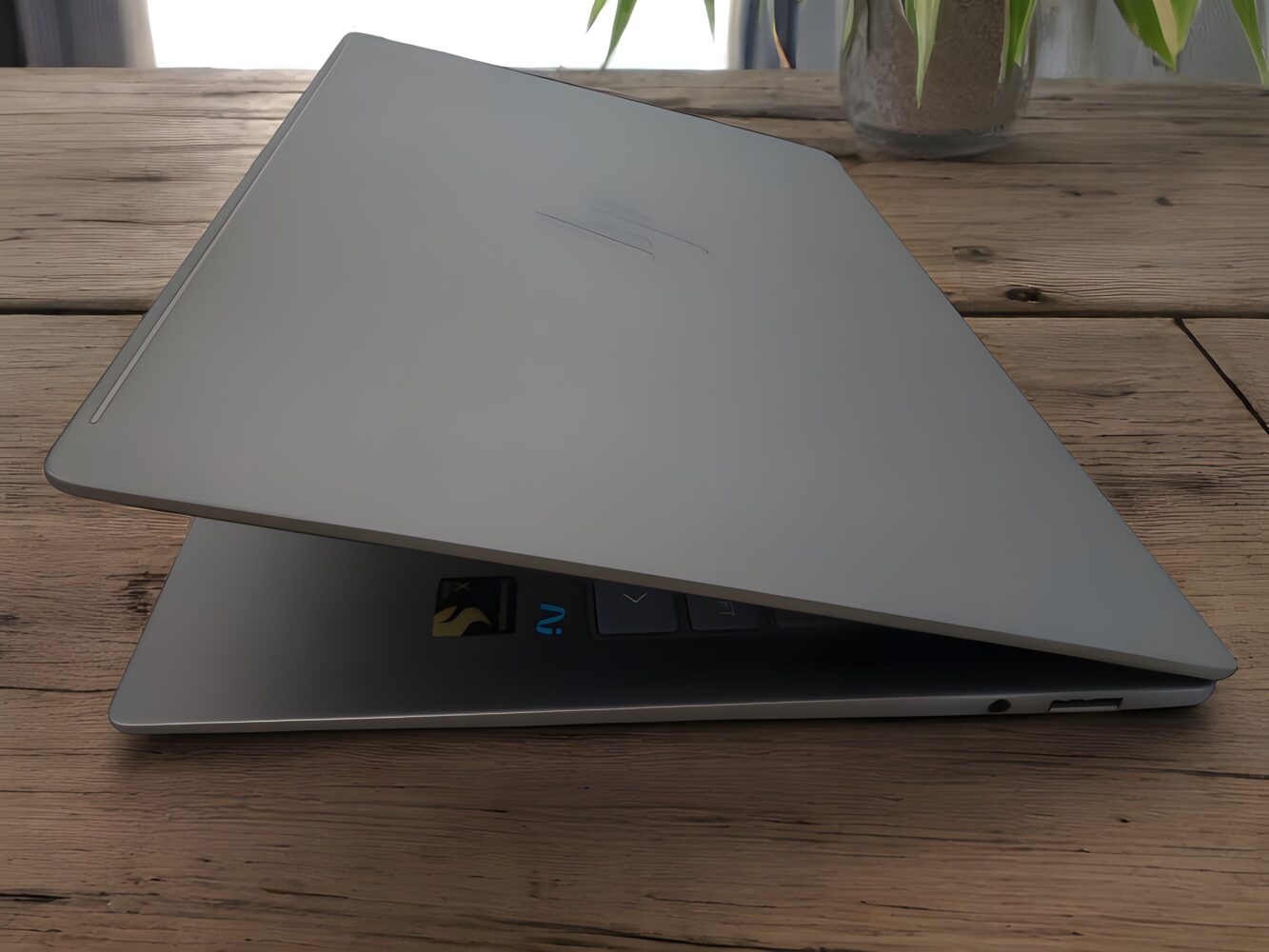


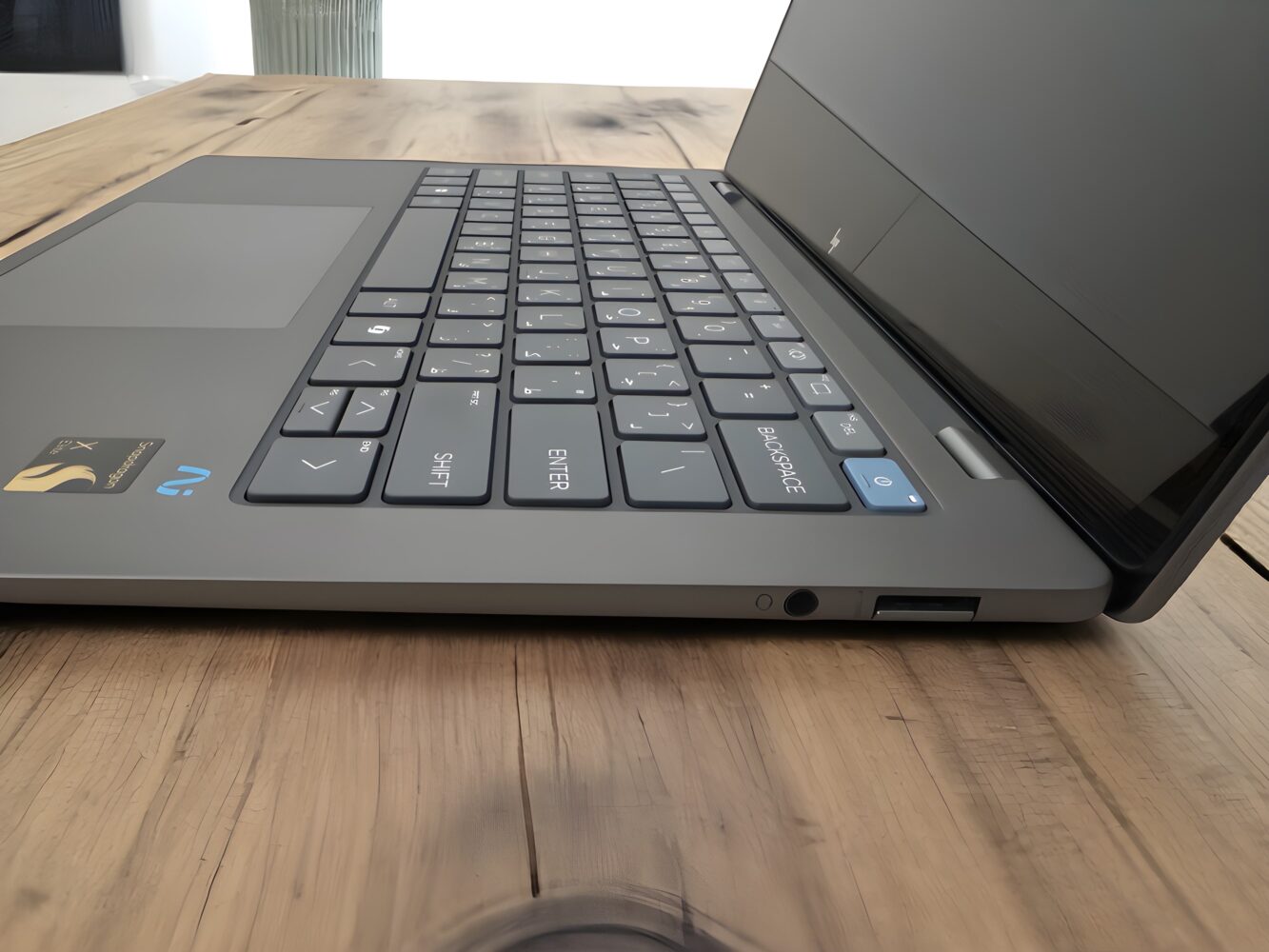
That said, there are commendable elements here. The fact that HP used 50% recycled aluminum and 50% recycled plastic for the keycaps is a win for sustainability, and the 1.34kg weight continues to make this one of the easiest 14-inch devices to carry around. At just 14.4mm thick, it still slides effortlessly into any backpack or messenger bag without bulging out like some newer, chunkier ARM machines.
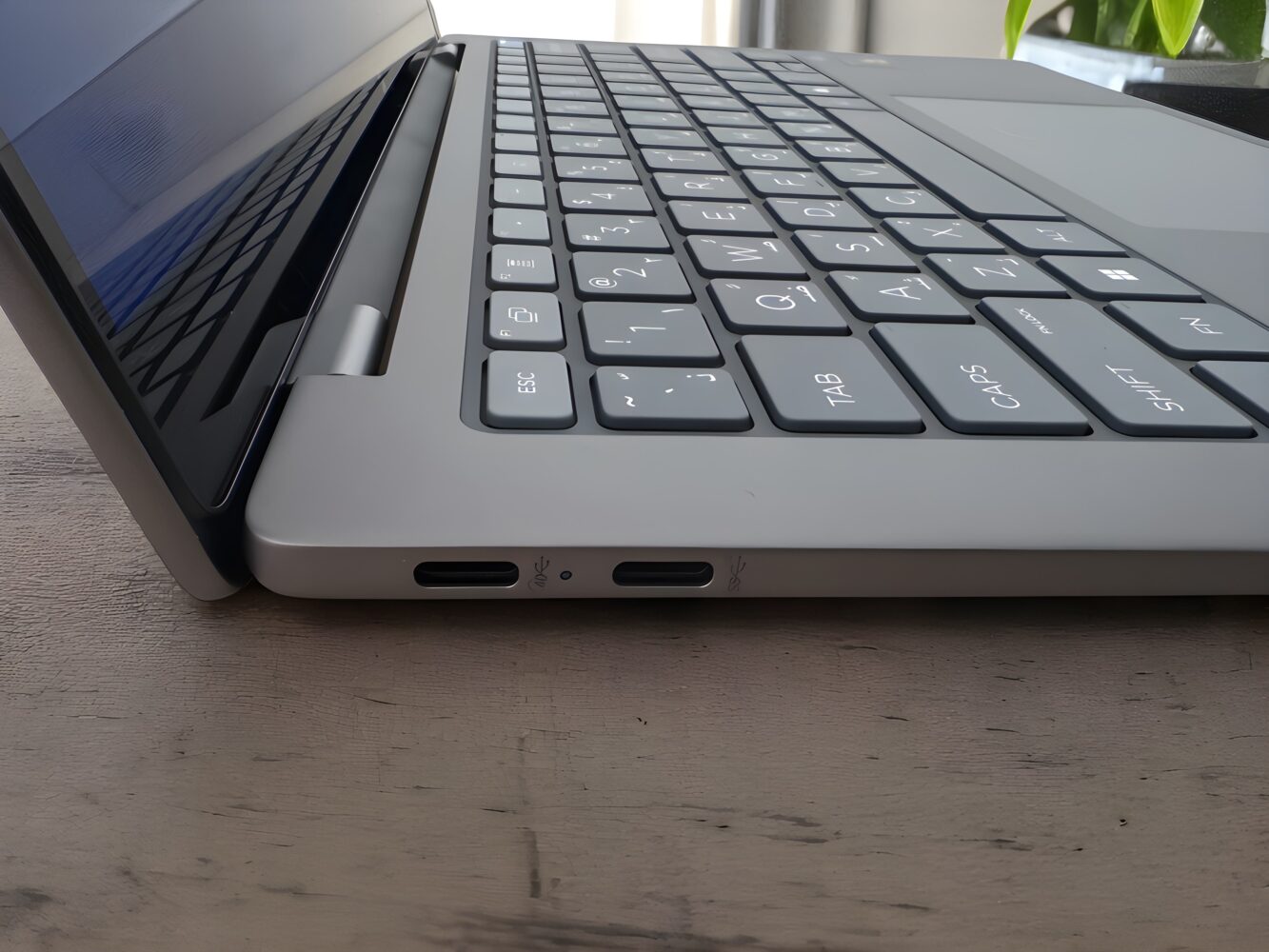
What hasn’t aged quite as well is the port selection. Two USB-C ports, a single USB-A, and a headphone jack felt adequate six months ago. But now, with more laptops incorporating multiple USB4 ports and SD card readers even on thin-and-light designs, the OmniBook X feels a bit sparse. If you rely on dongles, prepare to stay tethered to your accessory pouch.
Display in Hindsight: More Practical Than Premium
The 14-inch 2.2K LCD display delivers a solid mix of everyday usability and long-term reliability. Its 300-nit peak brightness handles typical indoor environments comfortably, though direct sunlight or very bright office lighting can make the panel feel a bit subdued. The glossy Gorilla Glass NBT coating provides good protection against scratches, but it does introduce some reflections under overhead lights.
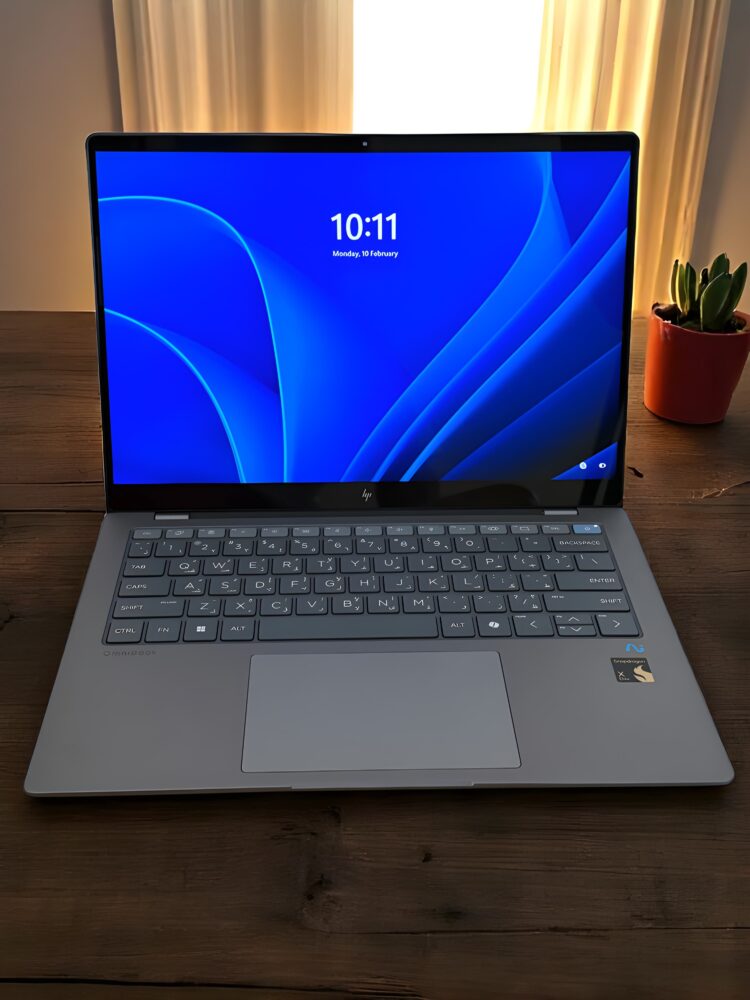
Color performance is consistent and true to life. The IPS panel covers a generous portion of the sRGB gamut, offering accurate hues for photos, videos, and everyday tasks. While it doesn’t support HDR or variable refresh rates, motion handling is smooth and free of noticeable ghosting or flicker, making it well suited for streaming and web browsing.
Where this screen really shines is efficiency and durability. The LCD design keeps power draw low, translating into longer battery life on the road. I’ve also seen no issues with burn-in or image retention over weeks of varied use. In sum, this is a display that prioritizes endurance and steady performance over flashy bells and whistles.
Keyboard and Trackpad: Still a Mixed Bag
Now, let’s talk typing. Daily use has only reinforced my initial love for this keyboard. The full-size chiclet layout still offers fantastic key travel and responsiveness. My fingers never felt cramped, even during long writing sessions, and the subtle curvature on the keycaps adds a surprising amount of tactile nuance.
The backlighting remains consistent and evenly distributed, though I’d still love a little more brightness for dim environments. And yes, the dedicated Copilot key is more useful now than it was at launch. Microsoft’s AI integration has improved with regular updates, and that key has become something I actually reach for when juggling context-aware tasks.
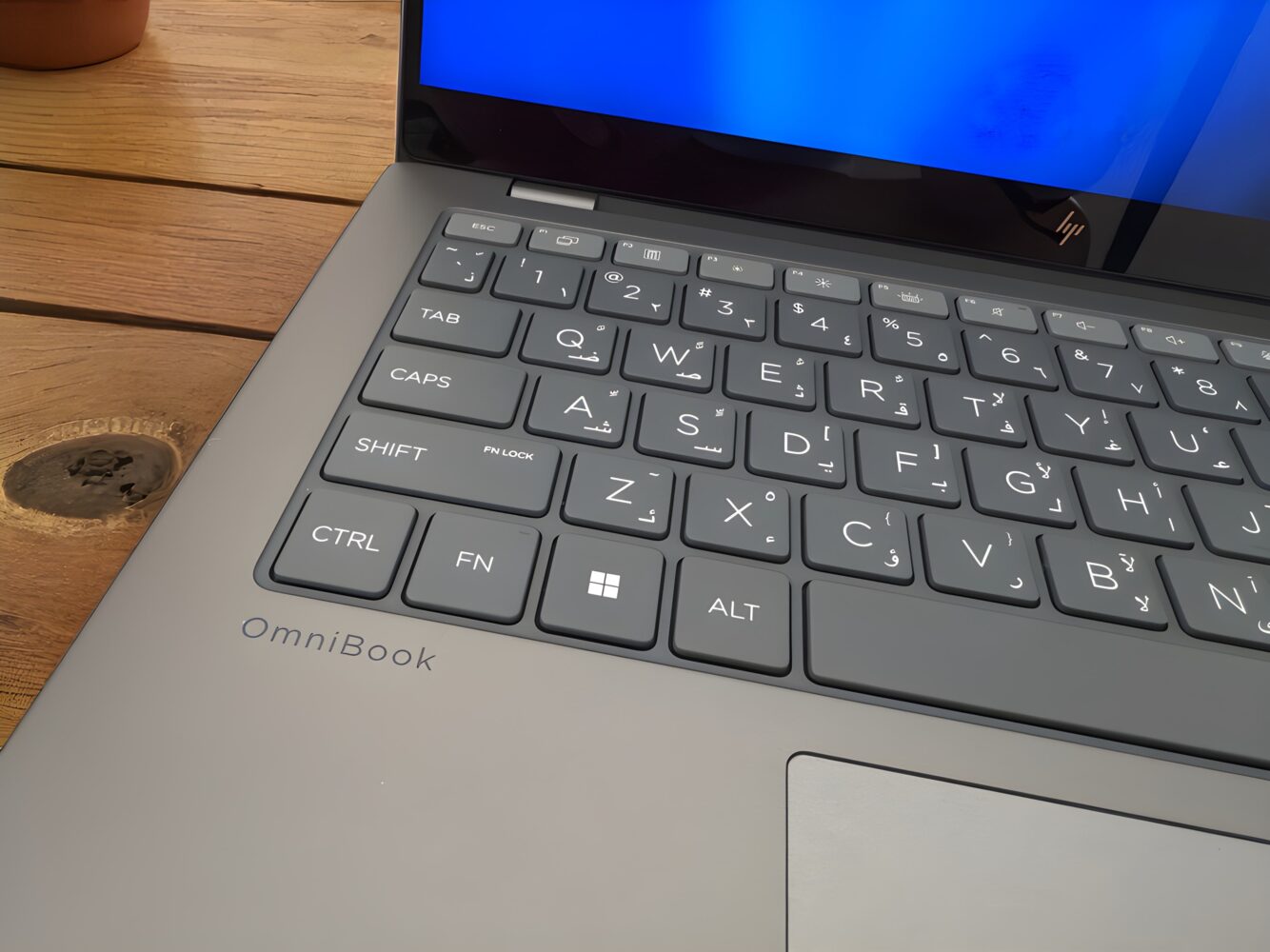

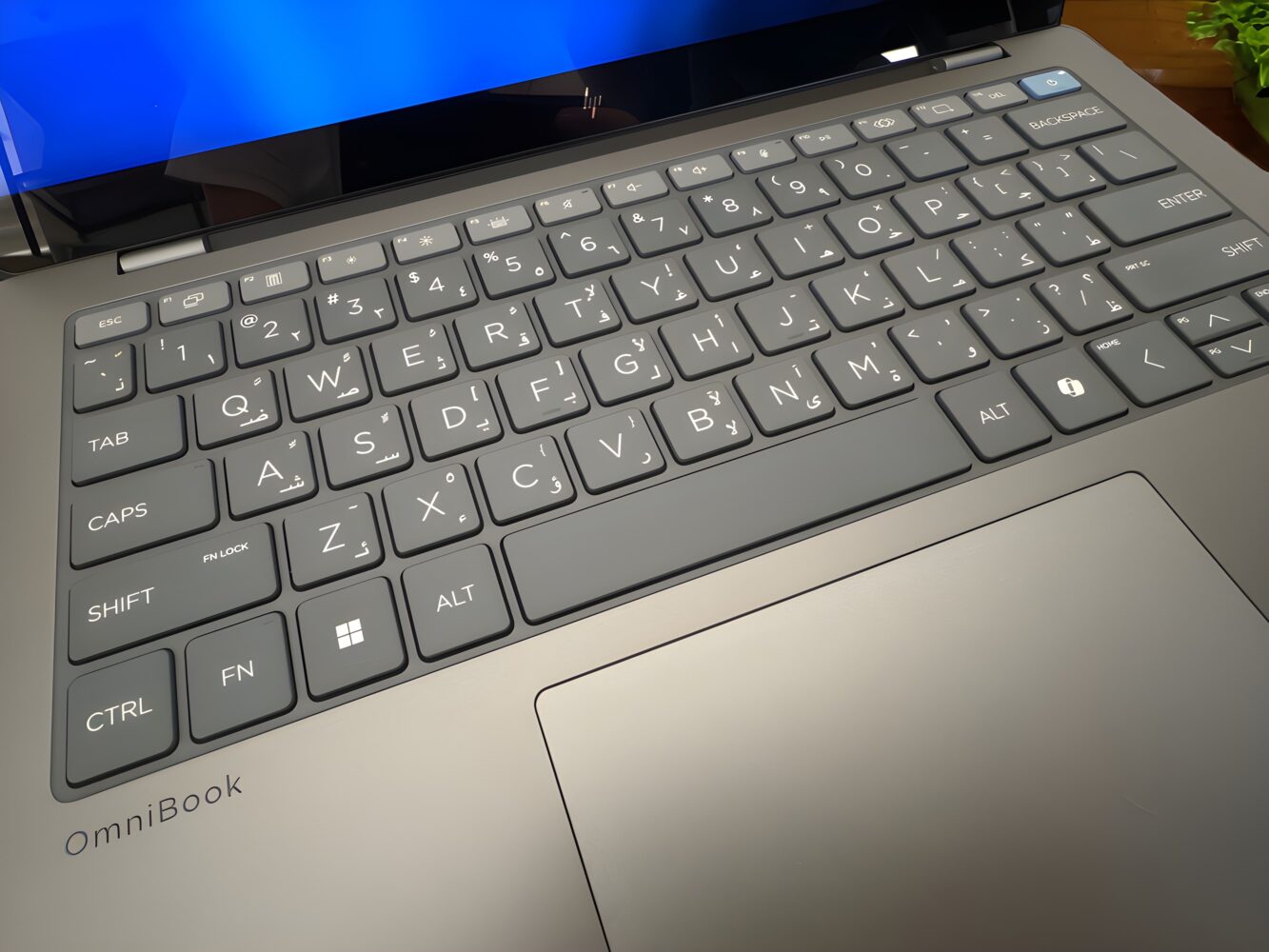
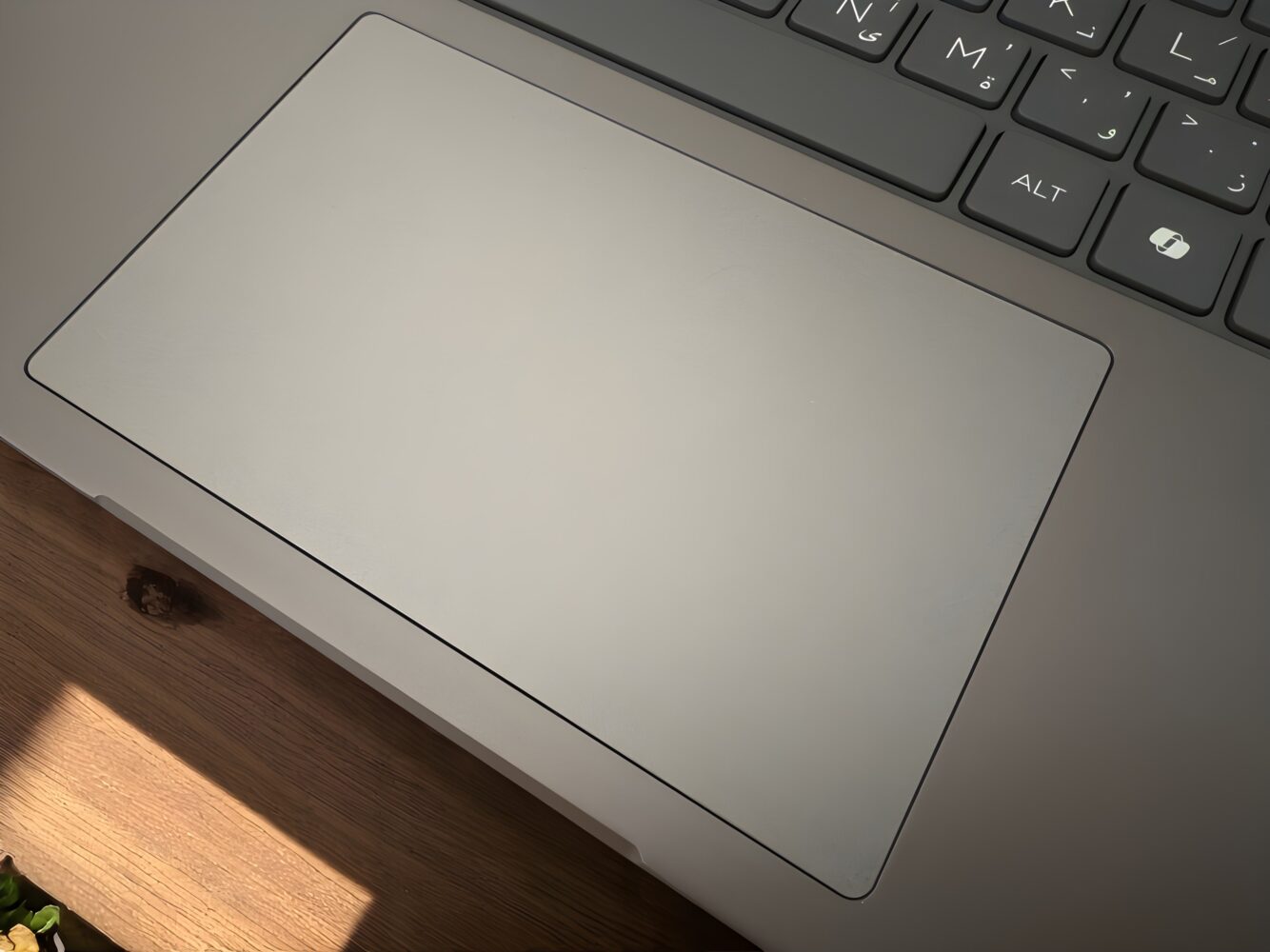
The trackpad offers a generous, smooth surface and generally reliable palm rejection, especially after recent firmware updates. The clicking mechanism can feel a bit soft around the edges, and the two-finger right-click isn’t always perfectly consistent, which can interrupt your workflow on occasion. That said, it remains functional for everyday tasks, and with its roomy dimensions, it’s comfortable to use for long typing sessions.
Audio Quality: Function Over Flair
The dual downward-firing speakers deliver clear mids and highs when the laptop sits on a hard surface, though bass is naturally limited and high volumes can introduce light distortion. On softer surfaces—like your lap or a cushion—sound may soften slightly, but overall the speakers handle video calls, podcasts, and streaming content without the need for external audio.
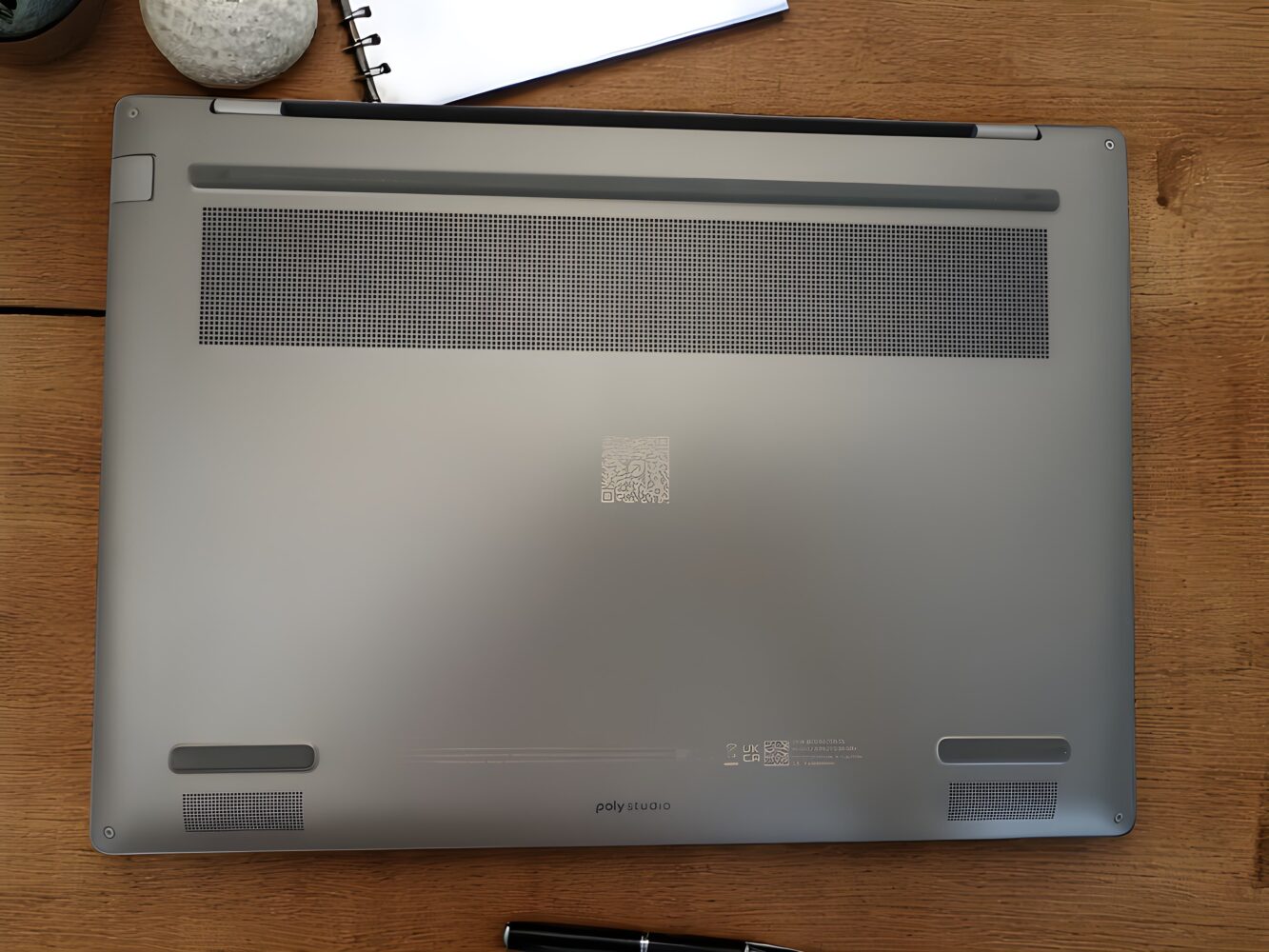
These built-ins are perfectly practical for everyday use, offering a straightforward, no-frills listening experience. If you’re after deeper bass or a more immersive soundstage, pairing the OmniBook X with a good set of headphones or external speakers will give you that extra audio richness.
AI Tools and Camera: Surprisingly Useful, Still a Bit Gimmicky
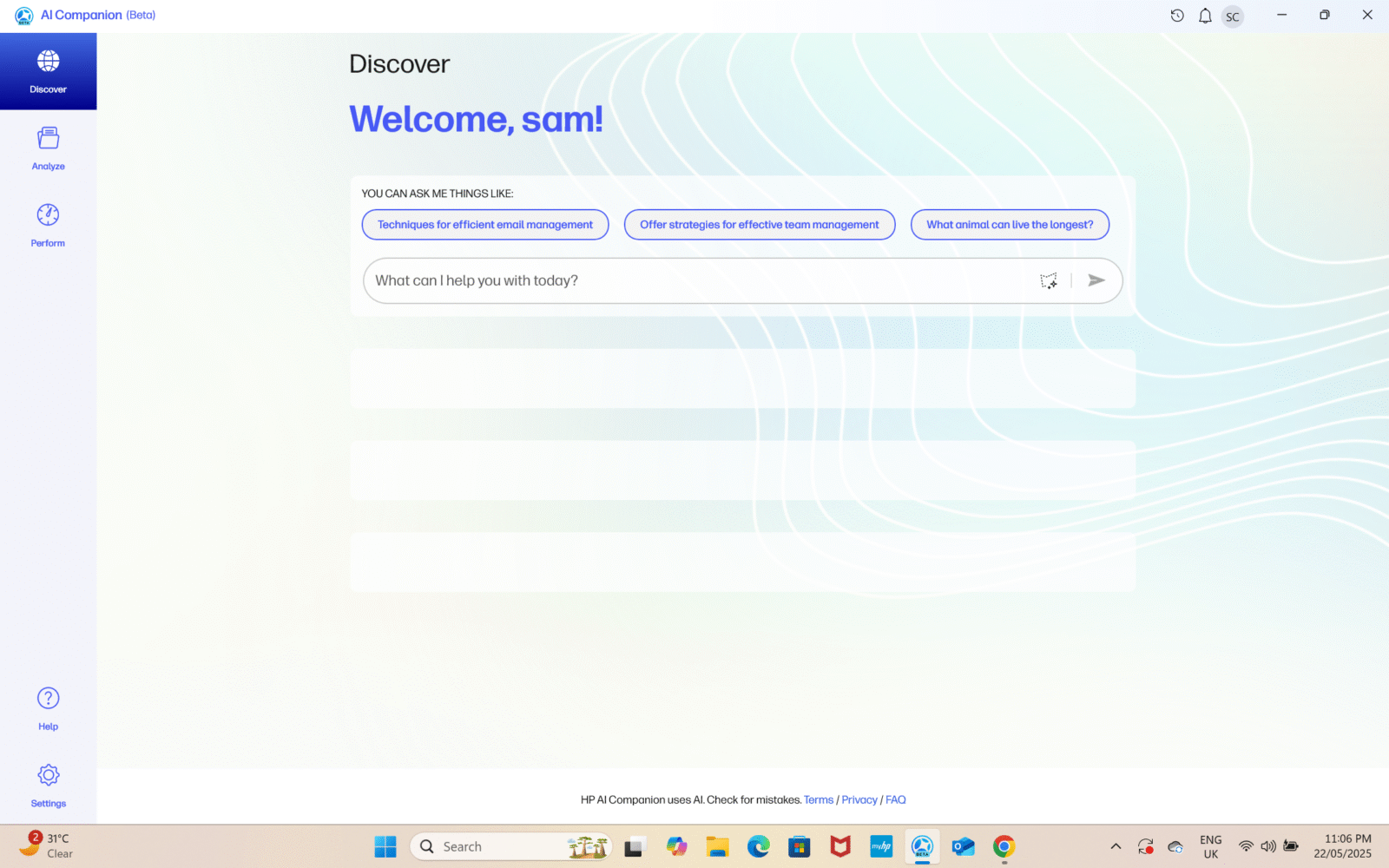
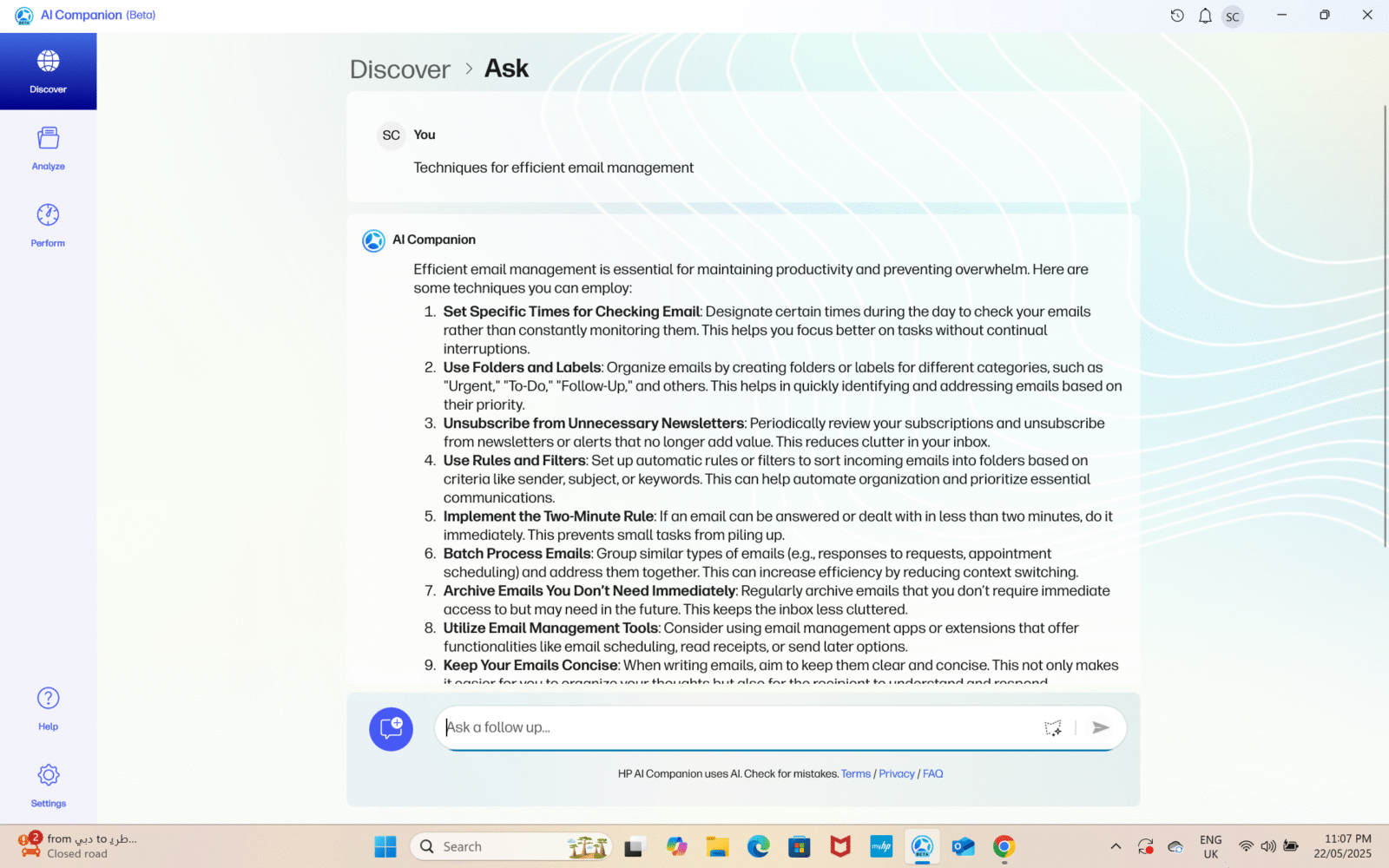
HP’s AI Companion has steadily transformed from a novelty chatbot into a genuinely useful on-device assistant. After logging in with your HP account, you can upload documents, presentations, or meeting transcripts, and let the AI analyze and summarize them. In practice, its summary feature excels at condensing dense whitepapers and extracting action items from long transcripts, cutting your reading time by as much as half—though very complex tables can still trip it up. Beyond text, the AI Companion can generate quick images or charts from prompts, making it a versatile tool for brainstorming or drafting visuals without leaving your workflow.
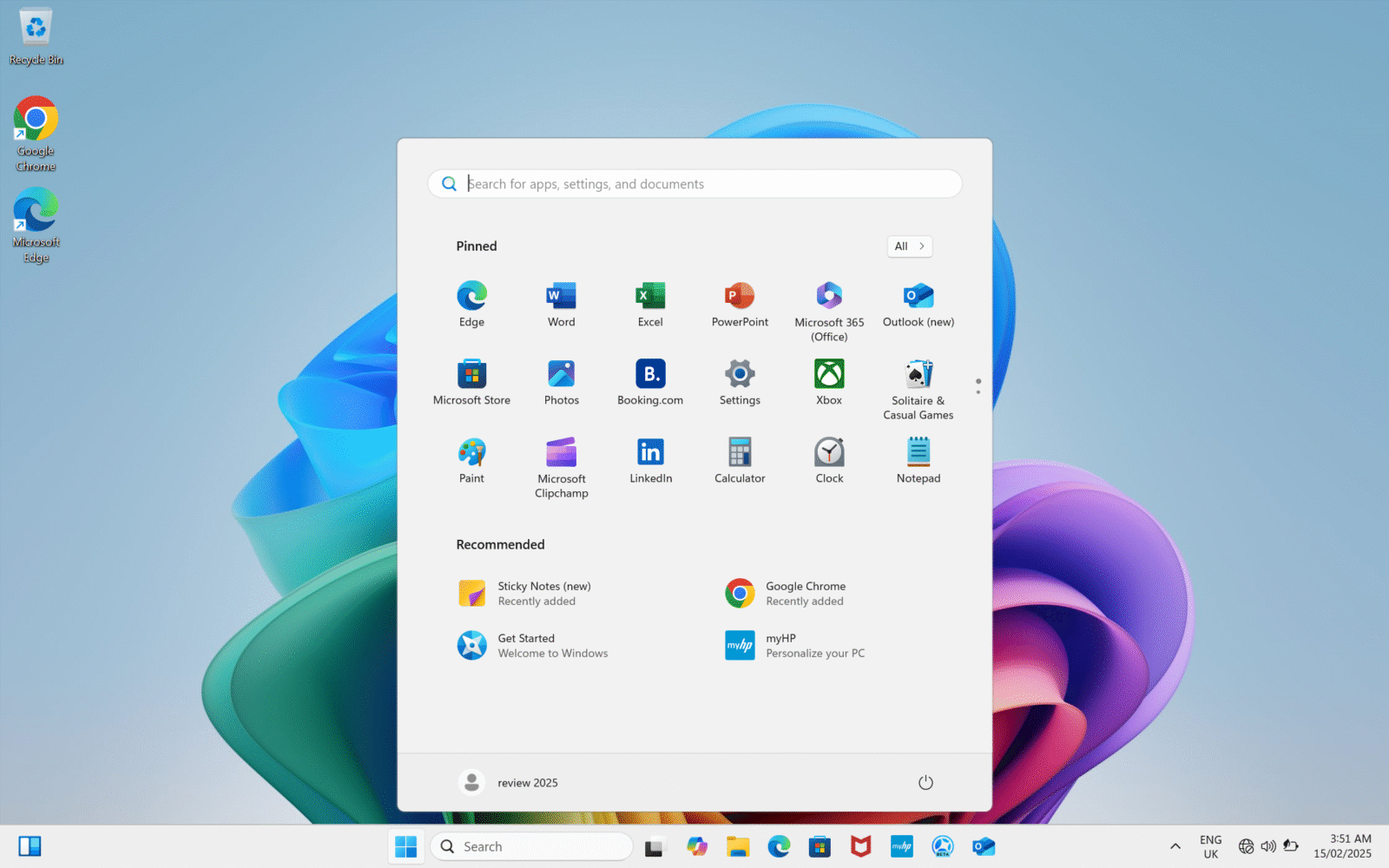
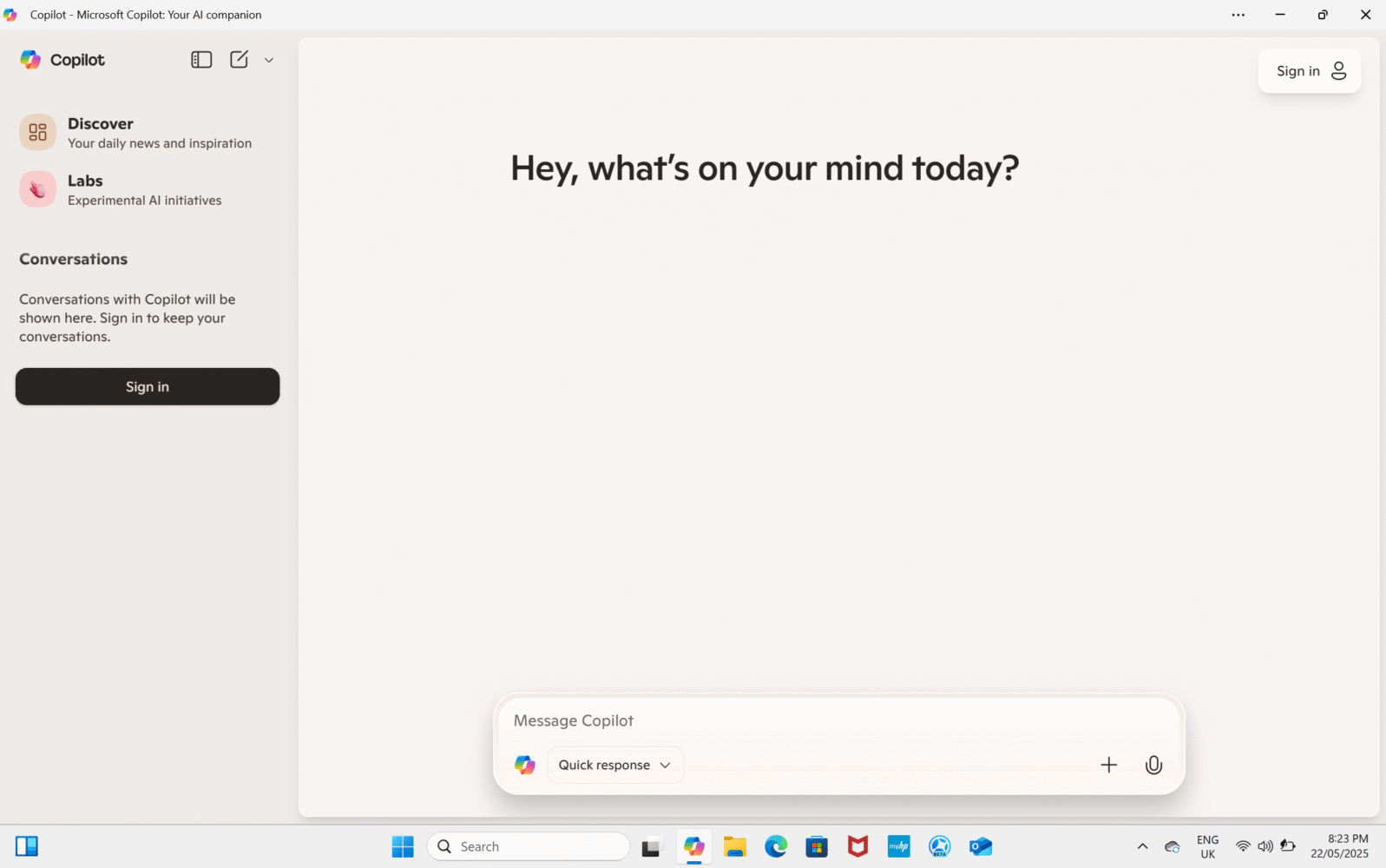
Microsoft’s Copilot+ integration similarly grows more capable the longer you use it. A dedicated Copilot key replaces the right Ctrl, instantly launching the sidebar AI interface and avoiding the clunkiness of switching to a browser tab. Under the hood, a powerful on-device NPU handles many operations locally, enabling real-time video translation across dozens of languages and lightning-fast context-aware suggestions in Word, Excel, and Outlook. Whether it’s bulk-renaming hundreds of files, drafting email campaigns, or generating blog-post outlines from bullet-point notes, Copilot+ feels like a tireless assistant that genuinely learns your preferences over weeks of use.
One of the more surprising wins is Paint’s Cocreator tool. Initially dismissed as a gimmick, Cocreator combines your rough sketches with text prompts to produce polished visuals. With a few tweaks to its creativity settings, you can generate compelling mock-ups for UI layouts or concept art in under a minute. A suite of filters and an iterative workflow let you refine both your drawing and the AI output until the result matches your vision. While it won’t replace Photoshop for high-fidelity design, it’s proven invaluable for rapid prototyping and collaborative whiteboarding sessions.
On the hardware side, the 5 MP IR webcam is a standout improvement over typical laptop cams. Its phone-grade sensor delivers richer colors, finer facial detail, and a wider field of view than most built-in webcams—even in dim lighting, noise remains low and image clarity holds up. Complemented by dual far-field microphones with built-in noise suppression, video calls feel more natural and reliable, making it well suited for back-to-back virtual meetings.
The real magic, however, lies in HP’s Poly Camera app. Over successive firmware updates, its AI-powered auto-framing has become smoother and more responsive, keeping you centered without jitters. Background blur and lighting compensation now handle complex scenes—Studio Effects’ gaze correction helps maintain virtual eye contact without a green screen. Occasional hiccups do occur when stacking third-party filters or during low-lighting transitions, but for marathon video calls, the combination of sharp optics and smart software makes the OmniBook X’s camera suite one of its most polished features.
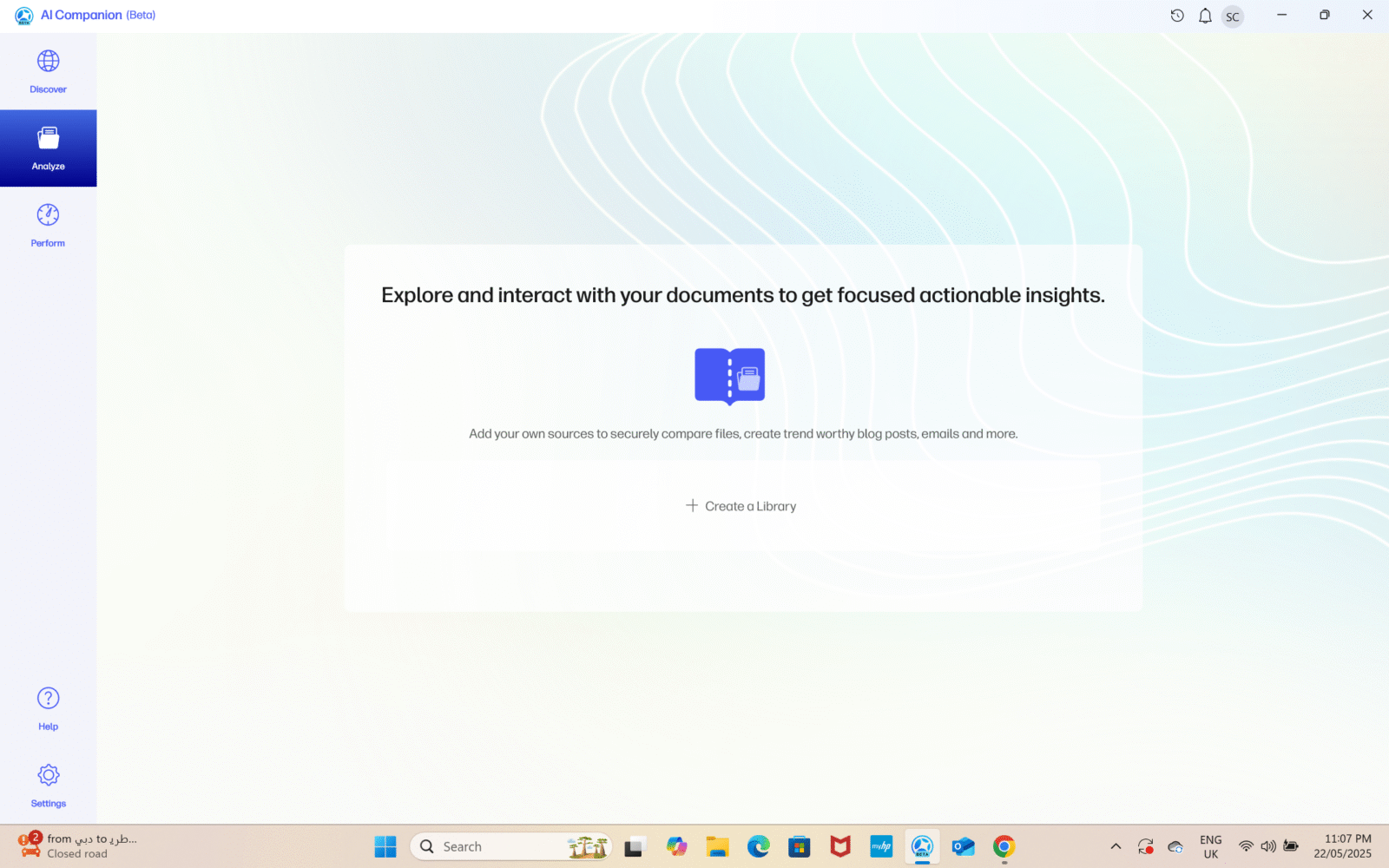

All told, HP’s suite of AI tools and camera hardware on the OmniBook X has matured significantly since launch. In dedicated workflows—research, content creation, remote collaboration—these features can shave minutes or even hours off otherwise tedious tasks. Some “demo-grade” effects and compatibility quirks remain, so the AI experience isn’t yet fully seamless. But for a laptop that balances everyday performance with next-gen AI smarts, the OmniBook X stands out as one of the most compelling AI-enhanced PCs available today.
Performance in the Long Haul: Still Snappy!
The OmniBook X runs on the Snapdragon X Elite X1E-78-100, which, six months in, still delivers a performance profile that outpaces many older Intel and AMD machines in its class. It’s fanless, almost eerily quiet, and remains impressively cool under daily workloads. If you’re writing, coding, multitasking in productivity suites, or doing light content creation, this machine doesn’t just hold its own—it excels.
My day-to-day consists of heavy multitasking. I often run 20+ Chrome tabs (some streaming live dashboards), have multiple Word and Excel files open, a Figma session running in the background, and Slack or Teams pinging constantly. The OmniBook X barely breaks a sweat. Task switching is instantaneous, and the system remains responsive even under pressure. Unlike many ultraportables, I never had to worry about RAM throttling or swap slowdown during these sprints.
ARM-native apps shine on this machine. Microsoft Office, Edge, Zoom, and even Adobe Lightroom run like they were made for this chipset. Photoshop is decent too, though heavier tasks like running neural filters or high-res exports start to drag. Still, it’s far better than it was a year ago.
In short: this machine still runs fast and cool, especially for what most professionals need. Just don’t expect it to be your mobile rendering rig or an emulation champ. For everything else? It’s still a surprisingly nimble daily driver in mid-2025.
Battery: The Crown Jewel Still Shines
If there’s one area where the OmniBook X still shines in mid-2025, it’s battery life. The combination of ARM efficiency, a conservative LCD, and intelligent sleep behavior means I rarely think about charging.
With mixed use—including hours of writing, video playback, light design work, and multiple browser tabs—I consistently got 14 to 17 hours per charge. That’s better than many newer Intel Core Ultra laptops, and on par with other Snapdragon X Elite devices.
Overnight standby drain remains impressively low, usually around 5-6%. The included 65W charger is compact and efficient, and it takes about 90 minutes to go from near-empty to full.
This is one of the few laptops in 2025 where battery life isn’t a talking point because it’s just that good.
Final Thoughts: Still Worth It in 2025?
Six months post-launch, the HP OmniBook X remains a capable, efficient, and practical ultrabook. Its understated design may not turn heads, but it has proven durable and travel-friendly. The display and speakers are its most glaring weaknesses in the context of 2025’s rapidly advancing competition, but its keyboard, battery, and overall reliability more than make up for those shortcomings.
If you’re a professional looking for a quiet, powerful laptop that just works—and you can live without OLED or booming speakers—the OmniBook X is still a smart buy.
It’s not revolutionary, and it’s no longer cutting-edge. But it’s proven itself as a trustworthy companion in a sea of flashy upstarts. That, in the long run, might just be more important.