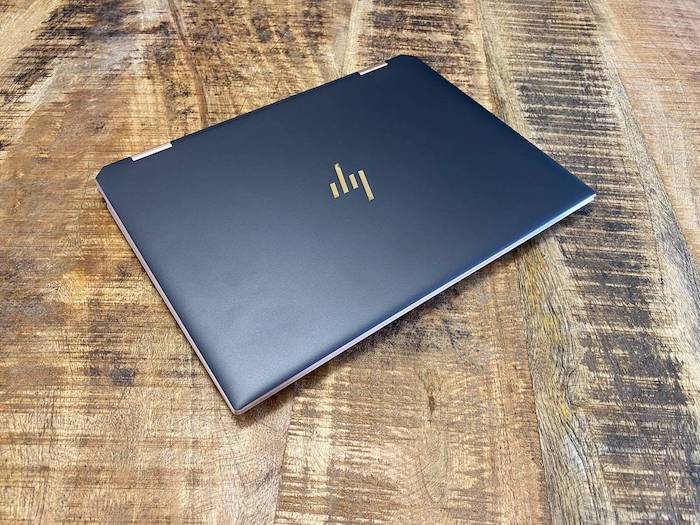
The HP Spectre x360 is a premium all rounder convertible laptop that is meant for executives on the go or fancy students. It’s a small form factor thin and light laptop which is meant for all basic work or study tasks. HP sent us the HP Spectre x360 Convertible 14-ea0003ne for review.
Design and Performance
The Spectre x360 is a good looking laptop. It has a small form factor with chamfered edges, the corners are angles, giving it a very edgy design.
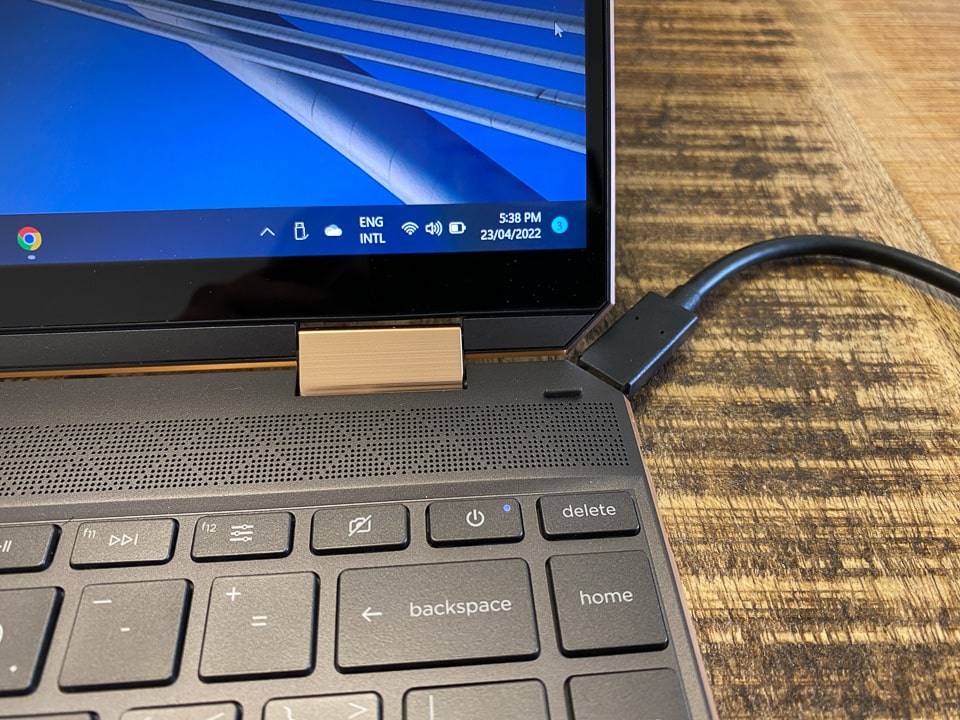
You even have a USB-C port on the right corner-edge, which looks quite cool.

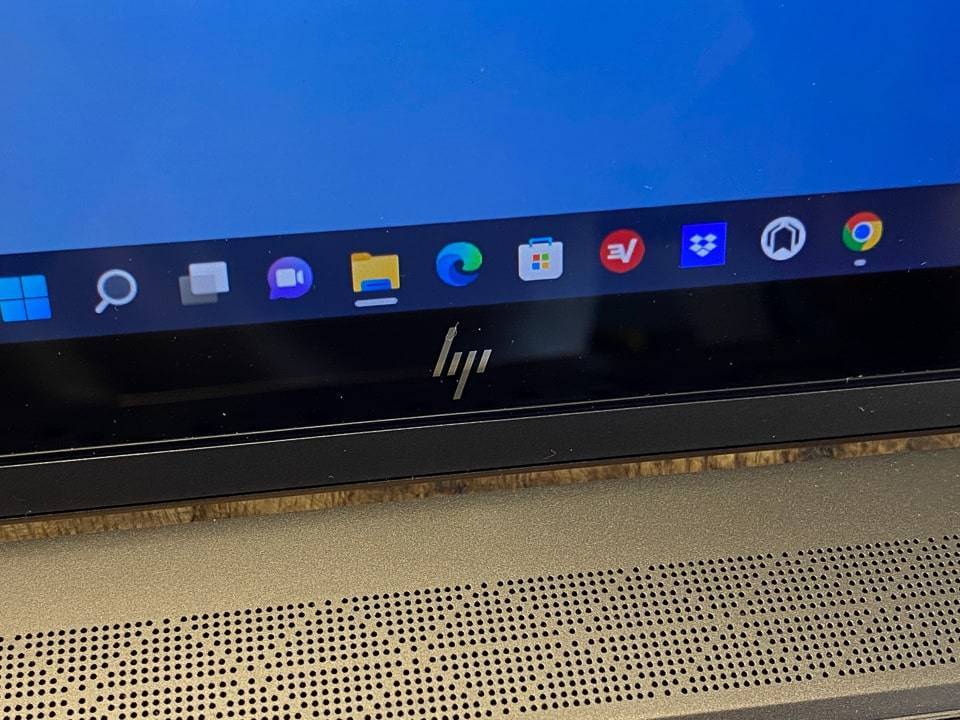


Having a very small, thin and light form factor, it’s astounding the amount of performance HP can get out of it.
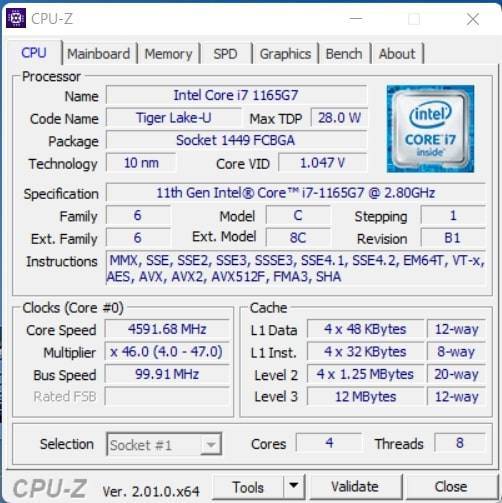
Specs:
- Intel Core i7 1165G7
- 16GB DDR4 RAM
- Intel Iris Xe Graphics


As you can expect the x360 is a convertible laptop. Flip the screen all the way around and you can lay the laptop flat and use the included stylus for drawings or notes etc.
You can also set it up like a tent and use it that way. Nothing groundbreaking but the size and weight definitely help with handling the laptop.
This laptop is meant for regular daily task and regular work activities. Don’t expect to be gaming on this thing.
Here are the benchmarks we ran:


The battery life on regular usage was pretty great. I got about 10 hours of light usage on this laptop, which got me more than through a day and a half of work. Provided I kept brightness at a regular amount and switched the screen off when not using the laptop. Standard usage for me, but good to see overall.
Display & Speakers
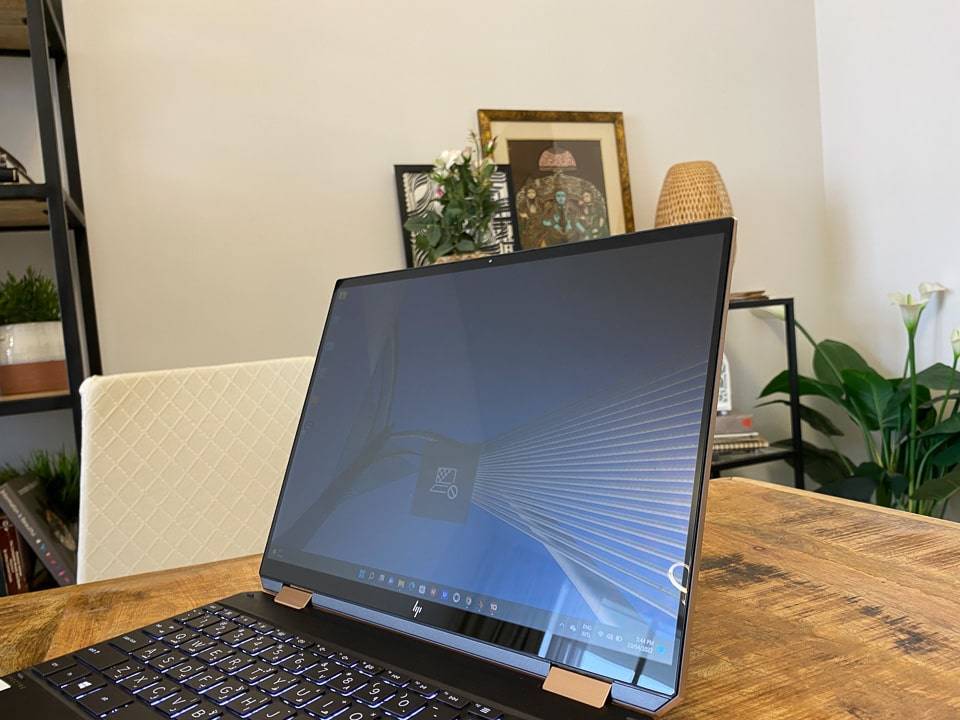
Sadly neither the Display or Speakers are anything to write home about. The display was pretty low resolution that the text looked generally blurry to me. Maybe it had something to do with the drivers not working properly or the security features HP has built into the lapto (more on that later). But the display was one of the biggest let downs.
It is a touch screen, and is bright enough indoors. Outdoors it loses most usability, though its small size doesn’t help with using it on the lap. That’s what you get with a 14” laptop, no surprise at all.
The speakers are quite decent, they get loud enough to be enjoyed in a small room. The main thing is that they are good for video calls if you don’t have any headphones around. Which is probably the intended use case. The speakers are built and tunes by BnO, which means they do sound good, but I doubt anyone will be watching movies on the Spectre x360 anyway.
Keyboard & Trackpad
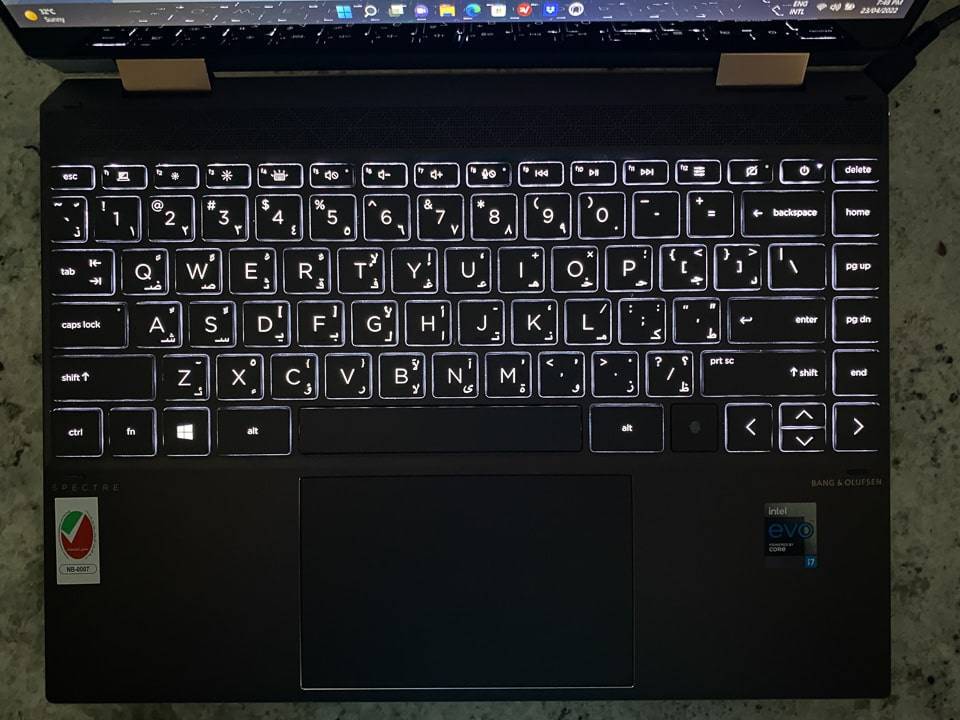
The keyboard in the HP Spectre x360 is very good, especially when you look at how thin this laptop is. The key travel is very satisfactory and key layout is also very good. Even thought I am not a fan of the big right and left arrow keys, it is still an overall good keyboard.
The backlight is nothing special, it’s relatively dim, but thankfully also doesn’t suffer too much from light bleeding out from the keys.
The trackpad sadly is not fun to use. The tracking is pretty good, but the clicking just feels horrible. Enough for me to want to stop using it all together and just move to an external mouse. This is something you would have to think about with this laptop.


Security & Privacy
The HP Spectre x360 comes with a couple of privacy focused features. The standard features like camera disabling is here, though it’s done via a dedicated keyboard button instead of a camera cover. There are more business focused features with the screen; with a press of a button, you can reduce the visibility of the screen from off center angles. HP calls this the Sure View Reflect integrated privacy screen. It works surprisingly well if you want to hide sensitive information from prying eyes.


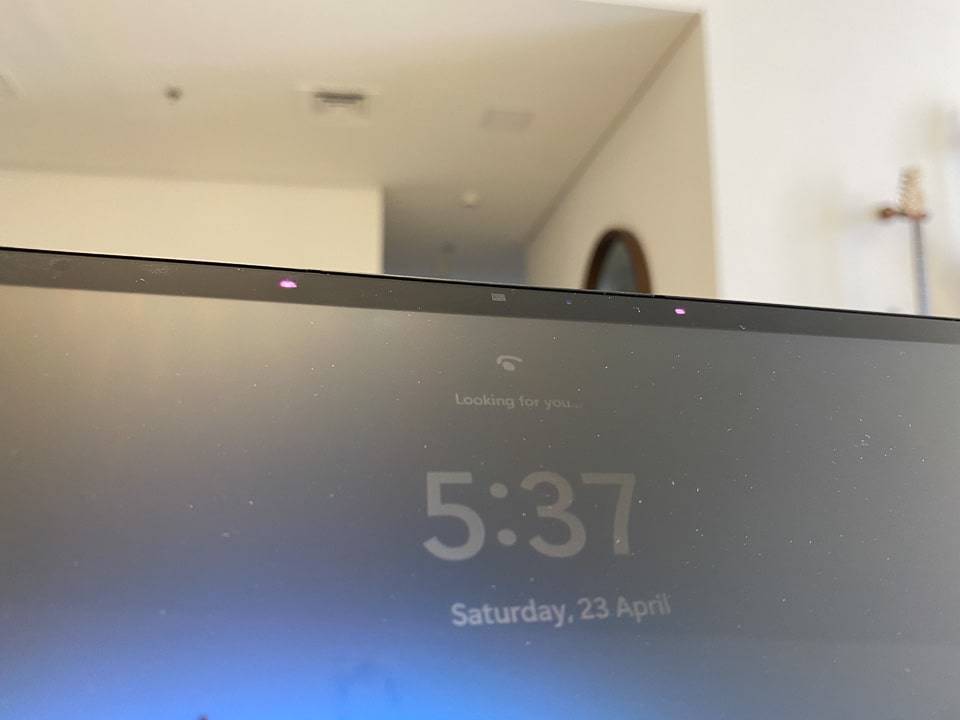
You also get the standard security features with both face and fingerprint biometrics with windows hello. Making logging in and authentication more secure and seamless..
Summary
The HP Spectre x360 is not a gaming laptop nor is it meant for heavy duty professional work. This means that while you can do light gaming, this should not be your go to option for gaming. You will also be able to do basic photo and video editing, but this will not be winning any smoothness competitions. It is a well rounded laptop that can do a bit of everything, but is meant for general work like documents, spreadsheets, web browsing. Oh and it looks pretty great too.
If a small form factor is what you are looking for, then this laptop is a great option, however I would recommend getting one with a higher resolution screen.