TL;DR: A compact, premium 96% keyboard with excellent magnetic switches, smartly placed macro keys, a surprisingly useful LCD panel, great gaming and typing performance, clean web-based software, and only a couple of quirks. One of Corsair’s most complete keyboards ever.
Corsair Vanguard Pro 96 Gaming Keyboard
There’s a rare kind of electricity that passes through your fingertips when a keyboard arrives on your desk and immediately behaves like it owns the room. Not with RGB fireworks or aggressive gamer aesthetics, but with that unmistakable energy of a device that knows exactly what it’s here to do. The Corsair Vanguard Pro 96 didn’t introduce itself with spectacle. It arrived with quiet confidence, like a seasoned protagonist sliding into the story after years of training off-screen. The moment it settled onto the desk, it radiated a presence that said: relax, you’re in good hands. And in an era where keyboards have been treated like carnival attractions — full of foam layers, gasket mounts, lighting shows, and design experiments that often end up feeling more like prototypes than actual daily drivers — the Vanguard Pro strikes a surprisingly mature tone. It doesn’t try to prove its worth through gimmicks. It demonstrates it through execution.
Corsair has been in the keyboard business long enough to have lived multiple evolutionary cycles. The early K-series years felt like someone decided to build keyboards out of repurposed tank armor. Then came the phase where lighting zones, macro columns, and endless iCUE profiles took priority over the fundamentals. Some years, Corsair delivered absolute bangers. Other years, it felt like they were running experiments to see how much RGB a motherboard could tolerate before melting. But the Vanguard Pro 96? That feels like a moment of clarity. A creative reset. A quiet flex from a team that finally decided to combine everything they’ve learned into one deliberately crafted device, without shouting about it.
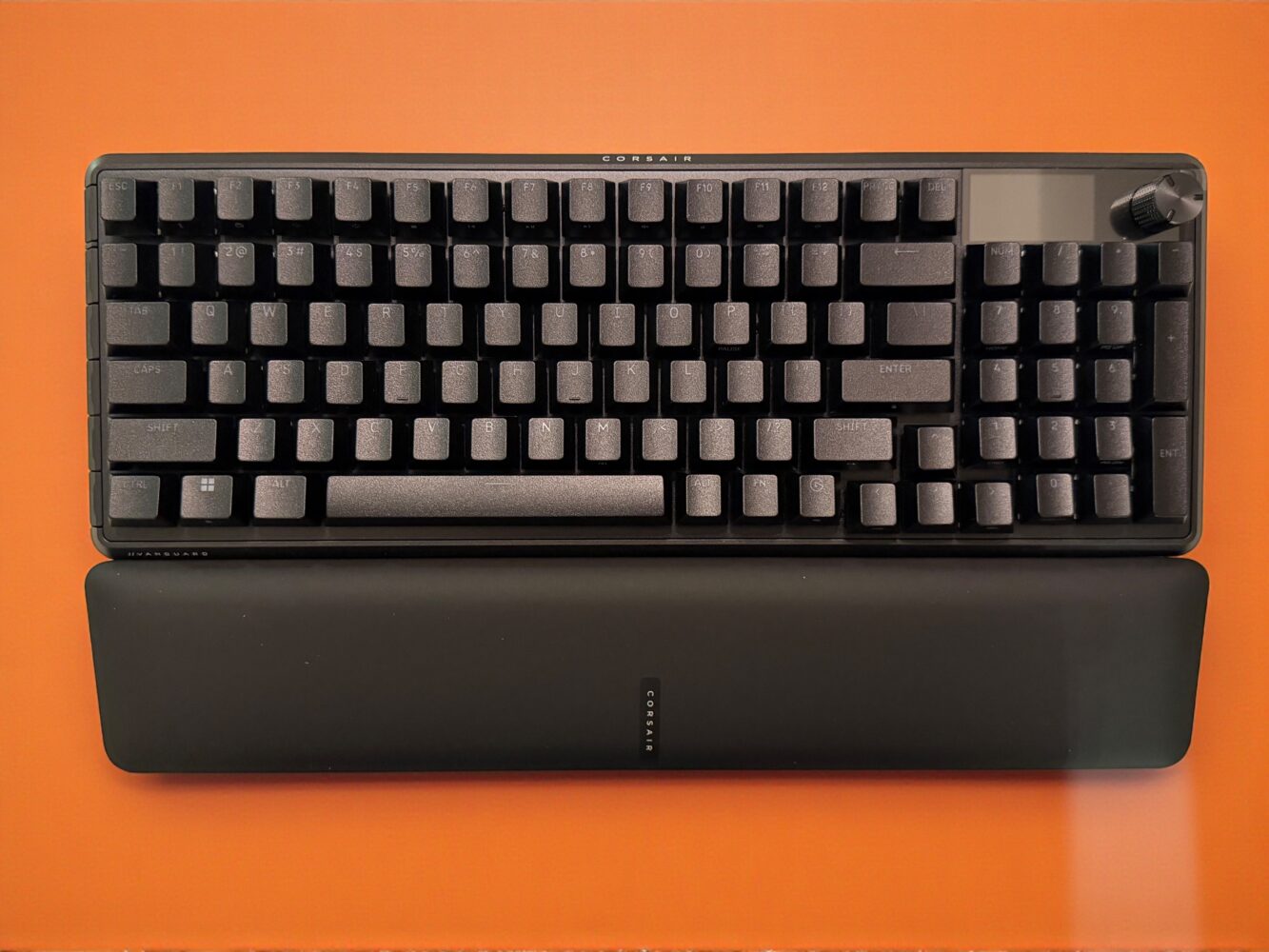
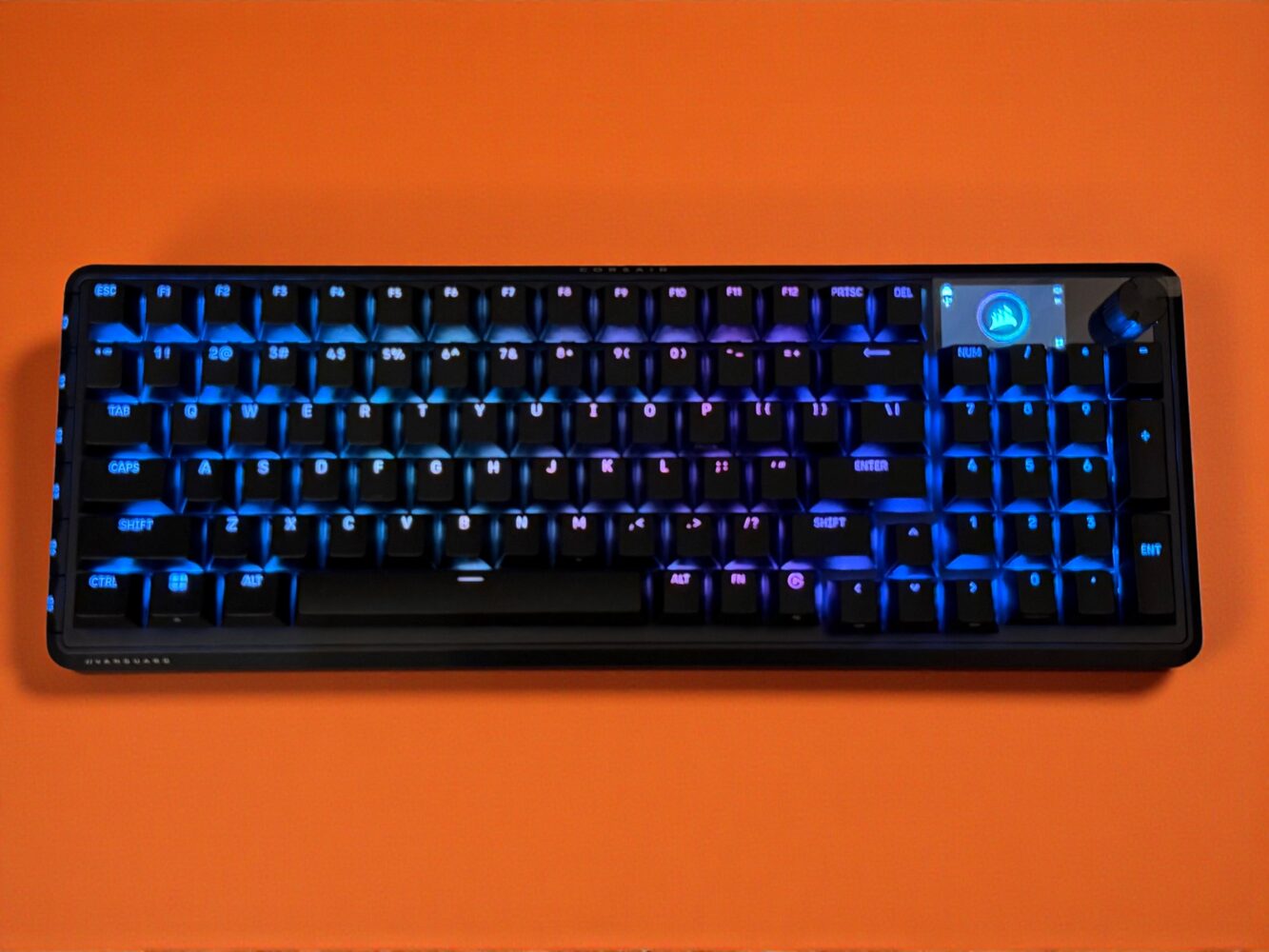
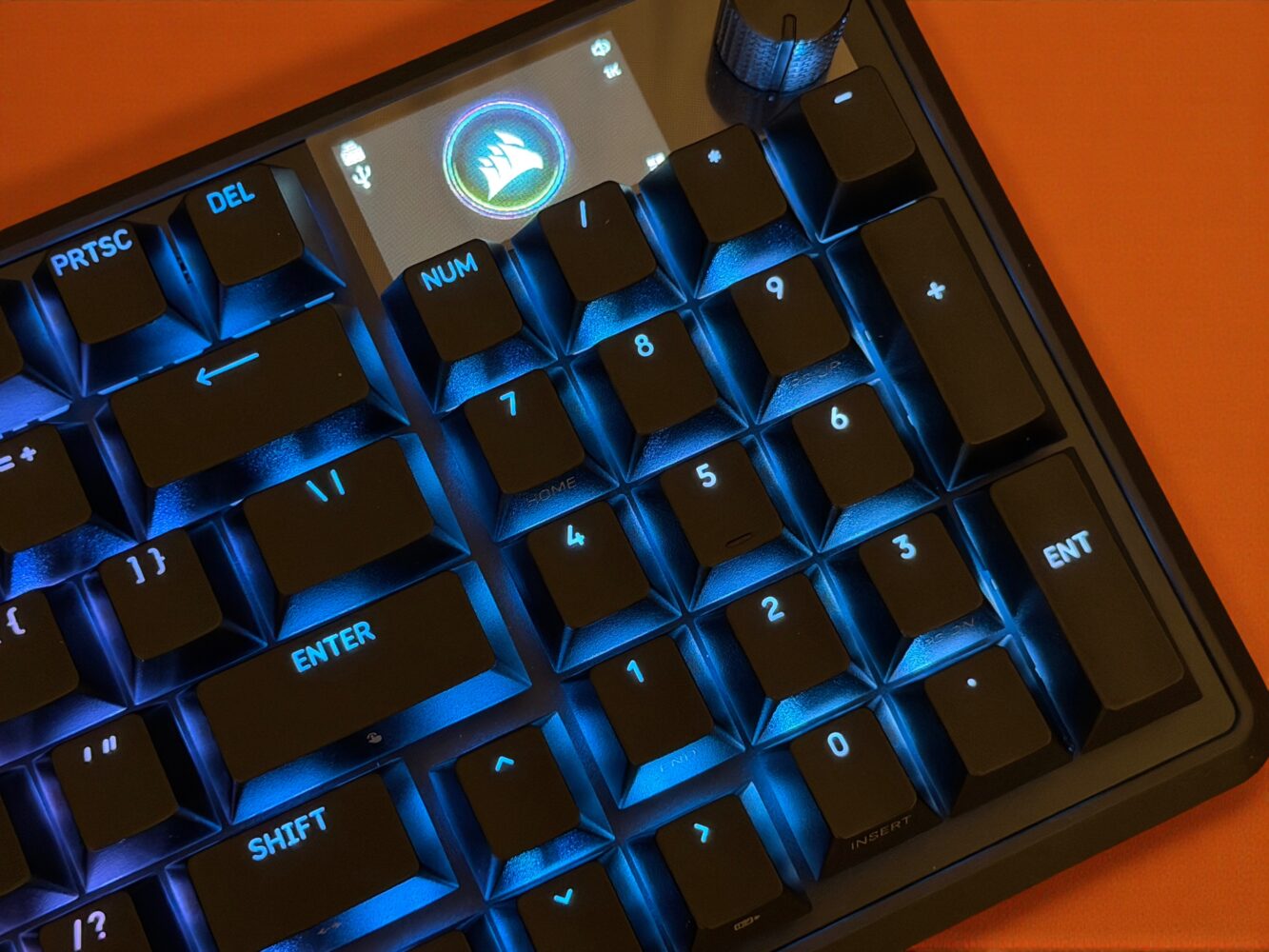
The shape is the first thing that reveals its personality. The 96% layout — a format beloved by enthusiasts yet strangely avoided by major gaming brands — gives this board a kind of compact completeness that feels like cheating. If you’ve ever used a 96%, you know exactly why this is special. You get the numpad, the arrow keys, the function row, the navigation cluster, everything you’d expect from a full-size board, but in a footprint that feels more like a TKL on a diet. It’s the layout that gives you your desk back without demanding sacrifice. I first fell for this format through the Keychron K4 years ago, and for a long time, I wondered why companies like Corsair, Razer, and SteelSeries were ignoring this sweet spot. When the Vanguard Pro 96 arrived, it felt like Corsair had suddenly discovered a genre of music everyone else had been raving about for years. The enthusiasm shows. The layout is tight, efficient, and beautifully balanced. Nothing feels cramped. Nothing feels missing. It’s a rare moment when a gaming brand adopts an enthusiast-approved layout and actually nails it on the first try.
What surprised me next wasn’t the build quality or the RGB or the magnetic switches. It was the tiny LCD panel tucked into the top-right corner like a minimalist dashboard. Historically, keyboard screens have been disasters. They’re laggy, overly bright, cluttered with useless animations, or clearly added just to pad the spec sheet. But this little screen is different. It’s restrained. It’s polite. It shows system info, profiles, and brightness levels with the subtlety of a high-end car’s digital cluster. Navigating it isn’t instantly intuitive — FN plus F12 takes a bit of time to internalize — but once it settles into muscle memory, it becomes surprisingly natural. It doesn’t scream for attention. It just quietly serves its purpose.
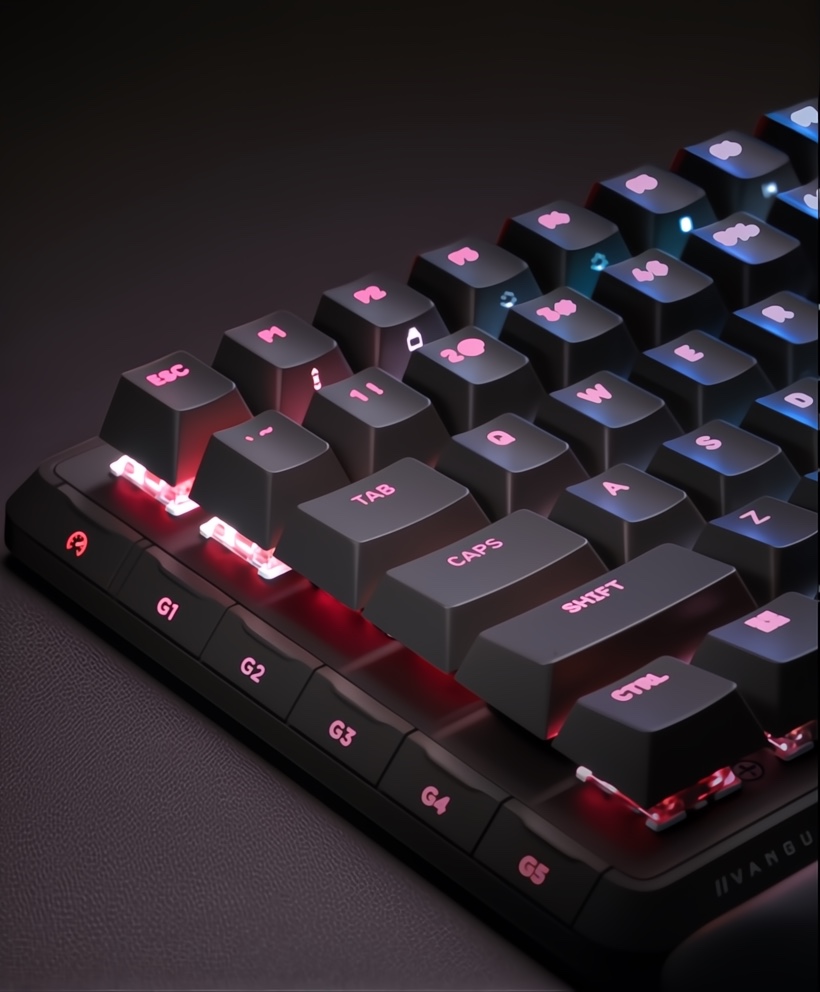
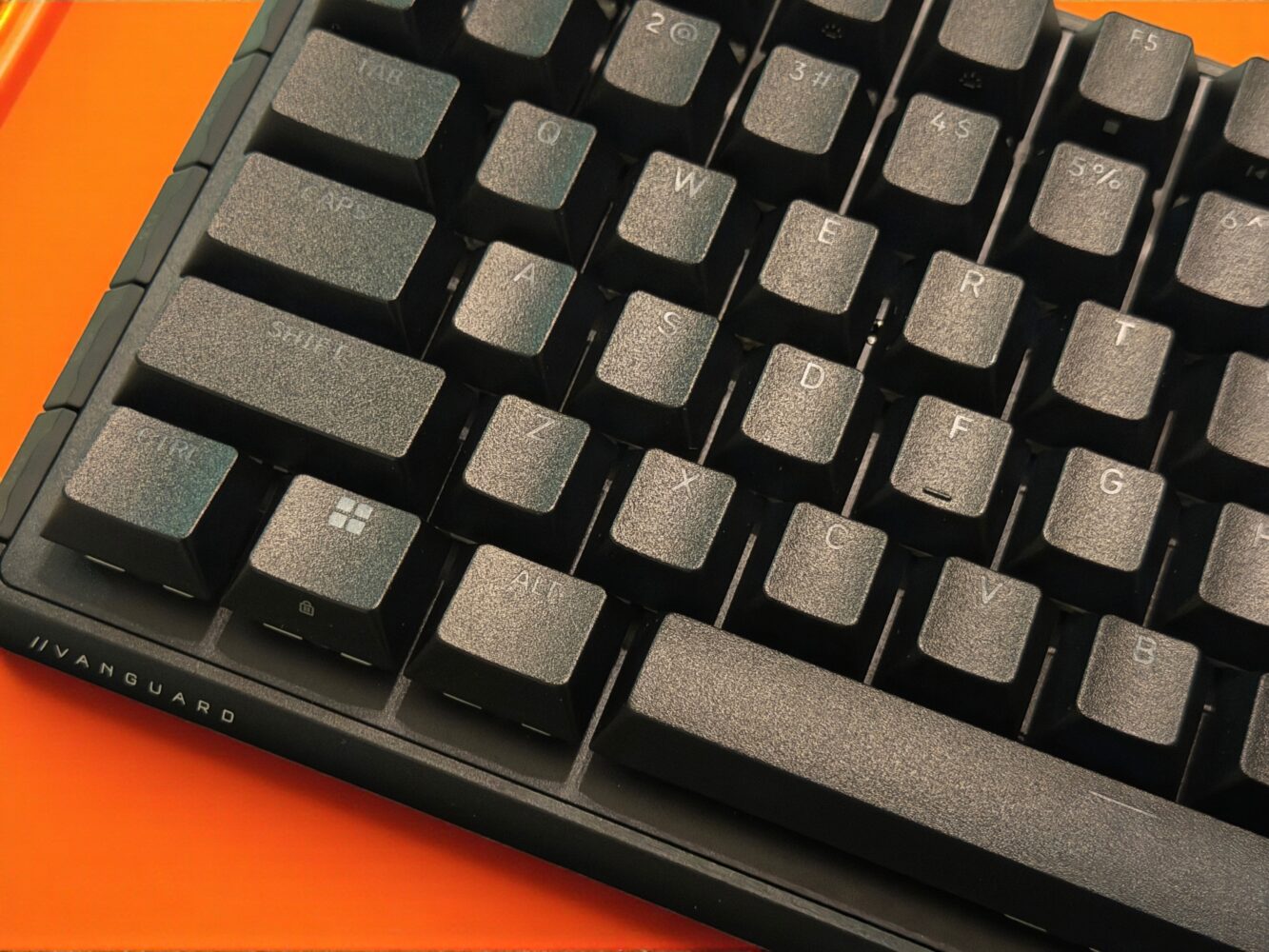
And then there are the macro keys, which might be the single smartest design choice Corsair has made in years. For too long, macro keys have been synonymous with bloated left-side columns that jut out of the board like a tumor, daring you to mispress them in the middle of a tense match. They were useful in theory but disastrous in ergonomics. The Vanguard Pro 96 reinvents them. Instead of clinging to the past, Corsair angles the G1-to-G5 macro keys outward, almost like a friendly hand offering shortcuts instead of throwing them in your way. The angle makes a world of difference. They become easy to reach, hard to misactivate, and genuinely useful in both fast-paced games and productivity workflows. It feels like the first time macro keys were designed by a gamer rather than an engineer trying to justify a feature list.
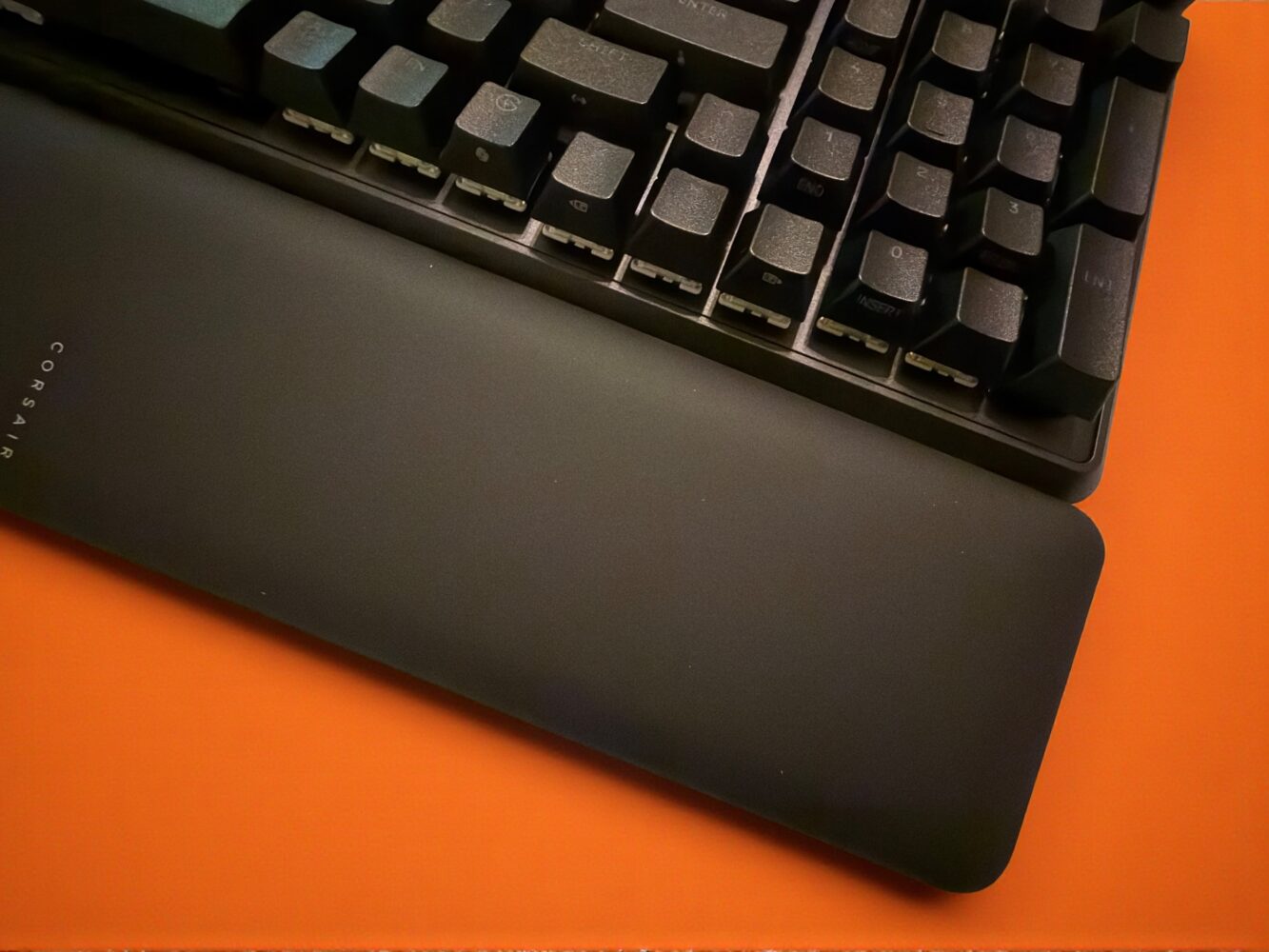
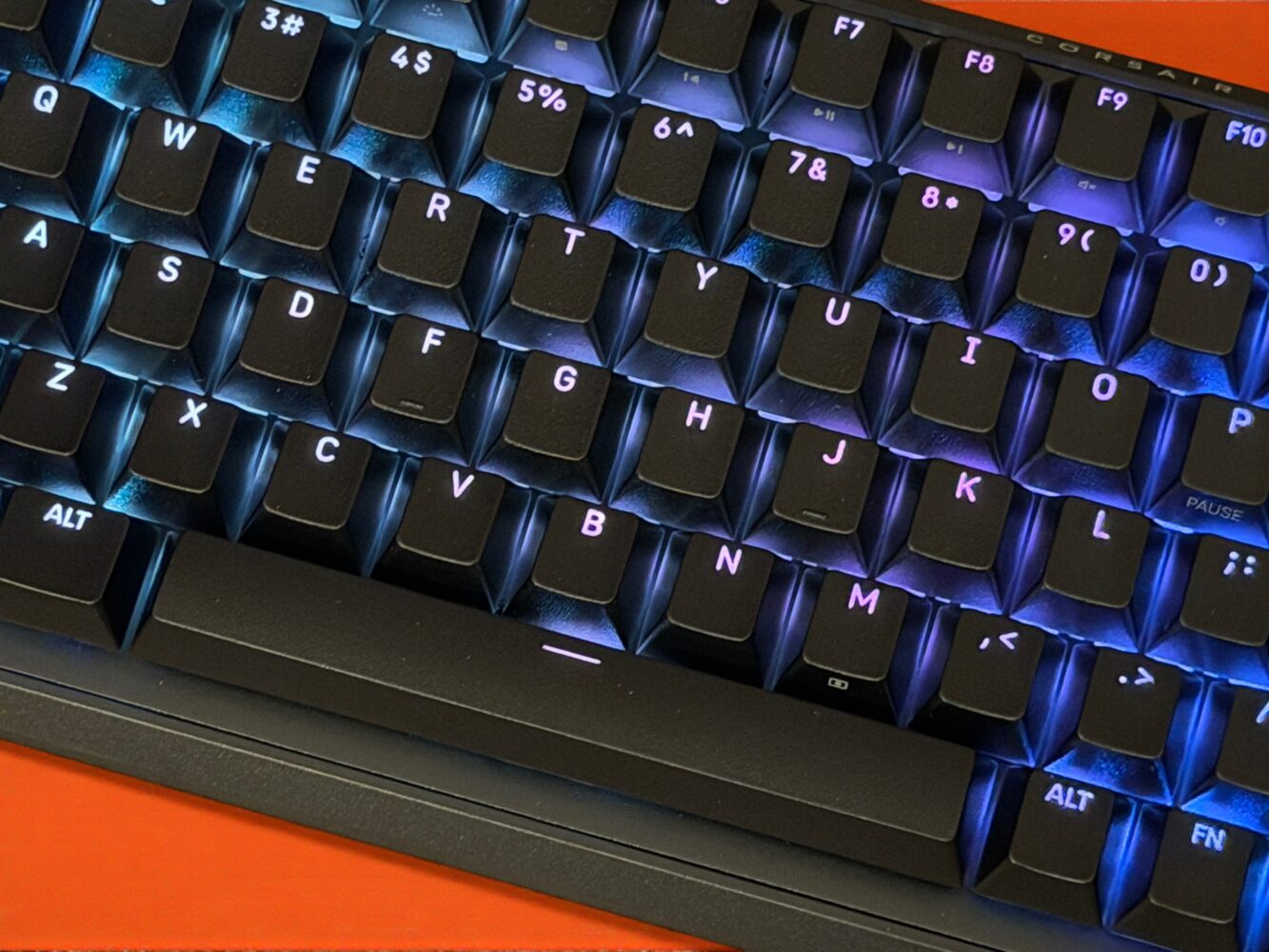
But every good keyboard needs a heartbeat, and this one beats through Corsair’s MGX magnetic switches. Magnetic switches — Hall Effect sensors that measure key position using magnets rather than physical contact — have been rising in popularity thanks to companies like Wooting. They offer tunable actuation, smoother travel, and longer life spans. But Corsair’s implementation stands out because it sits right between enthusiast-grade refinement and gamer-focused performance. The switches feel silky, snappy, and consistent across the board. They’re not as overly sensitive as some Hall Effect switches can be, nor as stiff as older mechanical systems. They hit a rare balance that lets them excel equally in typing and gaming.
The magic, of course, comes from the adjustability. Being able to set the actuation anywhere from 0.1mm to 4.0mm is like unlocking a new difficulty mode for your own fingers. For fast-paced shooters, lowering the point feels like upgrading your reflexes. In Counter-Strike 2, feathering movement keys becomes smoother. Strafing feels more controlled. Jump timings click with precision. It almost feels unfair. Meanwhile, in MMOs like Final Fantasy XIV, where accidental inputs can throw entire rotations off balance, raising the actuation point turns the keyboard into a stable foundation for complicated sequences. The macro keys join the choreography too, turning into reliable anchors for combos, spells, and bursts that require flawless timing.
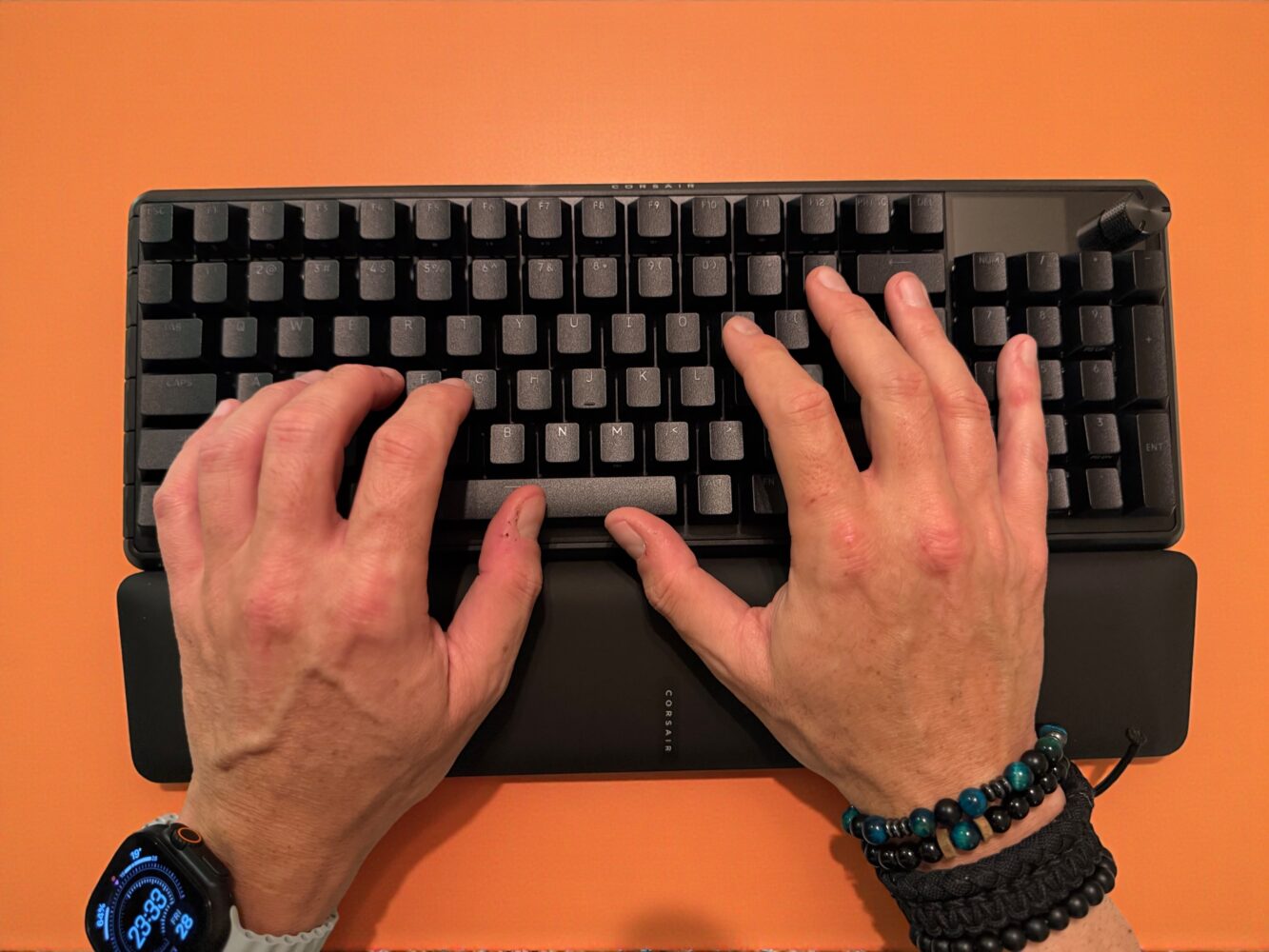
Switch feel is something many people underestimate until they use a keyboard for hours at a time. The Vanguard Pro 96 shines in daily use because it finds that elusive middle ground — the place between loud and quiet, soft and firm, fast and comfortable. The switches don’t fatigue your hands, even during long writing sessions. The sound profile is gentle, muted, and refined, without falling into mushiness. It’s a smooth, controlled experience that feels like a deliberate design choice.
Of course, a keyboard with this much polish isn’t free from quirks. The cable routing is one of the strangest I’ve seen in years. Instead of a clean, exposed USB-C port, the connector sits deep inside the underside of the board, forcing you to thread the cable through channels like you’re reloading a retro camcorder. It’s not a dealbreaker, but it’s undeniably odd. And while being wired-only certainly guarantees consistent performance, it feels a bit nostalgic — maybe too nostalgic — in a market where every premium board now includes low-latency wireless. The Vanguard Pro seems to embrace its wired identity proudly, but it still limits flexibility and portability.
Then there’s the software, which in a plot twist nobody expected, becomes one of the keyboard’s strongest features. Corsair’s old software reputation wasn’t exactly flattering. iCUE was legendary for its size, resource usage, and tendency to install itself like a permanent resident of your task manager. But the Vanguard Pro 96 works with Corsair’s Web Hub, a browser-based interface that is everything iCUE wasn’t: lightweight, clean, fast, and shockingly pleasant. You open a webpage, adjust your lighting, macros, and actuation, hit save, and you’re done. No installation. No startup processes. No background services quietly nibbling at your CPU. It feels like Corsair finally listened to the complaints and reinvented their approach to software entirely.
When you combine all of these elements — the compact layout, the macro key redesign, the tunable magnetic switches, the LCD panel, the sturdy aluminum frame, the refined typing experience, and the lean software — the keyboard begins to feel cohesive. Balanced. Thoughtfully constructed. There’s no single feature stealing the show. Instead, every piece contributes to a greater whole. The Vanguard Pro 96 doesn’t try to reinvent the wheel; it simply collects every good wheel from the past decade of keyboard innovation, refines them, and assembles them into a machine that feels purpose-built for modern gamers and typists.
After days of living with this keyboard — gaming on it, working on it, typing long reviews on it, and occasionally catching myself admiring it — an unexpected sense of confidence settled in. Confidence that Corsair has reentered the conversation with real momentum. Confidence that this wasn’t a lucky experiment but a carefully considered return to form. Confidence that Corsair is capable of building keyboards that stand shoulder-to-shoulder with what enthusiasts want and what mainstream gamers actually use. And most importantly, confidence that this is a keyboard I can recommend without hesitation.
The Vanguard Pro 96 isn’t just good. It isn’t just premium. It isn’t just competitive. It feels complete. Complete in a way Corsair hasn’t achieved in a while, and complete in a way that many keyboards — even enthusiast boards — struggle to deliver. It becomes an extension of your hands during gameplay. It becomes a comfortable, stable writing tool during long work sessions. It becomes a clean aesthetic element on your desk, quietly radiating competence. And it does all of this without demanding attention through flashy gimmicks or gratuitous design flourishes.
Corsair didn’t reinvent anything here. They simply perfected what already works. And that, strangely enough, is the most refreshing thing a gaming keyboard can do in 2025. The Vanguard Pro 96 doesn’t need to shout. It simply performs. It stands among the most complete keyboards Corsair has ever made — and one of the most complete keyboards I’ve used, period.