
TL;DR: Screenbox is the media player VLC should’ve evolved into — modern, fluent, fast, and delightfully usable. It won’t replace every VLC power feature, but for everyday playback, it’s the new king of Windows.
Screenbox
When the Orange Cone Finally Shows Its Age
I’ve loved VLC longer than I’ve loved some of my closest friends. For nearly two decades, the iconic orange cone has played every broken video file, badly encoded anime episode, and family recording that no other app dared touch. But somewhere along the way, VLC’s interface stopped looking retro and started looking… prehistoric. Like Windows XP menu bars got trapped in a time capsule and escaped into Windows 11.
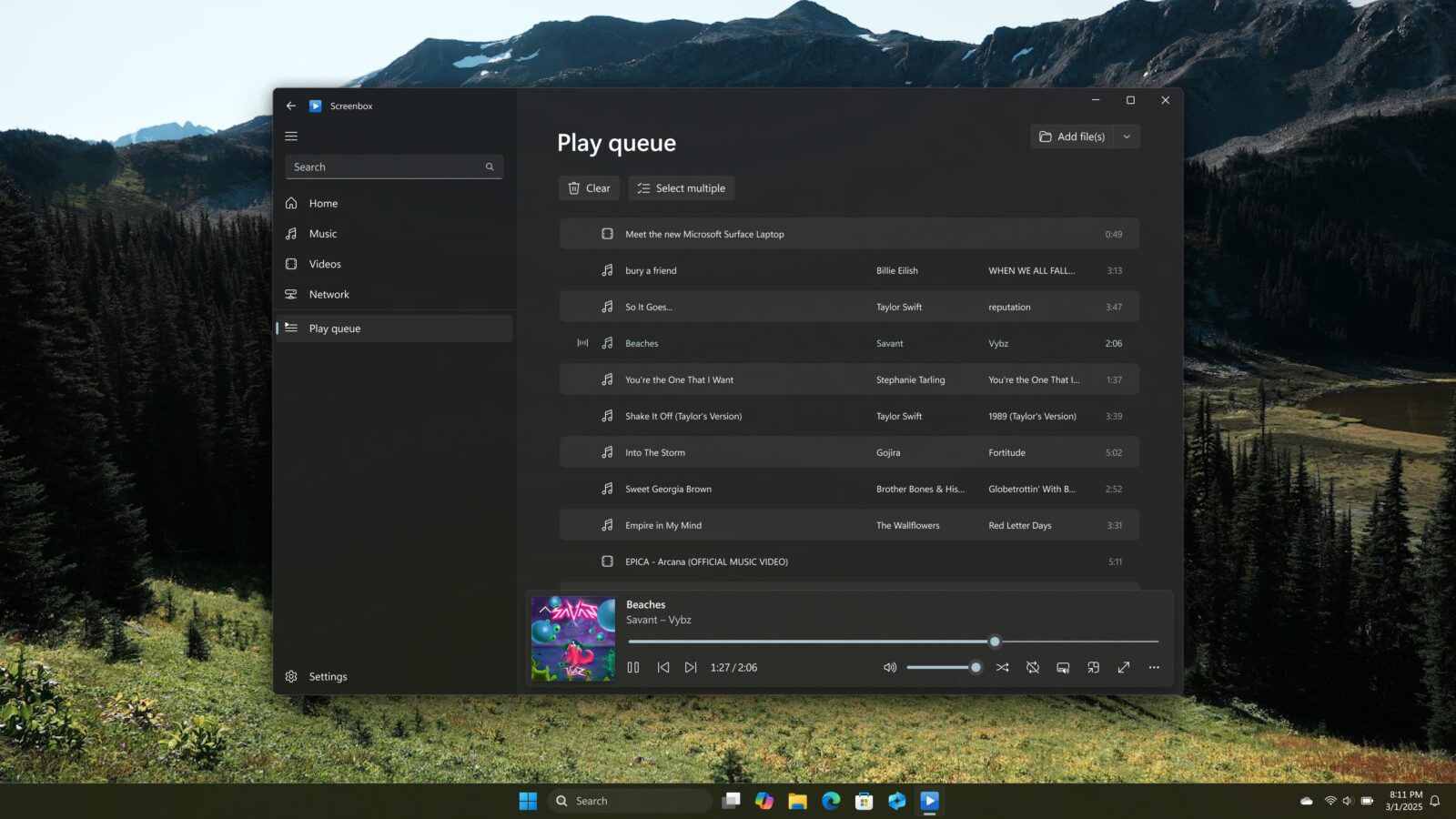
So when I stumbled onto Screenbox, a modern media player that feels like VLC after a spa day and a UI/UX exorcism, I felt that familiar “oh no, I’m cheating on a classic” guilt. But the more I used it, the more it became obvious: this is the app VLC could’ve become if VideoLAN embraced design evolution instead of just codec domination.
And yes, Screenbox is the primary keyword here, but trust me — the hype is real.
The Fluent-Design Glow-Up VLC Never Got
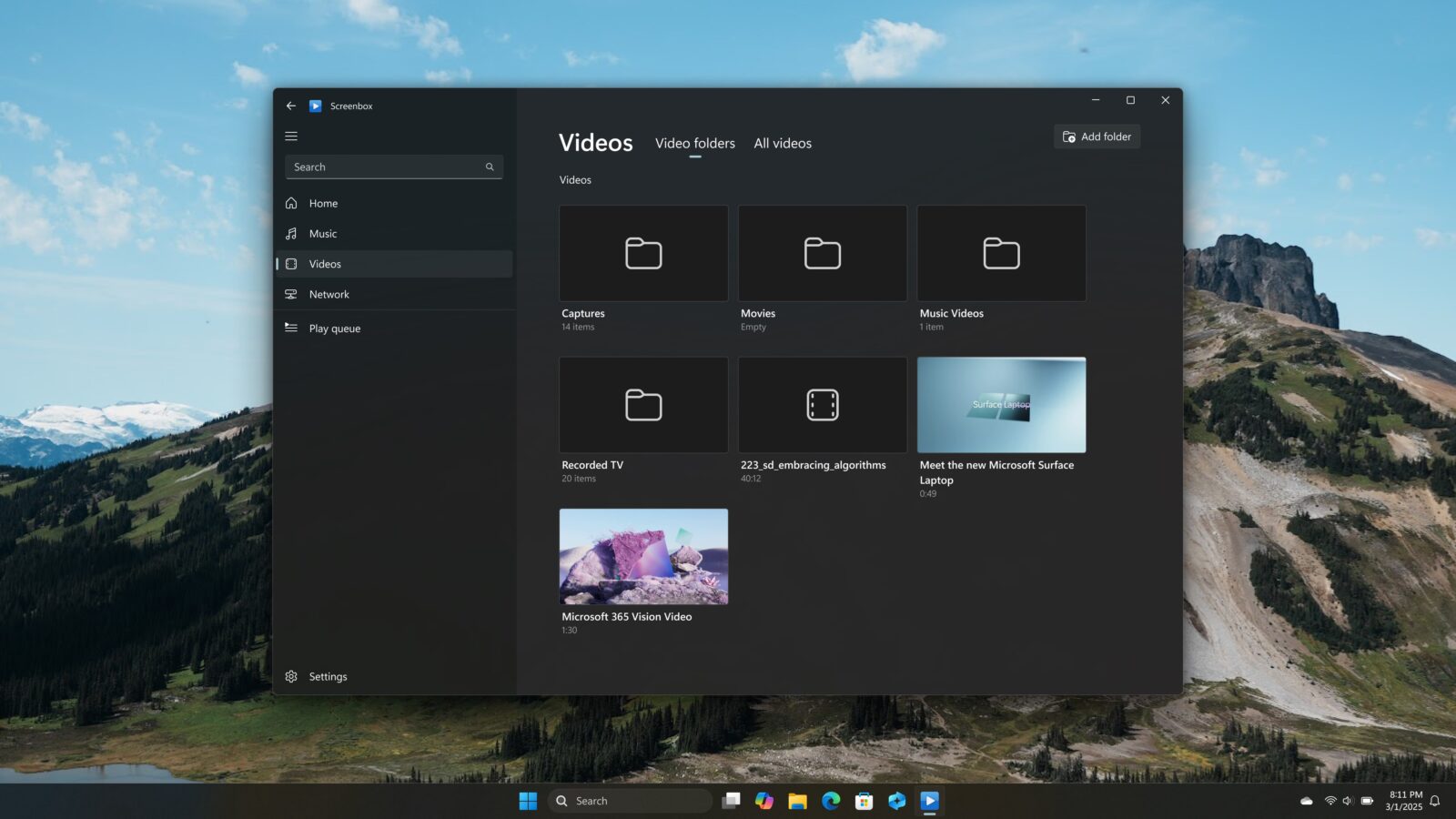
Launching Screenbox is like stepping into a universe where Windows apps actually follow Microsoft’s design rules. Smooth animations. Soft shadows. A UI so clean it makes VLC’s toolbars look like abandoned industrial machinery.
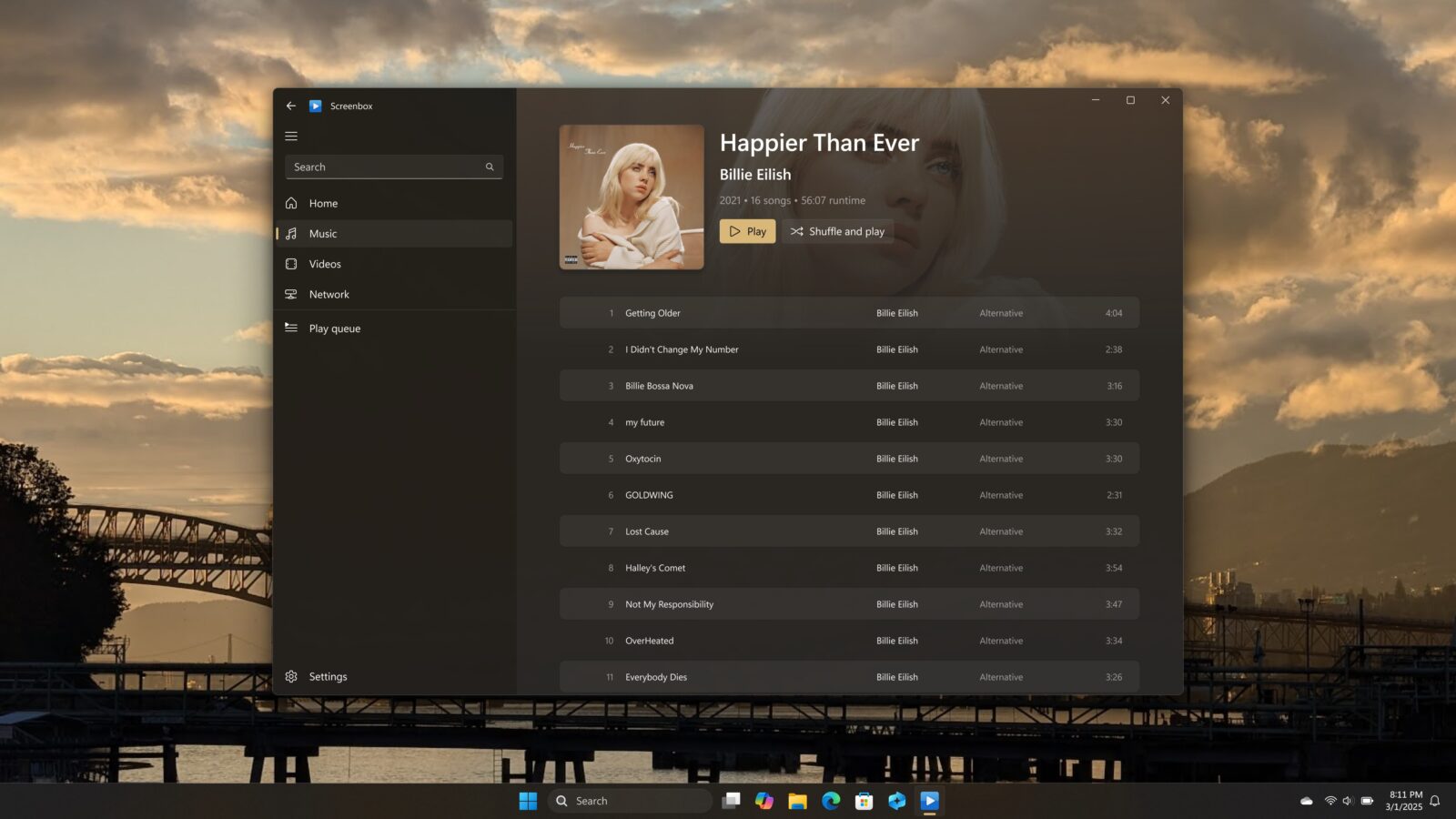
Everything is where it should be — not buried in some dropdown menu that’s been sitting untouched since 2003. Controls fade in elegantly and step aside when your video takes center stage. The sidebar organizes your media library with thumbnails and metadata that actually feel intentional, not like a spreadsheet about to file your taxes.
It’s VLC… but if Cortana, Fluent Design, and common sense raised it from birth.
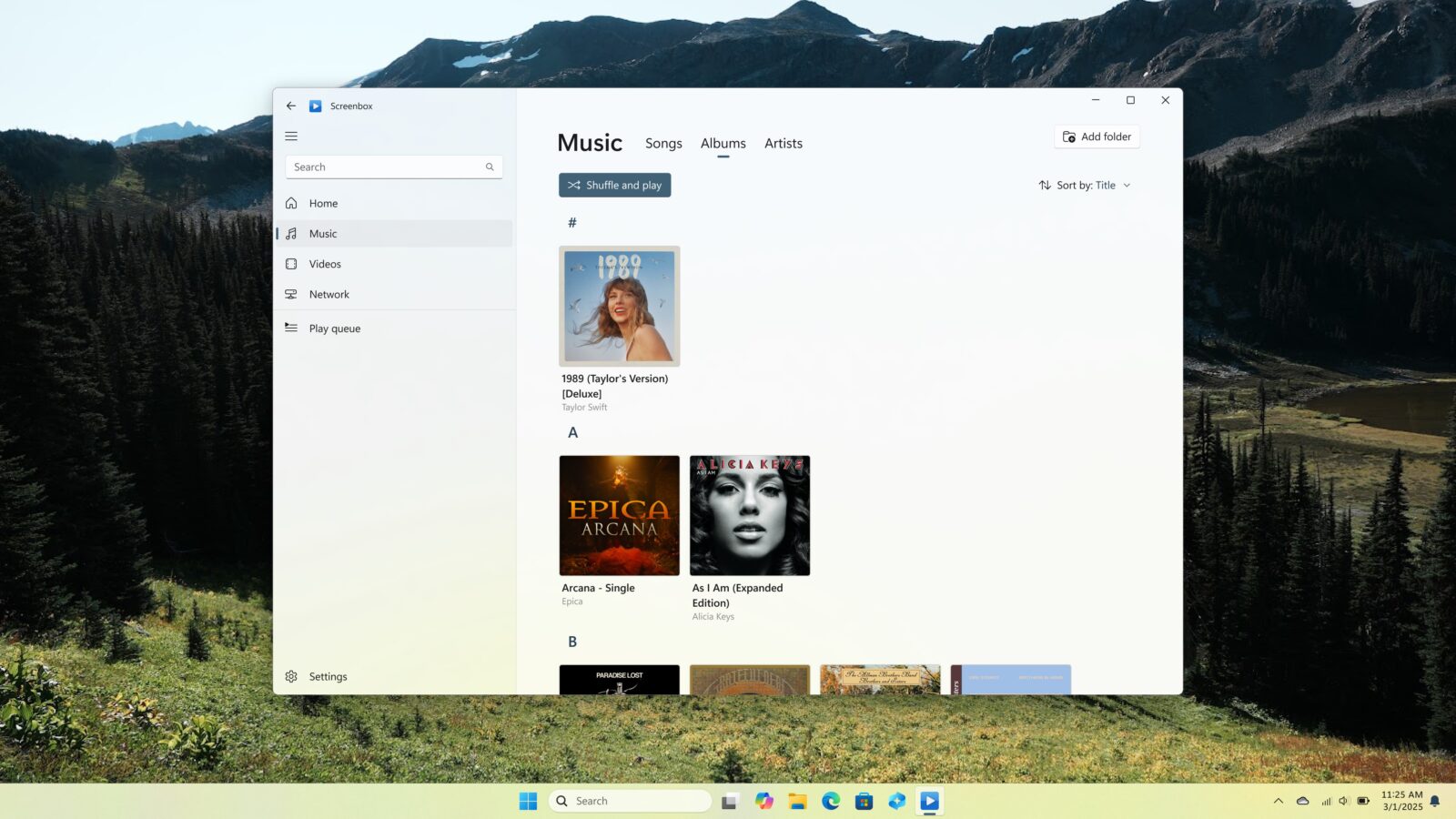
Playback: Smooth, Fast, and Shockingly Polished
This is where Screenbox stops being a pretty face and starts flexing. It fires up videos instantly with the kind of confidence usually reserved for cloud gaming ads. Aspect ratios snap into place. The context menu gives you everything you’d expect — subtitles, playback speeds, screenshot capture — without drowning you in options only three power users on Earth understand.
Then there are the gestures. Swipe up/down for volume. Swipe sideways to seek. On a Surface, it feels natural; on a laptop, it feels luxurious. Keyboard shortcuts default to YouTube-style mappings, which makes Screenbox feel instantly familiar.
And can we talk about Picture-in-Picture? Because unlike most Windows apps that treat PiP like an afterthought, Screenbox makes it buttery smooth and stupidly convenient. Cooking tutorial in one corner, your disastrous real-life attempt in the other — bliss.
Formats, Codecs, and the VLC DNA
Here’s the twist: Screenbox looks modern, but underneath, it’s powered by LibVLC, the same codec powerhouse that gives VLC its legendary compatibility. That means:
– Your weird FLV?
– Your ancient AVI?
– Your 4K HDR BitTorrent test file you “downloaded for benchmarking”?
Screenbox eats them all without flinching.
Hardware acceleration is here. Super-resolution upscaling is here. Resume-play prompts are here. It’s all the stuff VLC does great — just wrapped in an interface that doesn’t make you feel like you’re editing a DVD in 2007.
What Screenbox Doesn’t Do (Yet)
Here’s where VLC still flexes its old-school muscle.
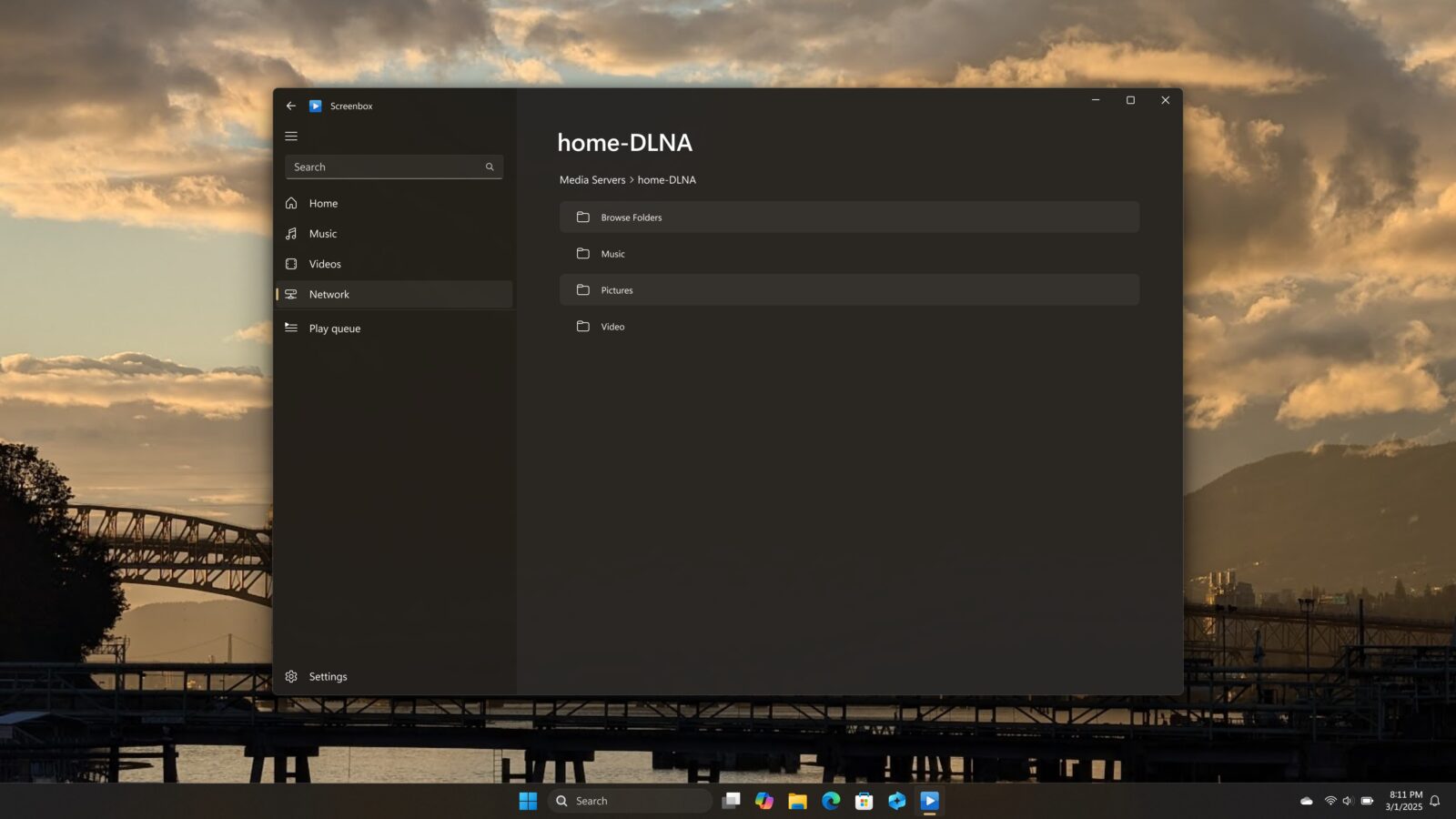
Screenbox doesn’t have:
– A video converter
– An audio equalizer
– A URL streaming tool
– VLC’s encyclopedia-sized settings panel
For power users who treat VLC like a Swiss Army knife, Screenbox might feel a bit young. But for 95% of people? It’s already more than enough.
The Verdict — Should Screenbox Replace VLC?
If VLC is your comfort food, Screenbox is the surprise gourmet version that doesn’t ask you to abandon your roots — just to consider better seasoning.
It’s modern, clean, ridiculously smooth, and respectful of your time. It’s not trying to be a power-user laboratory — it’s trying to be a great media player for 2025 and beyond.
Yes, I’m serious. VLC will always have a place in my heart, but Screenbox just stole the seat next to it.