TL;DR: iPadOS 26 is the update where the iPad grows up. Gorgeous design, actual multitasking, and Mac-like apps make it the closest the iPad has ever been to replacing a laptop. Still not macOS, but closer than ever.
iPadOS 26
I’ve had a complicated relationship with the iPad. For over a decade, it’s been the gadget I couldn’t quite quit but also couldn’t quite take seriously. The device that always seemed like it was just one software update away from being great. The kid sibling of the Mac, forever insisting it was old enough to stay up past midnight, but falling asleep halfway through the movie. Useful, yes. Fun, sure. But a “real computer”? Not so much.
Until now.
iPadOS 26 is the update where the iPad finally feels like it knows what it wants to be. And what it wants to be is a Mac that still happens to be a tablet. Not in the half-hearted “maybe this could replace your laptop if you lower your standards” way Apple used to push. No. This time, the iPad has grown up, pulled on its big-kid pants, and declared itself ready for actual work. And against all odds, I believe it.
Let me back up.
The Glow-Up: Liquid Glass
Every few years, Apple gets itchy about aesthetics. It happened with skeuomorphism, with flat design, with widgets on the Home Screen. This year’s makeover is called Liquid Glass, and it’s exactly what it sounds like: the whole iPadOS interface now looks like it’s been dipped in high-end glassware. Buttons shimmer, menus blur, app icons look like someone hand-polished them before serving them on a velvet tray.
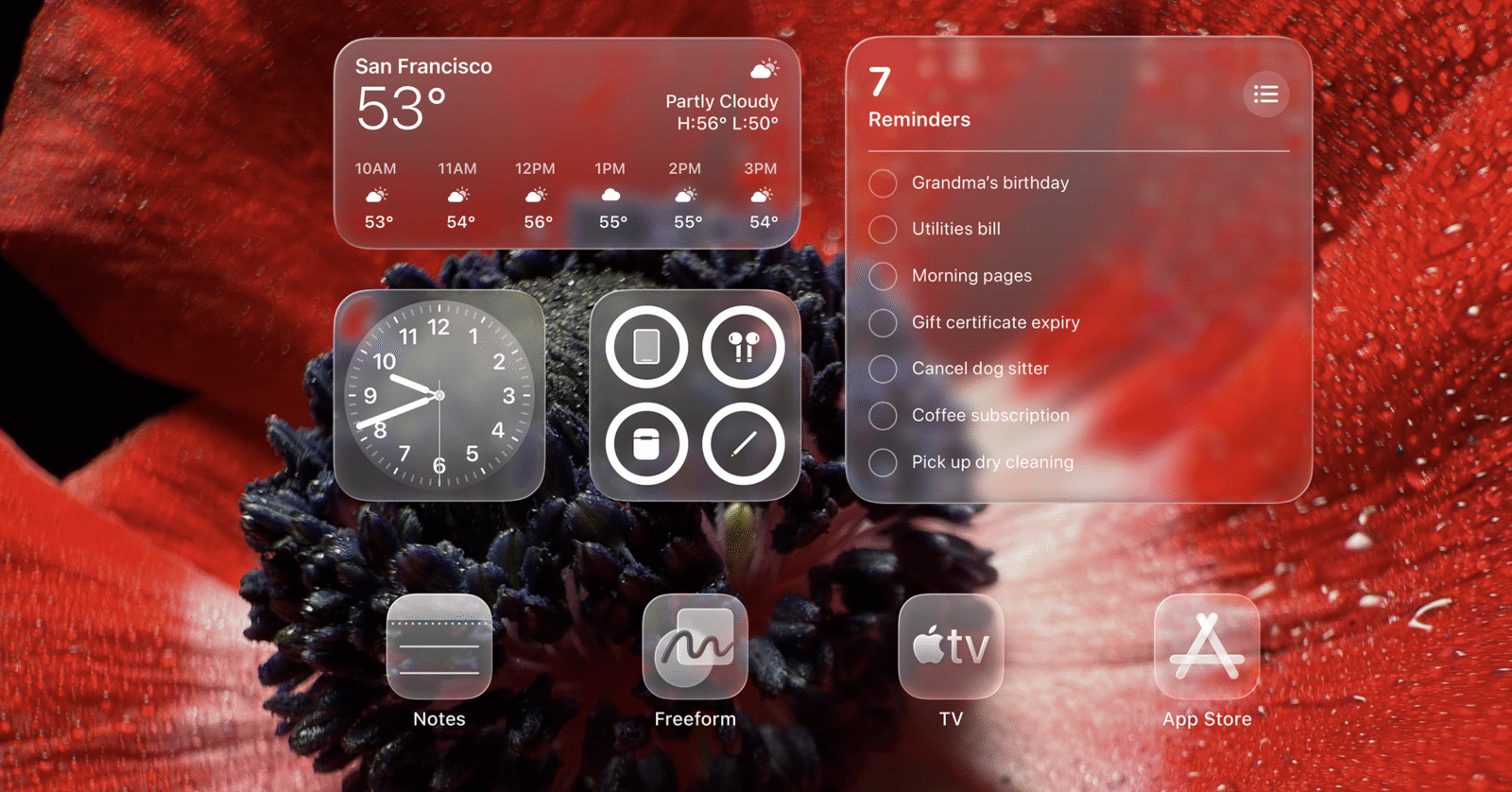
It’s gorgeous. It’s also extra. Sometimes it feels like Apple cranked the Photoshop blur filter to 11 just to prove they could. Watching menus glide across backgrounds with a glossy translucency can be stunning, but occasionally I get the same feeling I did when Instagram filters were new — impressed at first, then slightly annoyed.
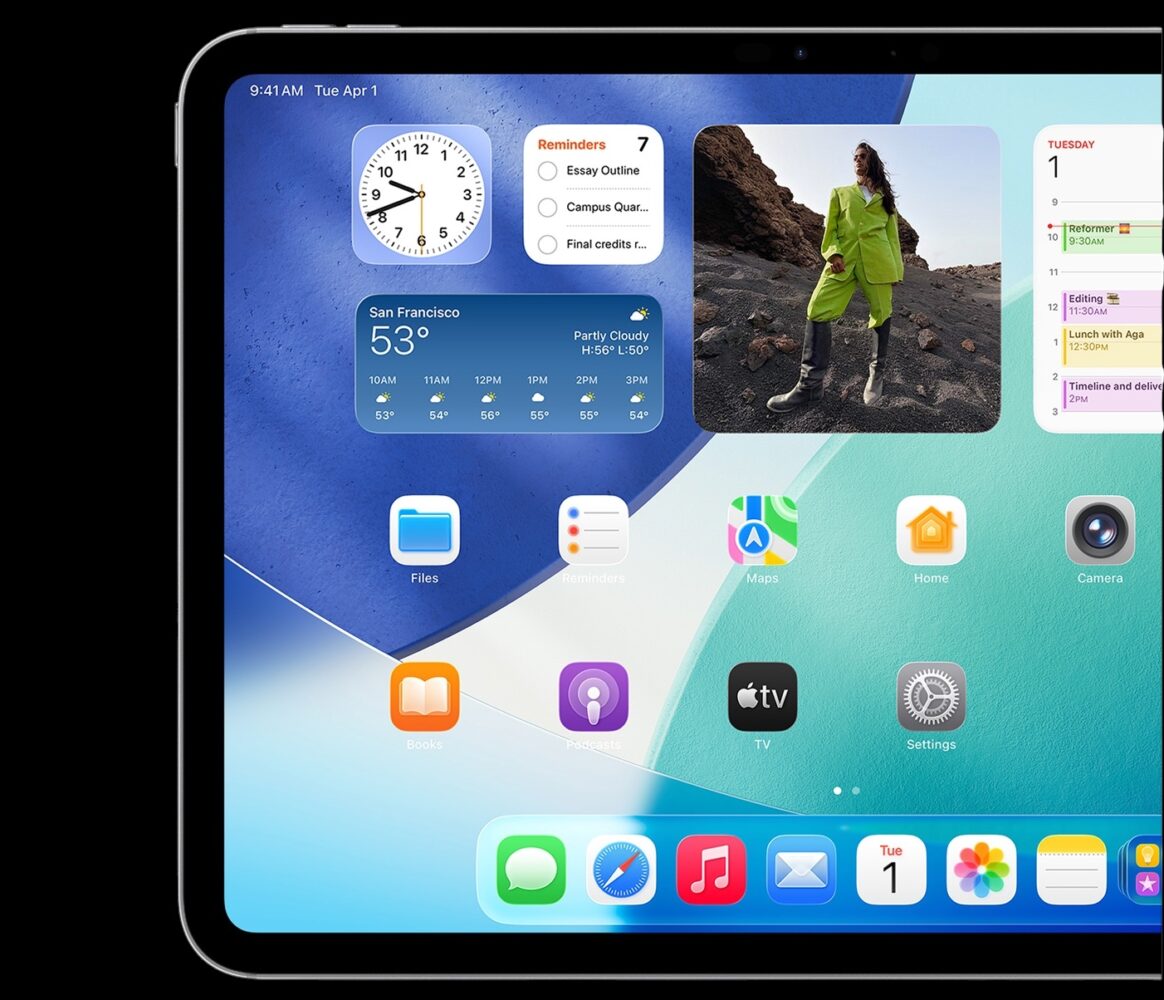
But let’s be real: the old iPadOS look was aging like milk left in a hot car. So even if Liquid Glass is a little much, it’s a refreshing “much.” Think of it as the difference between watching your favorite show on a scratched DVD versus streaming it in 4K HDR. Did I need the upgrade? No. Am I complaining now that I have it? Absolutely not.
Multitasking: The Moment We’ve Been Waiting For
For years, iPad multitasking has been like an IKEA futon: technically a sofa bed, but uncomfortable in either configuration. Split View was clunky. Slide Over was a joke. Stage Manager felt like a beta feature someone forgot to remove from the final release.
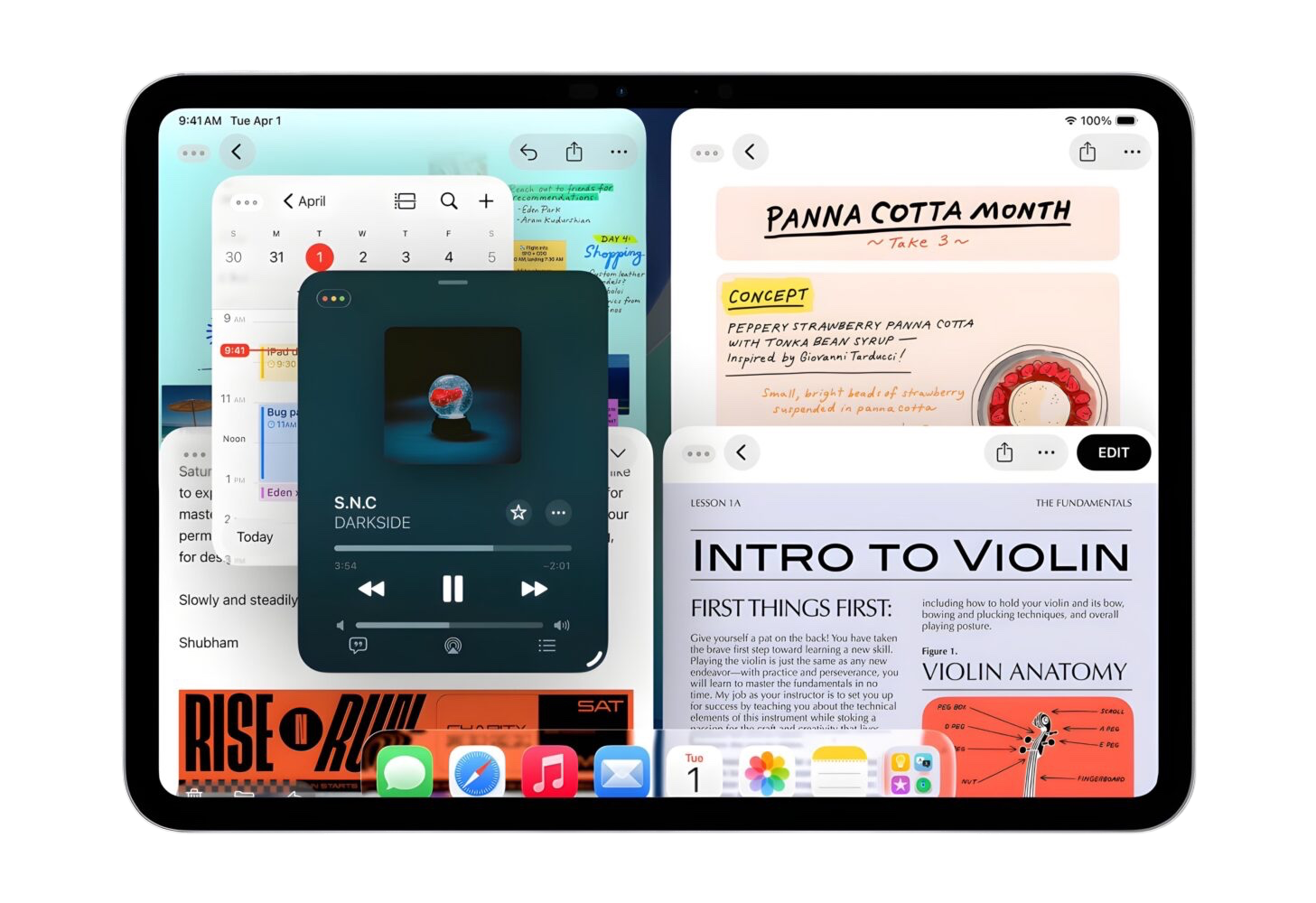
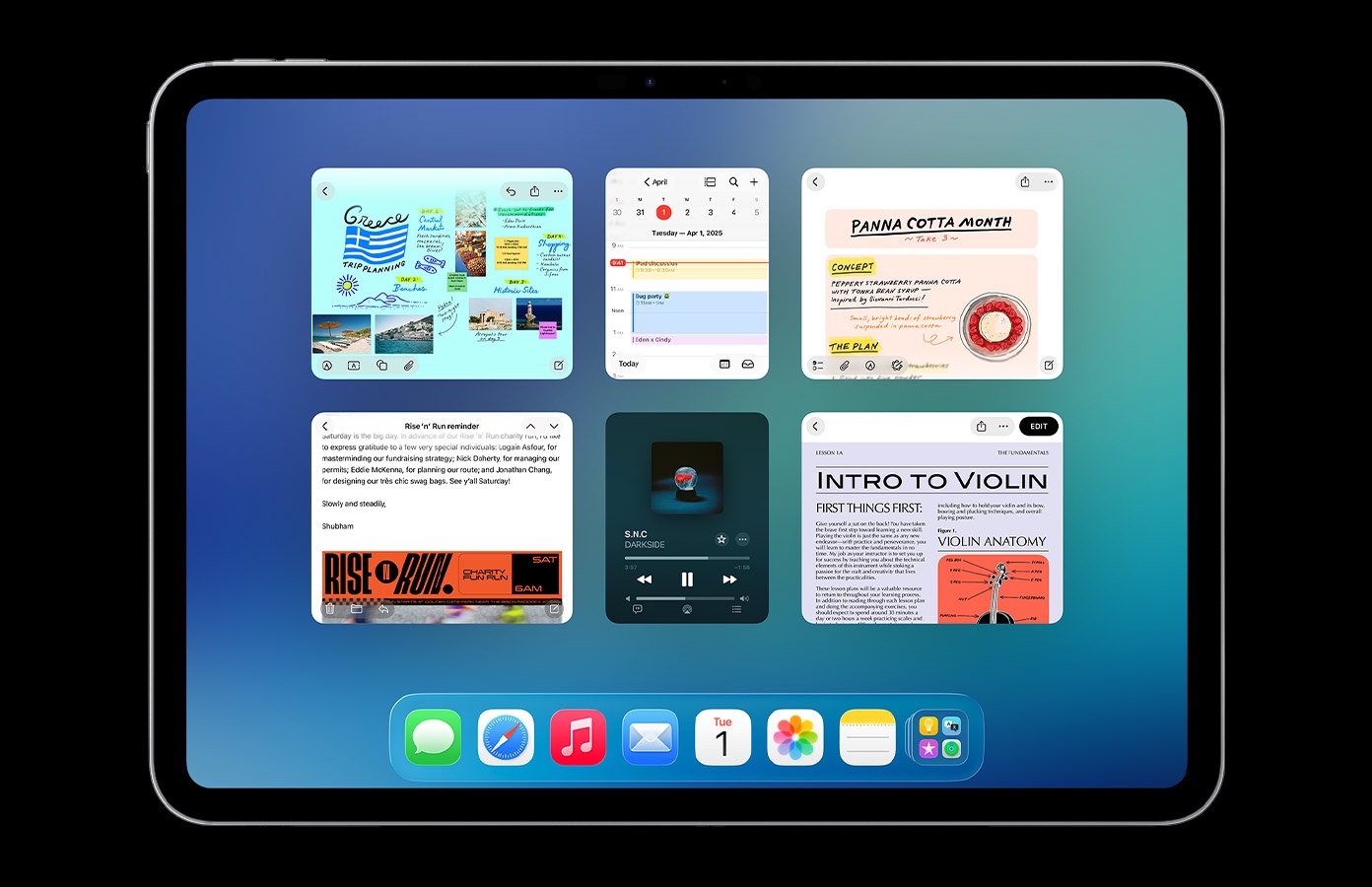
iPadOS 26 changes everything. The iPad now has a real windowing system. I can resize apps. I can tile them. I can shuffle them around like I do on my Mac. And yes, the famous Mac traffic light buttons are here. Green to maximize, yellow to minimize, red to close. Familiar, obvious, perfect.
On my 11-inch iPad Pro, it’s a little tight — trying to juggle three apps side by side is like watching clowns cram into a Fiat. But plug this thing into an external monitor, and it blossoms. Suddenly, I have a desktop-like experience. Real multitasking. Real productivity. I caught myself typing an article in Notes while referencing Safari and managing files in Finder—sorry, “Files”—and I wasn’t grinding my teeth. That’s new.
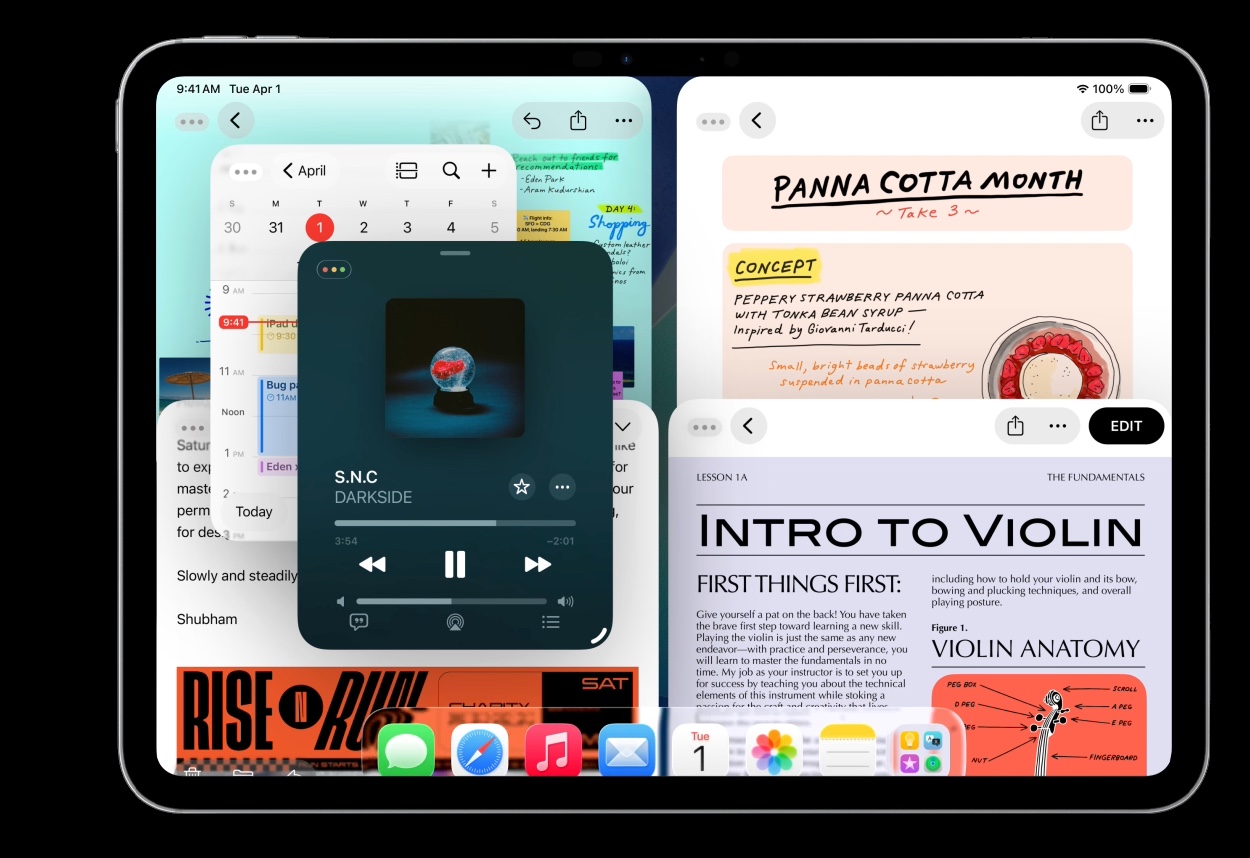
And oh yes: the menu bar has arrived. File, Edit, Format — all sitting at the top of my iPad screen, like old friends who finally decided to visit. For Mac users, this is the bridge we’ve been screaming for. And it works.
This is the first time I’ve looked at my iPad and thought: you could actually handle my workload if I had to leave the MacBook at home. That’s a tectonic shift.
The App Renaissance
Every major iPadOS update comes with app refreshes, but this year feels like Apple raided macOS’s fridge and brought the good snacks over to the iPad.
The MVP is Preview. If you’ve ever used a Mac, you know this app is deceptively powerful. PDFs, annotations, signatures, cropping, image tweaks — all in one place. On the iPad, it’s even better thanks to the Apple Pencil. Marking up documents feels natural, like the software and hardware were finally speaking the same language.
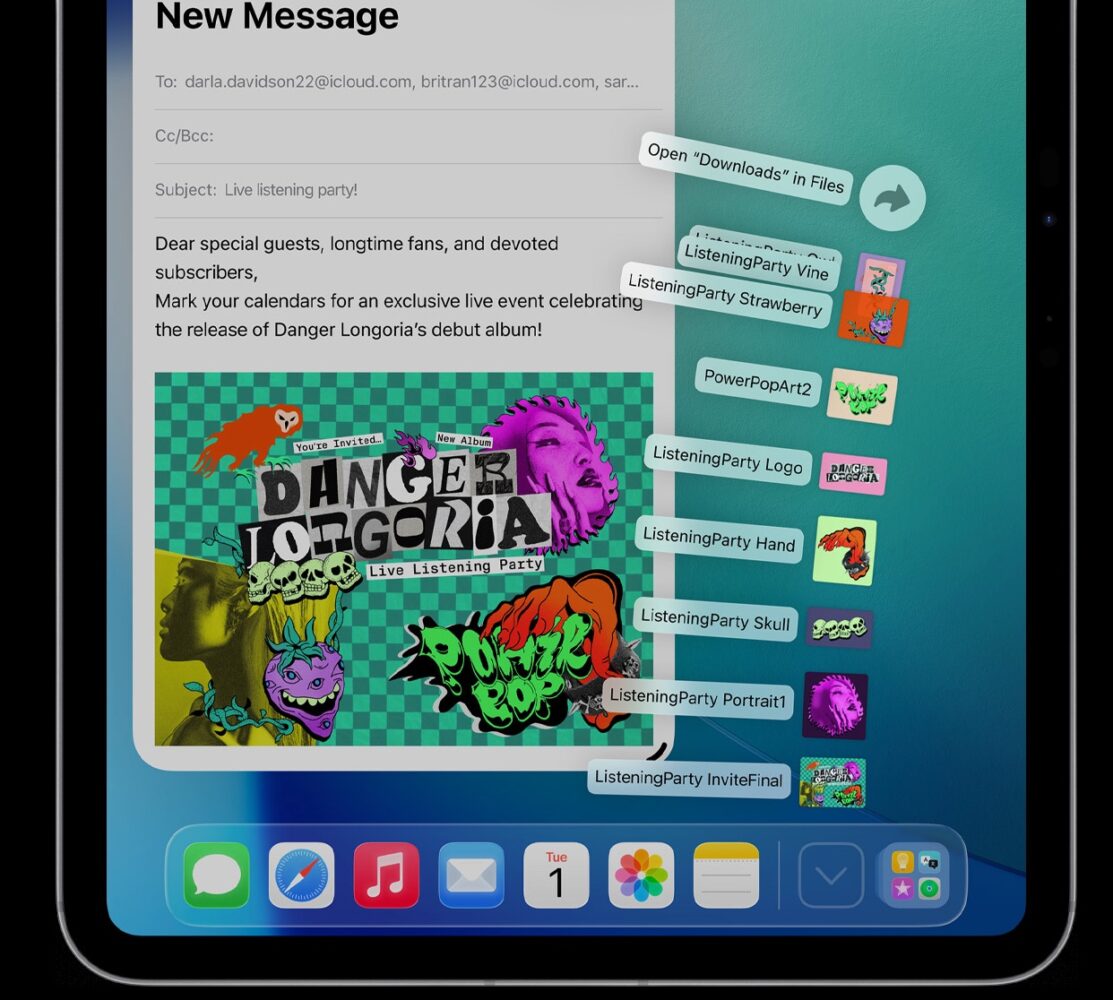
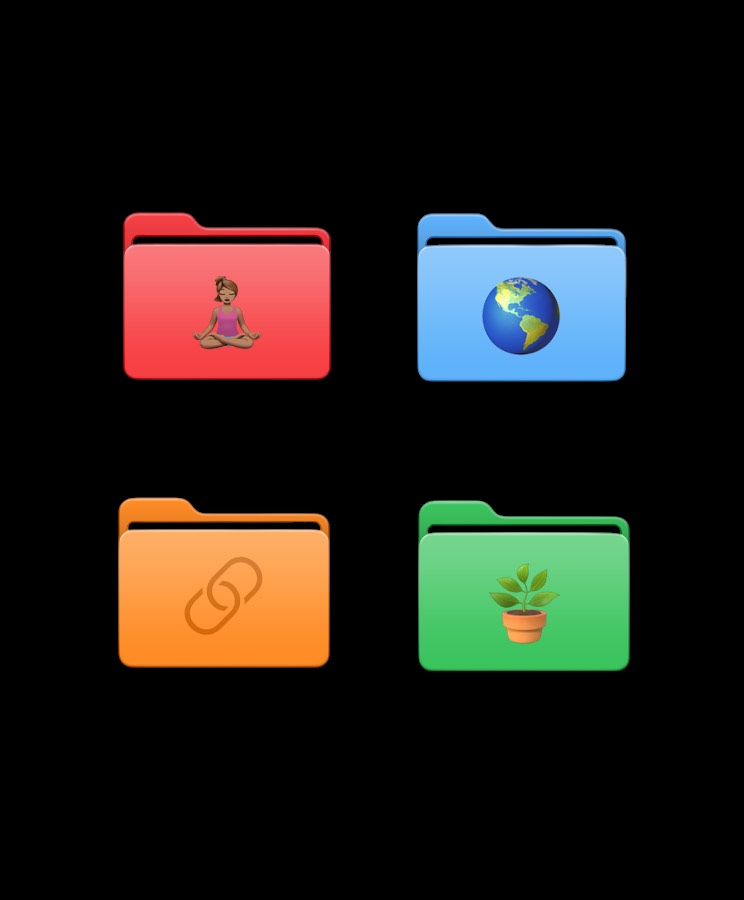
The Files app has also grown some actual muscle. We’re talking real default app support, colored folders, custom icons — Finder-level competence, at long last. For a decade, Files has been like a rental car you only drove when you had no other choice. Now it’s the kind of car you don’t mind being seen in.
Messages got a glow-up too, with customizable chat backgrounds and spam separation. Mail finally has AI-powered sorting that makes the inbox slightly less of a nightmare. And Safari? Cleaner design, stronger privacy, HDR image support. It’s the same Safari I know and love, but sharper.
Other apps got little touches — Camera now warns you about dirty lenses (parents everywhere, rejoice), Photos lets you create 3D-like Spatial Scenes, and Apple Music’s new AutoMix makes my playlists sound like they were curated by an actual DJ instead of a drunk shuffle algorithm. None of these are headline grabbers, but together, they make iPadOS 26 feel less like an experiment and more like a finished product.
Apple Intelligence: AI With Training Wheels
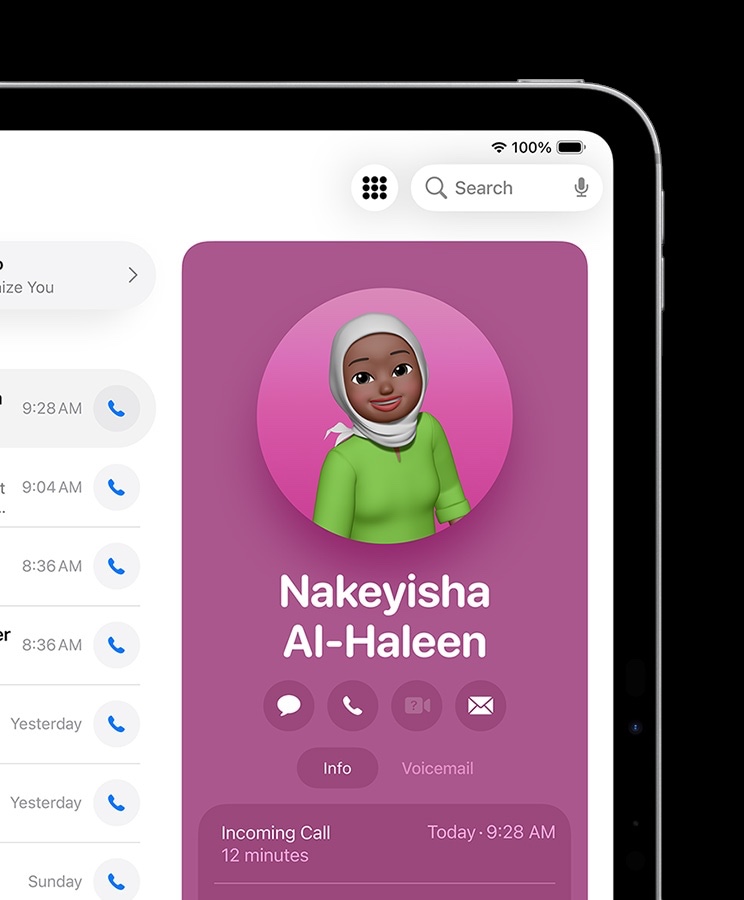
Here’s where things get messy. Apple’s new AI push — sorry, Apple Intelligence — is everywhere in iPadOS 26. It’s sorting my mail. It’s holding my place in call queues. It’s doodling new emojis when the regular ones don’t cut it. And when Siri gets confused, which is often, it punts my query to ChatGPT-5 like a kid handing homework to a smarter friend.
Sometimes it’s brilliant. Other times, it’s like talking to a barista who keeps forgetting your order halfway through. There’s potential here, but right now, Apple Intelligence feels more like a set of disconnected party tricks than a cohesive system. I’m glad it’s here, but it’s nowhere near ready to carry the weight of the OS.
Accessibility: Quiet Excellence
Apple’s accessibility work never gets the flashy marketing, but it’s often the most meaningful part of their updates. iPadOS 26 is no exception. Braille Access, Vehicle Motion Cues, a systemwide reading mode — these are thoughtful, powerful tools that make the iPad usable for more people in more contexts.
And honestly, that’s the mark of a mature platform. The iPad has always been fun. Now it’s starting to feel responsible.
Compatibility: Who Gets the Glow-Up?
The good news: iPadOS 26 supports most of the same models iPadOS 18 did. The bad news: all the best new stuff — multitasking magic, external monitor glory, most of the AI features — requires an M1 chip or newer. That’s Apple’s way of nudging you toward modern hardware. And frankly? They’re right. The iPad only truly shines with the silicon muscle to back it up.
The Verdict: A Coming of Age
iPadOS 26 is not macOS. It probably never will be. But for the first time, it doesn’t feel like it needs to apologize for that. This is the iPad’s coming-of-age story.
The iPad has finally grown into itself. With Liquid Glass giving it style, multitasking giving it substance, and apps like Preview and Files giving it real professional heft, iPadOS 26 is easily the best version yet. Apple Intelligence is still half-baked, and smaller iPads feel cramped with all the new windowing, but overall, this is the first iPadOS update that truly delivers on the promise of the iPad as a computer. Not just a tablet. A computer.