
TL;DR: ChatGPT Atlas is OpenAI’s new web browser with ChatGPT built-in. It’s sleek, smart, and slightly unnerving. With Browser Memories and Agent Mode, Atlas redefines what a browser can be — if you can stomach the privacy trade-offs. For those ready to let AI into their tabs (and their lives), it’s a thrilling glimpse of tomorrow.
ChatGPT Atlas
There was a time when web browsers were just humble windows to the internet — you typed, they showed. Then came tabs, extensions, incognito modes, and eventually a whole ecosystem of overcomplicated toolbars and privacy nightmares. And now, in true 2025 fashion, OpenAI has decided that your browser shouldn’t just show you the web — it should understand it, narrate it, and maybe even order your groceries while you’re binge-watching Star Trek reruns. Enter ChatGPT Atlas.
This is OpenAI’s boldest flex yet: an all-in-one web browser with ChatGPT living natively inside it. Think of it as Chrome and Copilot had a baby raised by Siri, but with the emotional intelligence of your overachieving coder friend who corrects your grammar mid-sentence.
So, I did what any self-respecting tech masochist would do: I ditched Chrome and lived entirely inside ChatGPT Atlas. Here’s how that went — the good, the bad, and the eerily sentient.
The Setup: Goodbye Chrome, Hello Atlas
Downloading Atlas on macOS was as painless as installing any other app — minus the existential moment when you realize you’re giving OpenAI the keys to your digital house. Once installed, Atlas greeted me with that clean, modern interface we’ve come to expect from anything that starts with “ChatGPT.” It offered to import my bookmarks, passwords, and browsing history from Chrome like a friendly but slightly nosy neighbor.
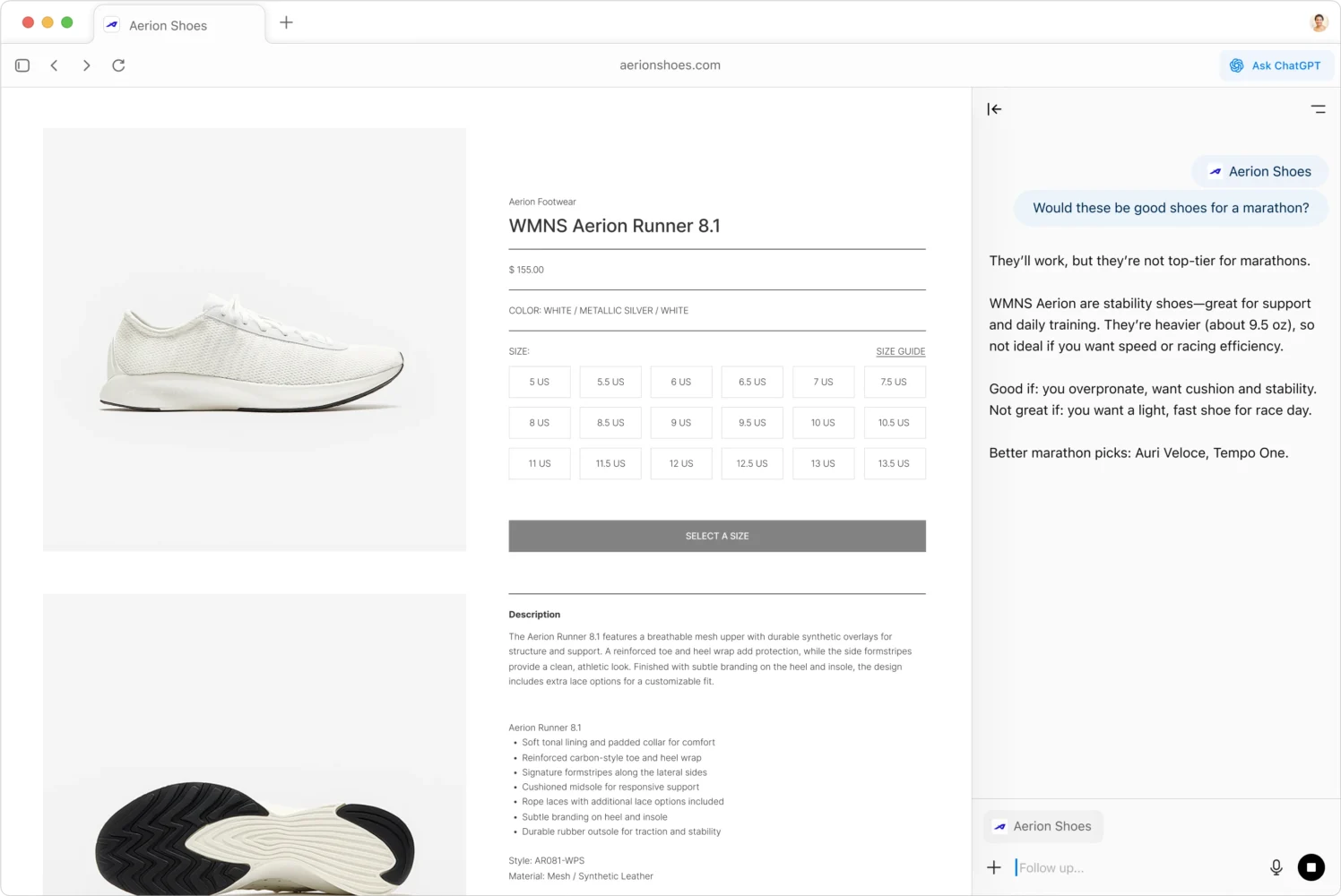
What immediately struck me was how fast and lightweight it felt. Atlas didn’t bombard me with pop-ups, tutorials, or feature introductions. Instead, it quietly adapted to how I browsed. Within a few minutes, it had understood my workflow: juggling research tabs, YouTube reviews, and far too many Amazon wish lists. ChatGPT was pinned to the right-hand sidebar, acting like an omnipresent sidekick. The tagline OpenAI uses for Atlas is that it can see what you’re doing “right where you are.” Which, if you’re like me, sounds both convenient and vaguely dystopian. Still, I pressed on, curious how deep the rabbit hole went.
It even came with small touches that felt very Apple-esque — animations that glide instead of snap, and transitions that make tab switching oddly satisfying. If browsers had a personality, Atlas would be the calm, intelligent one who always speaks softly but somehow knows everything about you.
Living with an AI Browser: The Everyday Magic (and Weirdness)
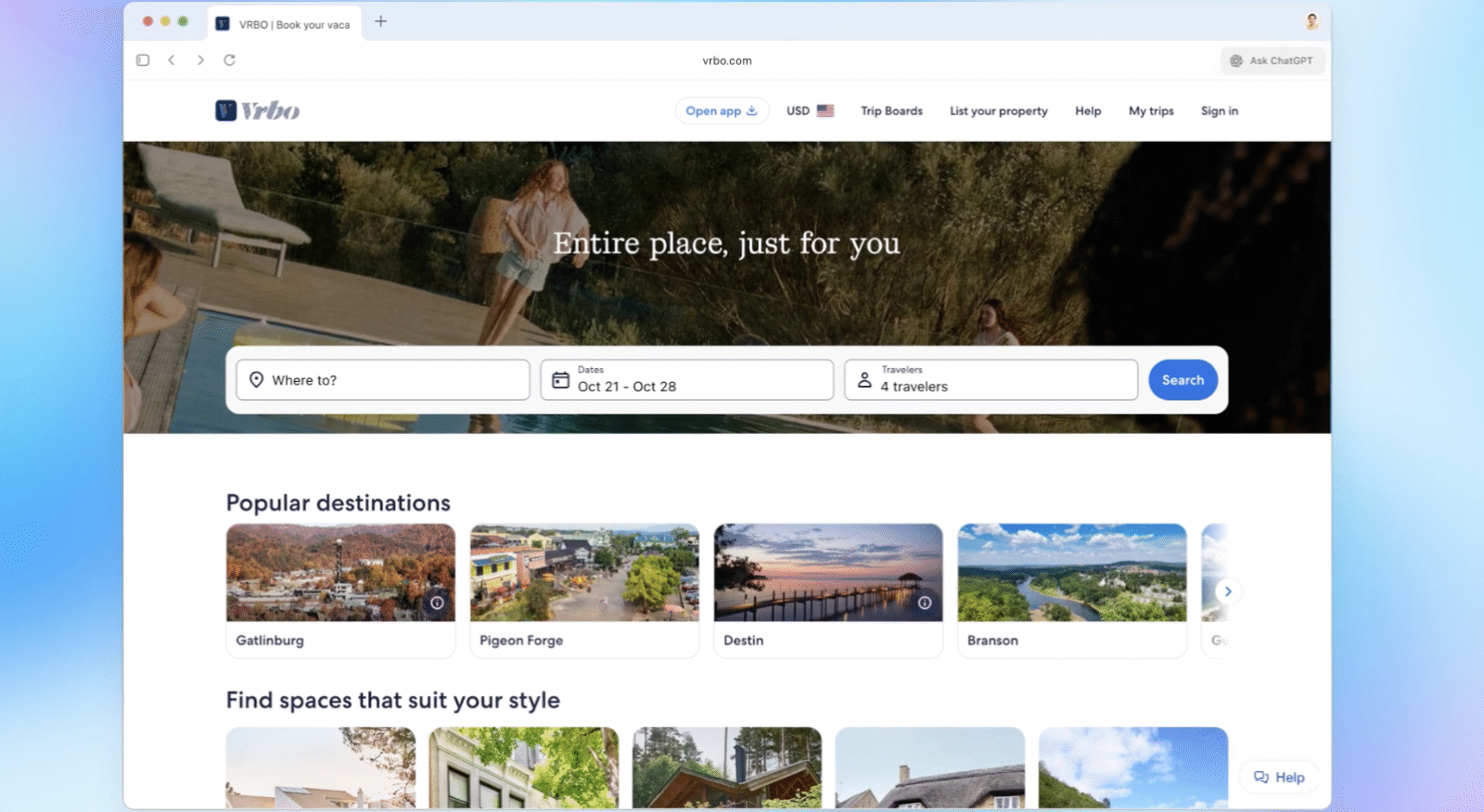
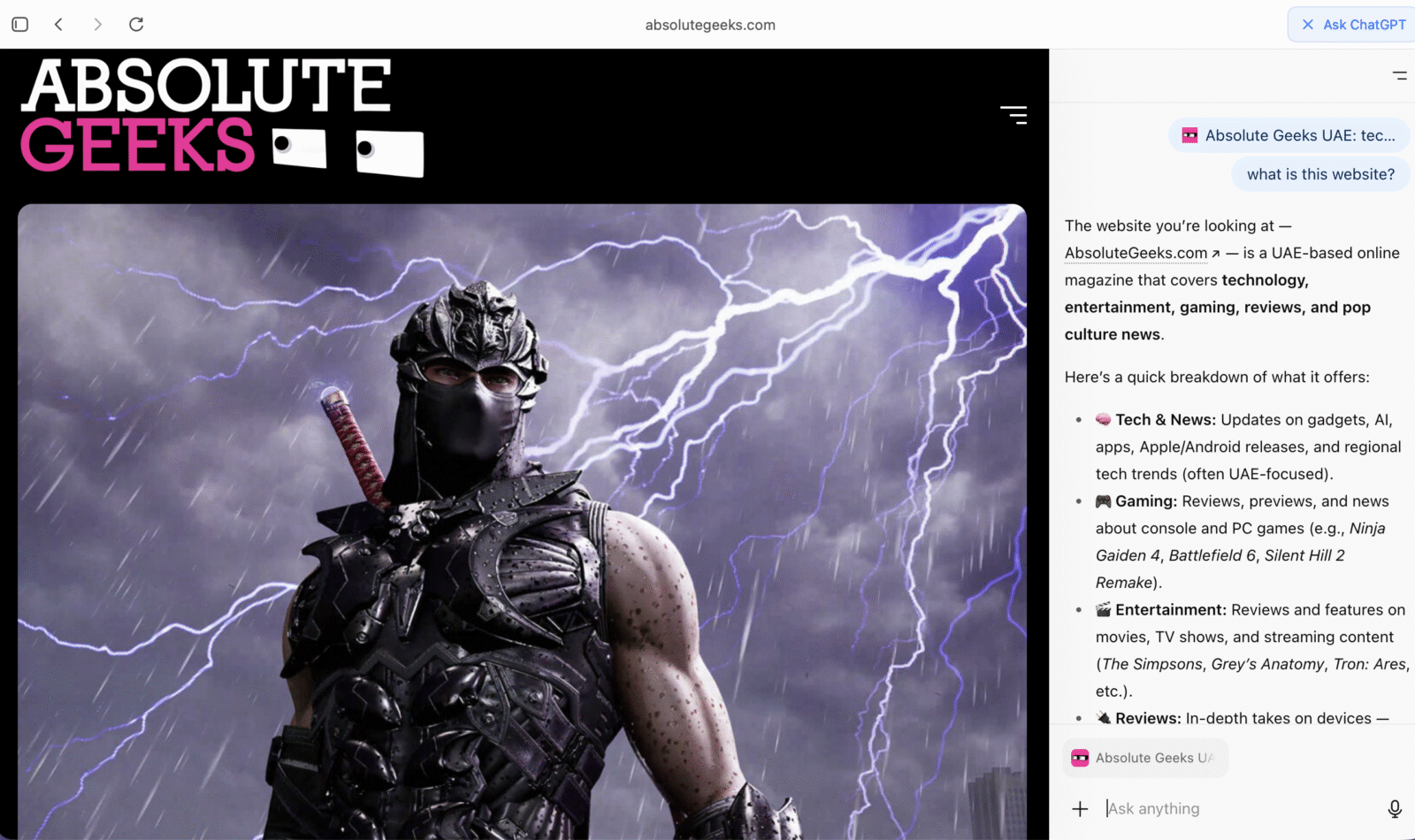
Here’s where things get genuinely wild. Atlas doesn’t just sit there waiting for you to type prompts. It understands the page you’re on. Reading a Reddit thread about mechanical keyboards? Atlas chimes in with a summary of the best switch types for typing vs. gaming. Comparing laptop GPUs? It’ll drop a spec sheet right into the sidebar. Watching a video review? It can summarize the key talking points in seconds.
After a few days of use, I noticed I was spending less time opening extra tabs or Googling for context. Atlas had effectively replaced my need to multi-tab my way through life. It could interpret complex documentation, summarize dense web articles, or even translate sections of foreign-language sites on the fly — without me needing to leave the page.
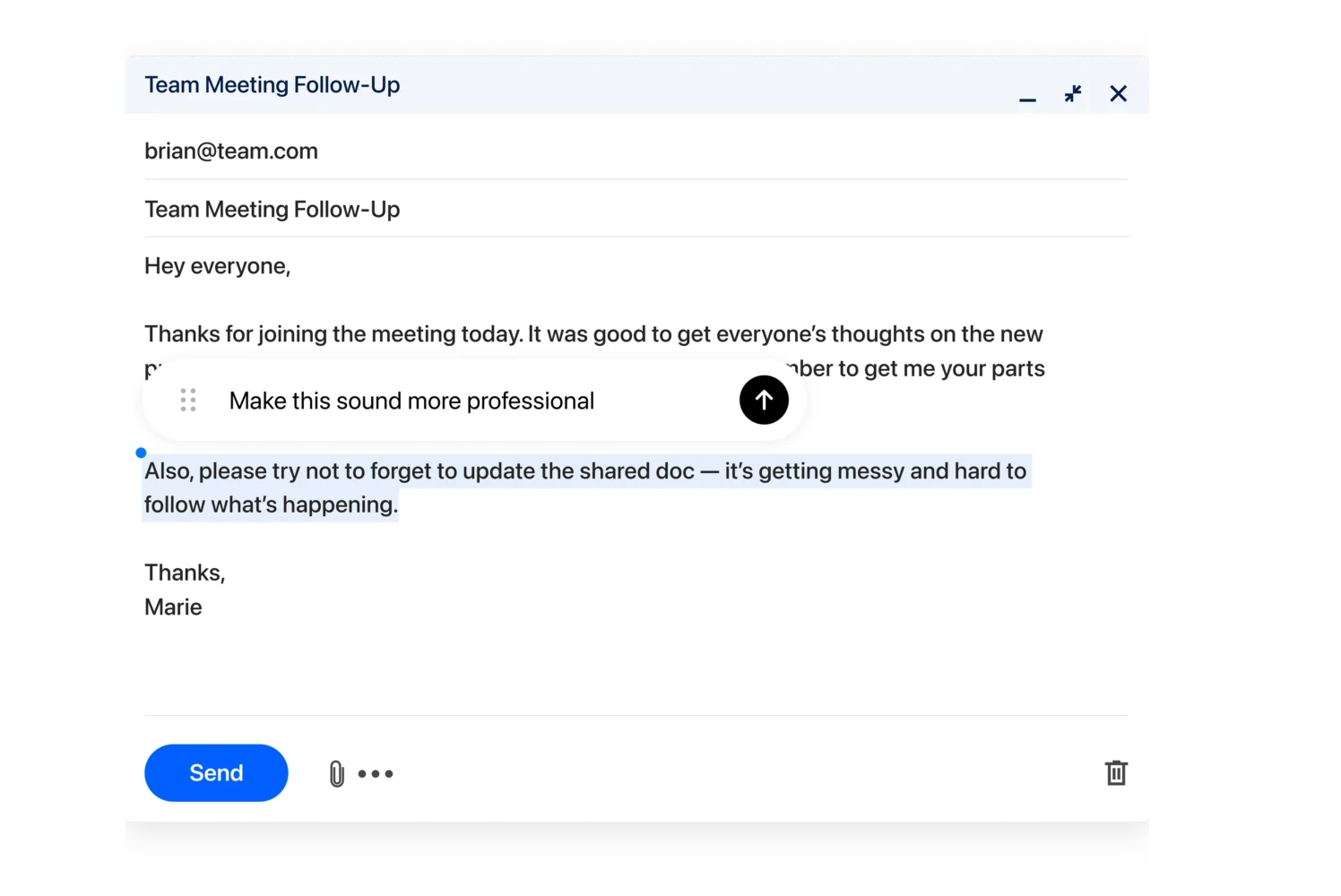
There’s an eerie brilliance to it. ChatGPT can help draft emails directly inside Gmail, summarize PDFs without opening a new tab, or even rewrite that LinkedIn post so you sound 40% smarter and 60% less desperate. I even asked it to critique one of my tweets, and it politely told me I could be “wittier.” (Ouch, but fair.)
But with great power comes great potential for chaos. One moment, Atlas was helping me compare OLED monitors; the next, it was suggesting I create a blog post about color calibration trends — unprompted. It’s that classic AI overenthusiasm, where it tries to be too helpful, sometimes forgetting that not everything needs automation. Somewhere between helpful and mildly intrusive lies the uncanny valley of productivity.
Browser Memories: The Feature That Remembers Everything (If You Let It)
Let’s talk about Browser Memories — Atlas’s most fascinating and polarizing feature. When enabled, ChatGPT remembers what you’ve looked at across sessions. It can recall past chats, searches, and even summarize what you were doing last week. It’s like having a photographic memory attached to your browser, but instead of judging your questionable search history, it turns it into actionable data.
In practice, this means you can say things like, “Find all the job listings I looked at last week and summarize the salary ranges.” Or, “Remind me of the AI research articles I saved on Tuesday.” It does all of that instantly. It’s powerful — frighteningly so.
But with power comes responsibility (and a touch of paranoia). Because when a browser remembers everything, you start to realize how much you do online that you’d rather it didn’t. Late-night Reddit binges? Random Wikipedia dives into ancient Roman plumbing? Atlas remembers. Thankfully, OpenAI was smart enough to make Browser Memories optional— you can toggle them on or off at will, and wipe them clean with a single click.
While I love the convenience, I can’t shake the question: who watches the watcher? Even if OpenAI swears your data is encrypted and private, the idea of an AI remembering everything about you will always make privacy purists uneasy. Browser Memories is the future — but it’s a future that demands trust.

Agent Mode: Atlas Gets Hands-On
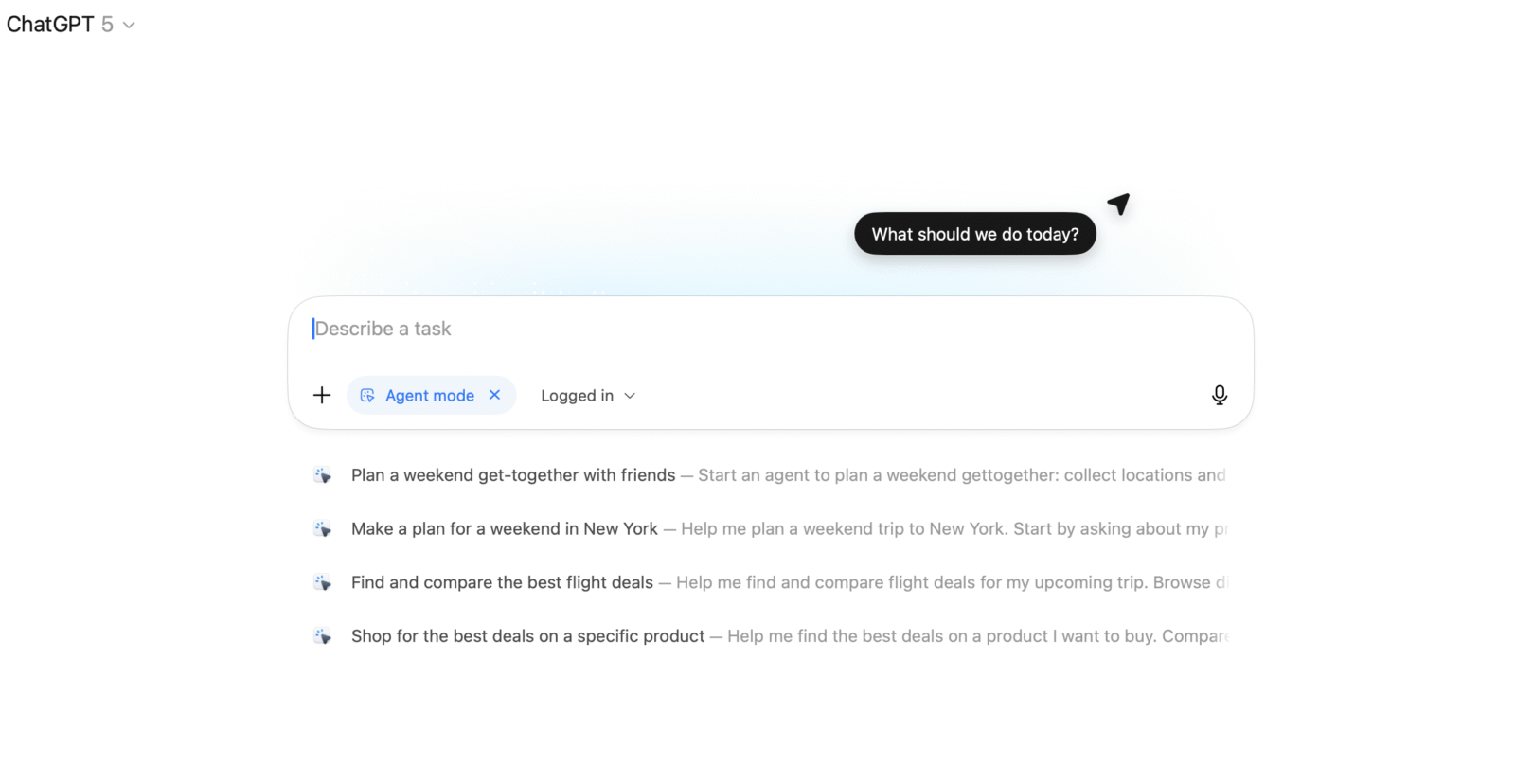
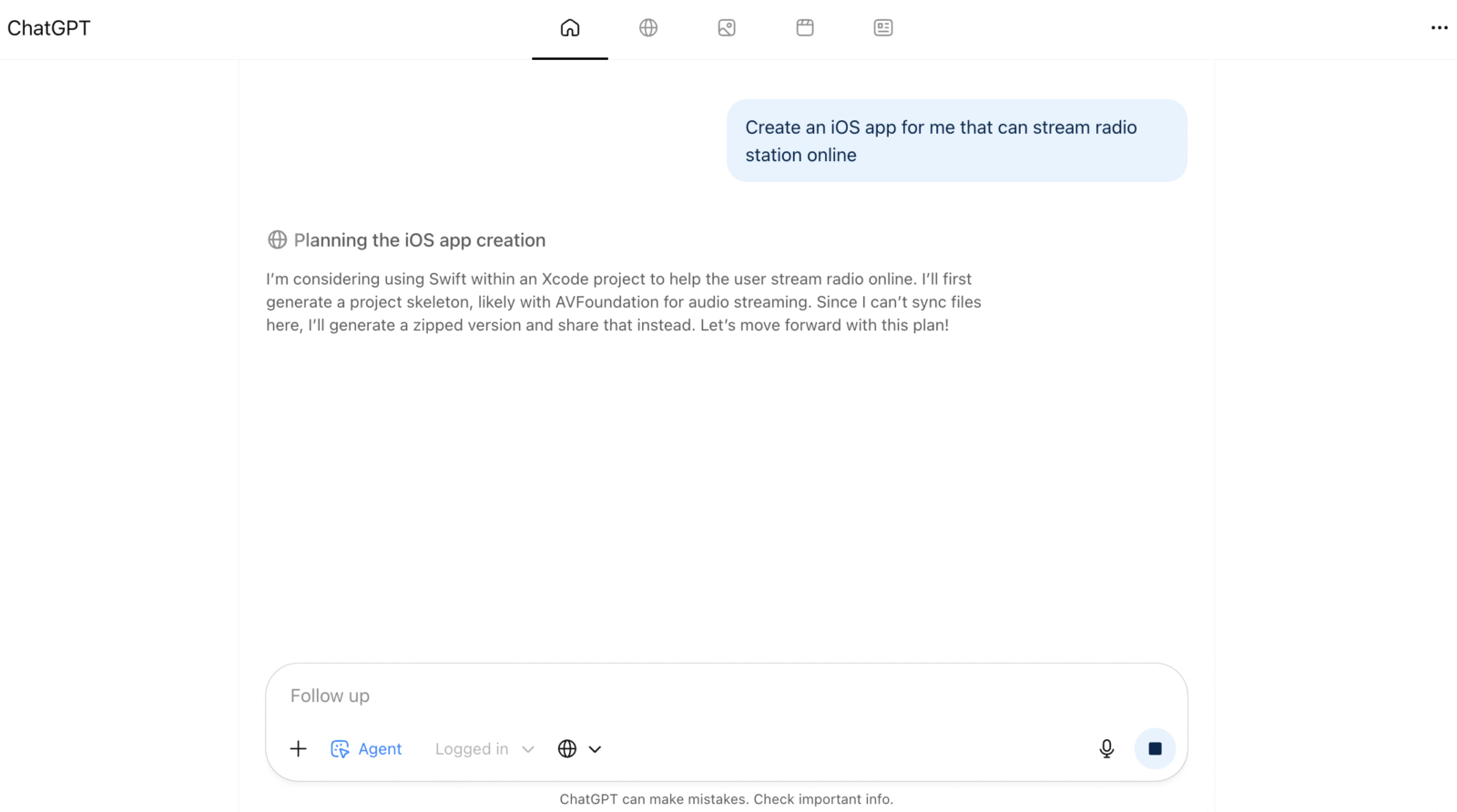
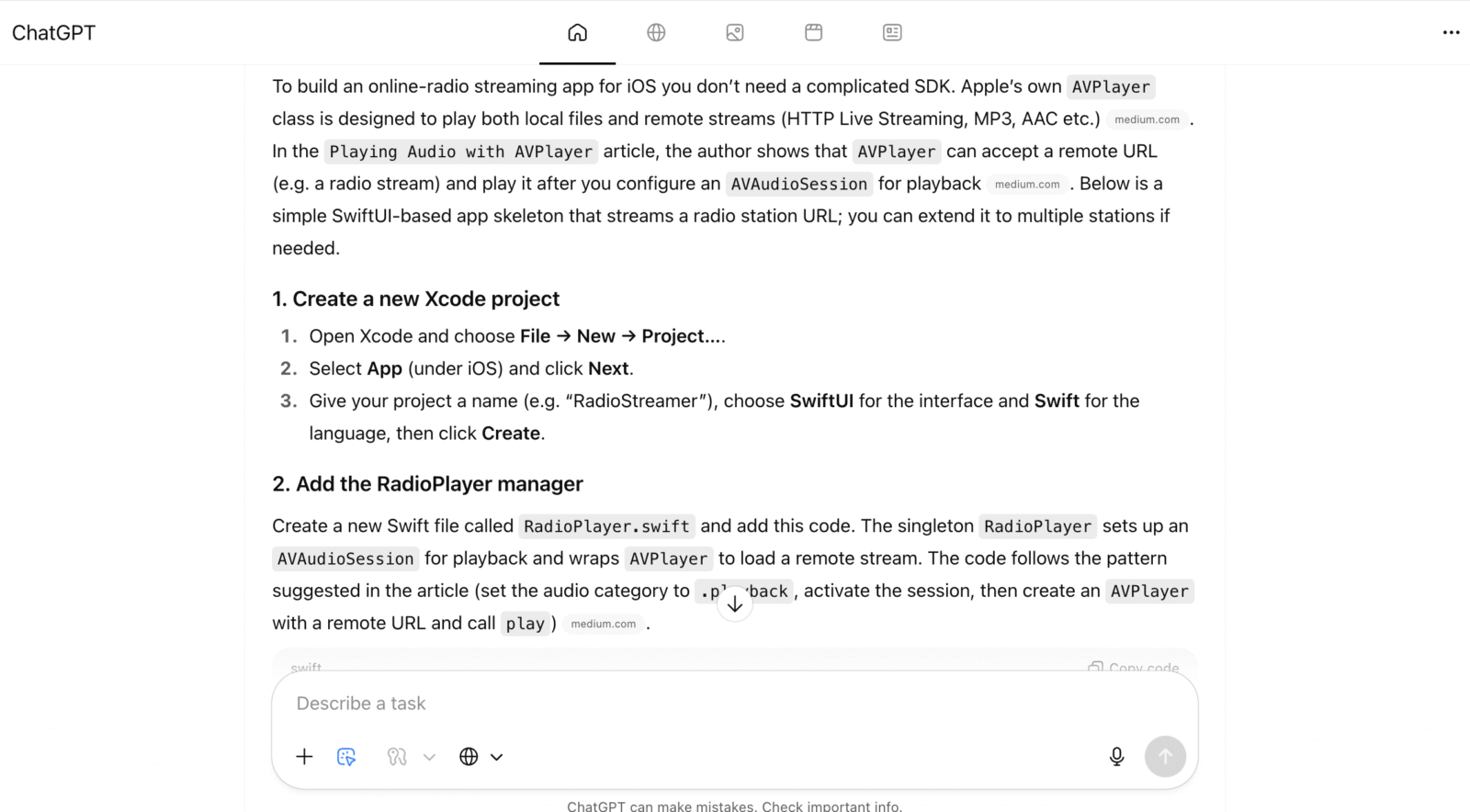
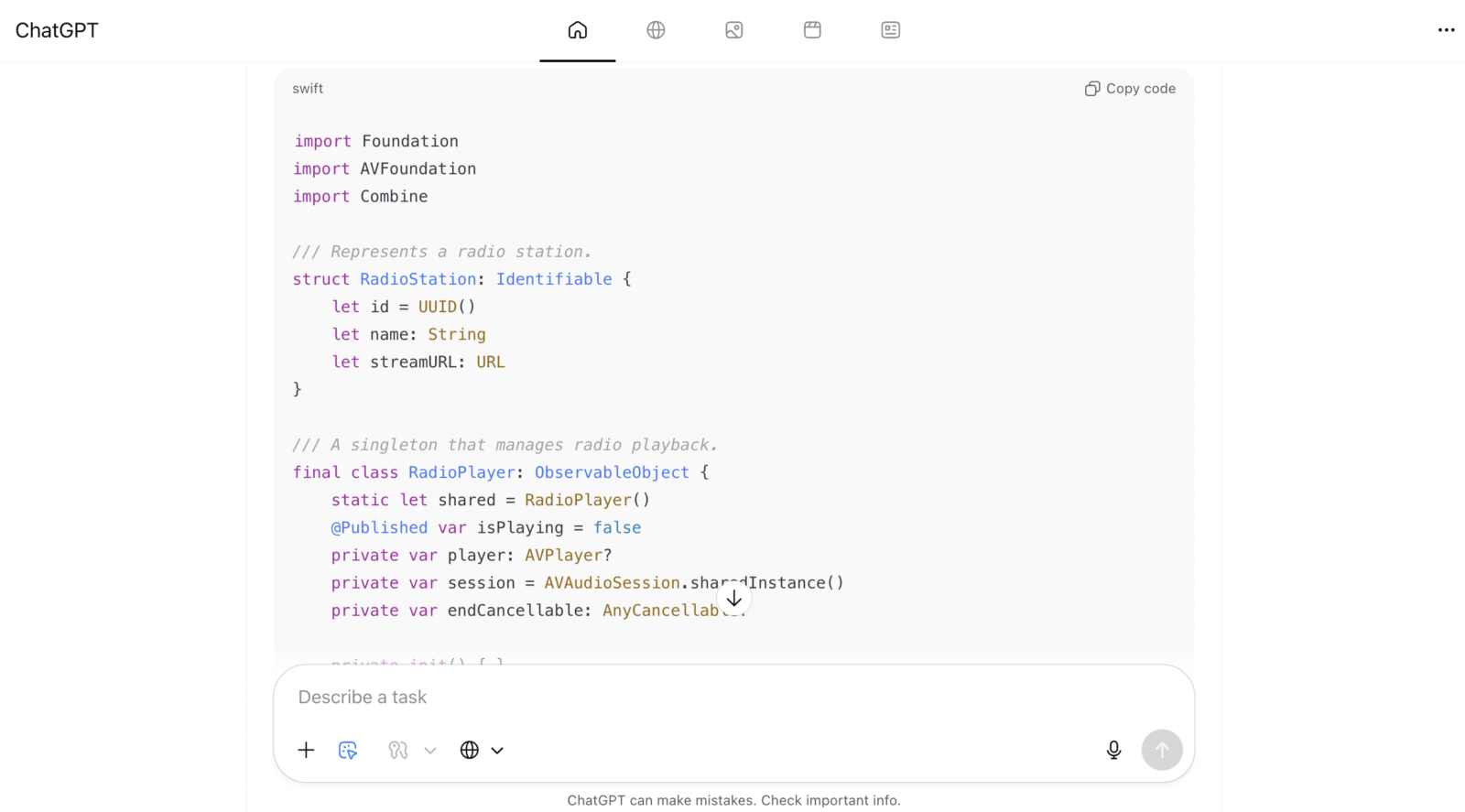
Agent Mode is where Atlas stops being a browser and starts becoming your digital concierge. Still in preview for Plus, Pro, and Business users, this feature allows ChatGPT to perform multi-step tasks on your behalf. Need a weekly meal plan? It’ll research recipes, list ingredients, and add them to your Instacart cart faster than you can say “AI takeover.”
I decided to push it further. I asked Atlas to help me plan a home office upgrade. Within seconds, it analyzed multiple setup guides, compared monitor arms, suggested ergonomic chairs, and even found a discount code for a standing desk. Then it offered to draft an email to my favorite retailer asking for shipping details — all without leaving my tab.
The efficiency is staggering. But what impressed me most is the restraint. Atlas never executed anything without asking first. It can’t install extensions, download random files, or execute scripts. In a world where automation often blurs into overreach, Agent Mode feels deliberate, cautious, and human-centered. It’s like having JARVIS, but one that asks permission before moving your calendar invites.
Still, the potential here is massive. Give it six months, and I could easily see Agent Mode booking flights, managing subscriptions, or even curating your weekly reading list. The line between browsing and doing is officially gone.
Performance and Design: Sleek, Fast, and a Little Smug
Atlas feels premium from the moment you open it. The UI is elegant without being sterile. Everything from tab animations to window transitions feels meticulously tuned. Pages load fast, ChatGPT’s sidebar operates with near-zero lag, and the overall experience feels snappier than Chrome — even with multiple tabs open.
Dark mode deserves its own standing ovation. It’s matte, easy on the eyes, and somehow makes you feel smarter just using it. The default typography is crisp and readable, while the layout avoids the clutter you get with browsers trying to shove AI into your face. Atlas doesn’t scream intelligence; it exudes it quietly.
But that doesn’t mean it’s flawless. Sometimes, the browser tries too hard to predict what you need. A few times, it surfaced suggestions before I was ready, which felt a bit invasive. And occasionally, it hesitated when juggling complex sites loaded with scripts — a reminder that this is still version one of something far bigger.
Still, for a browser that’s pulling double duty as both search companion and productivity hub, Atlas handles itself with grace. If Safari is the minimalist artist and Chrome is the workhorse, Atlas is the philosopher-engineer: fast, thoughtful, and occasionally smug about it.
Privacy: The Elephant in the Server Room
Every AI-powered product lives and dies by its privacy policy. OpenAI says that Atlas only sees what you allow it to, and users can control site access via a simple toggle in the address bar. You can even prevent it from viewing certain tabs entirely.
Still, we’re living in an age of digital skepticism. When Microsoft’s Recall feature made headlines for storing user screenshots, everyone freaked out. Atlas avoids that trap by requiring explicit consent for memories, but the concept itself — a browser that sees and remembers your activity — will always raise eyebrows.
I spent hours tinkering with its privacy settings, toggling memory permissions, and clearing history manually. Each time, Atlas responded transparently. It never pretended to be hidden; it simply told you what it could see and what it couldn’t. That level of communication builds trust.
It’s still not perfect — no AI browser ever will be. But OpenAI’s design choices suggest they’ve learned from other companies’ missteps. You hold the off switch. You decide when Atlas gets to remember. And when you tell it to forget, it really does. The control is the comfort.
Availability and the Road Ahead
For now, ChatGPT Atlas is a macOS exclusive, available to Free, Plus, Pro, and Go GPT users. Business, Enterprise, and Edu users can access it too, but admins need to enable it first. OpenAI promises Windows, iOS, and Android versions are coming soon — which, given OpenAI’s rapid rollout pace, probably means before the next wave of AI panic headlines.
Installing it feels like adopting a new operating system within your OS. It syncs smoothly, respects your bookmarks, and even gamifies your loyalty — setting it as your default browser gives you a seven-day boost in usage limits. Smart move, OpenAI. Reward the curious, hook the loyal.
Once the Windows and mobile versions drop, Atlas could easily compete head-to-head with Chrome and Safari. The real question isn’t if it will dominate, but how quickly users will trust it enough to let it live in their digital lives full-time.

Verdict: A Glimpse at the Future of Browsing
ChatGPT Atlas isn’t just a new browser; it’s a paradigm shift. It’s smart, intuitive, occasionally overzealous, but undeniably revolutionary. For the first time, browsing doesn’t feel passive. You’re not just scrolling; you’re collaborating.
The experience toes the line between utility and intimacy. Atlas learns how you think, remembers what matters (if you let it), and helps you work faster, cleaner, and maybe even better. But it’s also a mirror reflecting our growing dependency on AI — convenient, yes, but quietly reshaping our relationship with information.
Is it perfect? No. Is it private enough to satisfy everyone? Definitely not. But it’s the first browser that genuinely feels like the future — one where information isn’t just displayed, but understood.
After living inside Atlas, going back to Chrome felt like stepping into a flip phone after using a smartphone. The future is talking, and it’s calling itself ChatGPT.