

By using this site, you agree to our Privacy Policy and Terms of Service.
Accept
Absolute Geeks UAEAbsolute Geeks UAE
  • STORIES
    • TECH
    • AUTOMOTIVE
    • GUIDES
    • OPINIONS
  • REVIEWS
    • READERS’ CHOICE
    • ALL REVIEWS
    • ━
    • SMARTPHONES
    • CARS
    • HEADPHONES
    • ACCESSORIES
    • LAPTOPS
    • TABLETS
    • WEARABLES
    • SPEAKERS
    • APPS
  • WATCHLIST
    • TV & MOVIES REVIEWS
    • SPOTLIGHT
  • GAMING
    • GAMING NEWS
    • GAME REVIEWS
  • +
    • OUR STORY
    • GET IN TOUCH
Reading: Greenify
Share
Notification Show More
Absolute Geeks UAEAbsolute Geeks UAE
  • STORIES
    • TECH
    • AUTOMOTIVE
    • GUIDES
    • OPINIONS
  • REVIEWS
    • READERS’ CHOICE
    • ALL REVIEWS
    • ━
    • SMARTPHONES
    • CARS
    • HEADPHONES
    • ACCESSORIES
    • LAPTOPS
    • TABLETS
    • WEARABLES
    • SPEAKERS
    • APPS
  • WATCHLIST
    • TV & MOVIES REVIEWS
    • SPOTLIGHT
  • GAMING
    • GAMING NEWS
    • GAME REVIEWS
  • +
    • OUR STORY
    • GET IN TOUCH
Follow US

Greenify

GEEK DESK
GEEK DESK
Aug 23

Ever had days that your battery would just get eaten up quickly ? Android power users would know what I’m talking about. This happens all too common especially when you have several apps installed and running in the background of your device and you’re resorted to kill task the apps you don’t require much off and is a tedious process if you do this manually. This is where Greenify steps in. The app also works on non rooted devices which what makes it a good choice for normal users who don’t want to root their device.

What Greenify does is, it helps you identify and put selected or recommended apps into hibernation when you are not using them, to stop them from slowing down your device and sucking the battery. The apps that are hibernated can do nothing without being manually opened by you or other apps, while still preserving full functionality when running in foreground. Using Greenify for my phone, I noticed a stellar bump in the battery life through the day. Also recommended to get along with this app is CCleaner for Android. Using both I managed to get at least an hour and 45 minutes more battery before it hit battery saver.

Among letting you choose what apps to hibernate, keep in mind, hibernating apps that rely on push notifications or messages will make those apps not work unless you take it out of hibernation again. The app is free but a $3 “donation” gets you an experimental version of the app that will let you hibernate system apps as well.

 

Share
What do you think?
Happy0
Sad0
Love0
Surprise0
Cry0
Angry0
Dead0

WHAT'S HOT ❰

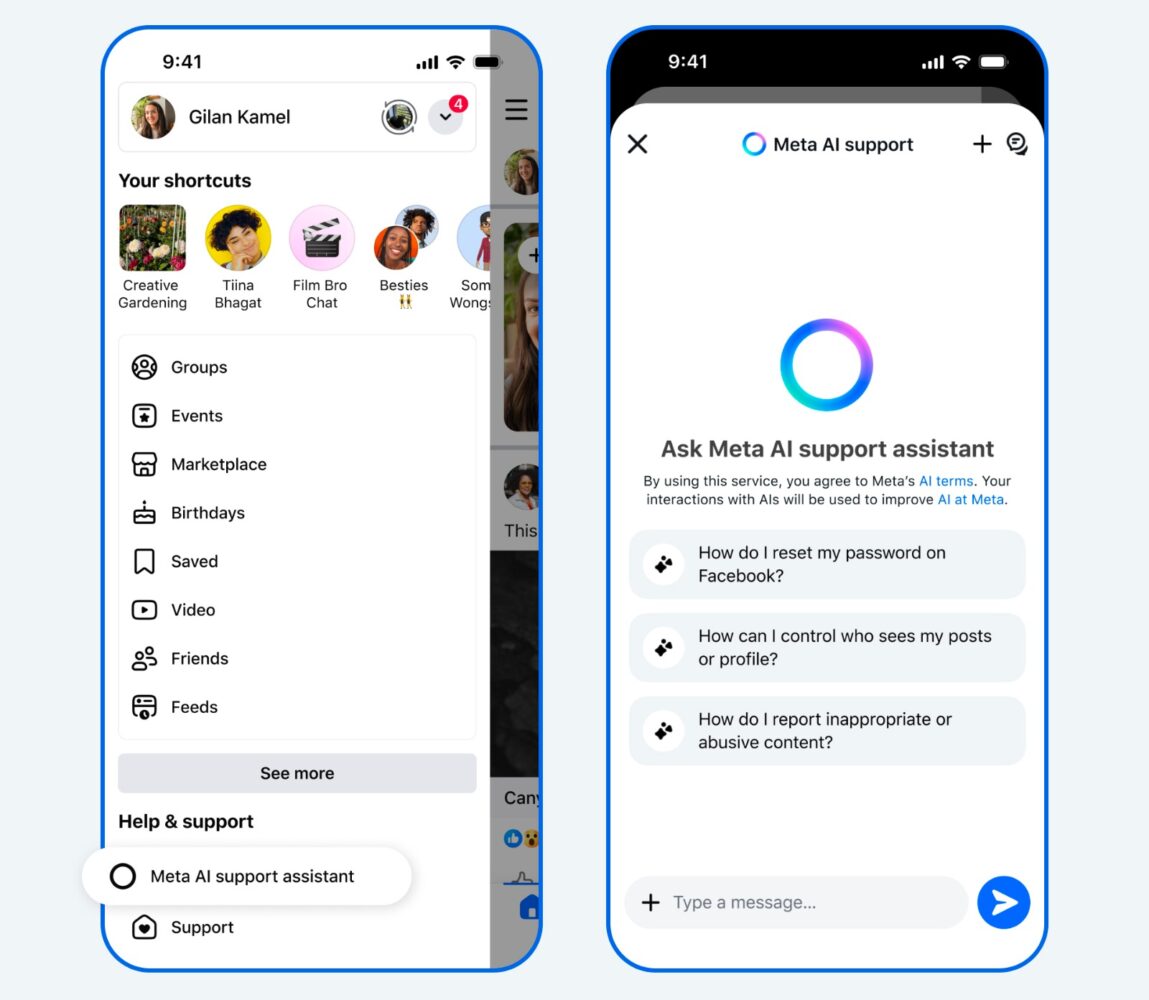
Meta expands AI tools for support and moderation
Samsung Galaxy A57 and A37 focus on durability and steady upgrades
LG launches 27-inch UltraGear gaming monitor with 720Hz option in UAE
Spotify introduces SongDNA in UAE and Saudi Arabia with focus on music connections
Anghami expands AI-driven music discovery with Cyanite metadata integration
Absolute Geeks UAEAbsolute Geeks UAE
Follow US
AbsoluteGeeks.com was assembled by Absolute Geeks Media FZE LLC during a caffeine incident.
© 2014–2026. All rights reserved.
Proudly made in Dubai, UAE ❤️
Upgrade Your Brain Firmware
Receive updates, patches, and jokes you’ll pretend you understood.
No spam, just RAM for your brain.
Welcome Back!

Sign in to your account

Username or Email Address
Password

Lost your password?


