When talking visuals the monitor is your gateway into the world of infinite possibilities. The Acer Predator XB2 tries to be the fastest portal for your eyes into the world of gaming. This gaming monitor aims to push the boundaries of speed, but are the compromises worth it? Here is our review of the Acer Predator XB2.
Design & Build
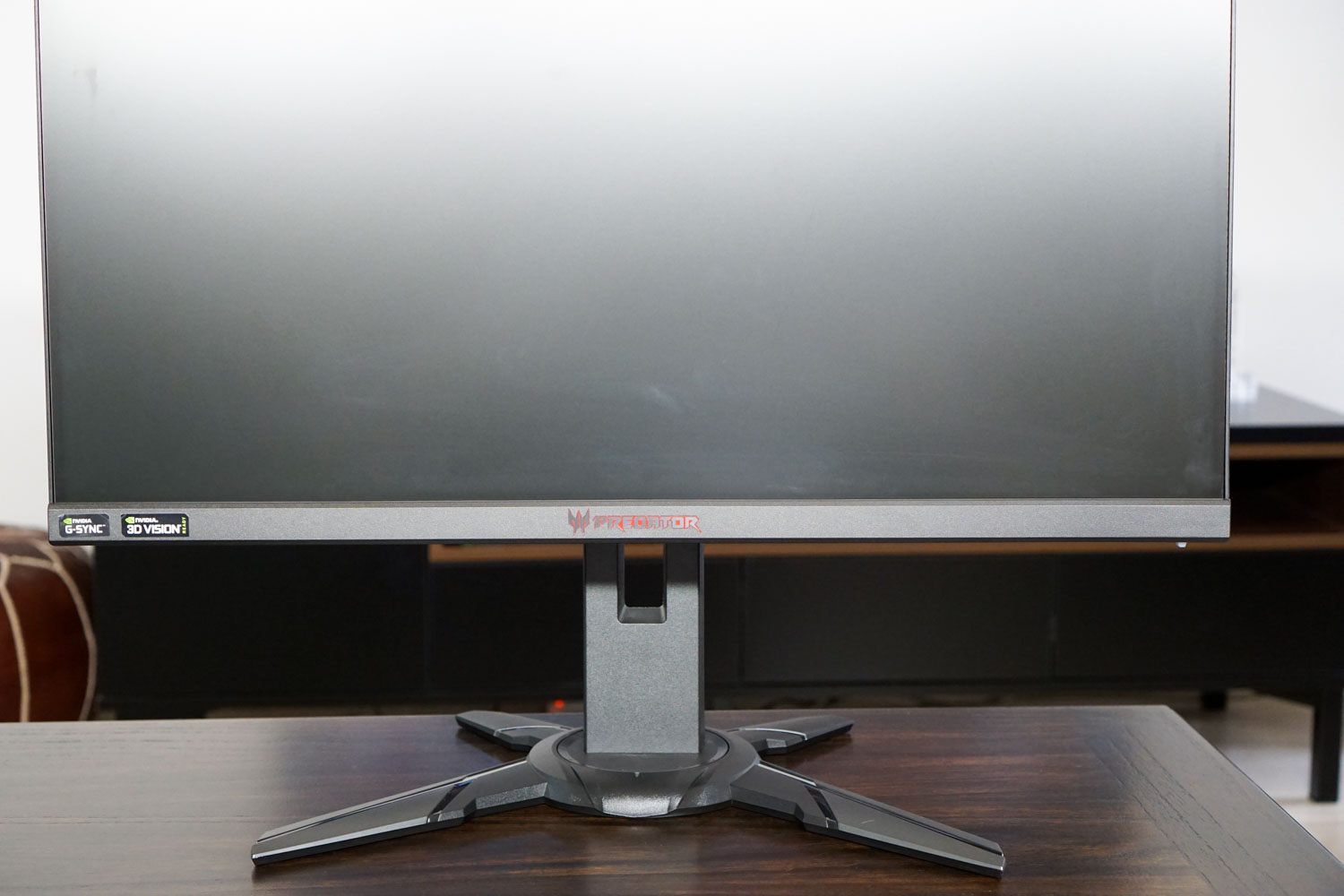
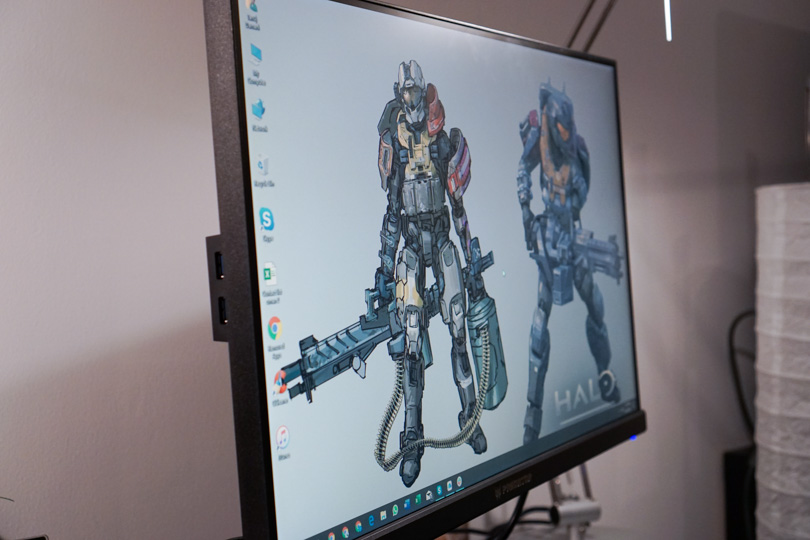
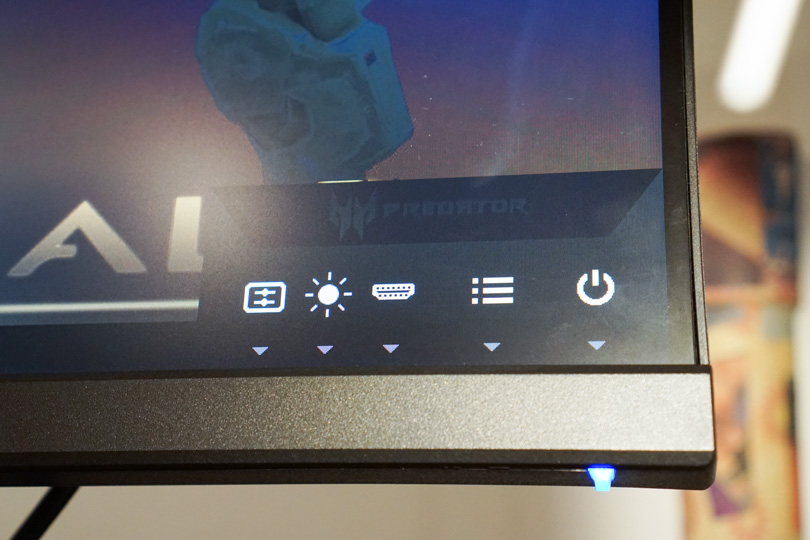
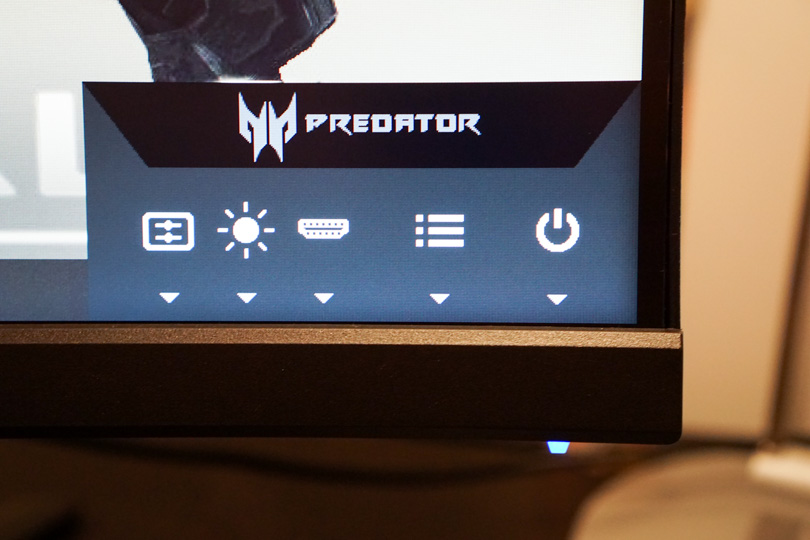
The Predator XB2 is built really well. With the thin bezels and edgy stand it all just looks well put together. The buttons are nice, the monitor status light does its job well while also being understated.
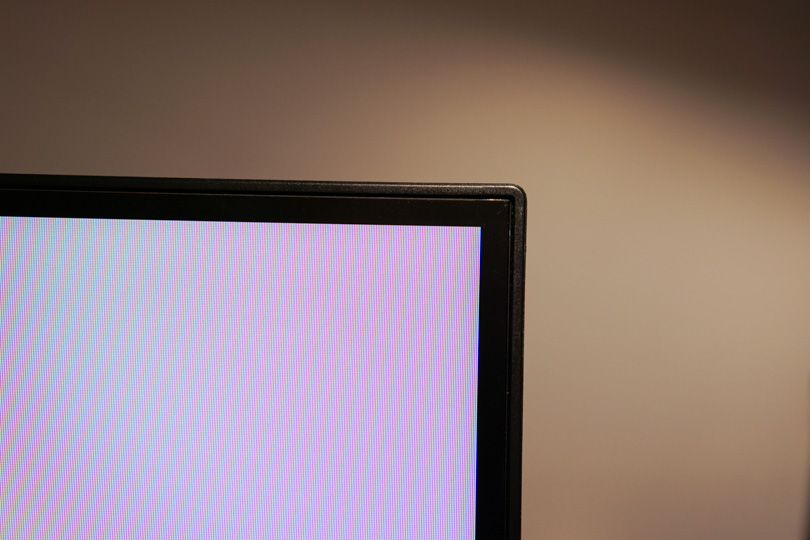
The minimalist borders on the screen also giving it a extra nice feel. The monitor disappears into the surrounding while also being visually appealing.
The build quality feels quite sturdy and overall you get a really well built piece of equipment for the price you pay.
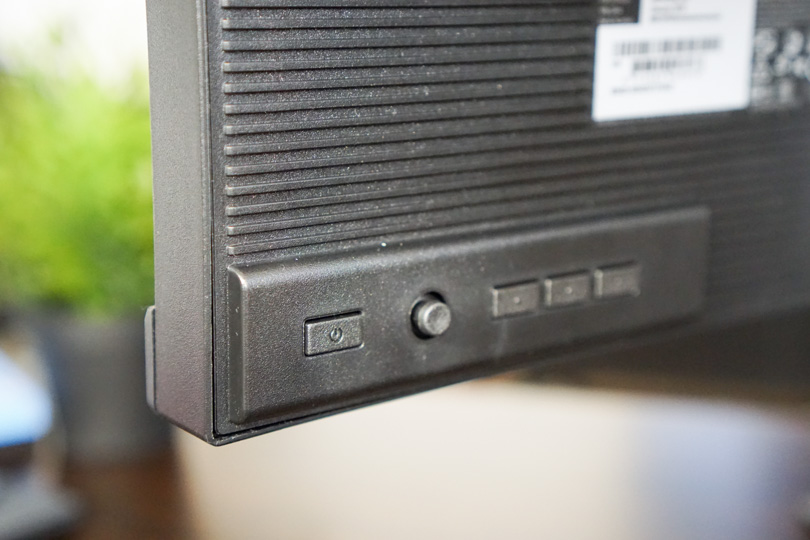
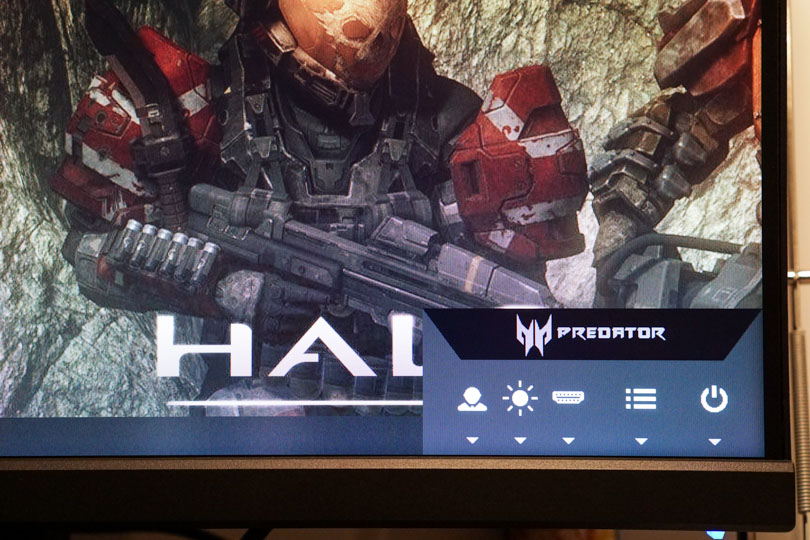
The buttons at the back of the monitor are pretty good as well. Usually the buttons can be annoying and hard to press, but on the Predator XB2, once you know the layout its easy-breazy!

Specs & Performance
Gaming monitors are all about the performance. The Predator XB2 comes with its own unique cocktail.
In order to get the superb 240Hz refresh rate, they have sacrificed in resolution. But if you are a gamer, that would be the perfect compromise.
The specs are:
- 27” IPS LED display
- 1080p resolution (FHD)
- 240 Hz Refresh Rate
- 1ms Response Time
- Nvidia G-Sync and 3D Vision ready
- Brightness 400 nits
- 2 Speakers – 2W
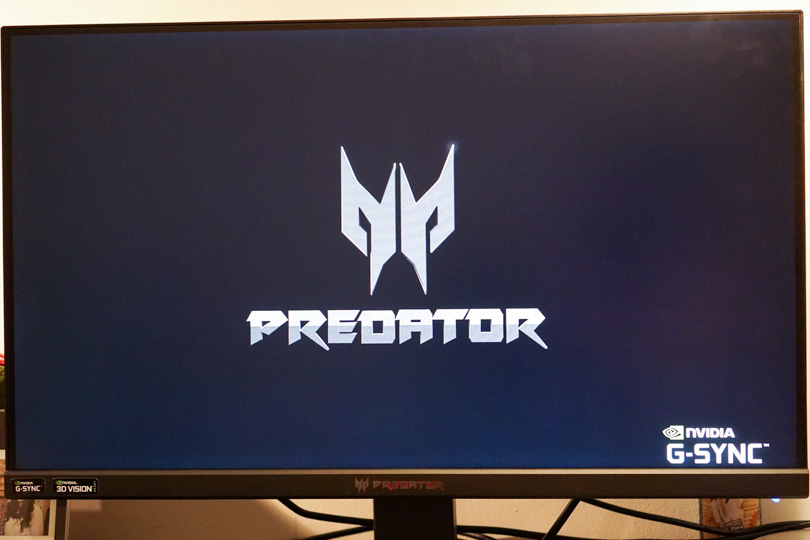
The monitor performs exactly how you would want it to. The blistering fast response give you a sublime experience. An important thing to note is that you do need a computer that can really take advantage of everything this monitor has to offer.
Thanks to the resolution being 1080, most modern gaming rigs or laptops should be able to push this monitor to the max.
Mix the resolution, max refresh rate and G-Sync and you have one heck of an experience waiting for you. Hook it up right and you are good to go.
On another point, the colours are pretty good with the monitor managing about 75% of the AdobeRGB colour space.
Viewing angles are not that great, moving far enough off axis makes the image drain its colour or even be invisible.
Ports and What’s in the box
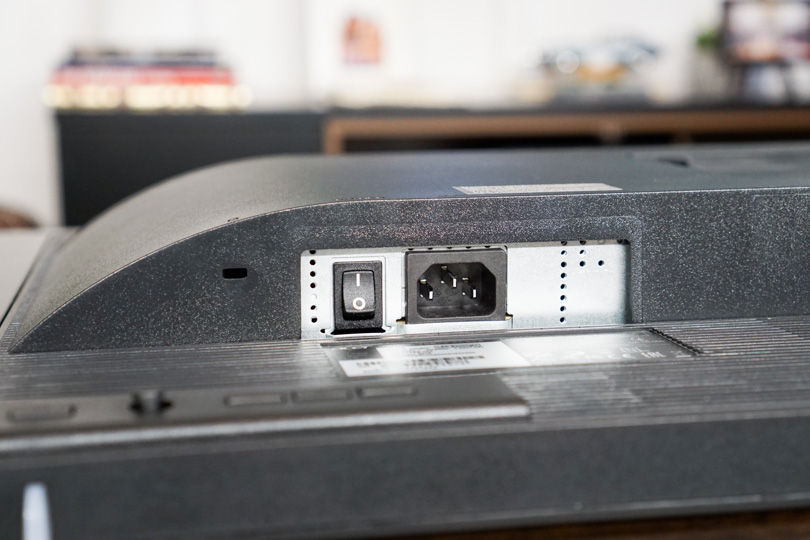
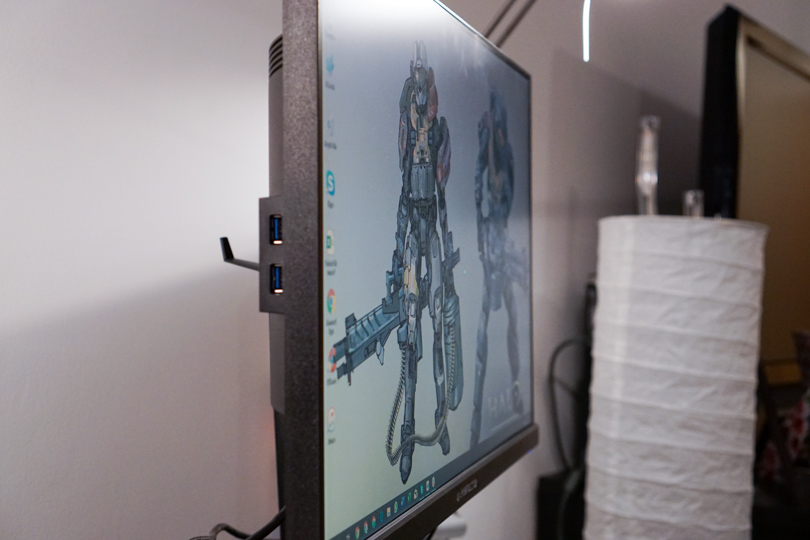
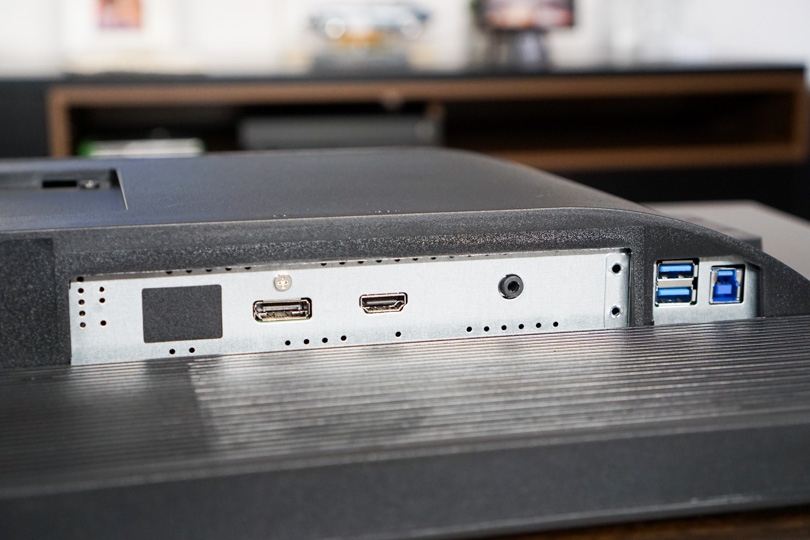
The Predator XB2 comes with a pretty wild selection of ports.
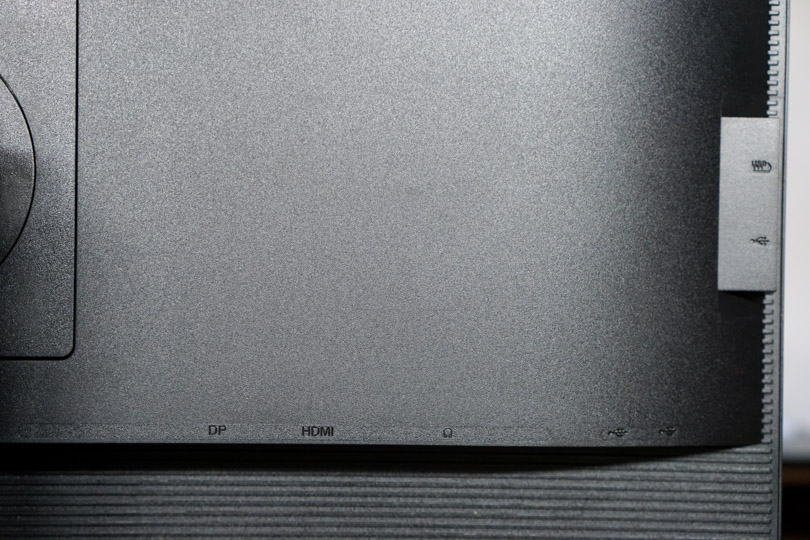
Here is the complete breakdown of the ports:
- Video In:
- HDMI 1.4
- DisplayPort 1.2
- USB:
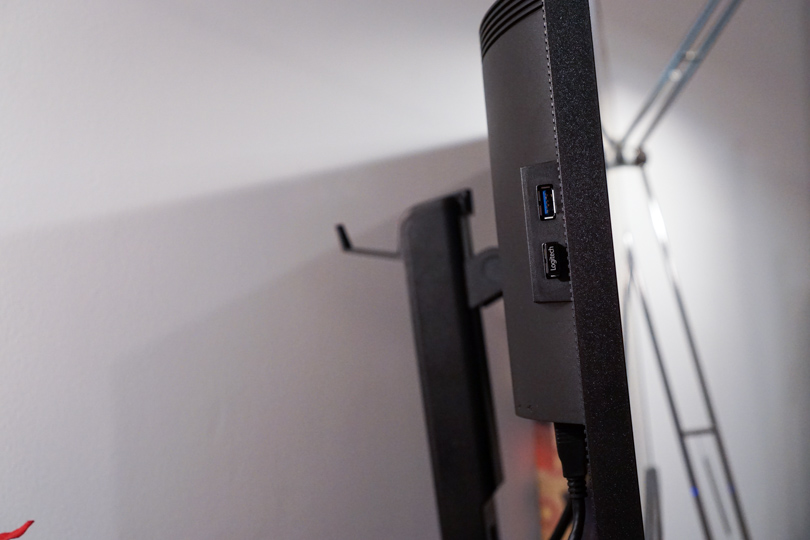
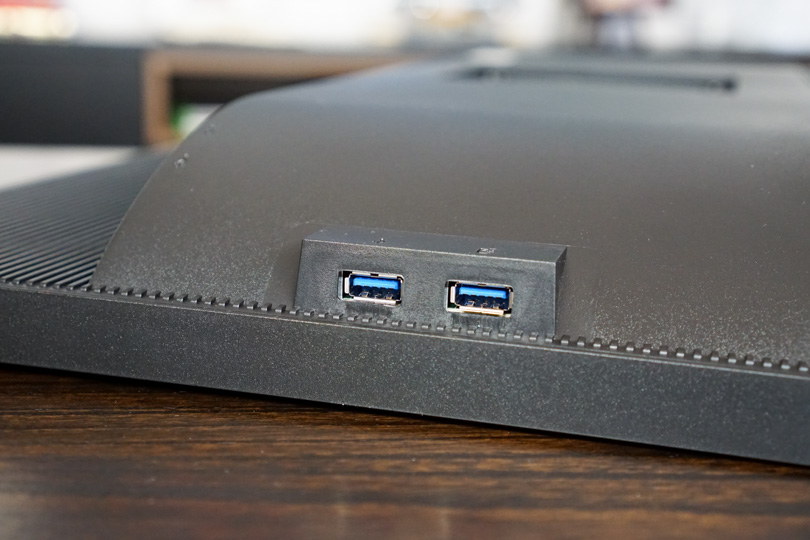
- 4 USB 3.0 ports
- 1 USB 3.0 input (connects to your PC)
- Audio:
- 3.5mm Audio out
In the box you get an HDMI, DisplayPort and USB 3.0 cables. This can help you connect up the XB2 easily. Prop it up, plug it in and you are ready to go.
You also get the Stand and a little hook for your headphones to hang neatly away from the


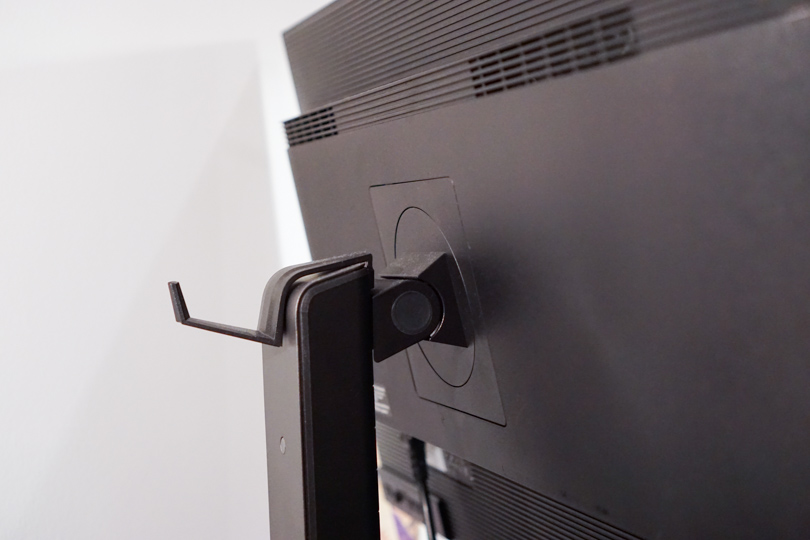
Stand
The XB2 comes with an impressive stand. In both design and functionality it is really great. It’s a sturdy and planted stand that gives you the confidence to tilt the monitor whichever way you like without worrying about it at all.
You can turn the monitor into a portrait layout if you so desire or use it in landscape, which is for most people.
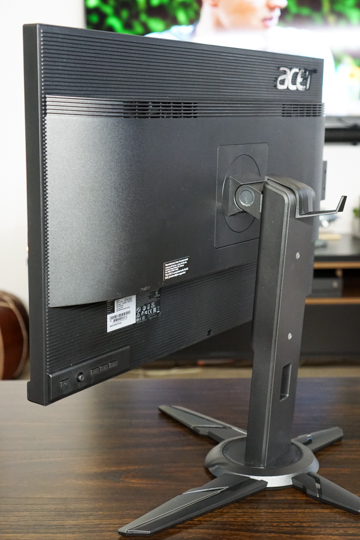
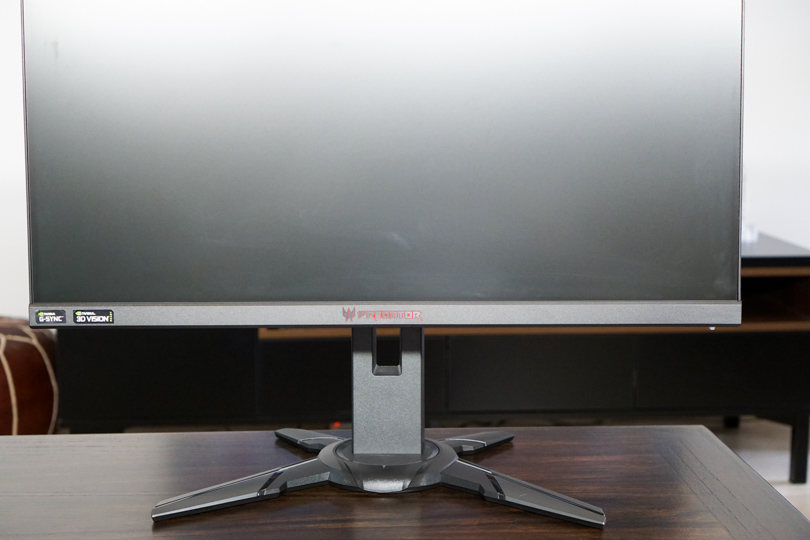
The stand gives the monitor a very nice tilt angle and also can turn really well.
I did have one issue with the review unit given to me, the monitor just never got leveled for too long. A slight touch will
Other Points
The Acer Predator XB2 has inbuilt speakers which work without needing to actually have speakers. The speakers are sub-par, but I wouldn’t expect anything beyond that. The speakers are useful when you want a quieter experience, however for a proper experience you need to actually connect a proper set of speakers or headphones.
The Audio Out in the monitor works perfectly for this purpose. This means that the Predator XB2 transitions from being a monitor to your complete I/O for hot swapping things. Anything that requires higher speeds and better performance you just connect directly to you tower or laptop.
This to me is the perfect mix of convenience and performance. Might not be anything new but its certainly appreciated.

A monitor like this is great because in one of my older setups, I used one monitor for my Desktop and for my Xbox (any gaming console). This way I could connect headphones and play so as not to disturb the people around, without having to invest in a TV or more table space. A bonus for anyone living in a smaller space or students in dorms.
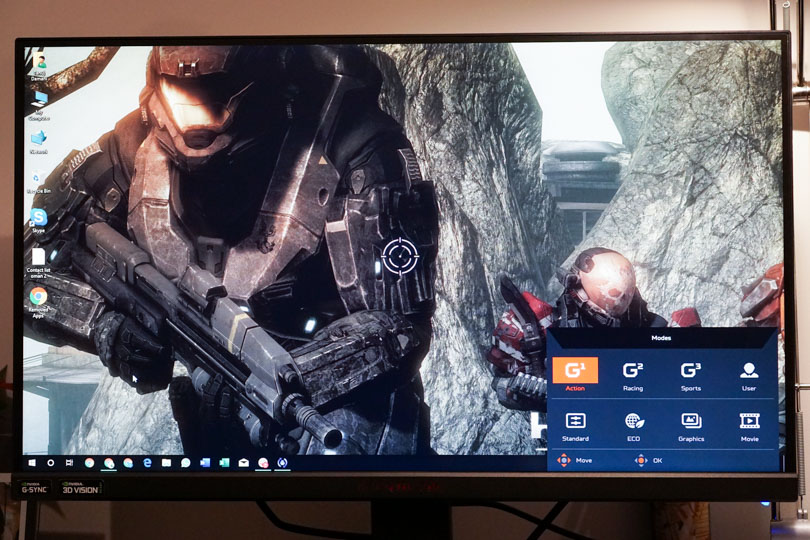
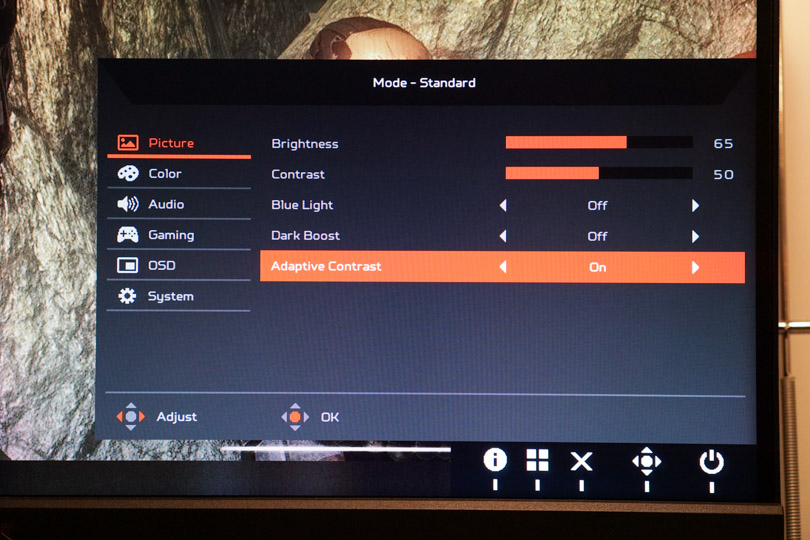
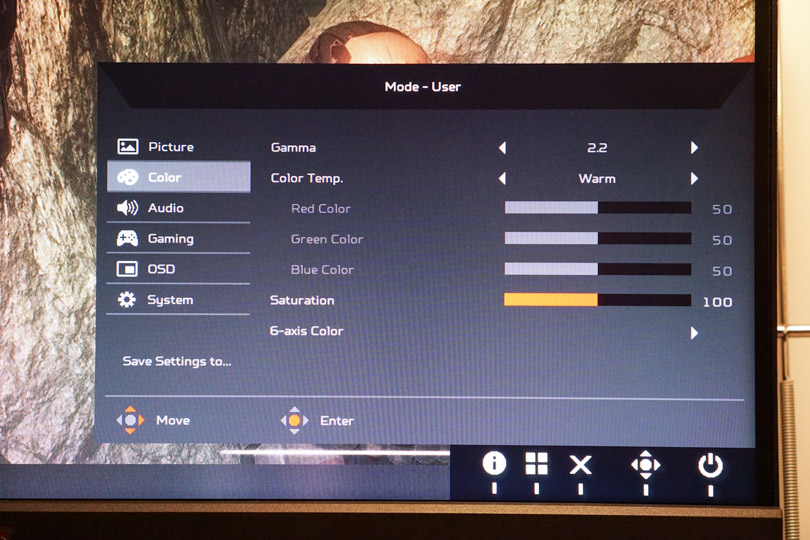
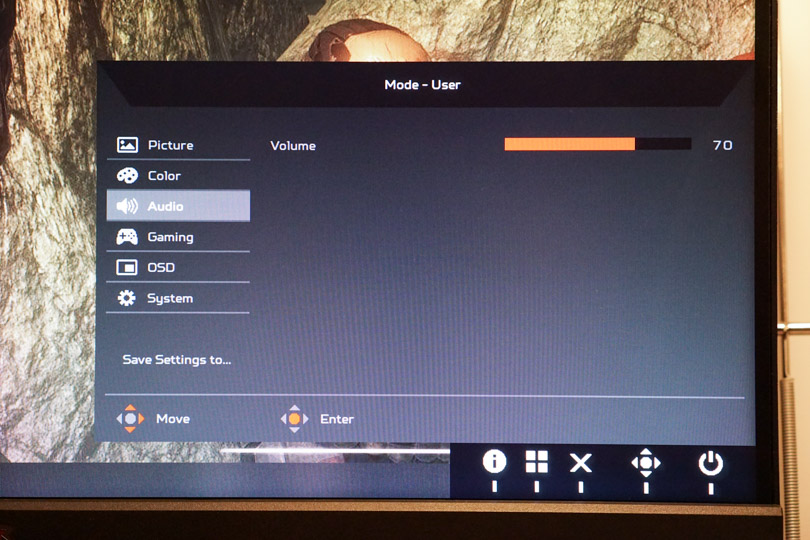
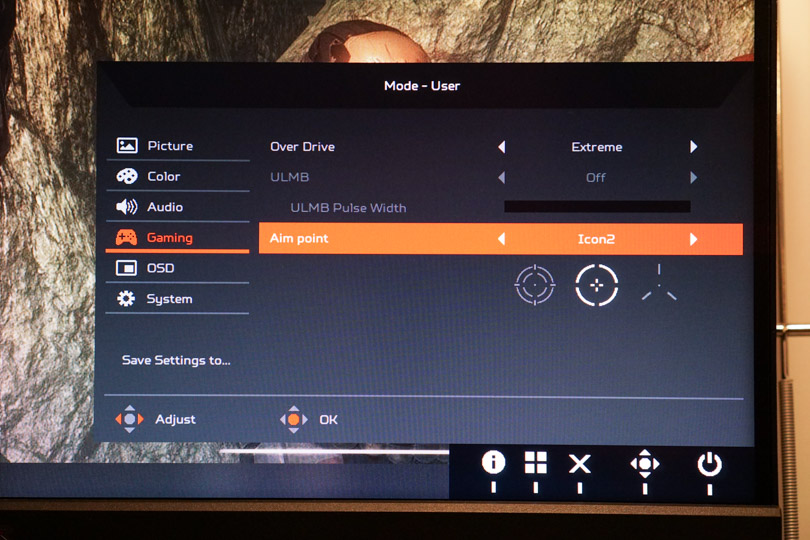
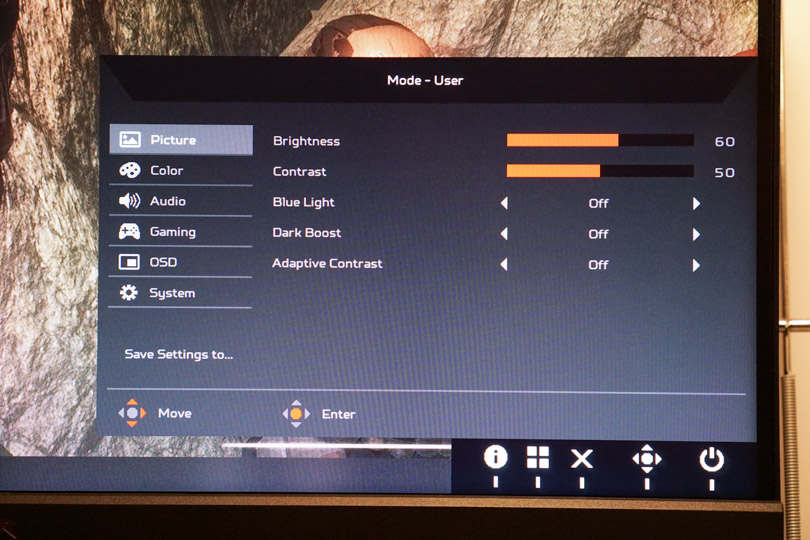
The settings in the monitor are pretty extensive and give you a bunch of options. There is a gaming option where there is a crosshair in the middle of the screen, giving you an extra edge while playing FPS titles.
Verdict
While the 240 Hz refresh rate is mind numbing and sublime, do you really need it? Would you rather push the resolution to 4K and have a lower refresh rate? Depends on personal choice. Can your PC even handle such a crazy refresh rate when pushing games on Max settings? Would you sacrifice visuals for performance? Personally I think it’s a great experience, but even 120Hz is more than enough. The main kicker for me is that the Monitor becomes the interface for my computer, and it works like a charm. This would be the deciding factor, I’d take 1080p for that.