
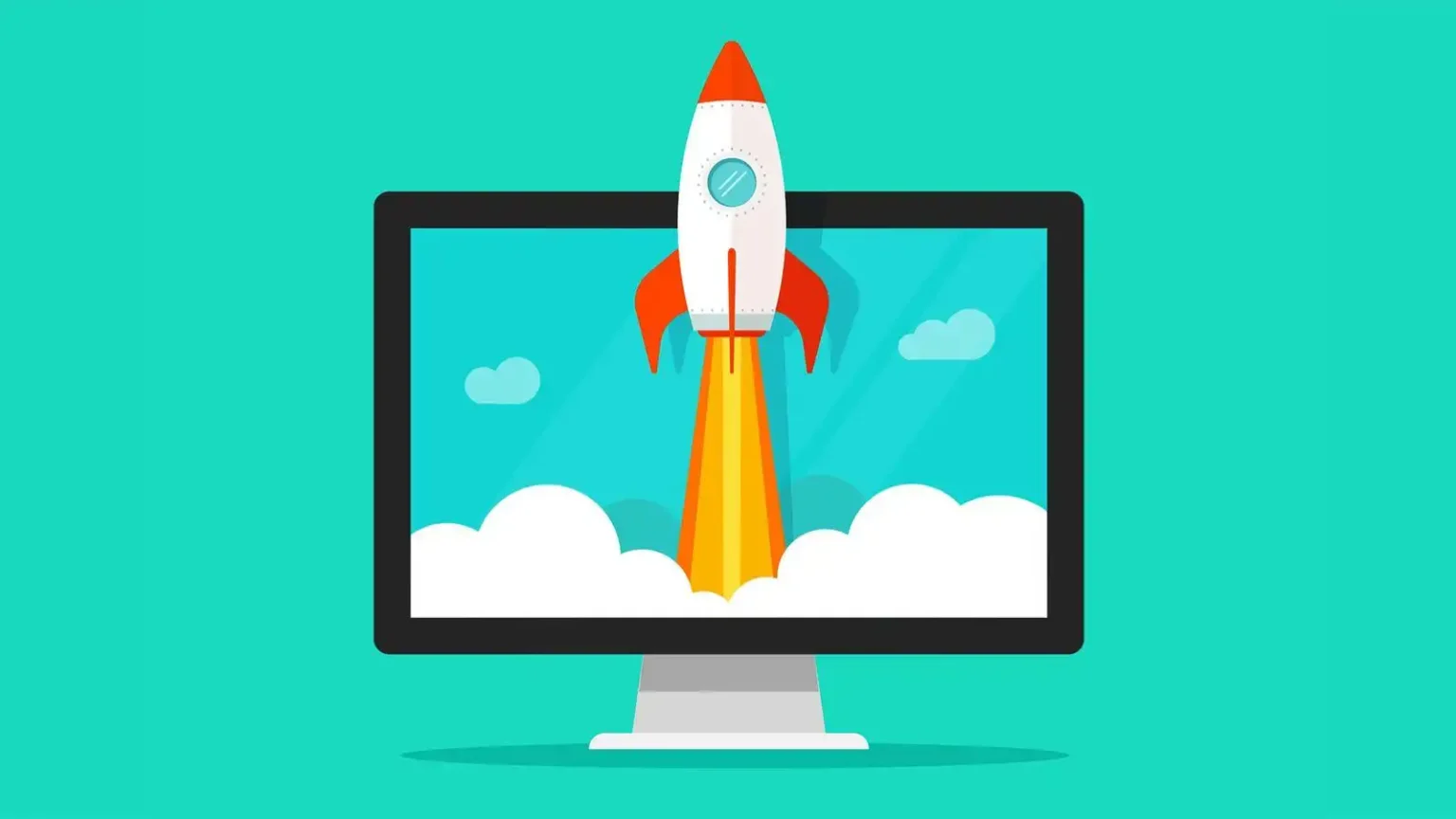
According to a survey, slow-running systems are a problem faced by 65% of PC users. Furthermore, 32% of respondents in the survey1 complained that slow computers were impacting their ability to perform.
The importance of a PC is often overlooked, especially since they have become such a common device in every household. It has a great impact on our daily lives, often affecting how we perform daily tasks, be it for work or leisure. However, every PC does slow down after a few years, but this doesn’t mean you need to get a brand new one every time. With timely upgrades and a few fixes, your PC should be good as new.
Upgrade the Storage Drive
One of the most effective ways to get your PC to work faster is by upgrading its storage drive. An upgrade to an internal SSD from an existing hard disk drive (HDD) can improve your PC’s performance significantly since SSDs are faster compared to HDDs.
An SSD-powered PC will offer higher speeds to do more, while speeding up boot times, app loading times, and launching games, while also bringing more responsiveness in programs that use large files such as video editing or RAW photo editing. What’s more, it will take less power, thereby extending the battery life of a laptop.
One of the top SSD options you have is the WD Blue™ SN570 NVMe SSD, which comes in up to 2TB* of storage capacity. This powerful internal drive delivers faster read and write speeds, so you can let your imagination flow and worry less about PC lag or load times.
Upgrading your RAM
If you enjoy creating content and editing videos, then upgrading your random-access memory (RAM) is another way to improve your overall performance. A RAM upgrade delivers an instant performance boost to a slow PC. The cost of memory upgrades vary based on the PC and the amount of memory required. For tasks such as video editing or gaming, the more RAM you have, the better is the output, where 64 -128GB is the recommended amount. For casual usage, including gaming, 16 to 32GB of RAM will enable more apps working in the background and have more tabs open without causing a lag.
GPU Upgrades
A GPU upgrade makes sense while looking for extra performance or functionality for advanced games or computationally complex programs for statistics and data mining.GPUs are also useful for non-gaming applications, including video editing, as they can efficiently run other processes that involve manipulating large amounts of data in parallel. However, if you’re a professional gamer, then it should be among the first things you upgrade for better frames per second. While purchasing a GPU remember to check the resolution of your monitor for the best outputs. If your CPU is old, make sure your new graphic card is compatible with the processor.
Along with these upgrade tips, its always best to regularly open your laptop or PC (or ask a professional) and clean away all the dust that can clog up fans and other systems. With this and ensuring regular updates are done on time, you will have a PC that stays new, for a lot longer.