
We asked Google’s Bard to set up a “how-to” instruction on how to use it, here’s what Bard has to say:
Bard, the groundbreaking AI tool from Google, is more than just a chatbot. It’s a versatile companion, a knowledge powerhouse, and a creative canvas waiting to be explored. But navigating its vast capabilities can be daunting. Fear not, fellow wordsmiths and curious minds, for this guide will unlock the secrets of Bard and empower you to wield its potential.
Getting Started:
- Access Bard: Head to Bard.Google.com and log in with your Google account. The friendly interface invites you to start a chat.
- Craft your query: Don’t be shy! Bard thrives on diverse prompts. Ask questions, pose creative challenges, or simply share your thoughts. Be specific, and the results will be even more relevant.
- Explore the features: Beyond the chat interface, Bard offers gems like summarizing articles,brainstorming ideas, and even generating different creative text formats. Experiment and discover what suits your needs.
Harnessing Bard’s Power:
- Information retrieval: Need to research a topic? Bard can sift through mountains of data, providing concise summaries and relevant sources. Ask for specific information, or let it surprise you with insightful connections.
- Content creation: Struggling with writer’s block? Bard can help! Generate creative writing prompts,brainstorm ideas, or even craft different writing styles. Let your imagination run wild and see what Bard inspires.
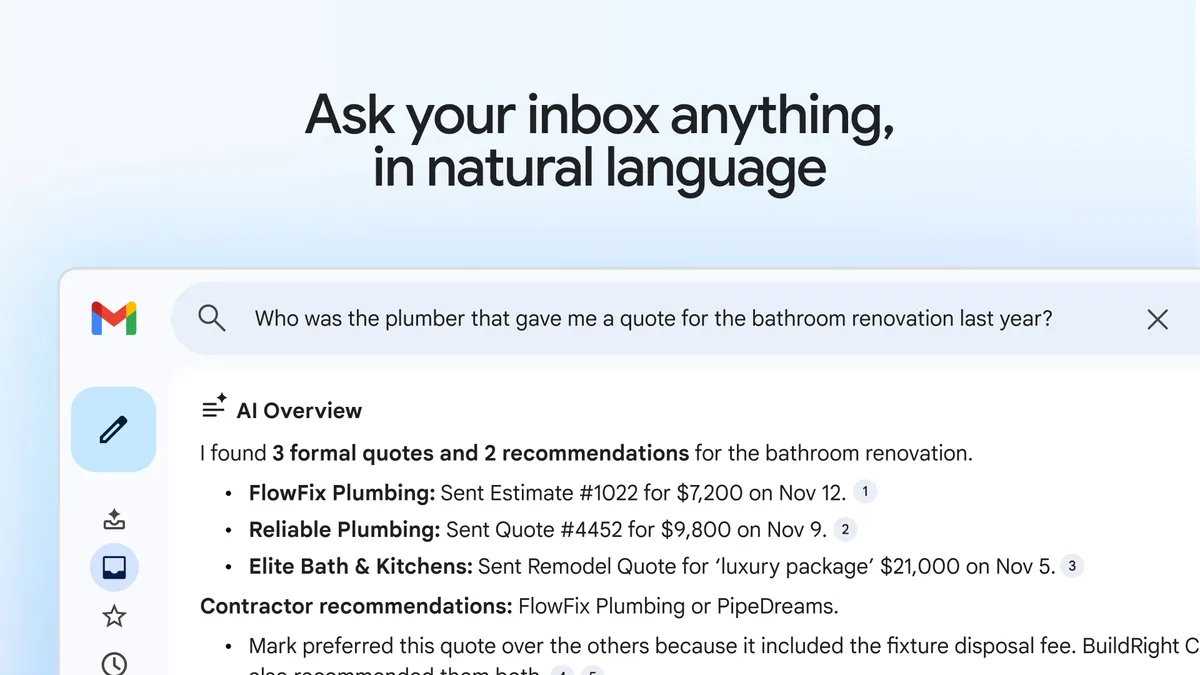
- Productivity boost: Bard can be your personal assistant, streamlining tasks and saving you time.Ask it to summarize emails, schedule appointments, or even translate languages.
- Learning and understanding: Curious about a new concept? Bard can break it down into digestible chunks, providing examples and analogies to deepen your understanding.
Pro Tips for Masterful Bard-ing:
- Clarity is key: The clearer your query, the better Bard can understand your intent. Avoid vague questions and provide as much context as possible.
- Embrace the unexpected: Bard is constantly learning and evolving. Be open to surprising results and use them as springboards for further exploration.
- Fact-check and refine: Remember, Bard is still under development. Double-check information with trusted sources and refine your prompts based on your findings.
- Share and collaborate: Use Bard’s sharing features to collaborate on projects with friends or colleagues. The possibilities for creative teamwork are endless!
Bard is not just a tool; it’s a partner in your journey of learning, creating, and exploring. Whether you’re a seasoned professional, a curious student, or simply a lover of words, Bard has something to offer. So, open the chat window, unleash your questions, and let Bard guide you on a path of endless possibilities.
Remember, the key to unlocking Bard’s potential is your imagination. Be bold, be curious, and let the AI mastermind fuel your creativity!
Happy Bard-ing!