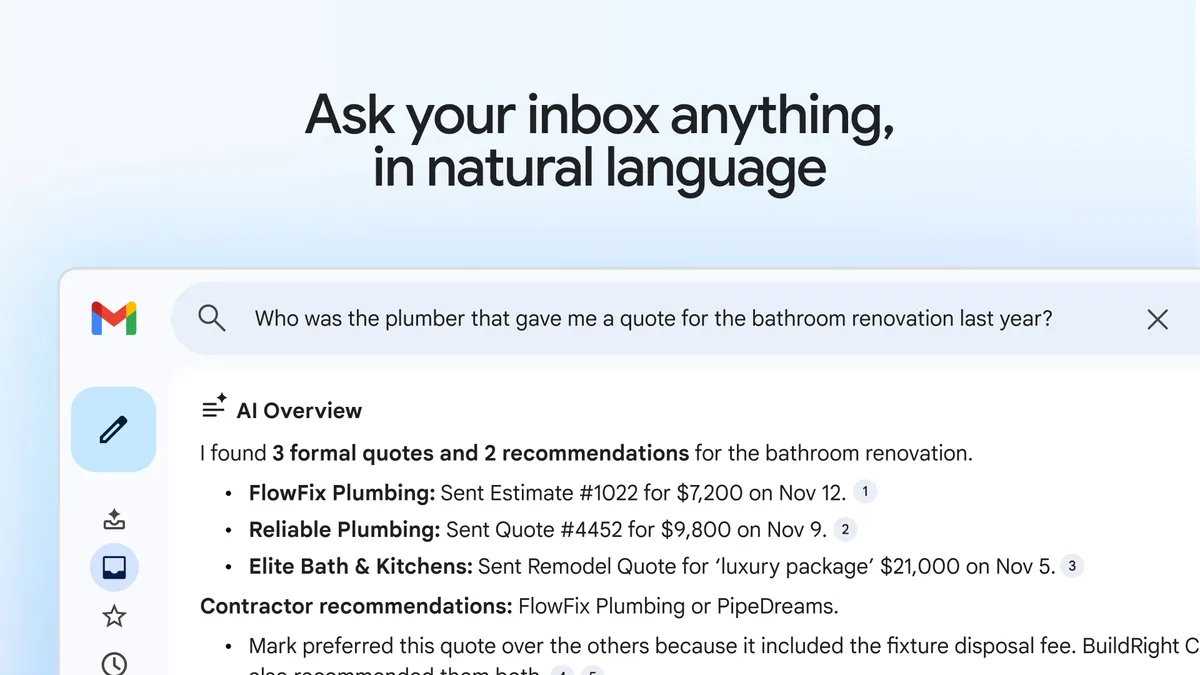

Technology has become an integral part of our daily lives, from smartphones to laptops, to smart home devices, we rely on technology for almost everything. However, with so many advancements in technology, it can be overwhelming to keep up with all the latest trends and features. That’s why we’ve compiled a list of tech tips to help you make the most out of your devices and enhance your overall tech experience.
- Keep your devices updated
One of the most important tech tips is to keep your devices updated. Software updates not only provide you with new features but also fix any bugs and security issues that may exist. Regularly updating your devices can help prevent hacking attempts and keep your personal information secure. Additionally, you can also set your device to automatically update to ensure that you don’t miss any critical updates.
- Use a password manager
With so many online accounts and passwords to remember, it’s easy to fall into the trap of using the same password for multiple accounts or using weak passwords that are easy to guess. However, this is a significant security risk. Using a password manager can help you generate and store strong passwords for all your accounts. Some password managers also have features that can automatically fill in your login information, saving you time and making your online experience more convenient.
- Utilize cloud storage
Cloud storage is an excellent way to backup your data and access it from anywhere. With cloud storage, you can save your documents, photos, and videos securely, and you can easily access them from any device with an internet connection. Some popular cloud storage options include Google Drive, Dropbox, and iCloud.
- Use keyboard shortcuts
Keyboard shortcuts are an easy way to save time and boost your productivity. For example, on a Windows computer, pressing Ctrl + C will copy selected text or files, and pressing Ctrl + V will paste them. There are numerous keyboard shortcuts available for different tasks, and learning them can make your work on your computer faster and more efficient.
- Enable two-factor authentication
Two-factor authentication is an extra layer of security that can help protect your accounts from unauthorized access. This feature requires you to enter a unique code sent to your phone or email in addition to your password. This means that even if someone knows your password, they won’t be able to log in to your account without the additional code.
- Take advantage of voice assistants
Voice assistants like Siri, Google Assistant, and Alexa have become increasingly popular in recent years. These assistants can help you perform tasks hands-free, such as setting reminders, playing music, and controlling smart home devices. They can also answer questions and provide useful information. Learning how to use these assistants can make your life easier and more convenient.
- Protect your devices with antivirus software
Antivirus software is an essential tool for protecting your devices from malware and viruses. It can detect and remove any malicious software that may be on your device, preventing it from causing damage to your data or your device. Many antivirus software options are available, and you can choose the one that suits your needs.
In conclusion, these tech tips can help you make the most out of your devices and enhance your overall tech experience. Remember to keep your devices updated, use a password manager, utilize cloud storage, use keyboard shortcuts, enable two-factor authentication, take advantage of voice assistants, and protect your devices with antivirus software. With these tips in mind, you can enjoy a safe, secure, and convenient tech experience.