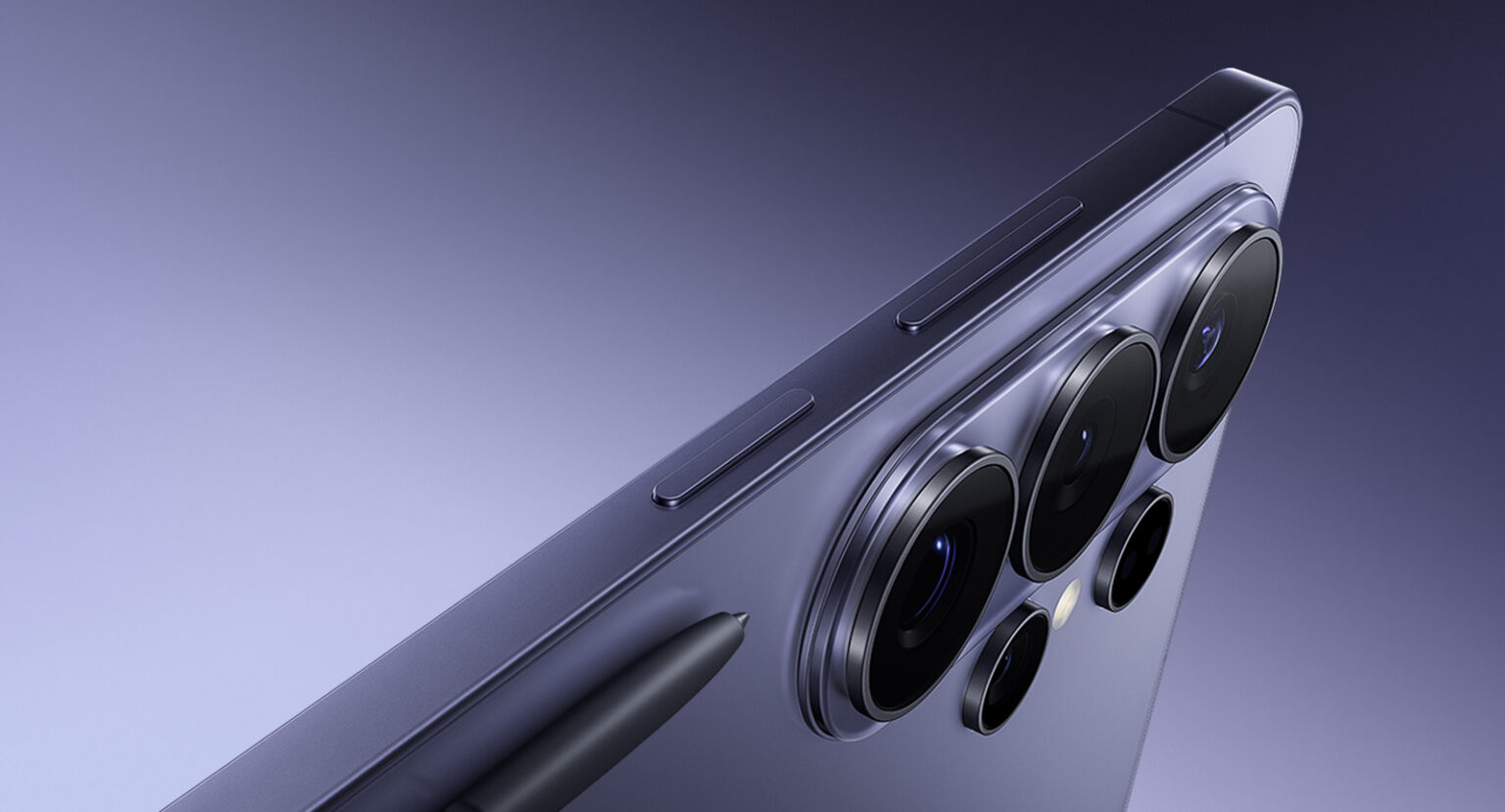
Samsung has decided that privacy is no longer a setting buried somewhere in the menu labyrinth. With the Galaxy S26 Ultra, privacy is now a physical property of the screen itself. Not an app. Not a filter. Not a hack. The display literally changes how light behaves depending on who’s looking at it.
Let’s break down the Galaxy S26 Ultra’s new Privacy Display, because this is one of those features that sounds like marketing fluff until you see it in action—and then your brain goes, “Okay, that’s actually clever.”
Your Screen, But Only For You
Phones are vaults. They carry conversations, passwords, bank access, IDs, work files, and enough personal data to reconstruct your entire life. Yet somehow, they’re also used in public places where strangers casually hover within peripheral vision range. Airports. Elevators. Cafés. Airplanes. The natural habitat of the professional shoulder surfer.
Samsung’s solution is Privacy Display, and it’s exclusive to the Galaxy S26 Ultra.
With a simple toggle from the control center, the screen becomes visible only to you. Anyone looking from the sides sees something that looks dim, distorted, or basically off. From your angle, everything looks perfectly normal. No color loss. No weird haze. No compromise.
It feels less like enabling a feature and more like activating stealth mode.
This Isn’t Software. The Hardware Is Doing the Magic
Here’s where things get interesting from a technical perspective.
Privacy Display is built directly into the panel at the pixel level. Samsung Display engineered the pixels and light dispersion so that light is directed forward, toward the person holding the phone, instead of spreading outward in wide viewing angles.
Normally, OLED displays are designed for maximum visibility from any angle. Samsung essentially reversed that philosophy. When Privacy Display is active, the viewing angle collapses. Straight-on viewing remains crystal clear. Move off-axis, and the screen rapidly fades into darkness.
It’s not using dimming tricks or software overlays. It’s manipulating physics. And physics always wins.
Instant Toggle, Smart Control
Unlike old-school privacy screen protectors—which permanently ruin your viewing experience—this is fully dynamic.
You can enable or disable it instantly from quick settings. You can also configure it to activate automatically when opening specific apps, like email, banking apps, password managers, or anything else that would cause instant regret if someone else saw it.
Authentication options include PIN, pattern, or biometric triggers, so privacy becomes contextual instead of manual.
It adapts to how you use your phone, instead of forcing you to constantly remember to protect yourself.
Two Modes: Full Cloak or Strategic Stealth
Samsung gives you flexibility in how aggressive the privacy effect is.
Maximum Privacy mode makes the entire screen unreadable from any off-angle perspective. Side views, top views, bottom views—everything disappears unless you’re looking straight at it. It’s essentially invisibility for your display.
Partial Privacy mode focuses specifically on protecting sensitive notifications. Messages, alerts, and previews stay hidden from side angles, while you still retain full visibility. This is particularly useful when notifications arrive in public spaces and you’d rather not broadcast your conversations to the surrounding population.
It’s subtle, practical, and designed for real-world use instead of theoretical paranoia.
In Practice, It Feels Seamless
In demonstrations, the effect is immediate and surprisingly dramatic. From straight on, the display behaves like any flagship Samsung OLED—bright, sharp, and vibrant. Move even slightly to the side, and the screen rapidly fades into something unreadable.
The most impressive part is what you don’t notice. When Privacy Display is active, the experience doesn’t feel compromised. There’s no obvious visual penalty when using the phone normally.
It’s the rare kind of feature that disappears when you need it—and protects you when you don’t realize you need protection.
Knox Is Still the Foundation
Privacy Display is just one layer in Samsung’s broader security ecosystem, anchored by Samsung Knox.
Knox Vault isolates sensitive data like biometrics, credentials, and encryption keys inside dedicated hardware. It functions similarly to secure enclaves used in other flagship devices, ensuring sensitive data never leaves protected environments.
Additional privacy protections include intelligent call screening, alerts when apps attempt unauthorized data access, and secure storage areas for sensitive files and photos.
Samsung’s AI features are also designed with privacy boundaries. Personal data used by on-device intelligence systems is encrypted and processed locally inside secure hardware environments, reducing exposure to external threats.
The Bigger Picture
Privacy Display represents a shift in how phone security works. Instead of relying entirely on encryption and software barriers, Samsung is adding physical privacy as a built-in capability.
It acknowledges a simple reality: sometimes the biggest security risk isn’t hackers. It’s the person sitting next to you.
And by turning privacy into a property of the display itself, the Galaxy S26 Ultra introduces something genuinely new—a screen that knows who it belongs to, and quietly refuses to share.