

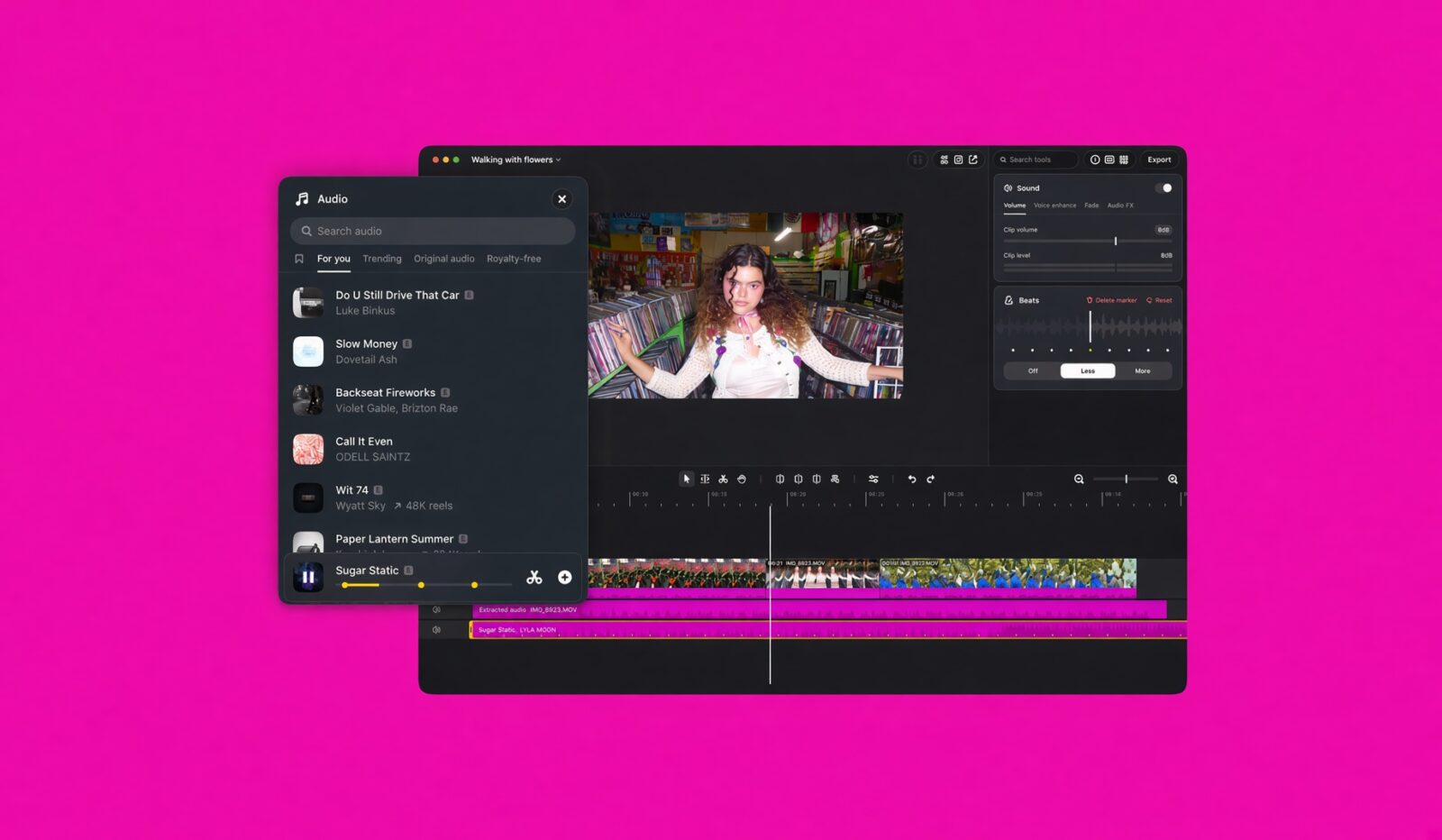
TL;DR: Instagram Edits for Mac is a free, Apple Silicon-only editor with a real multi-track timeline, colour grading, 4K exports without watermarks, direct posting to Instagram and MCP support for AI agent editing. Cross-device project editing and Windows support are still missing, but it’s strong enough that I’m switching from CapCut.
When Instagram launched Edits on phones last year, it was easy to read it as a CapCut rival built for an uncertain moment for ByteDance’s apps in the US. Meta has now done what creators kept asking for and moved the fight to a bigger screen. Instagram announced on Thursday that it is bringing Edits to Mac, aimed at more complex projects that benefit from a larger screen, a mouse and a keyboard. I installed it as soon as it landed and spent time inside it, and it already feels like more than a phone app stretched to fill a window. That matters, because the gap between “quick Reel on the couch” and “proper edit at the desk” is where most creators lose their weekend.
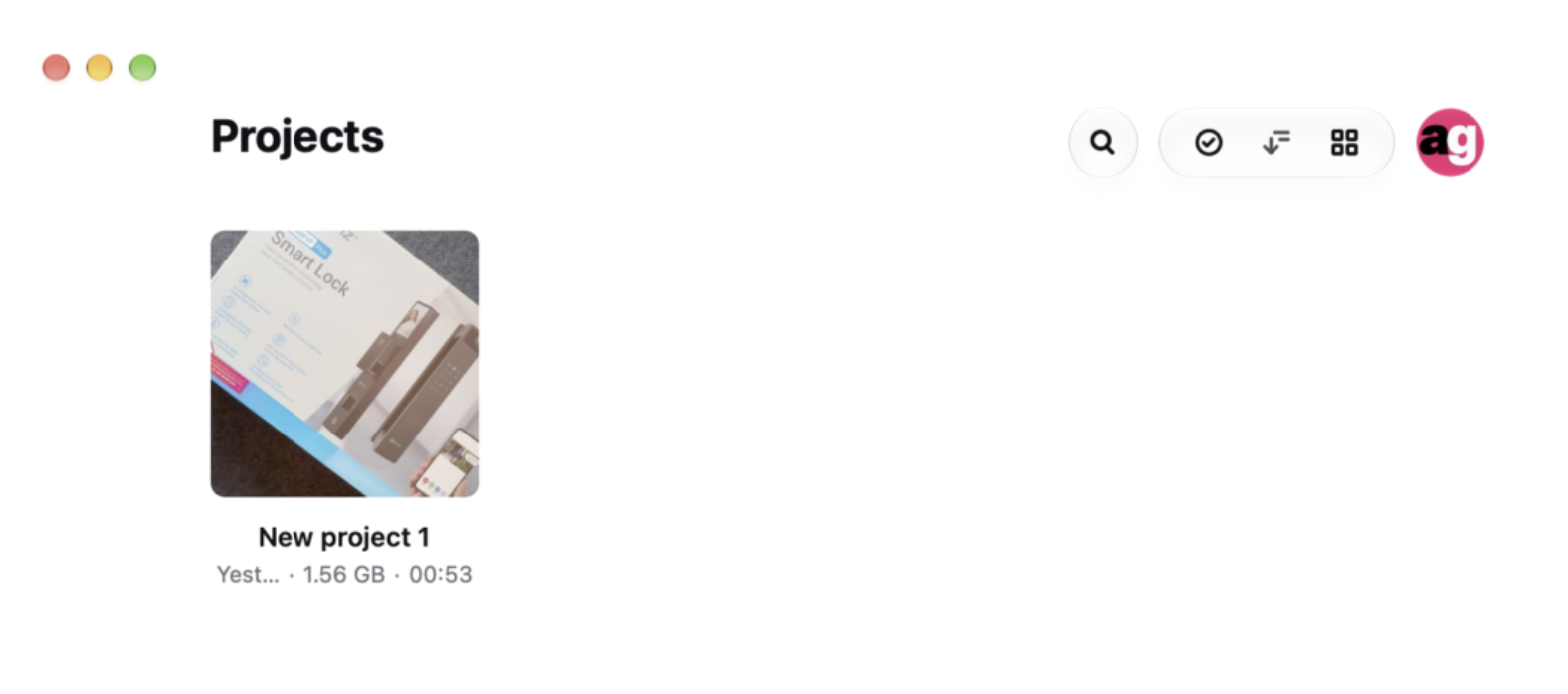
The price is the first thing that gets your attention. The app is free, but it only runs on Apple Silicon Macs from the M1 onwards, and you need an Instagram account to sign in. Even 4K exports from the desktop app come out without a watermark. In a category where many tools hold their best features behind a subscription, a free, unwatermarked 4K editor from a company this size is a statement. It is Meta saying it wants your workflow, not your monthly fee, and that is a trade plenty of creators will happily make.
A proper timeline instead of a pinch-to-zoom compromise
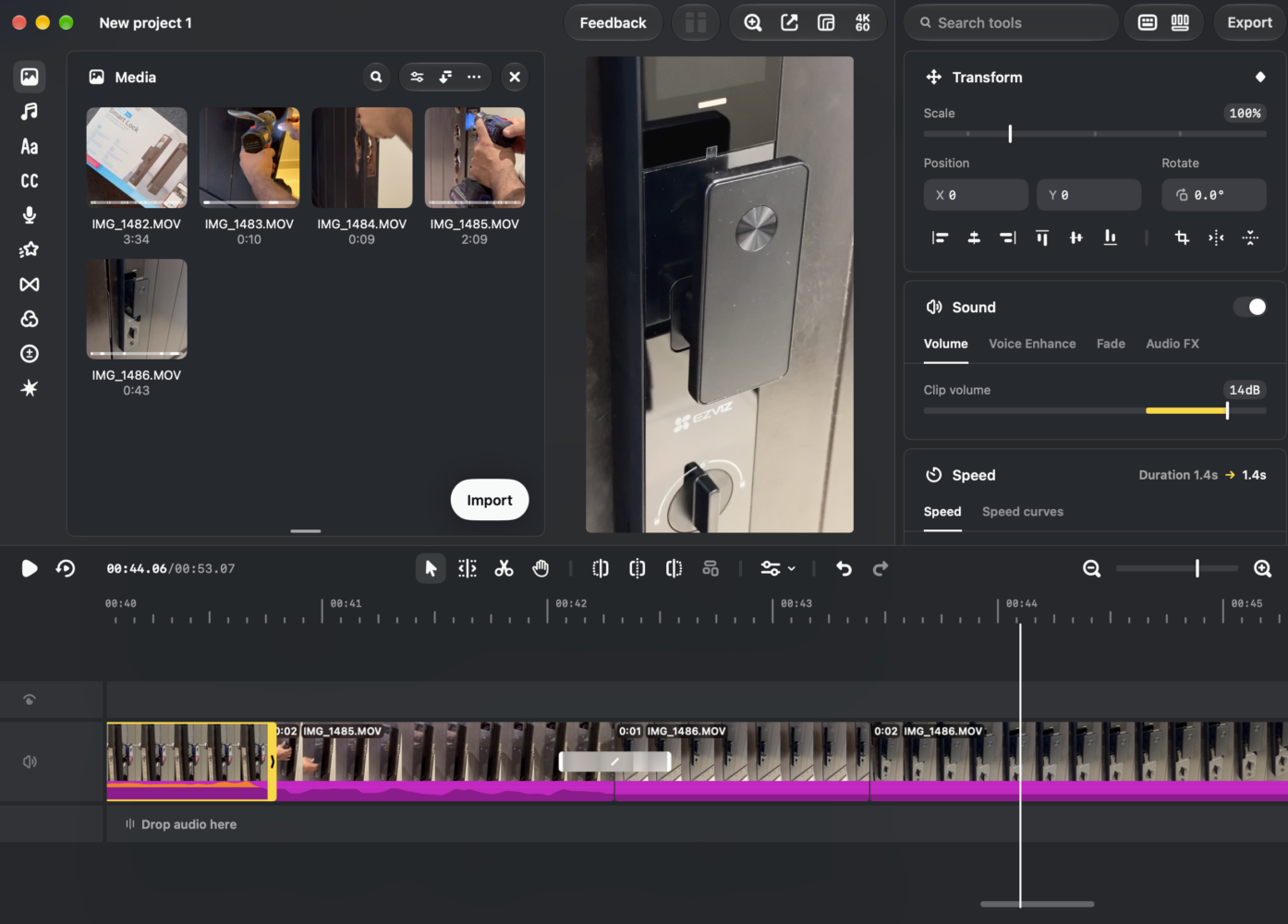
Editing on a phone is fine until you have five layers, a voiceover and a beat you need to hit exactly. The desktop app addresses that directly. It brings a full multi-track timeline with drag and drop, keyframes and frame-by-frame cuts, plus colour grading tools that support LUTs and Log conversions. LUT and Log support is the detail that tells me this is aimed at people who shoot with real cameras, not only phones. If you film on a mirrorless body in a flat profile, you can now grade inside the same app you publish from, instead of bouncing through another editor first.
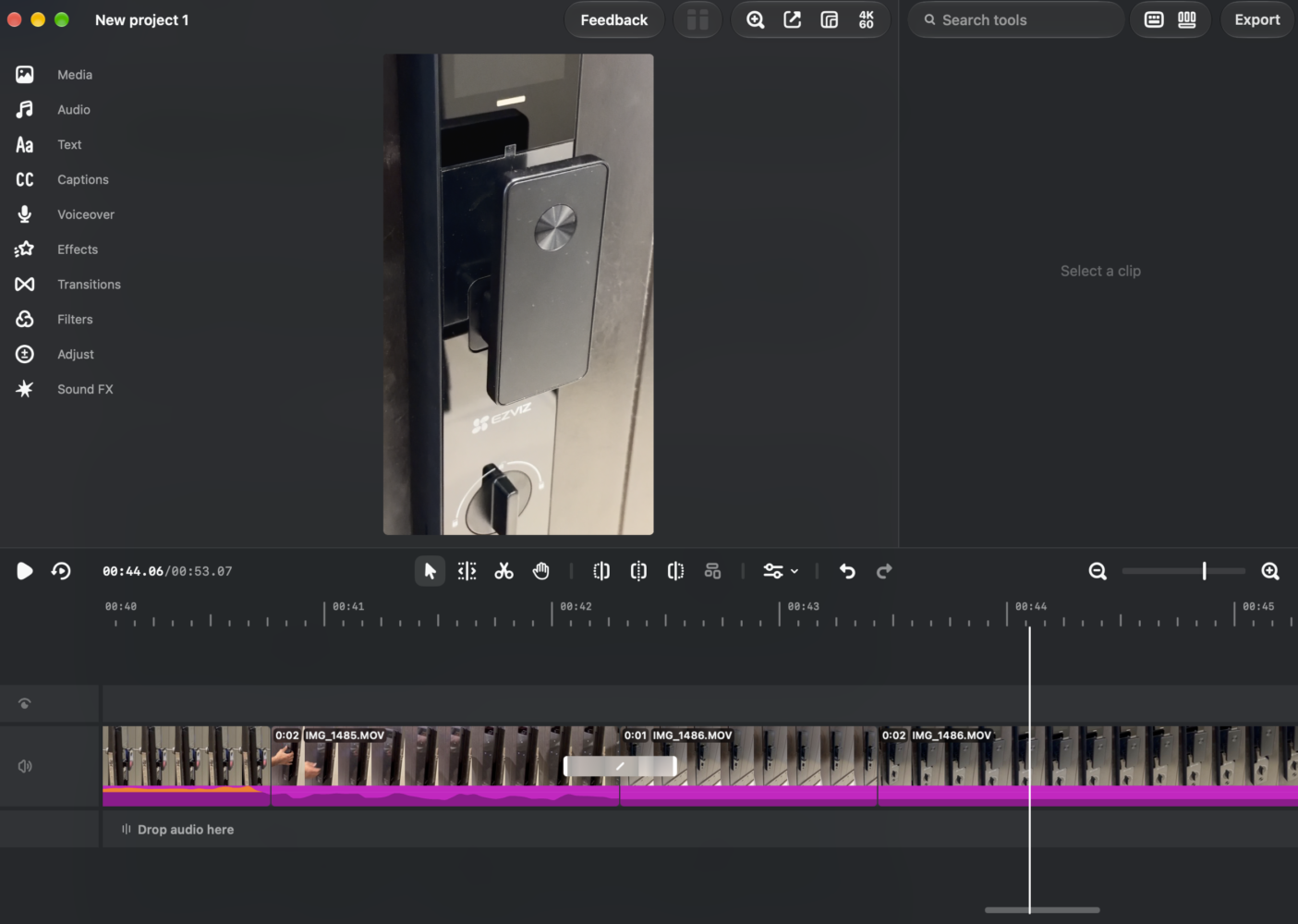
Audio is treated seriously too, which is usually where cheap editors fall over. The app adds keyframes for transitions, audio waveforms for accurate cuts and the ability to import your own font files. Voiceover recording through a connected microphone is supported, along with unlimited captions backed by an editable transcript. Being able to fix captions by correcting a transcript rather than chasing individual text boxes along the timeline is a small mercy that adds up over dozens of videos.
The AI edits are the real headline
The most interesting part of Edits for Mac is not the timeline but what can drive it. The app supports MCP, the open standard that lets AI tools call an app’s functions, so anyone using AI agents can connect them to the desktop editor to help with projects. Instagram’s head of product management for Edits said the desktop release exposes an MCP interface for all of the app’s tools. In plain terms, an agent can do the grunt work of assembling a rough cut, trimming dead air or laying out a structure, and you step in for the creative decisions. It is the closest thing yet to having a junior editor living inside your Mac, minus the coffee runs.
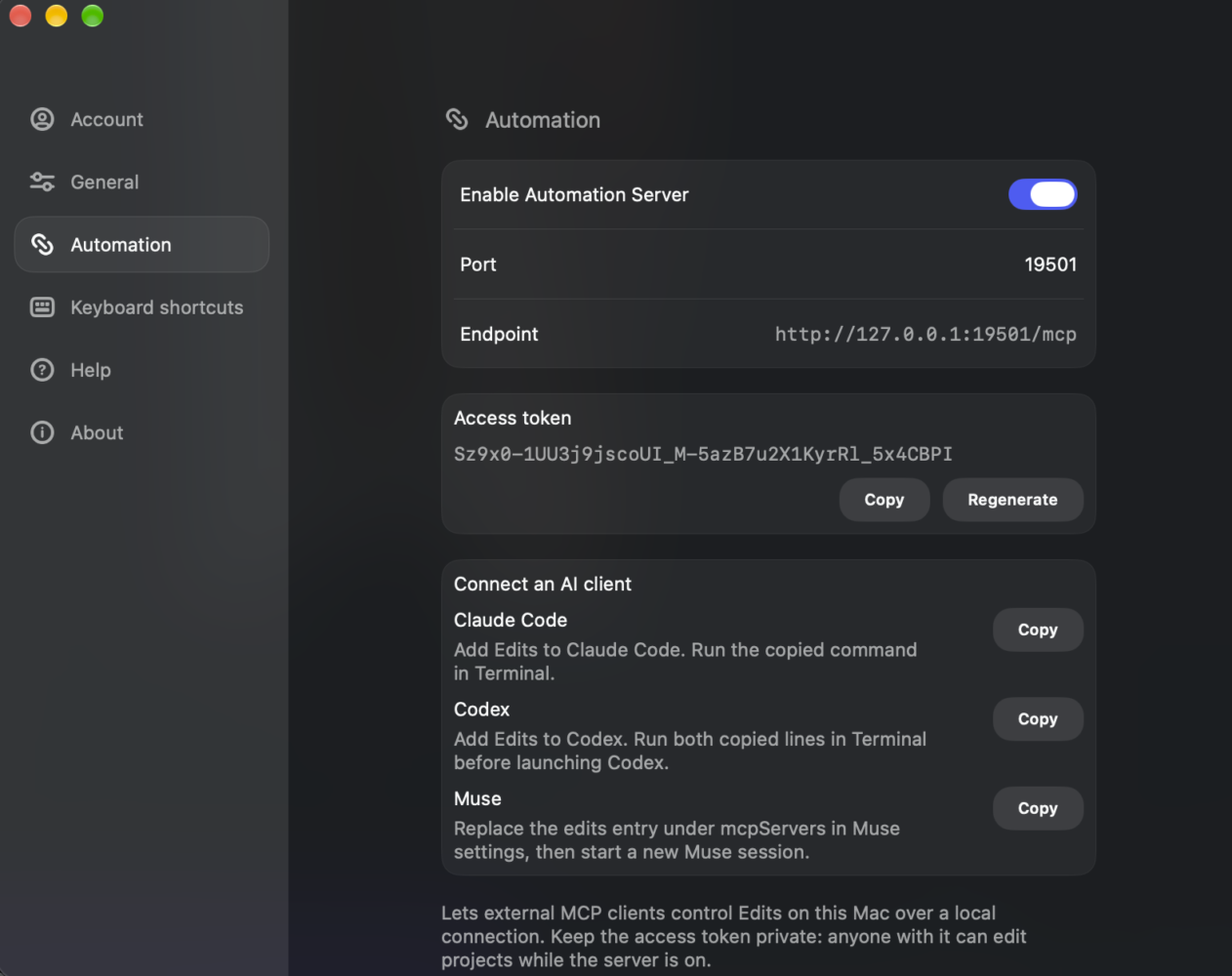
What makes this smart rather than gimmicky is that you are not locked into autopilot. Simari said users can move back and forth between agentic and manual editing. The desktop version reportedly works with any AI agent, including Instagram’s own Muse. That flexibility is key, because AI editing that you cannot override is just a slot machine with a render button. Here, AI handles the tedious first pass and the timeline stays fully yours, which is exactly the relationship creators want with these tools.
Publishing straight to Instagram changes the daily routine
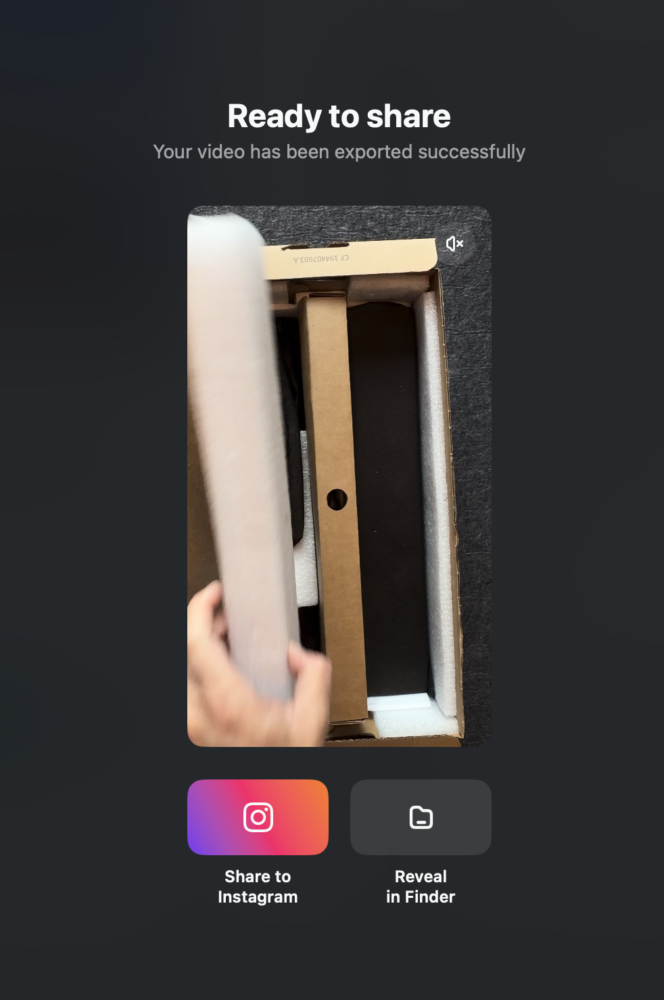
Anyone who has finished an edit on a laptop and then AirDropped it to a phone to post knows how clumsy that dance is. Edits removes it. The app publishes directly to Instagram, including setting a cover photo, tagging people and sharing as a trial reel. Trial reels are a useful inclusion, since testing a cut on non-followers before committing it to your main feed is now part of how serious creators work. Doing it from the editor saves steps every single time you post.
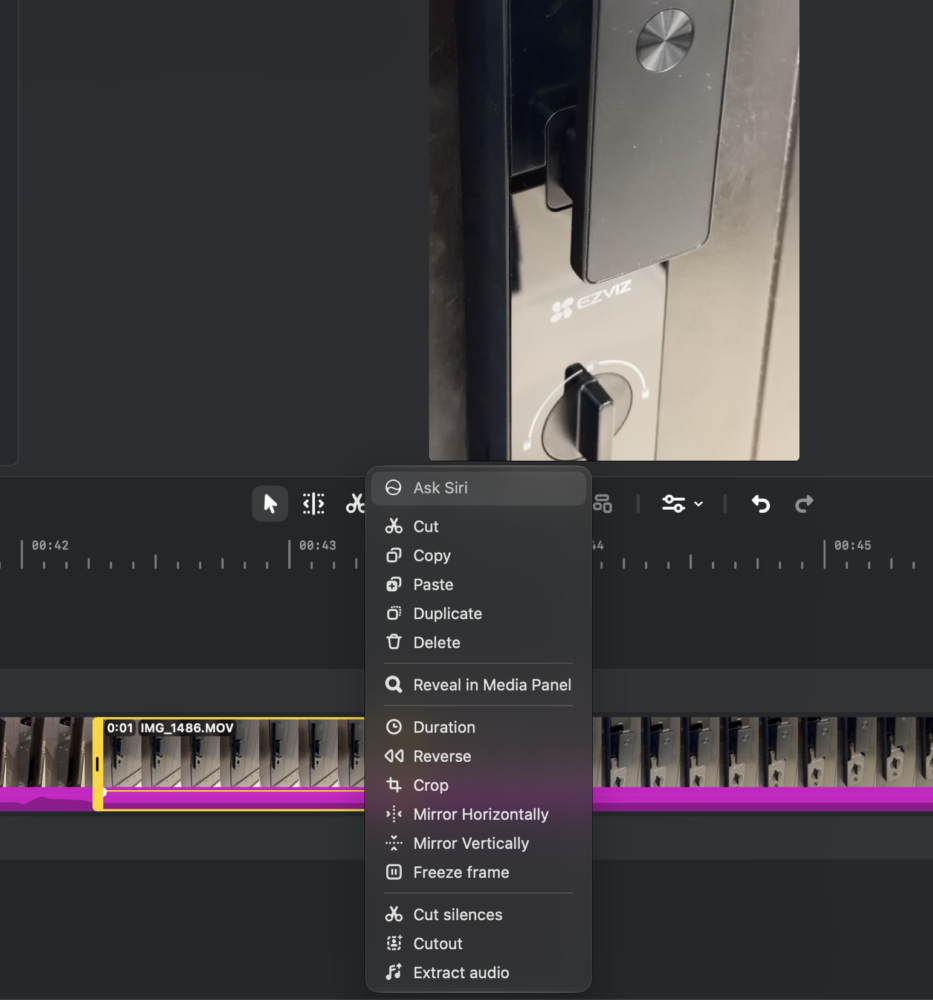
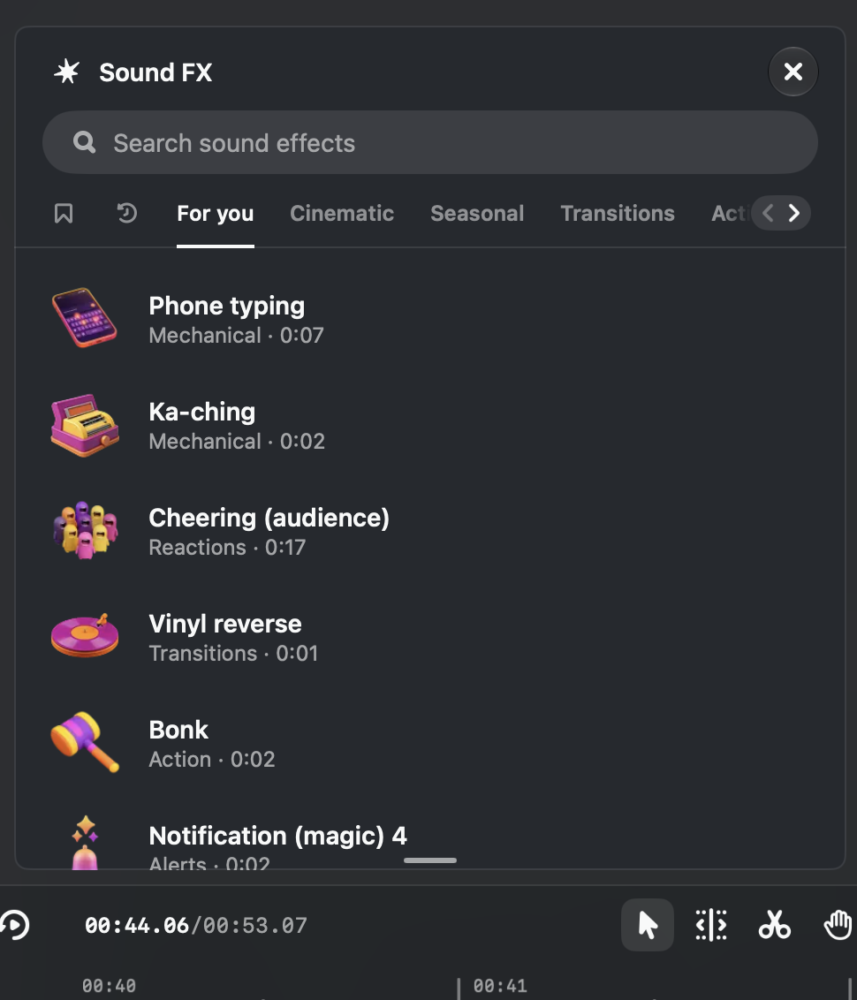
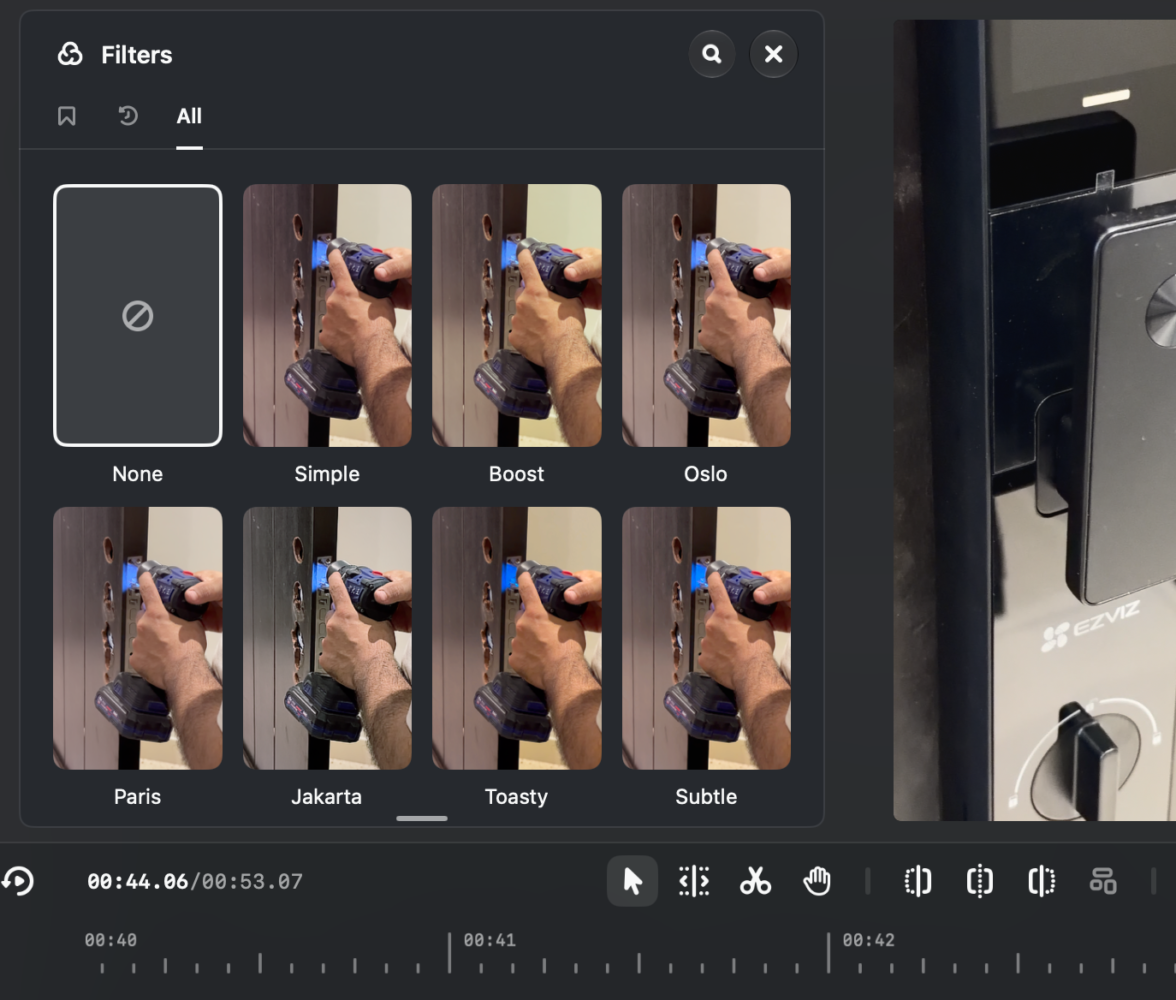
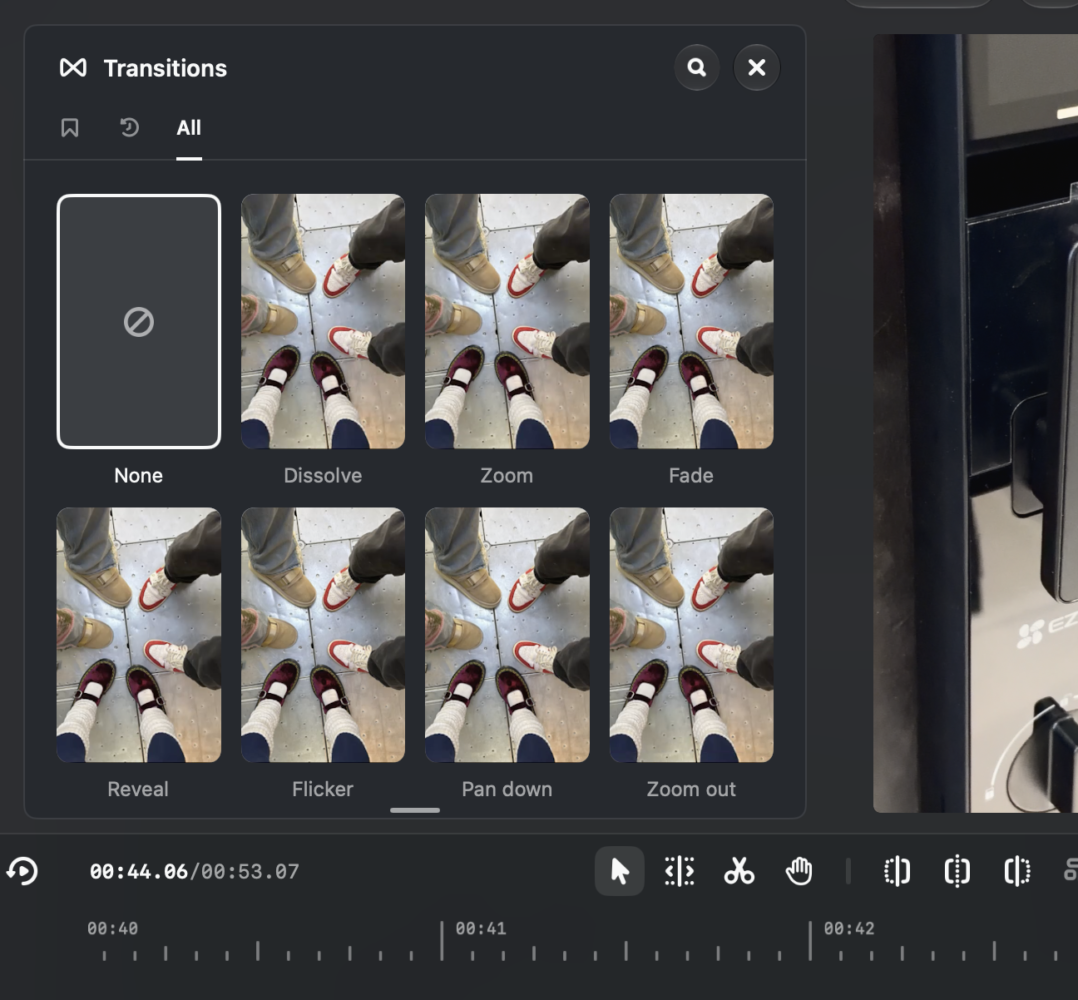
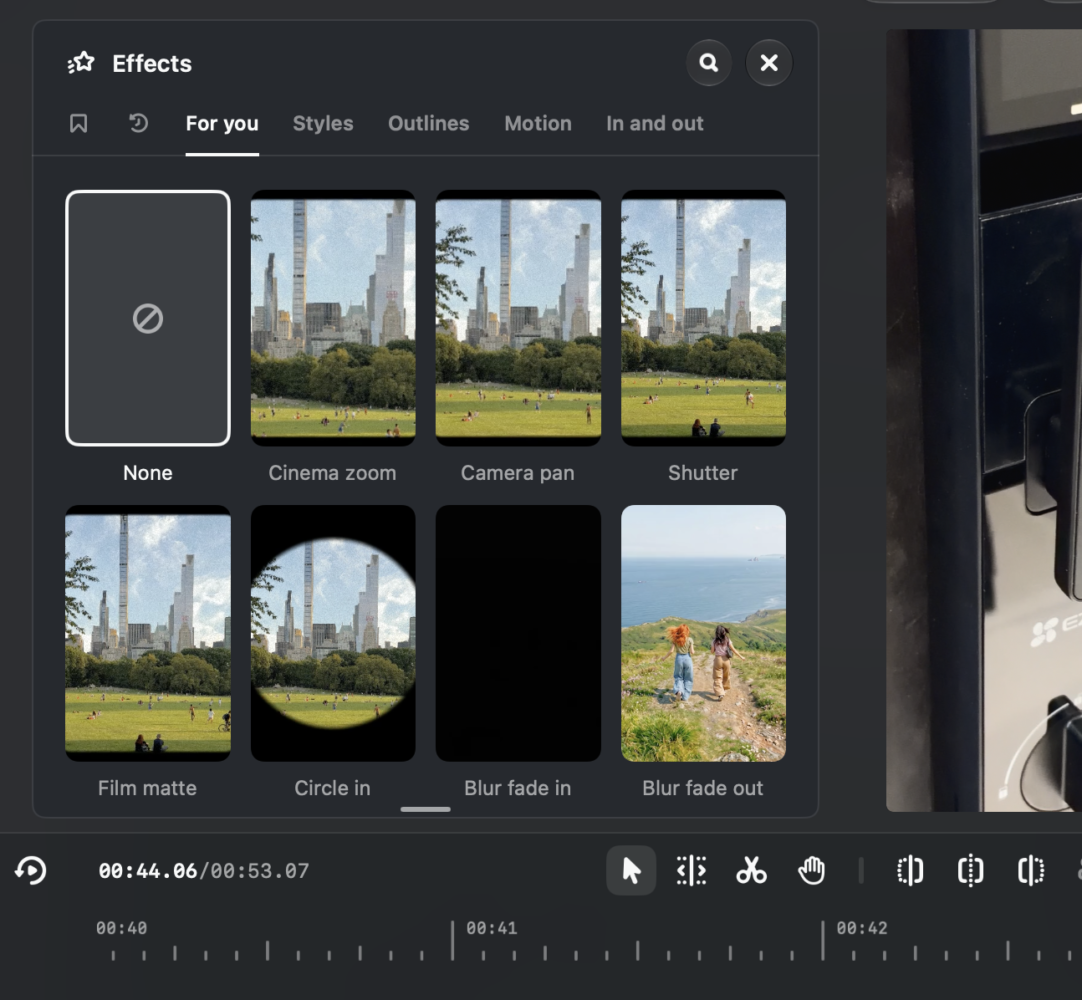
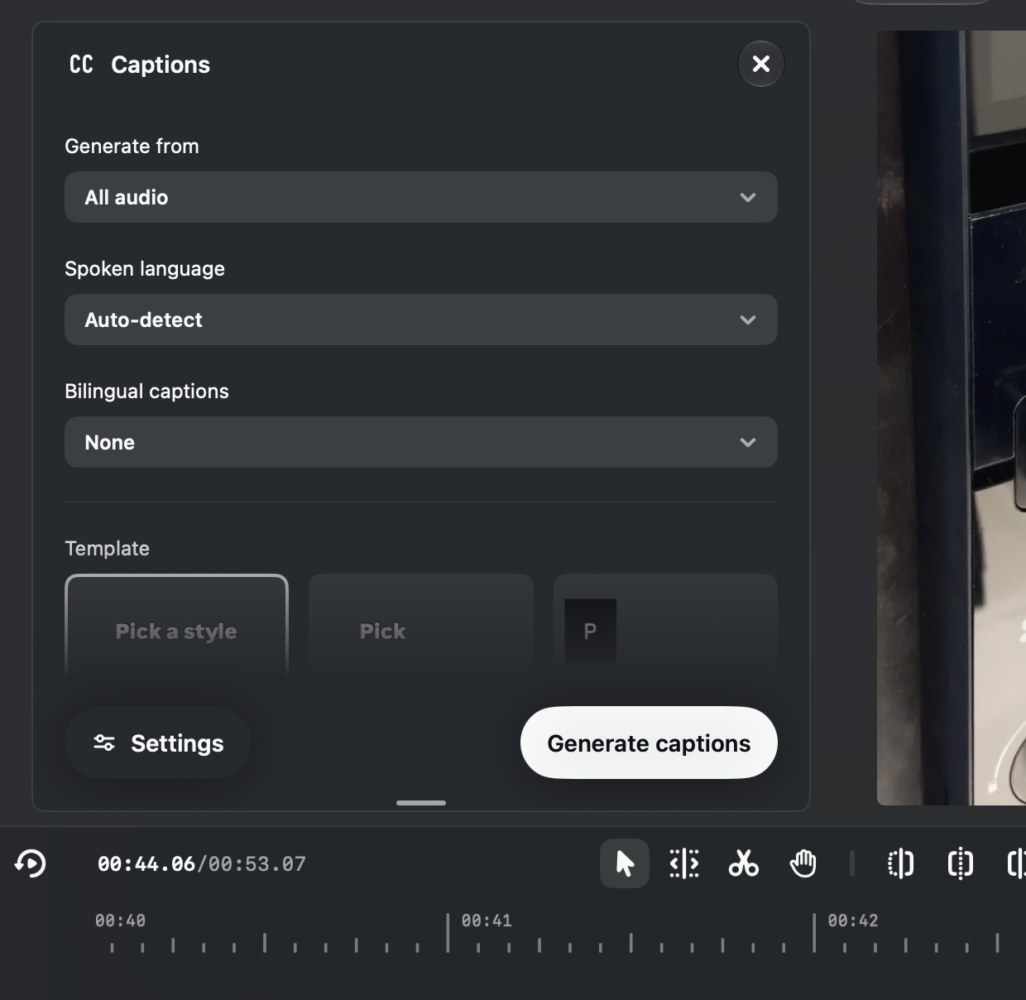
You are not trapped in Instagram’s ecosystem either. The app supports horizontal and vertical aspect ratios and exports 4K without a watermark, so the same edit can go to other platforms or personal projects. That is important for anyone who also posts to YouTube or keeps family videos outside social media. Audio and text styles saved on mobile sync to the desktop, and keyboard shortcuts can be customised or imported from other editing software. Shortcut import is a thoughtful touch that lowers the switching cost for anyone coming from another editor.
Why I’m leaving CapCut for Edits on Mac
CapCut has had a huge head start here. It has been available on desktop for Windows and Mac since 2021, and it remains a capable, mature editor with a deep feature set. My reason for staying with it was simple: Edits lived only on my phone, and real projects need a real screen. With Edits now on the Mac, that reason is gone, and the rest of the equation tips towards Instagram’s app. Free 4K exports without a watermark, direct posting with trial reels, the Instagram music library and MCP-driven AI editing are a strong combination for someone who publishes mainly to Instagram.
Speed of development also counts for a lot in this category. Meta says it is working on cross-platform project editing and plans weekly updates to the desktop app. Weekly updates mean the gaps should close quickly, and the mobile app’s pace since launch suggests Meta is serious about it. An AI assistant was added inside Edits just over a month ago, which shows how fast new features are arriving. For me, switching now means growing with the app rather than waiting for it to catch up.
What’s missing in this first version
This is clearly a version one, and Instagram says as much. The ability to seamlessly edit the same project across Mac and mobile is still in development. That is the feature I want most, because starting a cut on the phone during the day and finishing it on the Mac at night is the natural workflow for a creator. Until it arrives, you have to pick one device per project. It is a real limitation, though only text and audio styles syncing is a decent start.
Platform support is the other obvious hole. There is no Windows version yet, and older Intel Macs are excluded entirely. Requiring an Instagram login also means Edits is not a neutral tool you can hand to anyone, and some people will not want their editing software tied to a social account. CapCut still wins for Windows users and for anyone who wants a long-established desktop editor today, so this is not an automatic switch for everyone.
Verdict
Edits for Mac is the moment Instagram’s editor grows up. The multi-track timeline, LUT and Log grading, waveform-based audio cutting, editable transcripts and custom fonts make it a genuine desktop tool, while free watermark-free 4K exports and direct publishing with trial reels make it very hard to argue with on value. The AI side is the standout, with MCP support letting agents handle rough cuts while you keep full manual control. The weaknesses are typical of a first release: no cross-device project editing yet, no Windows build, no Intel support and a mandatory Instagram login. If you create mainly for Instagram on an Apple Silicon Mac, I recommend it without hesitation, and it is good enough that I’m moving my own workflow over from CapCut. Windows users and those who need a fully mature desktop editor right now should wait for the weekly updates to do their work.