

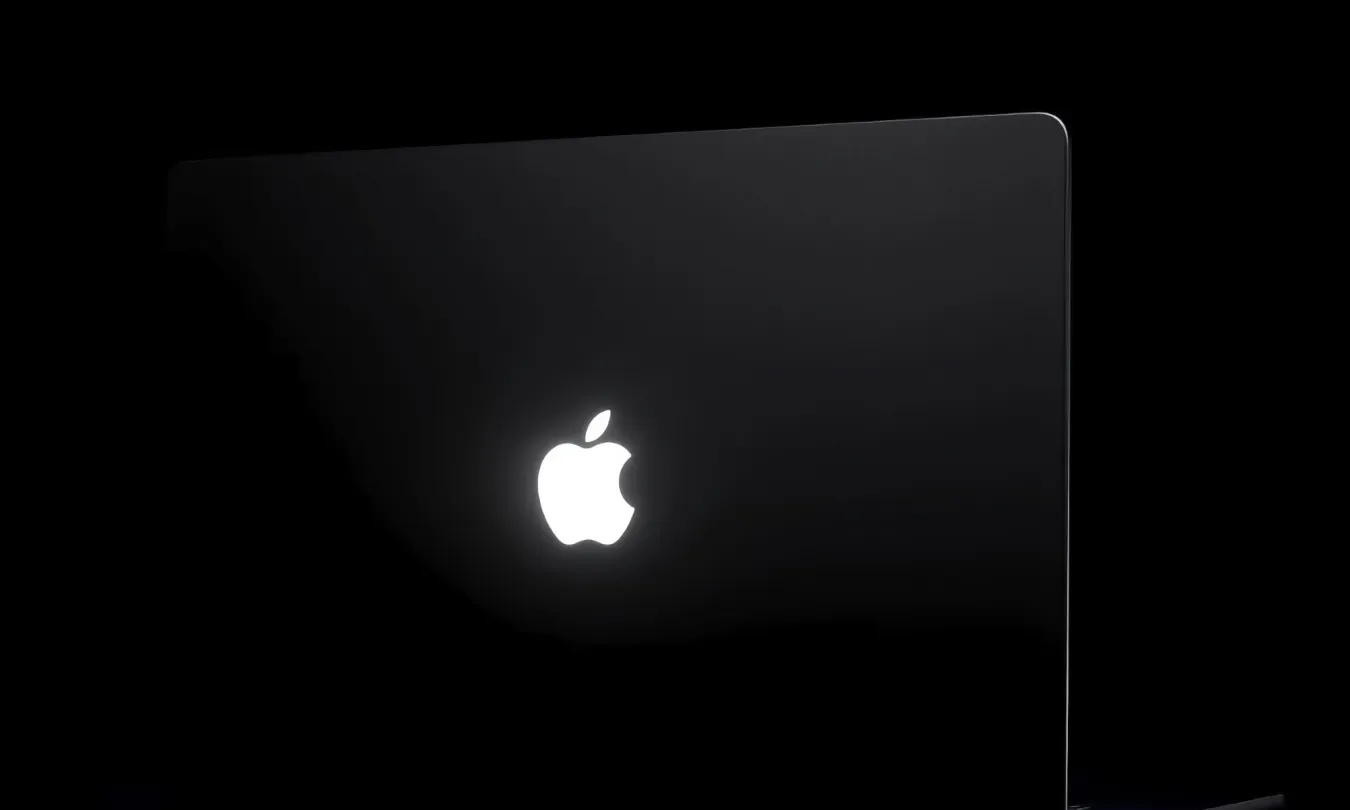
The glowing Apple logo is back on the MacBook Pro, about ten years after Apple removed it, and the company has now explained how it works and how to turn it off. The setting isn’t easy to find, though.
The illuminated logo returns on the new MacBook Pro with the PROLED XDR display. It was a recognisable Mac feature for years until Apple dropped it with the thinner 2016 MacBook Pro redesign, and long-time Mac users may be glad to see it again. This version is smarter than the old backlit logo. It stays lit whenever the laptop is awake and in use, and macOS adjusts its brightness automatically based on screen brightness and the light in the room. It dims in a dark bedroom or lecture hall and gets brighter next to a sunny window, without any input from the user.
That automatic behaviour should cover most situations, but not everyone wants their laptop lid glowing in a quiet meeting, a cinema or a dark studio. Apple doesn’t provide a switch in System Settings. Turning the logo off requires Terminal, the command-line app in the Utilities folder that most Mac owners never use.
To disable it, open Terminal and enter sudo defaults write com.apple.CoreBrightness LEBacklightMode -int 0, press Return, then enter your administrator password. The password won’t appear on screen as you type, which is normal Terminal behaviour. The logo should turn off immediately. To restore it, run sudo defaults delete com.apple.CoreBrightness LEBacklightMode.
There are a few details to know. The setting applies to the whole Mac, not just your user account, so anyone else who logs in will also see a dark logo. It also carries over if you migrate your data to a new Mac, which could surprise you on future hardware. A clean reinstall of macOS removes the change and turns the logo back on.
Leaving this out of System Settings is an odd decision. Apple usually provides visible switches for features that affect privacy, battery life or how a device is noticed in public, and a glowing lid touches on at least two of those. Apple also hasn’t said how much power the light uses, which matters for anyone trying to get more battery life on a long flight.
Hiding the option in Terminal suggests Apple expects most people to leave the logo on. Whether it eventually adds a proper toggle, as it has for features that started as hidden tweaks, may depend on how many buyers end up searching for this command.