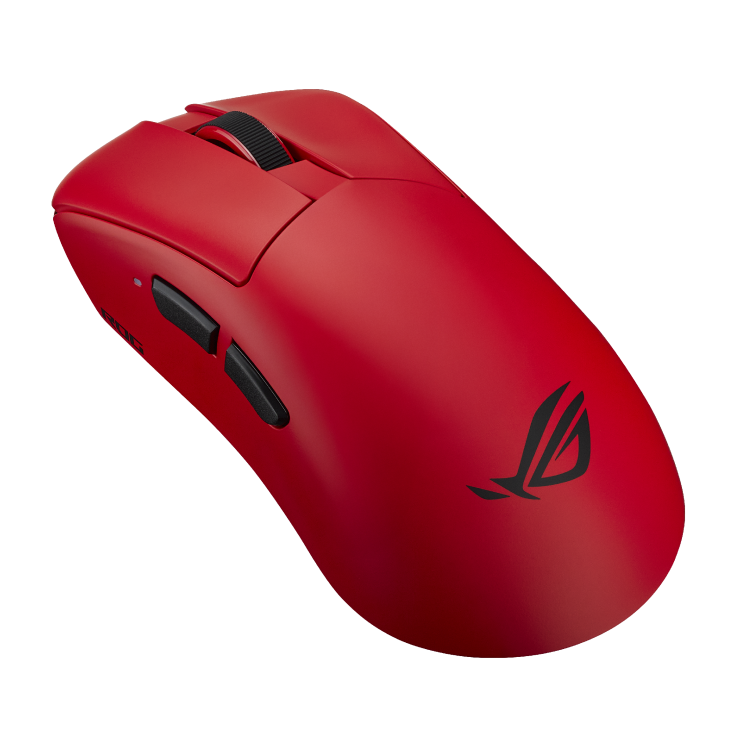

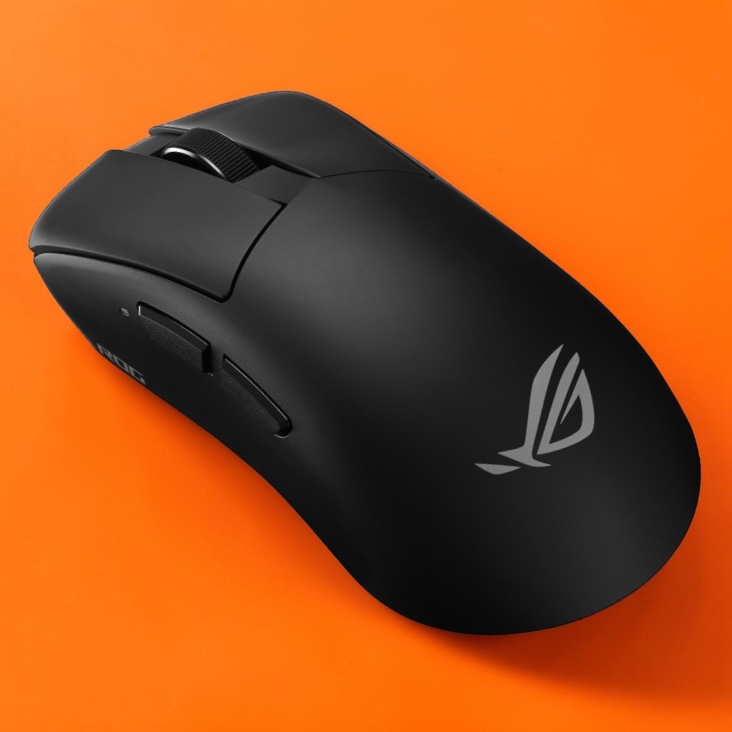
TL;DR: The ROG Gladius IV Ace is a lightweight (56g, adjustable up to 71g) premium wireless mouse that’s very comfortable for gaming and everyday work alike. It has top-end specs, including a 65K DPI sensor and 8,000Hz polling. Its large right-handed shape suits medium-to-large hands best, the weight system is fiddly to install, and battery life drops to about 16 hours at max polling. At around AED 579, it’s an easy recommendation if the shape fits your hand, but a harder sell if you’re already happy with your current mouse.
The ROG Gladius IV Ace makes a convincing case for a gaming mouse built around personal preference. Its generous ergonomic shape offers substantial palm support, while an adjustable weight system gives players room to experiment. There is plenty of ambitious hardware underneath, including a 65,000 DPI sensor and 8,000Hz wireless polling.
The result is a capable premium mouse, although its appeal depends heavily on how well that shape suits your hand.
Design
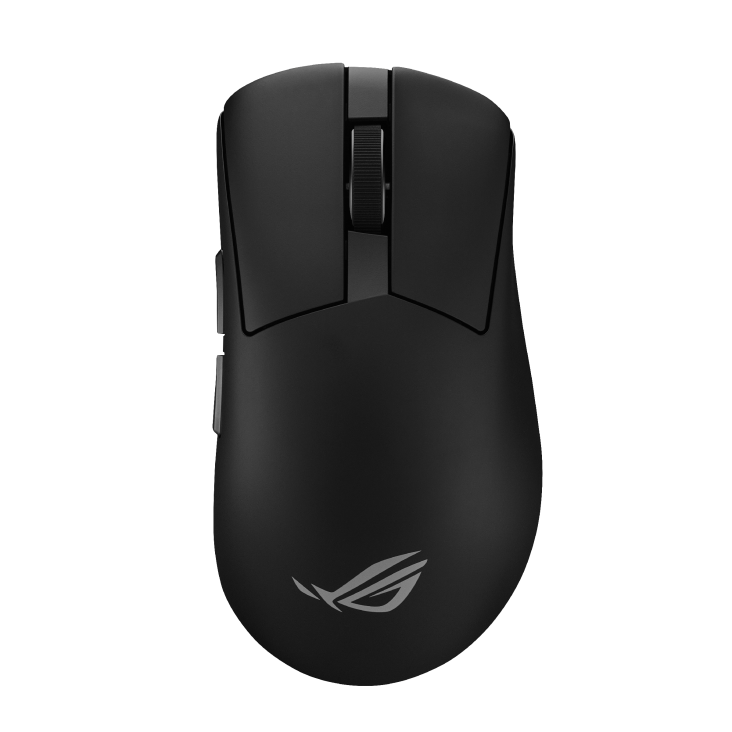
ASUS also paid attention to click consistency. The company says it sorts optical switches by actuation force and tests assembled mice to keep the main buttons closely matched.
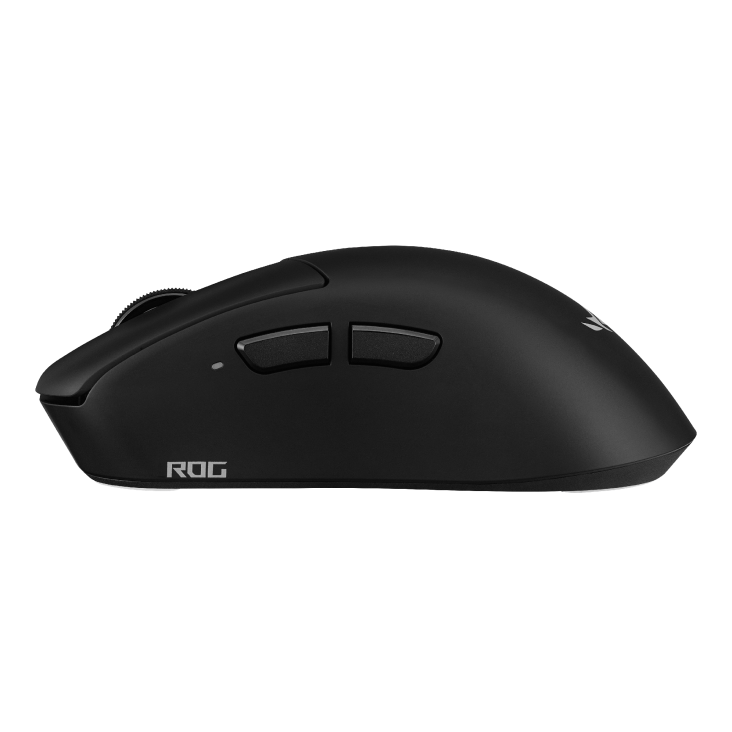
That is a worthwhile manufacturing priority, although individual feel remains subjective. Personally, the main button pressure points as well as the overall construction is pretty solid for a wireless mouse as premium as this.
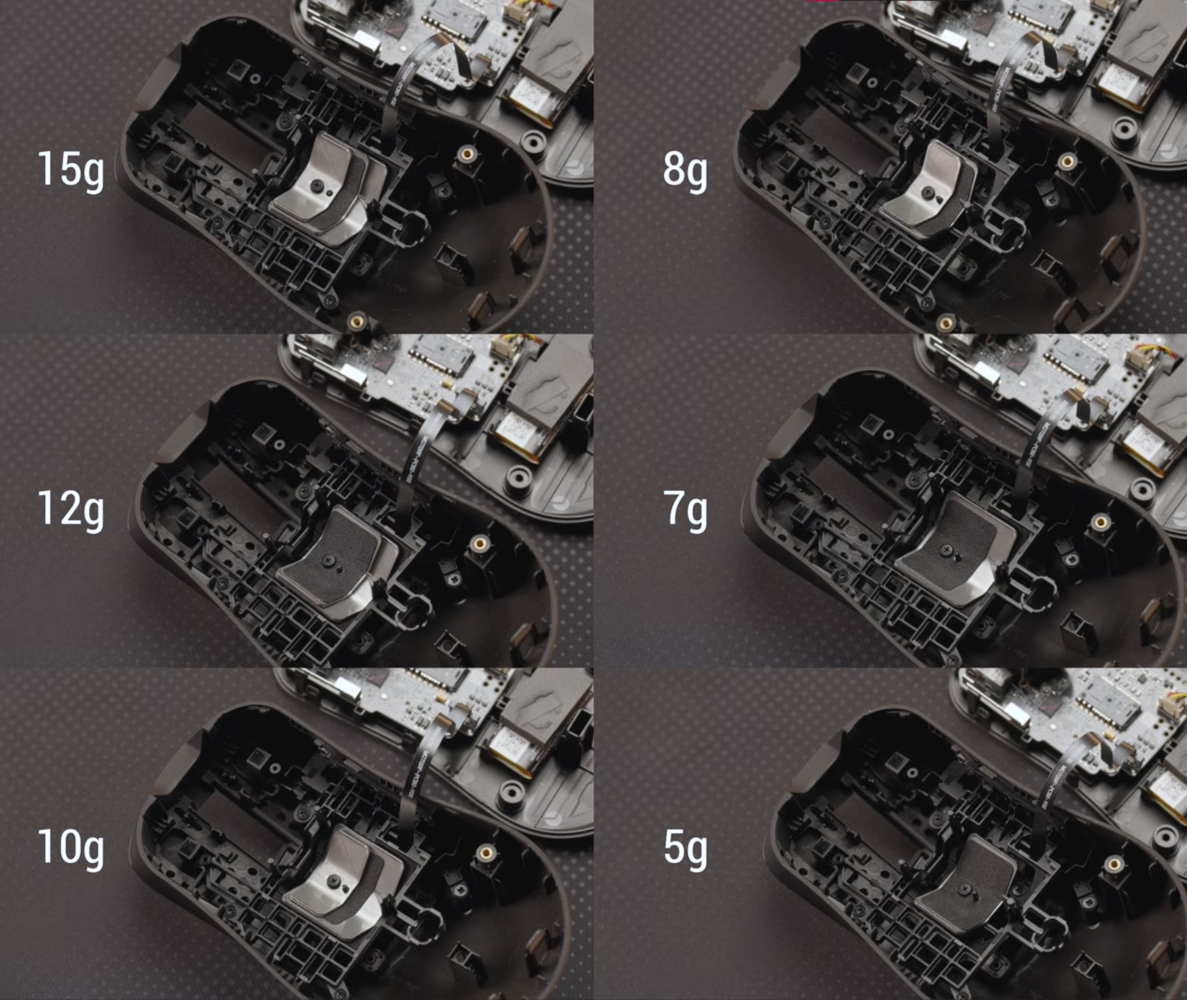
At 56g in its standard configuration, the Gladius IV Ace combines low weight with a substantial ergonomic body. ASUS includes modular weights that increase it to 71g across seven different configurations. That flexibility is welcome because mouse weight is personal. Some players appreciate resistance when making small adjustments, while others want the lightest possible movement. Having that choice within one mouse makes it easier to find a comfortable setup.
I found the installation fiddly, particularly when securing the small screw that holds the weights. This feels like something to adjust during initial setup, rather than between matches. Even so, the flexibility is welcome. A comfortable weight can be surprisingly personal, and having several options makes this feature more meaningful than another specification that most players will never fully use.
Performance
For me, the lightweight feel was a major advantage. In Marvel Rivals and Overwatch, moving the mouse felt easier, and my aim improved substantially. That is a personal result, rather than a promise that changing mice will improve everyone’s performance. Hand fit and familiarity will influence the experience. Nevertheless, the difference was meaningful enough that low weight became one of the Gladius IV Ace’s strongest selling points during my time with it.
The comfort benefits extended beyond gaming. Editing in Premiere Pro involves plenty of repeated mouse movement, and the Gladius IV Ace was easier on my hands during that work. For anyone using the same setup for gaming and productivity, that matters. A mouse can spend much of its working life navigating a timeline or moving between panels, so everyday comfort deserves serious consideration alongside its performance in competitive games.
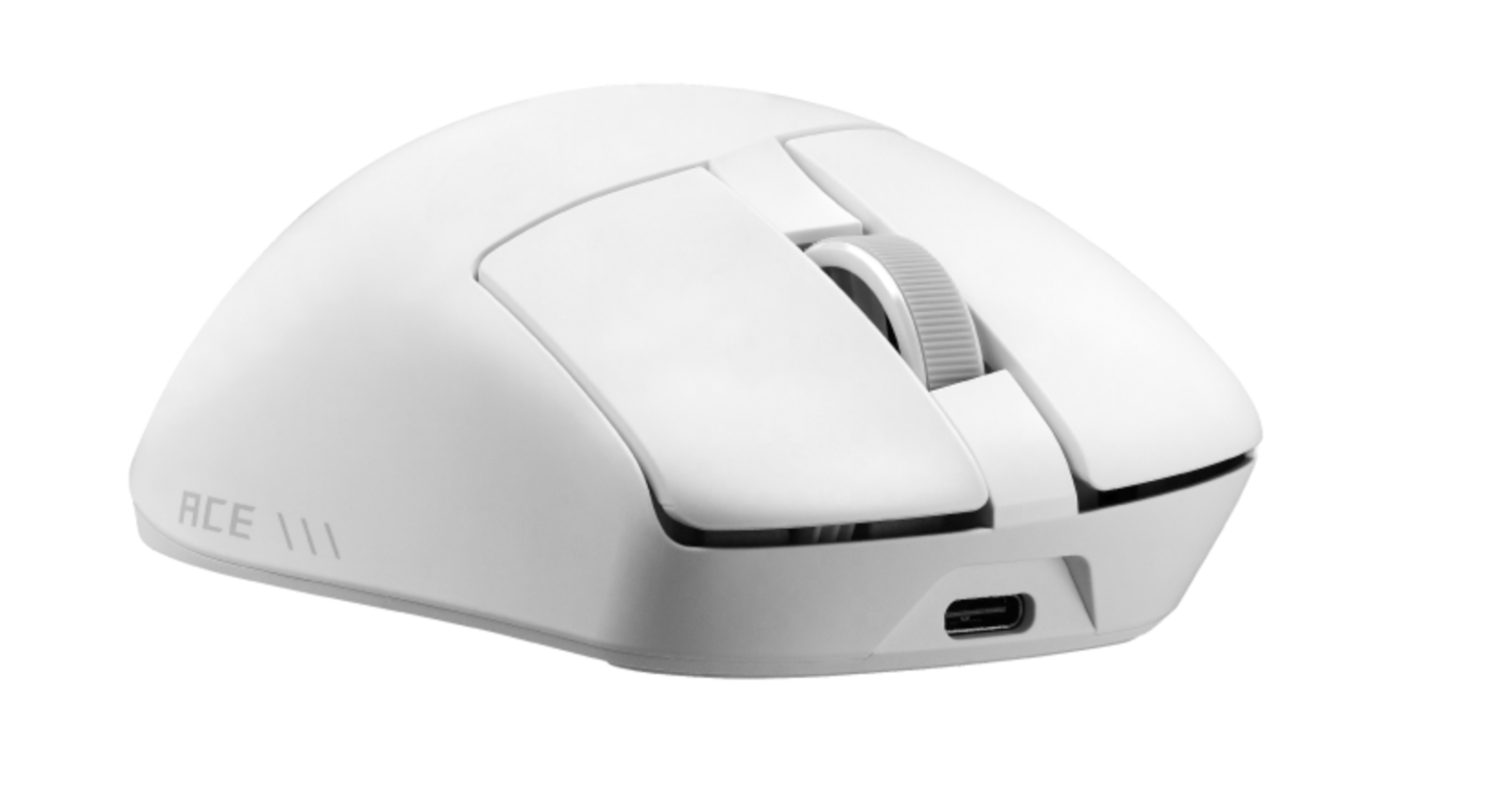
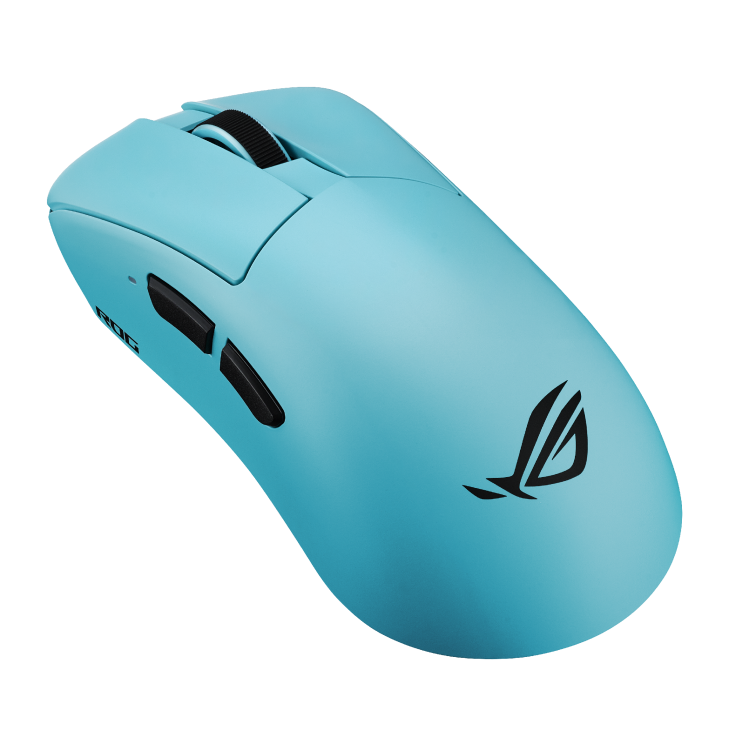
Its shape will still divide opinion. This is a sizeable right-handed design. It is best suited to medium-to-large hands, particularly with a palm grip. Claw grip also worked well, while smaller hands and fingertip users may find themselves being less accommodated. My positive experience should therefore be understood in that context. Low weight makes it easy to move, but the body still needs to fit your hand.
The AimPoint Pro 65K sensor delivers the headline specification, with sensitivity reaching 65,000 DPI. That ceiling has limited relevance to how most people play. More useful is PC Games Hardware’s finding that tracking was precise, without noticeable interruptions or unwanted corrections. My improved aim does not establish which technical feature deserves the credit. What I can say is that the overall combination worked particularly well for me in both games.
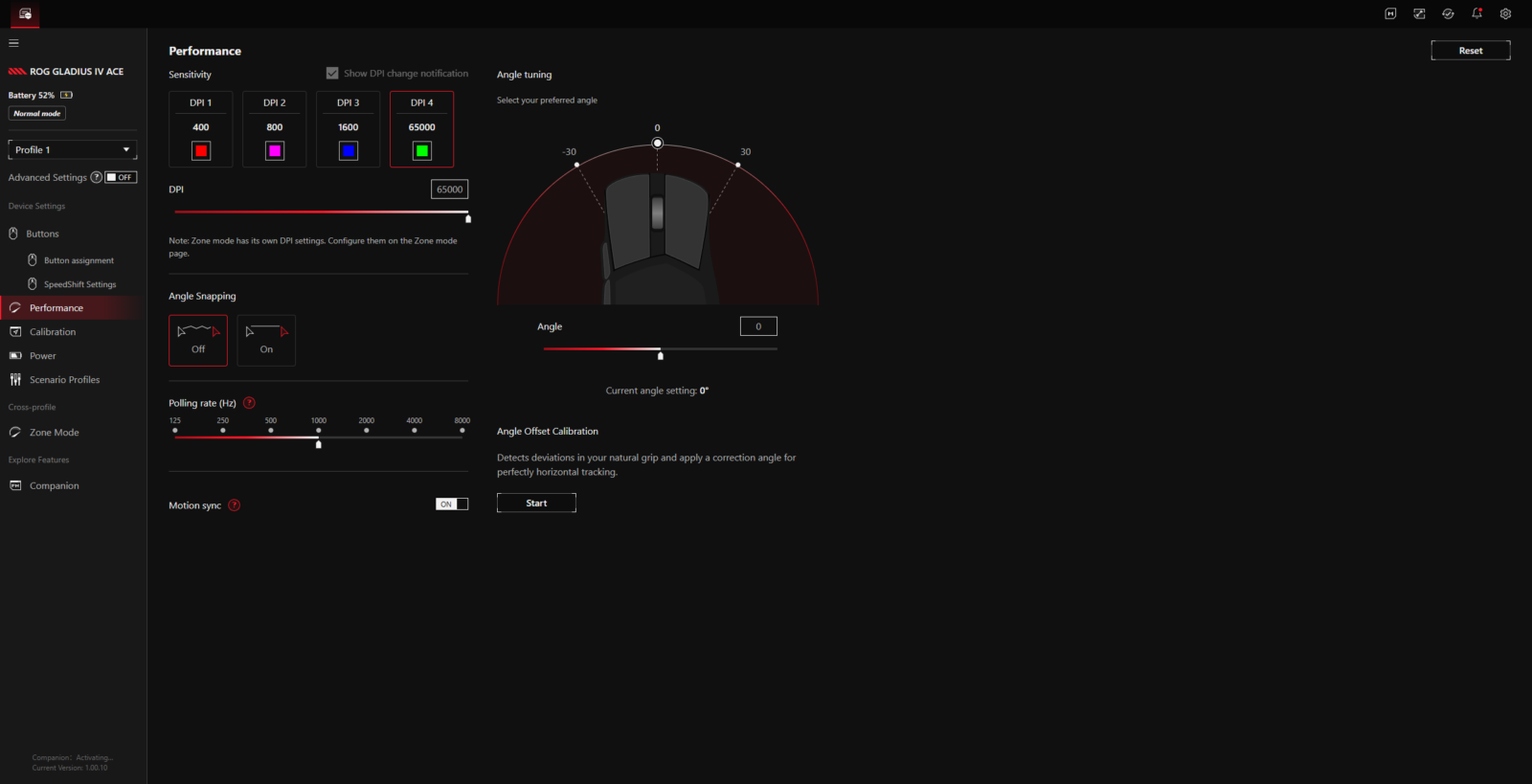
Wireless polling reaches 8,000Hz, although maximum performance brings a battery trade-off. I got about 16 hours of use at 8,000Hz on a single charge. That result applies to those specific settings and should not be treated as the mouse’s endurance across every configuration. Nevertheless, anyone planning to leave everything at maximum should expect charging to become a regular consideration.
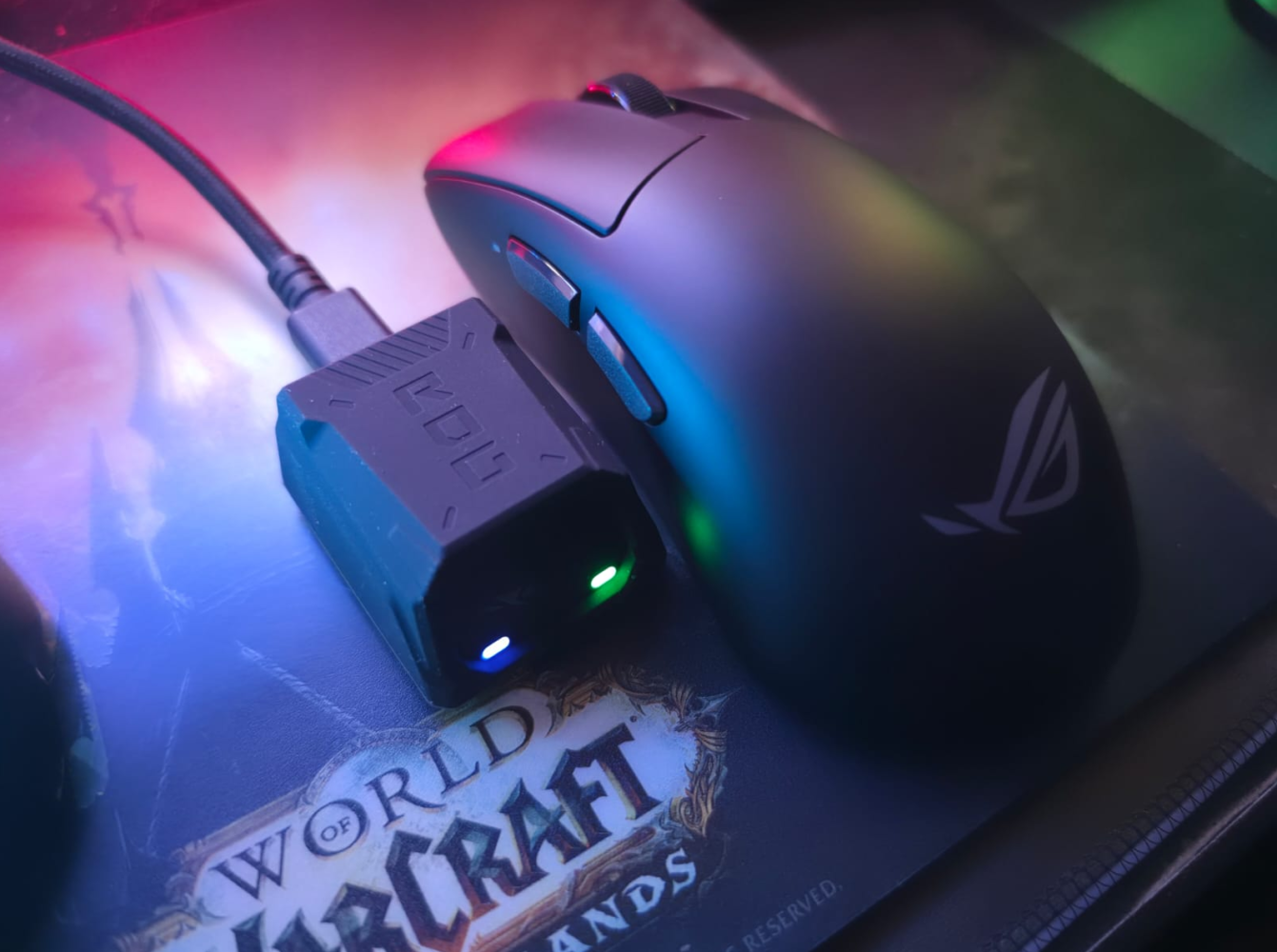
It’s value depends on how much you appreciate the shape and adjustable weight. In my case, better aiming in games and greater comfort in Premiere Pro give it a practical appeal. Buyers already happy with their current mouse may find less reason to upgrade, especially if they would leave the weight system untouched.
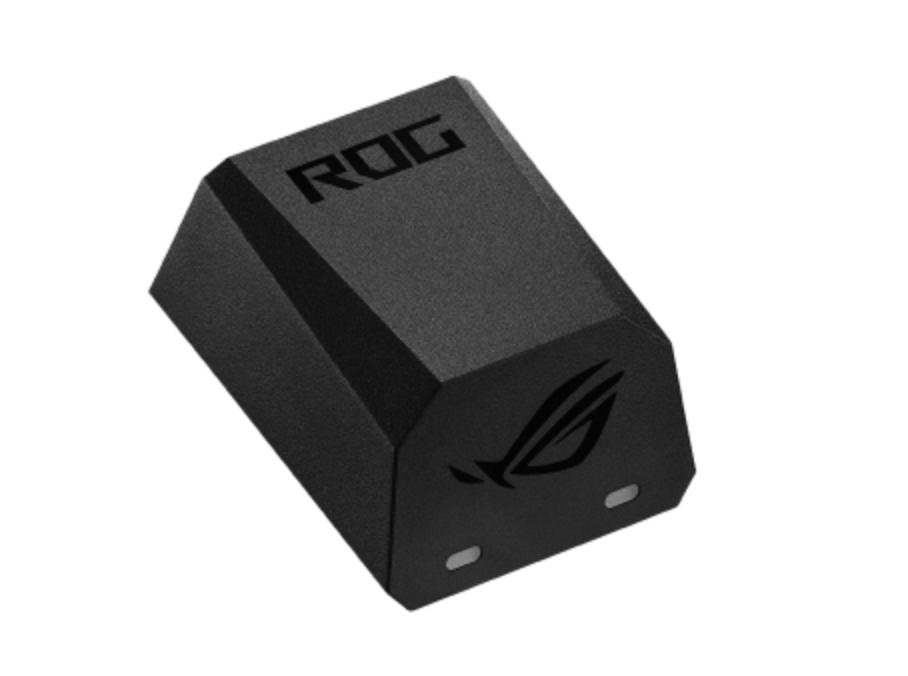
If you don’t want to install Asus’ software, it also has its browser-based Gear Link, which provides an alternative. Access to settings through a browser is convenient, especially when moving between computers. There is a limitation however and that is Gear Link only recognises the mouse through its wired or 2.4GHz connection, rather than Bluetooth which is understandable, all things considered.
Value is the remaining question. The launch price of around €170 (AED 579) places considerable expectations on the package. Buyers who appreciate its shape and weight adjustment have a clear reason to consider it. Those already comfortable with their current mouse may find the upgrade harder to justify, particularly when deciding how much that personalisation is worth.
Verdict
The ROG Gladius IV Ace proved comfortable enough to become an easy choice for both gaming and everyday work. Its lightweight feel made movement effortless, and the reduced strain on my hands was especially welcome during editing. Adjustable weight adds useful flexibility, though the fiddly installation leaves room for improvement. The premium price and battery life at maximum polling deserve consideration, while the generous shape makes hand fit essential.
For me, its lasting appeal is how comfortable it remained across different tasks, making it a mouse I was happy to keep using as my wireless daily driver.