
TL;DR: The Acer Swift Air 14 blends a 1.19 kg aluminium build, a smooth 120Hz matte display, a 70Wh battery and practical Copilot-powered AI into a smart everyday laptop. Its mainstream Intel chip and 16GB memory ceiling limit heavy workloads, but students and travellers should find plenty to love.
I have a soft spot for laptops that don’t try to be everything. Every year I sit through launches promising AI revolutions, liquid-metal cooling and screens bright enough to signal the Enterprise from orbit, and yet the machines I end up recommending most to friends and family are the quiet, sensible ones. The Acer Swift Air 14 belongs firmly in that camp. It’s a light aluminium notebook with a smooth screen, a big battery and modern ports, aimed squarely at people who just want a laptop that gets out of their way.
The name is also a bit of a flex, and I’ll admit it made me smirk. Calling anything “Air” in the laptop world invites one very obvious comparison, and Acer seems perfectly comfortable walking into that fight. In this Acer Swift Air 14 review, I want to look past the “Made to Move” slogan and work out whether this is a genuinely smart everyday machine or just another thin-and-light riding a trend. There’s more to like here than I expected, along with a few compromises I think buyers need to hear about upfront.
An aluminium shell that punches above its class
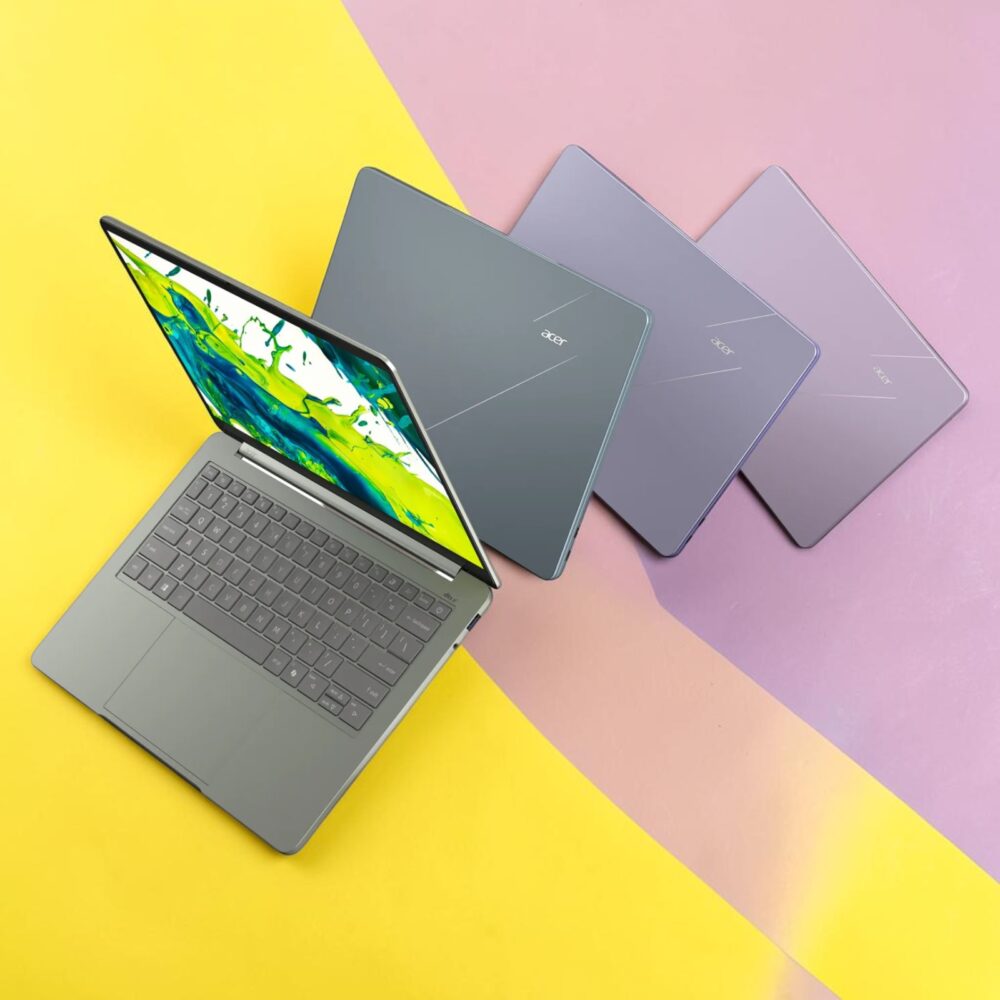
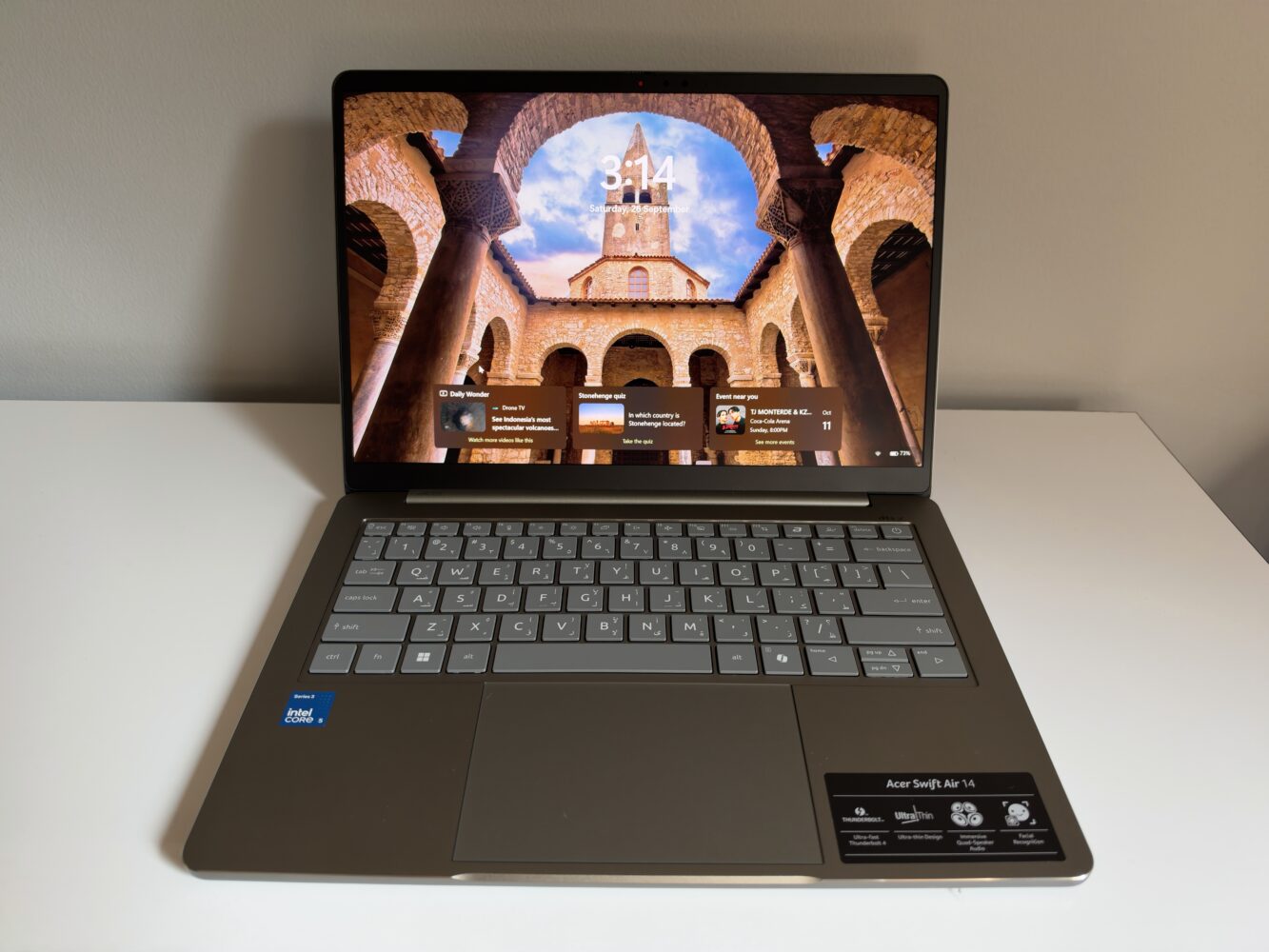
The first thing I look for in a mainstream laptop is where the manufacturer saved money, and Acer didn’t save it on the chassis. The Swift Air 14 is built around an all-aluminium body, which matters more than it sounds in this segment. Plenty of laptops at this level cut costs with plastic bases or keyboard decks, and that usually shows up as lid flex and creaky palm rests after a year of daily use. A full metal shell should hold up far better to being shoved into bags between lectures, meetings and flights. The CNC diamond-cut cover adds a polished edge that catches the light, and I like that it gives a mid-range machine some personality instead of looking like standard-issue office equipment.
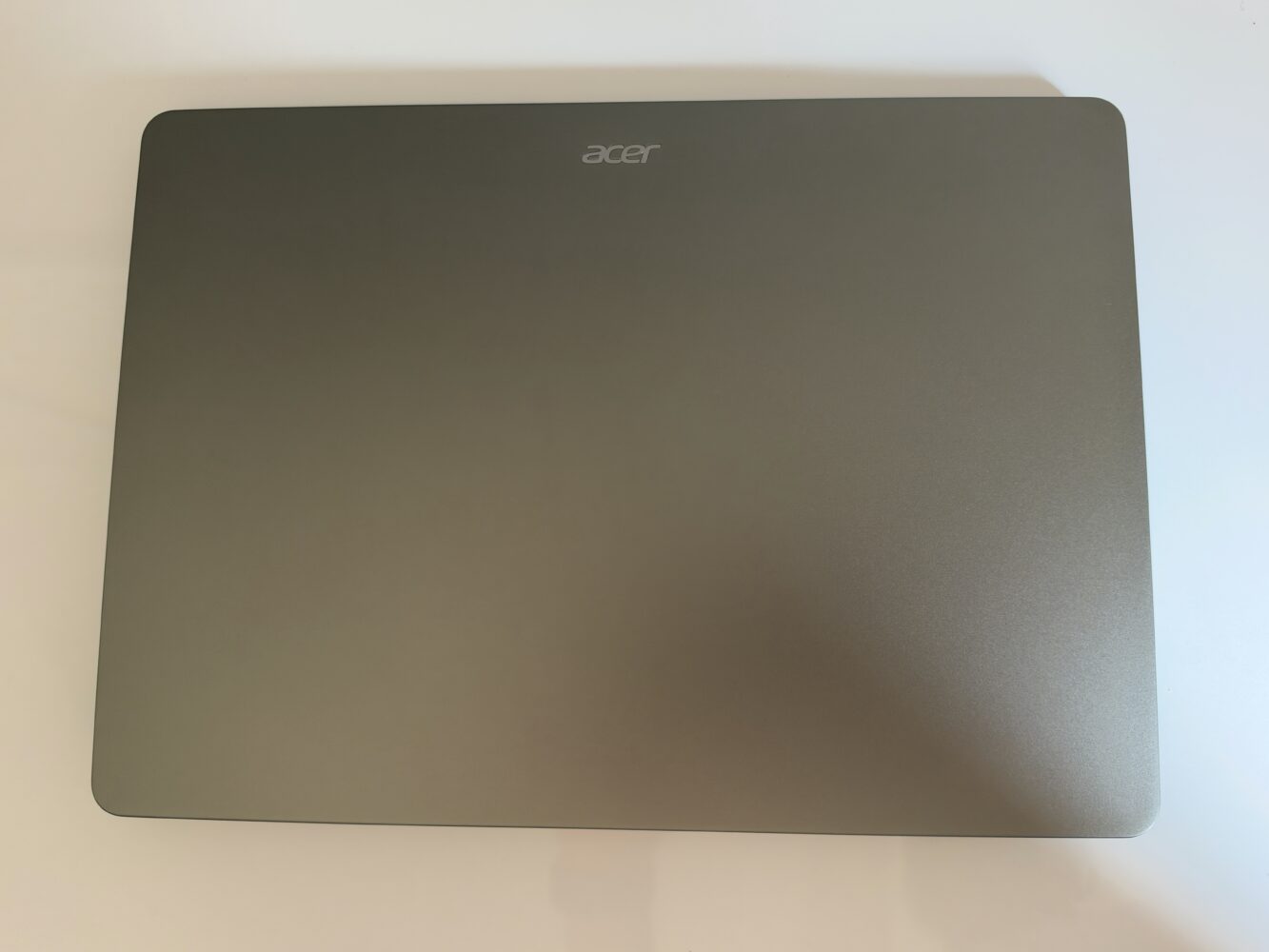
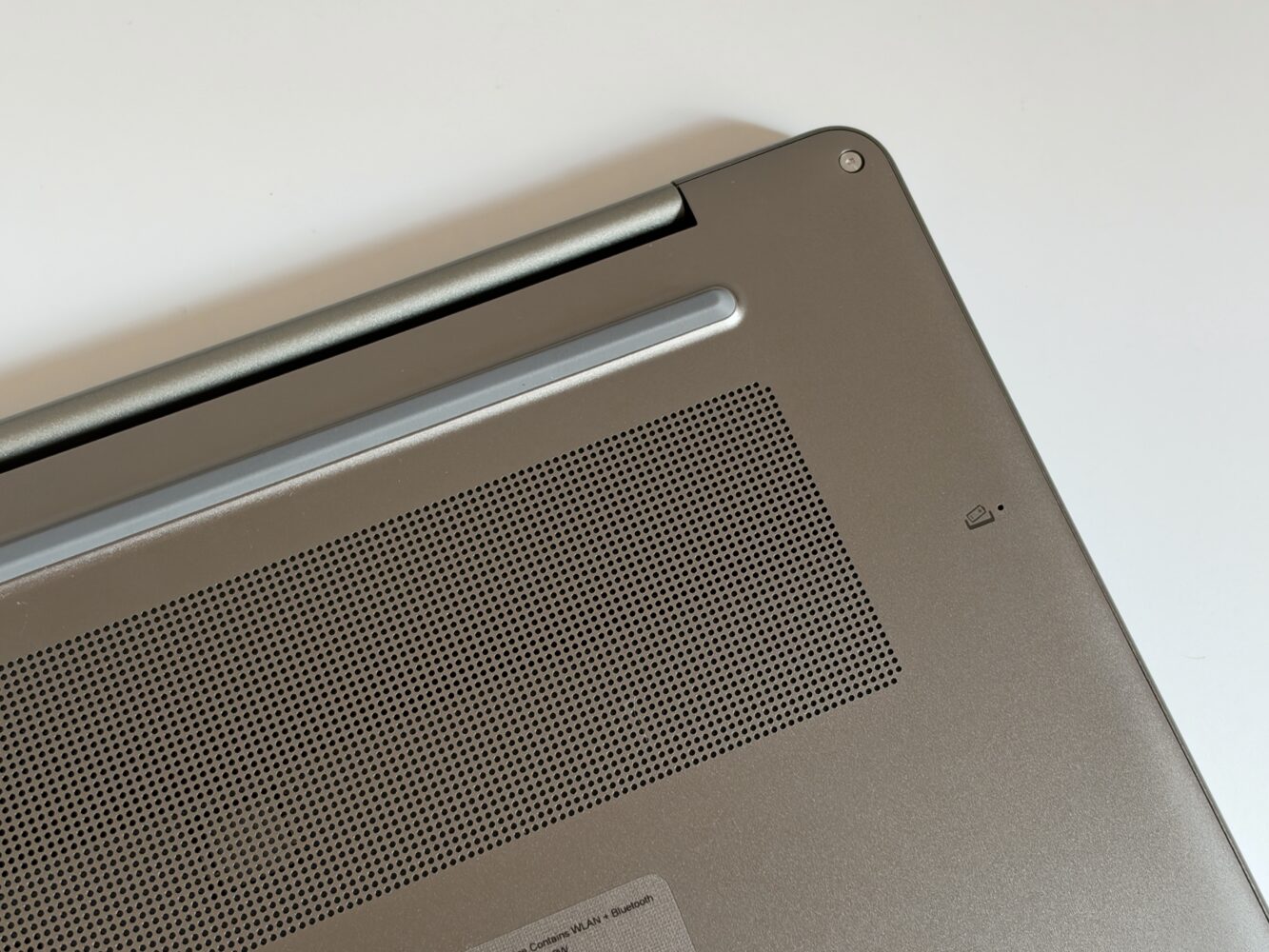
The numbers back up the “Air” branding too. At approximately 1.19 kg and just under 13 mm thick, this is a laptop you’ll barely notice in a backpack, which is exactly what students and commuters need. The hinge folds back a full 180 degrees so the laptop can lie completely flat, and I consider that genuinely practical for sliding the screen across a desk to show a colleague something or wrestling with a cramped airplane tray. There’s also a physical camera shutter, a small but welcome touch for anyone who has ever covered a webcam with a sticky note.
A 120Hz display is the quiet highlight
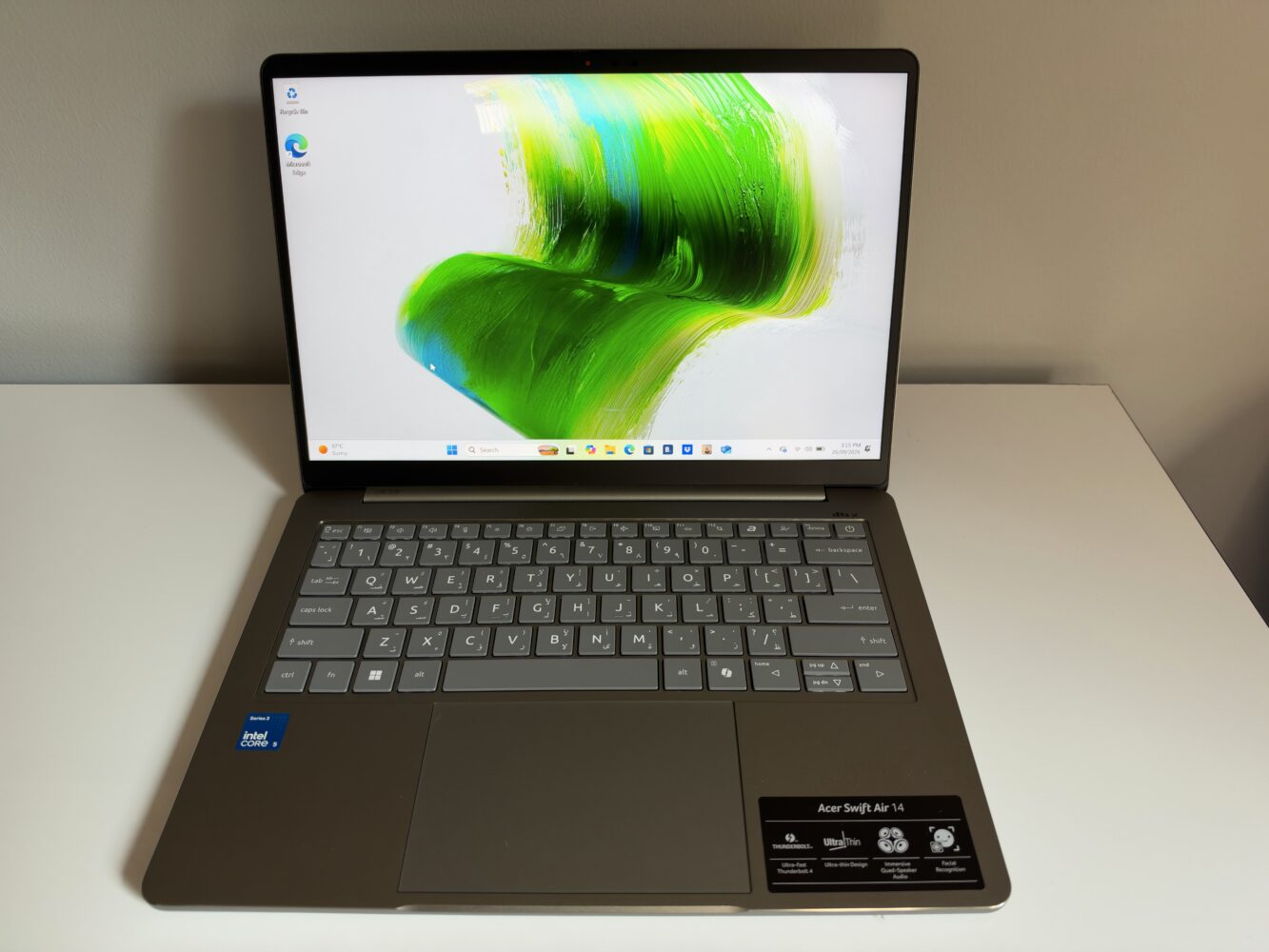
If I had to pick the single spec that made me take this laptop seriously, it would be the screen. The 14-inch IPS panel runs at 1920 x 1200 in a 16:10 aspect ratio with a 120Hz refresh rate and full sRGB coverage. That 120Hz figure is still rare at this level, and it’s missing from Apple’s MacBook Air, which sticks with 60Hz. A higher refresh rate won’t make your spreadsheet calculate any faster, but it makes scrolling, cursor movement and window animations feel much smoother. I’m firmly of the opinion that once you’ve used 120Hz on a phone, going back to a 60Hz laptop feels like watching the original Star Wars trilogy on a worn VHS tape.
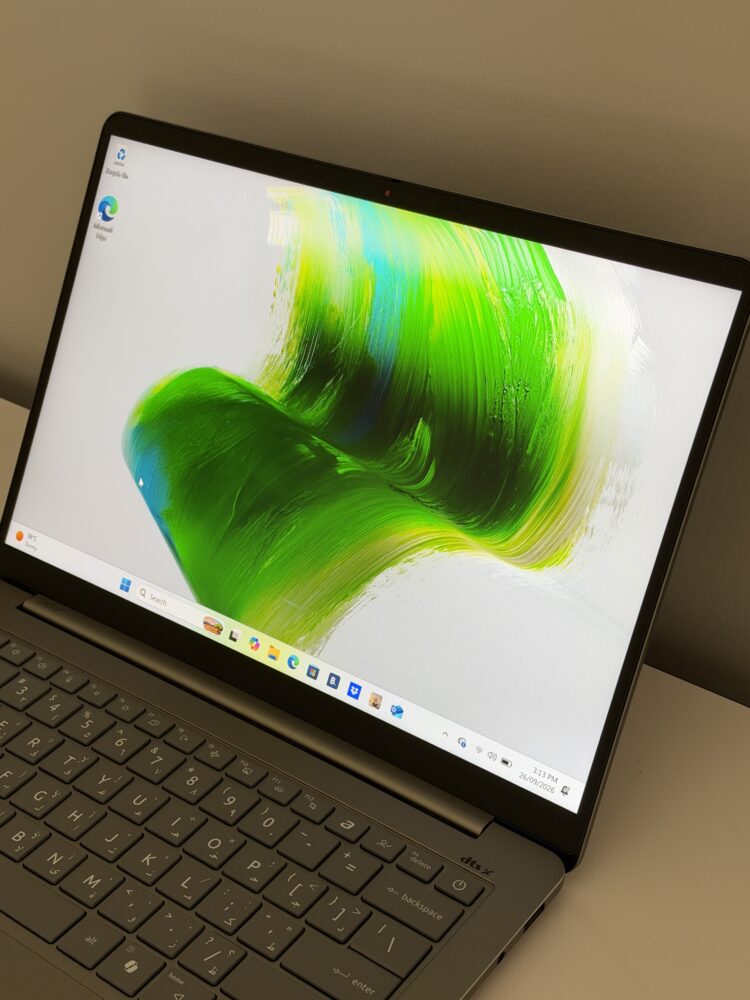
I’m also glad to see 16:10 here, because it gives you more vertical space for documents and web pages than an old-school 16:9 panel. The screen uses Acer’s ComfyView matte finish, which I prefer on a laptop built for travel, since it tames reflections from overhead lights and windows, though it isn’t a touchscreen. Full sRGB coverage should keep colours accurate for web content, streaming and casual photo editing, though this isn’t a wide-gamut display for colour-critical creative work. WUXGA resolution is sharp enough at 14 inches for most people, and personally, I’d take honest pixels at 120Hz over extra pixels with sluggish motion every single time.
Quad speakers with DTS:X Ultra aim for a better Netflix night
I’ll be honest about my bias here: thin laptops are usually where audio goes to die, and I’ve developed a healthy scepticism toward any spec sheet that promises “immersive” sound. Most slim machines rely on tiny downward-firing drivers that sound like someone narrating a podcast from inside a tin can, and manufacturers then slap an audio-enhancement badge on top and hope nobody notices. So when I saw Acer fitting the Swift Air 14 with four speakers instead of the usual two, it genuinely got my attention. More drivers give the system extra room to separate voices from background sound and music, which is exactly where cheap laptop audio tends to collapse into mush. Pair that with DTS:X Ultra processing, which is designed to widen the soundstage and create a more convincing sense of space, and Acer is clearly making a deliberate effort rather than ticking a box.
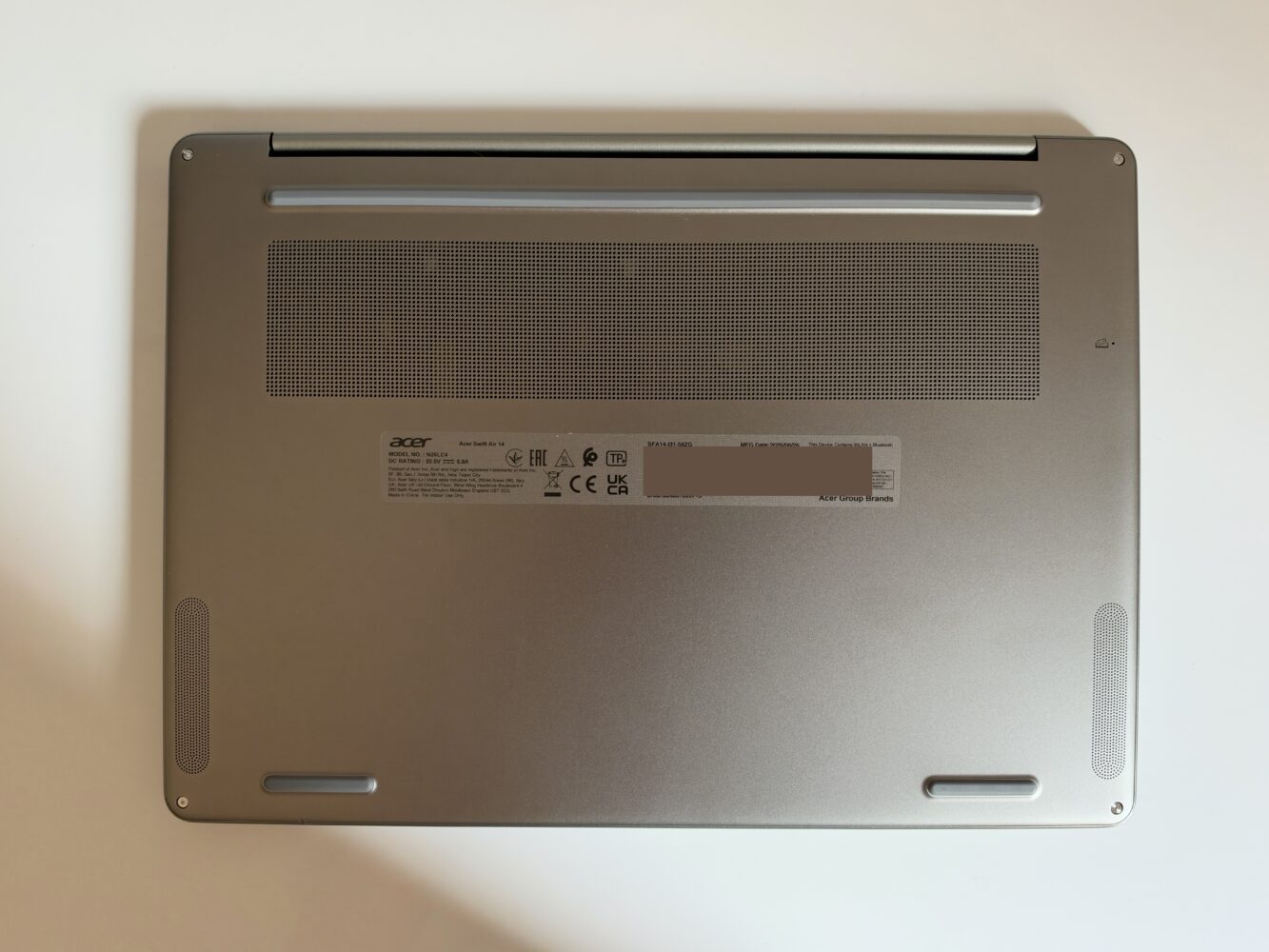
What interests me most is who this setup is really for. The Swift Air 14 is pitched at students, remote workers and people who live on their laptops, and for that crowd audio isn’t a luxury feature. Think about how many hours go into video calls, recorded lectures, YouTube tutorials and late-night streaming sessions when you don’t want to dig out headphones. In those situations, dialogue clarity matters far more to me than thumping bass, and a four-speaker arrangement with spatial processing is well suited to making voices sound fuller and easier to follow. I’d much rather a manufacturer invest here than in yet another piece of preinstalled software nobody asked for.
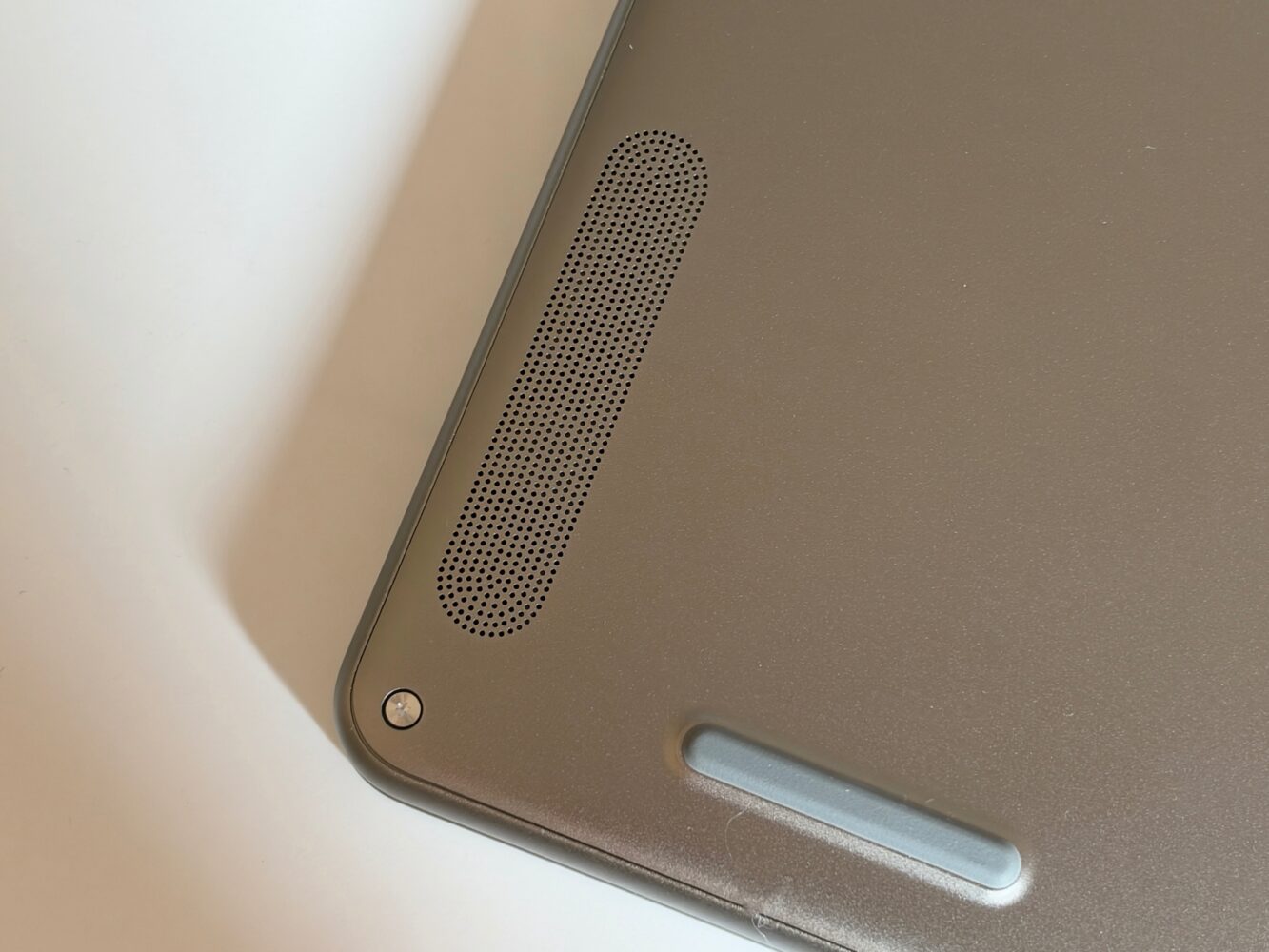
That said, I want to keep expectations grounded. Speaker count and a software audio badge don’t magically create bass, and a chassis under 13 mm thick physically limits how much low-end any driver can push. I see this as a meaningful upgrade over typical thin-laptop sound rather than a replacement for a decent pair of earbuds or a Bluetooth speaker.
Intel Core Series 3 performance is built for everyday, not heavy lifting
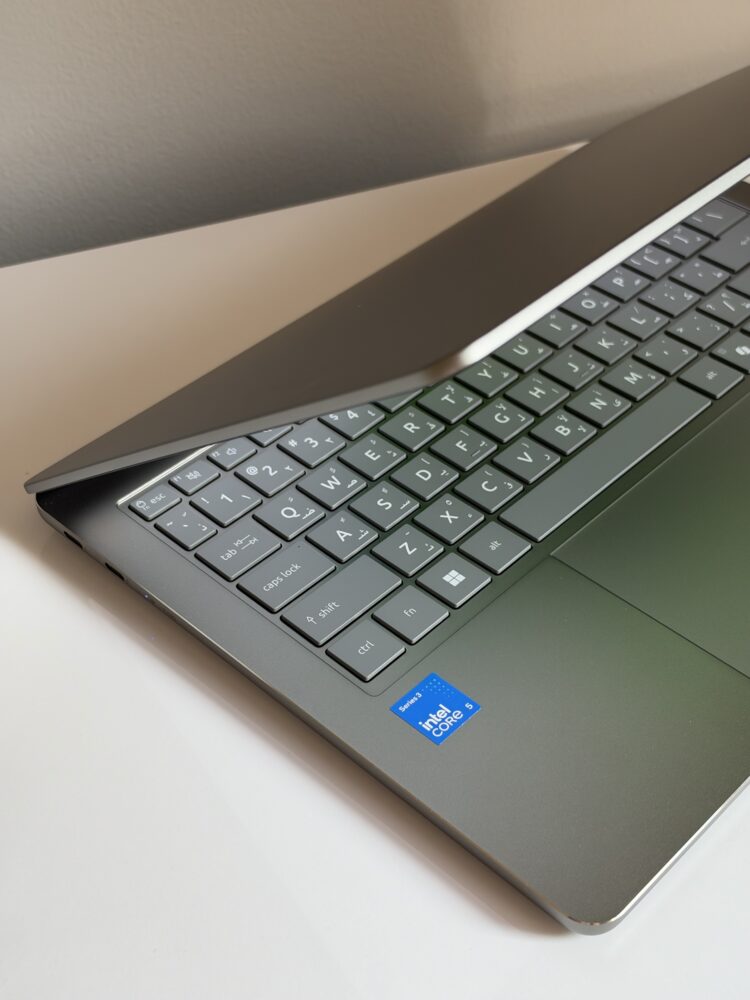
Performance is where I think buyers most need to read between the lines. This configuration runs an Intel Core 5 320 from Intel’s Core Series 3 family, a six-core, six-thread chip with a 1.50GHz base clock, paired with 12GB of LPDDR5X memory and a 512GB PCIe Gen 4 NVMe SSD. The important detail for me is that this is Intel’s mainstream Core line, not the pricier Core Ultra family, and I think Acer deserves credit for being upfront about what that means. This laptop is aimed at schoolwork, browsing, streaming, video calls and the classic “forty Chrome tabs and Spotify in the background” routine. For that kind of workload, a modern six-core chip with fast memory and a Gen 4 SSD should keep apps launching and files loading quickly.
Where I’d urge caution is anything beyond that comfort zone. Graphics come from Intel’s integrated shared-memory solution, which should handle video playback, photo tweaks and light creative work, but I wouldn’t buy this with serious gaming in mind. If you’re a gamer, I’d think in terms of older titles, indie games and cloud streaming services rather than new AAA releases. The same goes for heavy video editing, 3D work or large code compilations, where six threads, a low base clock and integrated graphics will inevitably hit their limits.
The spec I’d think hardest about before buying is memory. LPDDR5X is fast and efficient, but this type of memory is soldered to the board, and 16GB is the maximum on offer, so the amount you buy is the amount you live with. My advice is to stretch for 16GB wherever that configuration is available, because Windows 11, a busy browser and increasingly AI-heavy apps eat through RAM faster than most people expect. Storage is more forgiving, since the SSD uses a standard M.2 form factor, which at least leaves the door open to more capacity down the line, though there’s no memory card reader for quick photo offloads.
Battery life and fast charging are where it could really shine
Battery life is the spec I care about most in a laptop like this, and Acer has fitted a 70Wh battery into the Swift Air 14. The company claims up to 19 hours of video playback, 16 hours of web browsing and 12 hours in the MobileMark 30 benchmark, which is a more demanding mixed-workload test. That last figure is the one I’d pay most attention to, since it simulates real productivity rather than a video looping on a dimmed screen. Even allowing for the usual manufacturer optimism, an efficient mainstream chip paired with a battery this size should comfortably cover a long workday or a packed schedule of classes.
This is also where the display and battery stories connect. A 120Hz panel typically draws more power than a 60Hz one, so these claims suggest Acer has worked hard on balancing efficiency, though your real results will depend on brightness and refresh settings. When you do run low, Acer says its 100W adapter gets you to 50% in just 30 minutes. I think that’s one of the most underrated features on any laptop, because it rescues exactly the situation we’ve all been in: forgetting to charge overnight and having a coffee break to fix it before the next meeting.
Thunderbolt 4, Wi-Fi 6E and useful software round it out
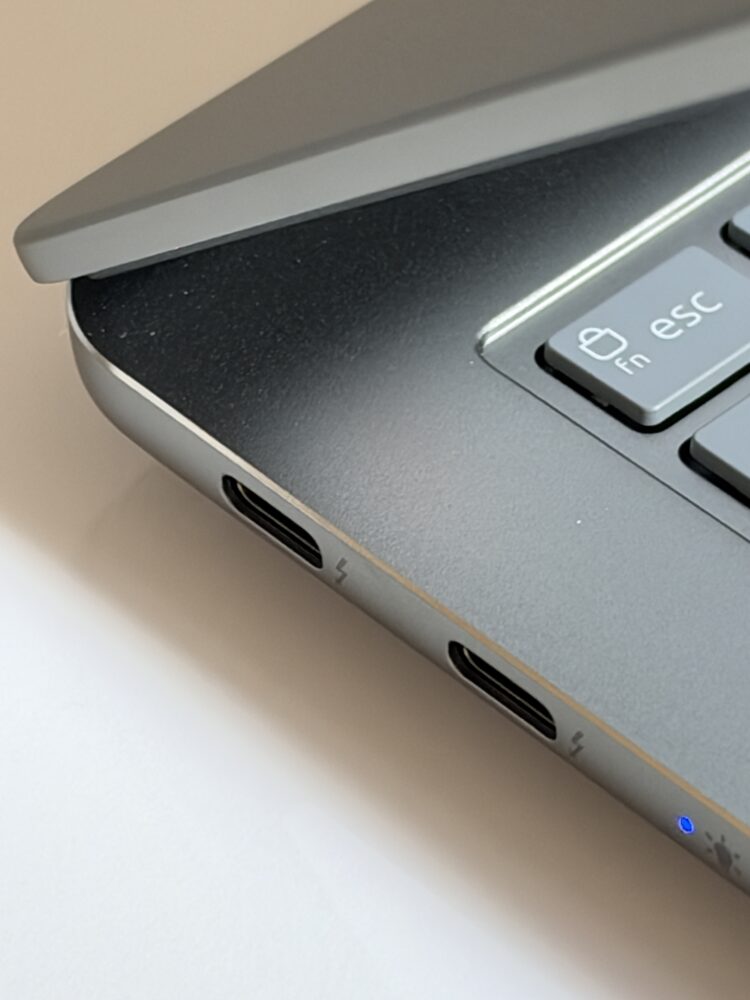
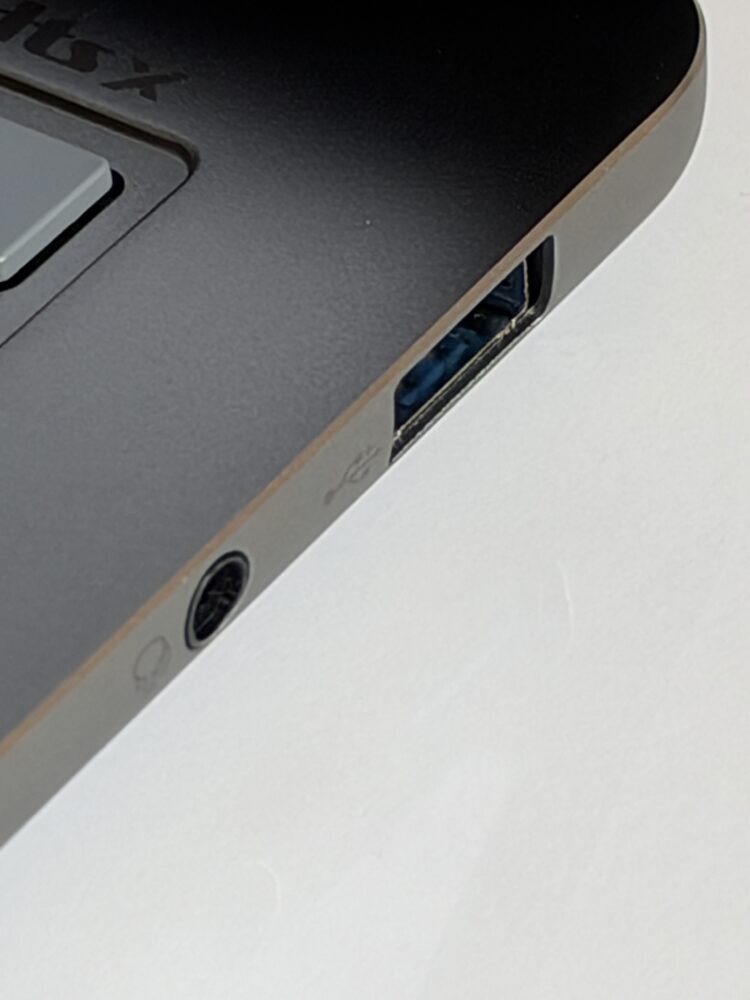
Connectivity is another area where the Swift Air 14 doesn’t cut the corners I often see on mainstream machines. You get two Thunderbolt 4 Type-C ports, opening the door to fast external storage, docking stations and external displays, plus a USB-A port for older accessories. That’s enough to turn this into a proper desk setup at home, with a single dock handling your monitor, keyboard and charging in one go. Wi-Fi 6E and Bluetooth 5.3 round out the wireless side, with the 6GHz band paying off in crowded offices, apartment buildings and campuses. Facial recognition handles Windows Hello sign-in, which matters here because there’s no fingerprint reader, and once you’ve unlocked a laptop just by looking at it, typing a PIN feels positively medieval.
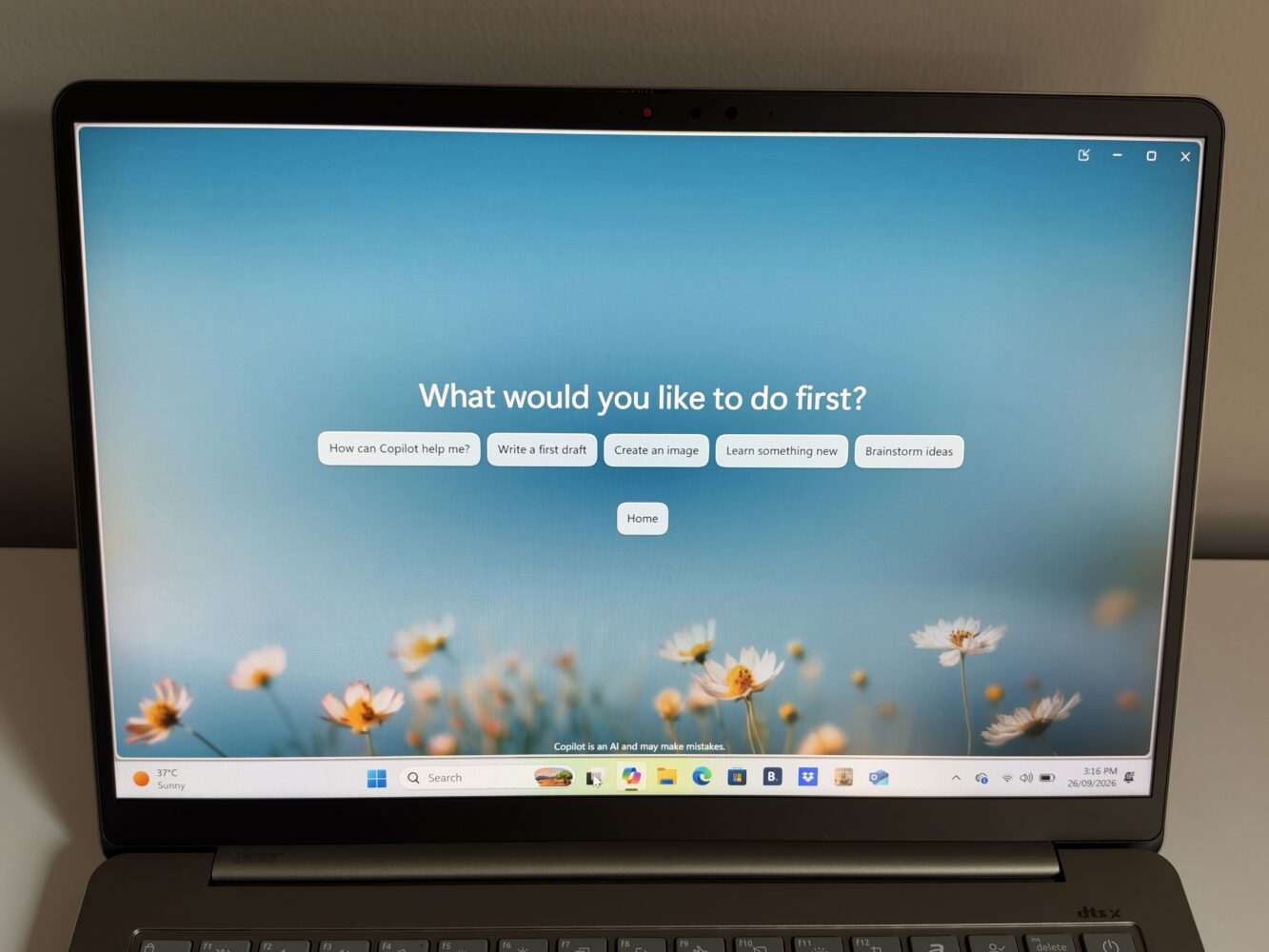
On the software side, Acer includes Microsoft Phone Link for messages, calls, notifications and photos, plus AcerSense for managing device settings, with its own dedicated key on the backlit keyboard. The addition I find most interesting is Acer Phone Webcam, which lets you use your smartphone as a webcam, including zooming in to show notes or small details. It’s a smart idea, since most phone cameras outclass any laptop webcam, and it’s a genuinely useful tool for online classes and presentations.
Where the Swift Air 14 fits against the competition
The obvious rival is Apple’s MacBook Air, and I think the Swift Air 14 makes a couple of strong arguments against it: a 120Hz matte screen, Windows Hello face unlock and the familiarity of Windows for anyone already invested in that ecosystem. Apple still holds the advantage in chip efficiency and software polish, but Acer counters with smoother motion and a more open platform. Against other Windows thin-and-lights such as Asus Zenbook or Lenovo’s slim lineups, the Swift Air 14 competes on its combination of all-metal construction, a 1.19 kg weight, a big battery and dual Thunderbolt 4 at what looks like a mainstream tier.
The missing piece in my analysis is price, and that will ultimately decide whether this is a great deal or merely a decent one. At a genuinely mainstream price, I’d recommend it enthusiastically to students and everyday users. If it creeps too close to premium territory, the entry-level processor, 1200p screen and lack of Copilot+ certification become much harder to justify next to machines with Core Ultra chips or OLED panels.
Verdict
I came away from the Acer Swift Air 14 genuinely impressed by how clear-eyed it is about its audience. It pairs a 1.19 kg all-aluminium chassis with a smooth 120Hz matte 16:10 display, a 70Wh battery, fast charging, two Thunderbolt 4 ports and Wi-Fi 6E. The quad-speaker setup, facial recognition, camera shutter and Phone Webcam feature add welcome polish, while the 16 TOPS NPU and Copilot key deliver practical, everyday AI without overpromising.
The compromises are just as clear. The Intel Core Series 3 chip and integrated graphics are built for everyday tasks rather than demanding creative or gaming workloads, memory tops out at 16GB, there’s no fingerprint reader, and the NPU is too modest for Copilot+ features. I’d recommend it to students, remote workers and frequent travellers who value battery life, portability and a pleasant screen over raw power. Creators, gamers and AI power users should look toward Core Ultra or Copilot+ machines instead.