TL;DR: macOS 27 Golden Gate makes the Mac smarter without turning it into an AI playground. Siri AI inside Spotlight, Visual Intelligence, smarter Safari tools, easier Shortcuts, improved Photos editing, better Liquid Glass controls and faster everyday performance make this a refinement-heavy update I’m genuinely enjoying.
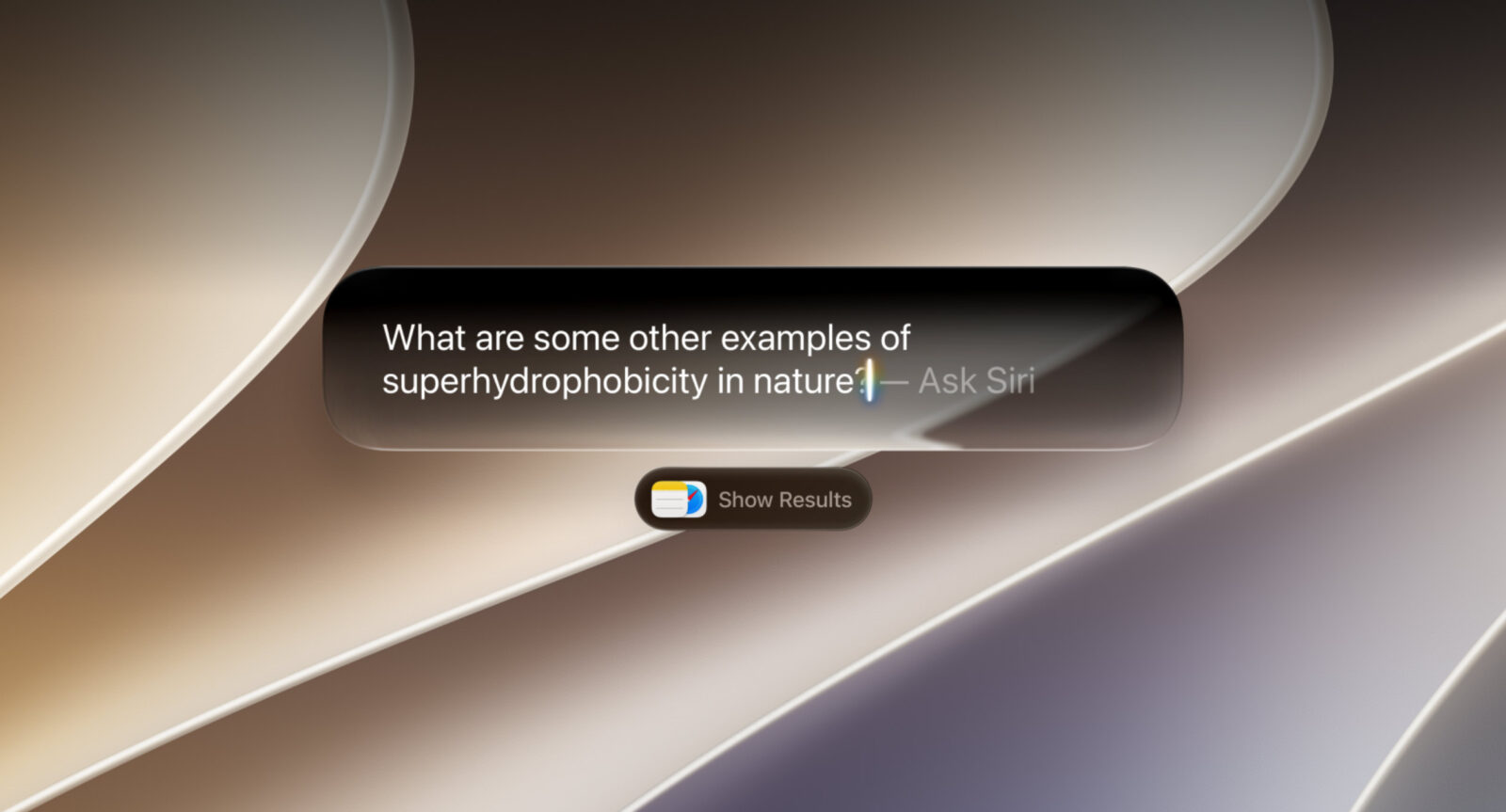
I’ve been spending time with macOS 27 Golden Gate, and the more I use it, the more I think Apple has made the right decision by not trying to reinvent the Mac. This isn’t one of those updates where everything moves, familiar controls disappear and I spend the first week wondering why somebody decided my muscle memory needed a factory reset. Golden Gate feels much more focused on refinement, performance and making Apple Intelligence genuinely useful.
Siri AI is obviously the headline feature, but I’m actually more excited about how Apple has woven intelligence into things I already use. Spotlight becomes smarter, Safari can monitor webpages for me, Visual Intelligence understands what’s on my screen, Shortcuts becomes easier to automate, and Photos gets some genuinely useful editing tricks. Add faster AirDrop, improved network file browsing and some much-needed Liquid Glass refinement, and macOS 27 starts feeling like an update designed for people who actually use Macs rather than keynote applause.
Siri AI finally makes sense on a Mac
Siri has never been something I’ve considered essential on the Mac. Voice commands make obvious sense when I’m driving or holding an iPhone, but talking to my laptop while my hands are already sitting on a keyboard has always felt like using a lightsaber to butter toast.
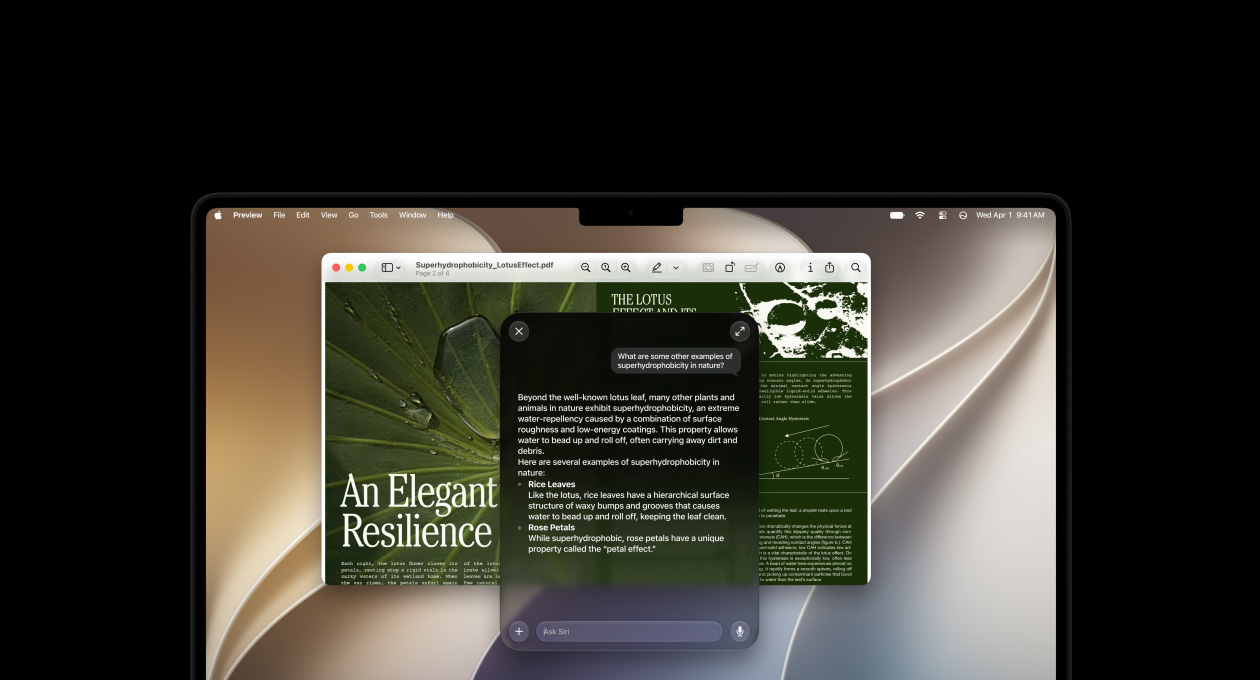
macOS 27 changes that because Siri AI isn’t really about voice anymore. I can type naturally, ask open-ended questions, continue conversations and use Siri more like a proper AI assistant. There’s also a dedicated Siri app where longer conversations live, which makes considerably more sense for research and ongoing projects.
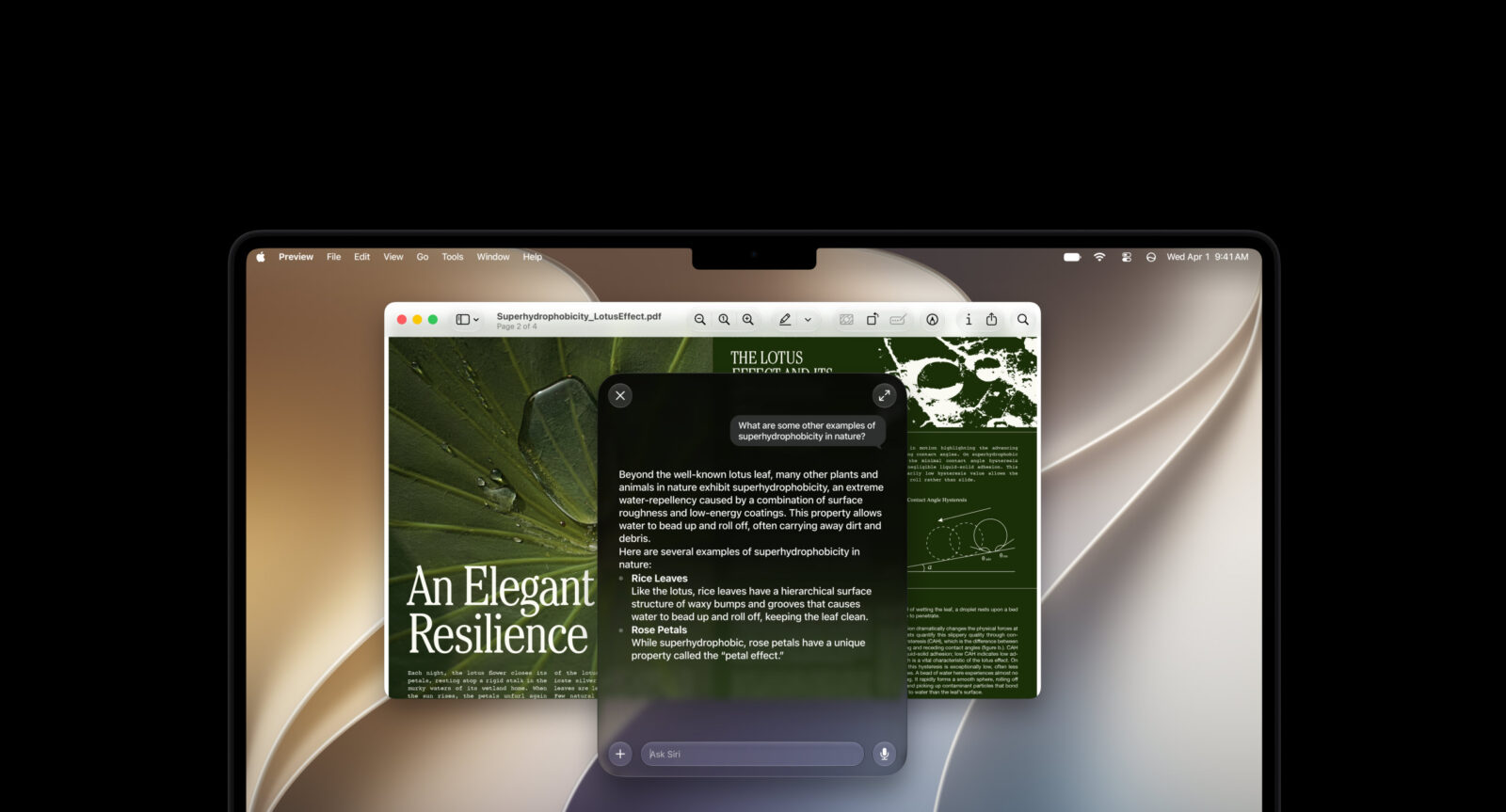
But the smartest decision Apple has made is putting Siri directly into Spotlight.
Command-Space is already one of my most-used Mac shortcuts, and macOS 27 lets me choose between searching normally and asking Siri. I don’t need to remember another shortcut or open another AI application. The intelligence appears exactly where I’m already accustomed to looking for things.
That feels like Apple understanding the Mac.
Personal context is the Siri feature I actually care about
Siri being able to answer general questions is useful, but it isn’t particularly special anymore. There are plenty of AI services capable of explaining quantum physics, planning holidays or producing suspiciously enthusiastic descriptions of spreadsheets.
What makes Siri interesting on macOS 27 is personal context.
My Mac contains years of documents, screenshots, emails, photographs, messages and files that made perfect organisational sense when I saved them and now might as well be hidden somewhere in the Batcave. Being able to describe what I’m looking for instead of remembering the exact filename or location is potentially a huge upgrade.
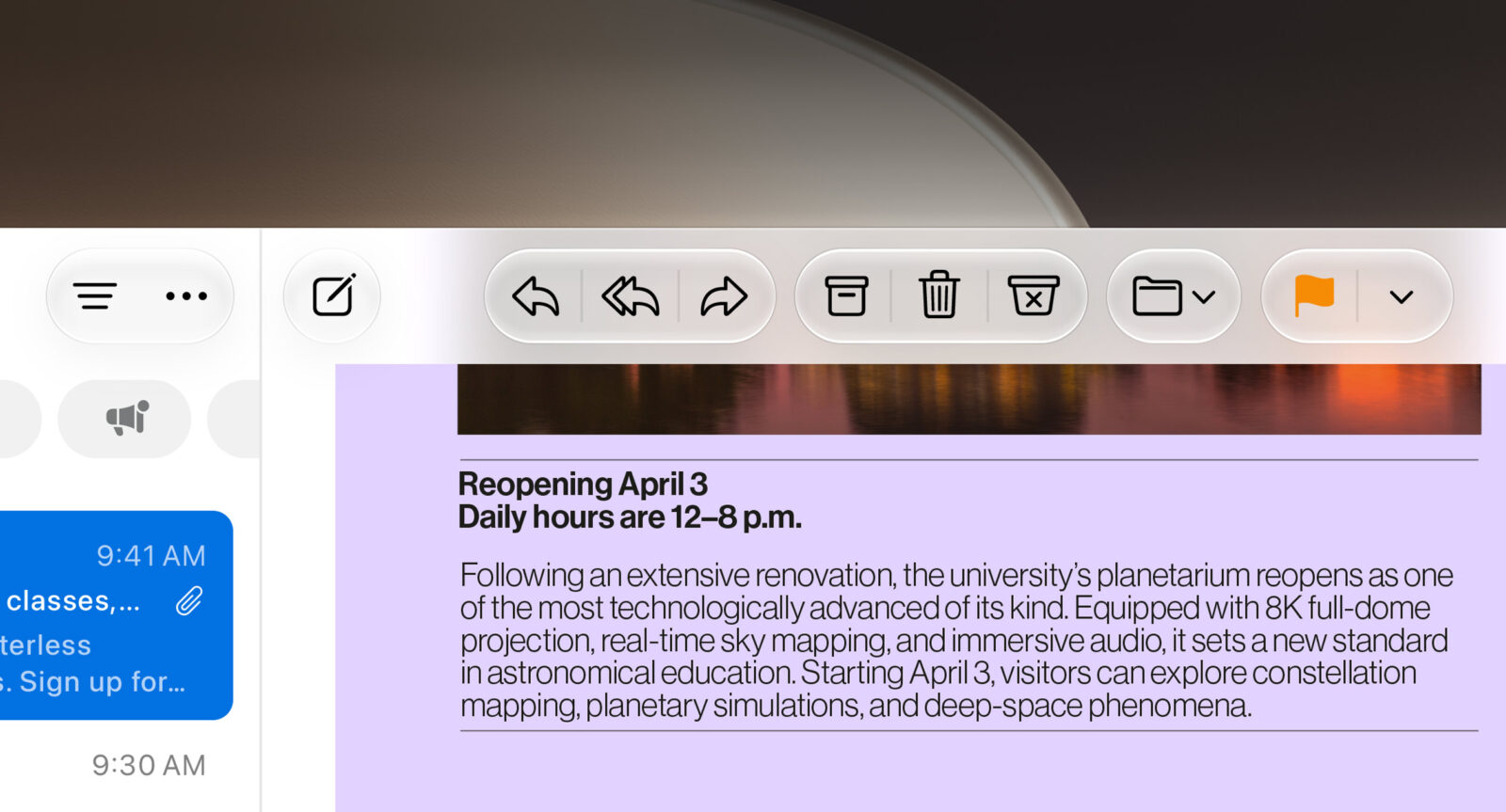
This is where Apple has an advantage. Siri isn’t simply answering questions about the world; it can understand information already living inside my Apple ecosystem.
That’s far more valuable to me than another generic chatbot. If AI can help me locate the thing I know exists but can’t remember where I put it, congratulations, robots: you’ve finally justified all those GPUs.
Visual Intelligence feels built for desktop work
Visual Intelligence is another feature that makes considerably more sense on the Mac than I initially expected.
I can select something onscreen and ask Siri about it, search for similar images or perform contextual actions. That could be an image inside an email, something in a PDF or information displayed inside another application.
The important part is that I don’t need to break my workflow.
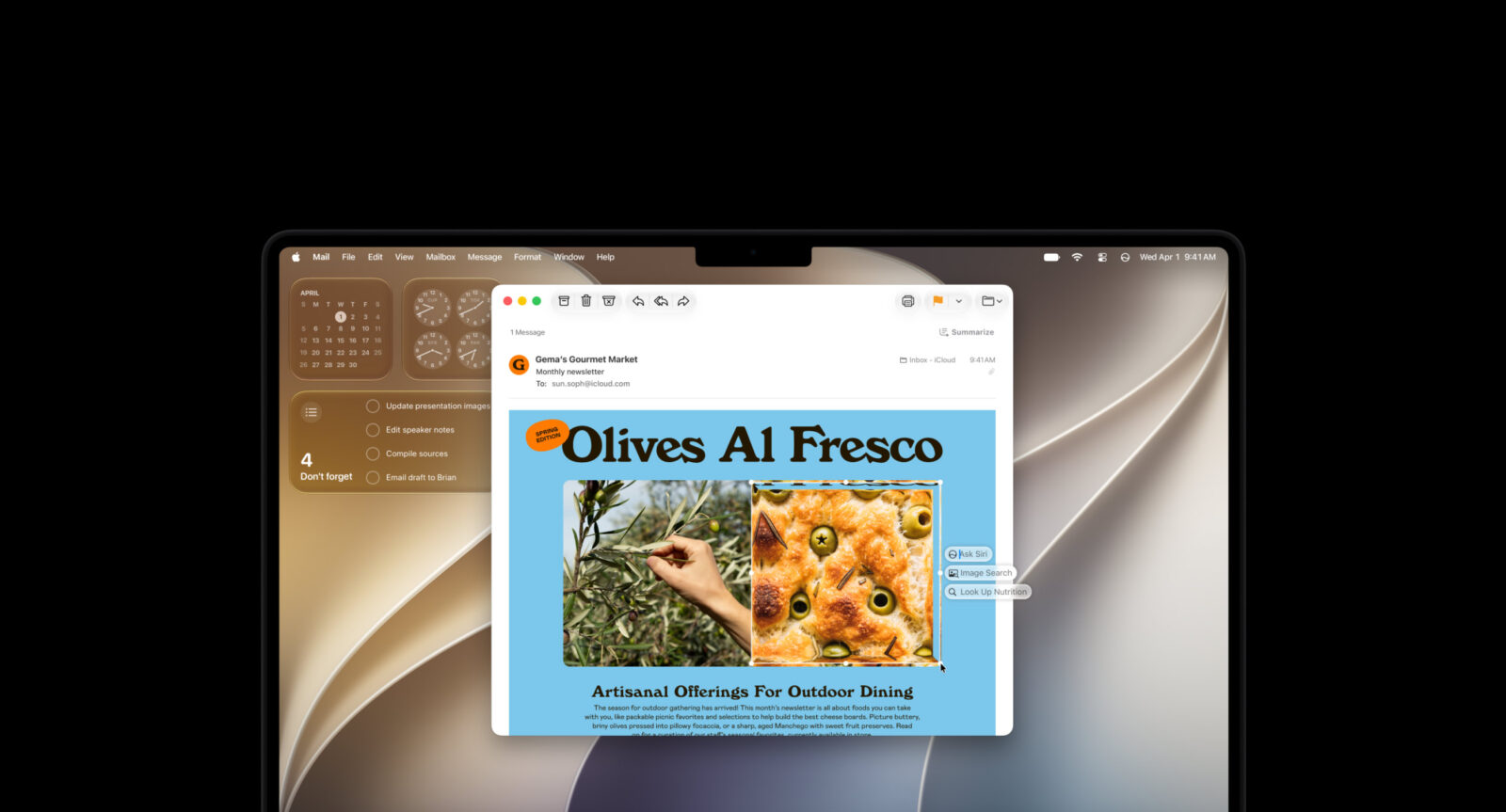
Previously, using an AI tool to investigate something onscreen often meant taking a screenshot, opening another service, uploading the image and explaining what I wanted. macOS 27 removes most of that nonsense.
I can simply point the intelligence at what I’m already looking at.
That’s exactly how operating-system AI should work. Don’t make me visit the AI. Bring the AI to whatever I’m already doing.
Safari Notify Me is dangerously useful
Safari gets one of my favourite smaller macOS 27 features: Notify Me.
I can have Safari monitor a webpage and alert me when something changes, such as a price dropping or an out-of-stock product becoming available again. It’s incredibly simple, and that’s exactly why I can see myself using it constantly.
No more keeping a tab open for three weeks and periodically refreshing it like I’m monitoring NASA Mission Control.

Safari also automatically groups related tabs into topics. As somebody capable of turning a browser window into an archaeological record of every thought I’ve had during the previous month, I appreciate Apple attempting to impose some order on the chaos.
These aren’t spectacular features.
They’re better than spectacular features.
They’re useful.
Describe a Shortcut could unlock one of macOS’s best tools
Shortcuts has always been enormously powerful, but building complicated automations can become complicated remarkably quickly.
macOS 27 lets me describe what I want a Shortcut to accomplish using normal language, and Apple Intelligence can connect the required actions.
This is one of my favourite uses of AI in the entire update.
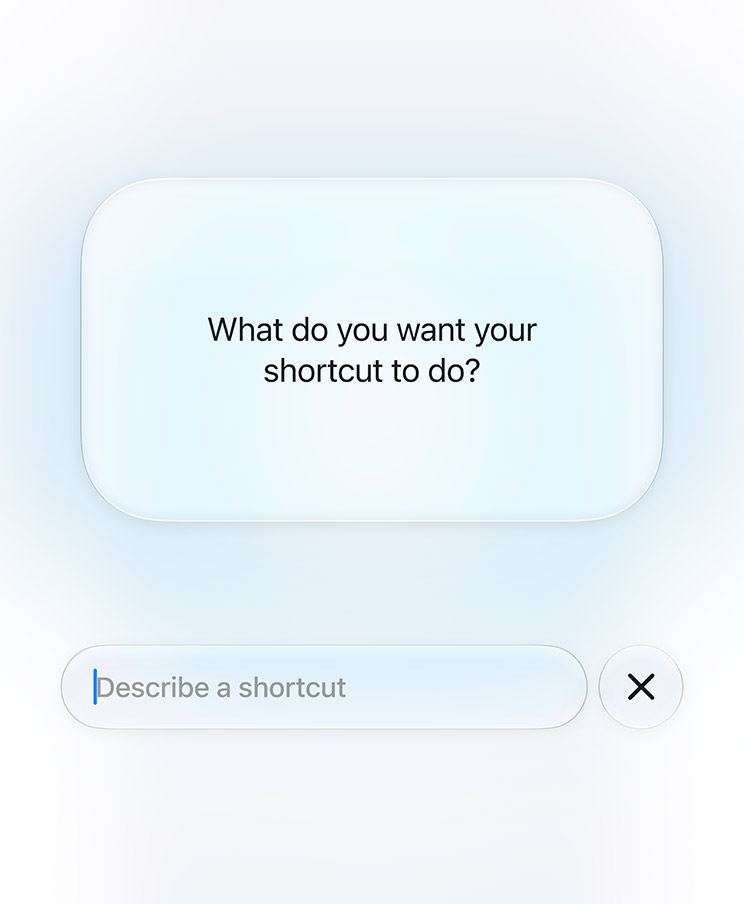
The automation engine already existed. Apple didn’t need AI to replace it; it needed AI to make it approachable. Instead of learning exactly which actions need to connect together, I can focus on describing the result I want.
That’s how I want AI changing software.
Don’t remove powerful controls in the name of simplicity. Give me an easier doorway into the powerful stuff.
Photos gets AI tools I’ll actually use
Photos also gets a significant intelligence upgrade with Spatial Reframing, Extend and a more capable Clean Up tool.
Clean Up can remove larger unwanted objects, while Extend can generate additional space around a photograph when the original framing is too tight. Spatial Reframing gives me more flexibility to adjust composition after the photograph has already been captured.
This is generative AI I can get behind.

I’m considerably more interested in fixing an actual photograph than generating another photorealistic image of Batman eating shawarma on Sheikh Zayed Road.
The usefulness will obviously depend on how convincing the generated edits look, particularly with complicated backgrounds. But these tools are solving real problems photographers regularly encounter rather than inventing another reason to type prompts into a box.
macOS 27 feels faster where it matters
Apple has also spent time improving the machinery underneath macOS rather than filling the update entirely with new features.
AirDrop transfers are quicker, network file browsing is faster and Safari’s start page loads content more rapidly. There are broader improvements around memory usage, CPU utilisation, search and display rendering as well.
Those aren’t features I can put on my Dock, but they’re exactly the improvements I want from a mature desktop operating system.
macOS doesn’t need to reinvent itself every twelve months. It needs to become faster, more reliable and better at taking advantage of the ridiculous amount of performance available from Apple silicon.
Golden Gate feels responsive in everyday use, and that’s arguably more important than half the features Apple can put on a marketing page.
A faster Mac is a feature I use every second.
Mail search finally gets smarter
Mail search is also being improved with a new ranking system that pushes more relevant results toward the top.
Good.
My inbox contains enough accumulated digital sediment that finding an old email can occasionally feel like applying for an archaeological permit.
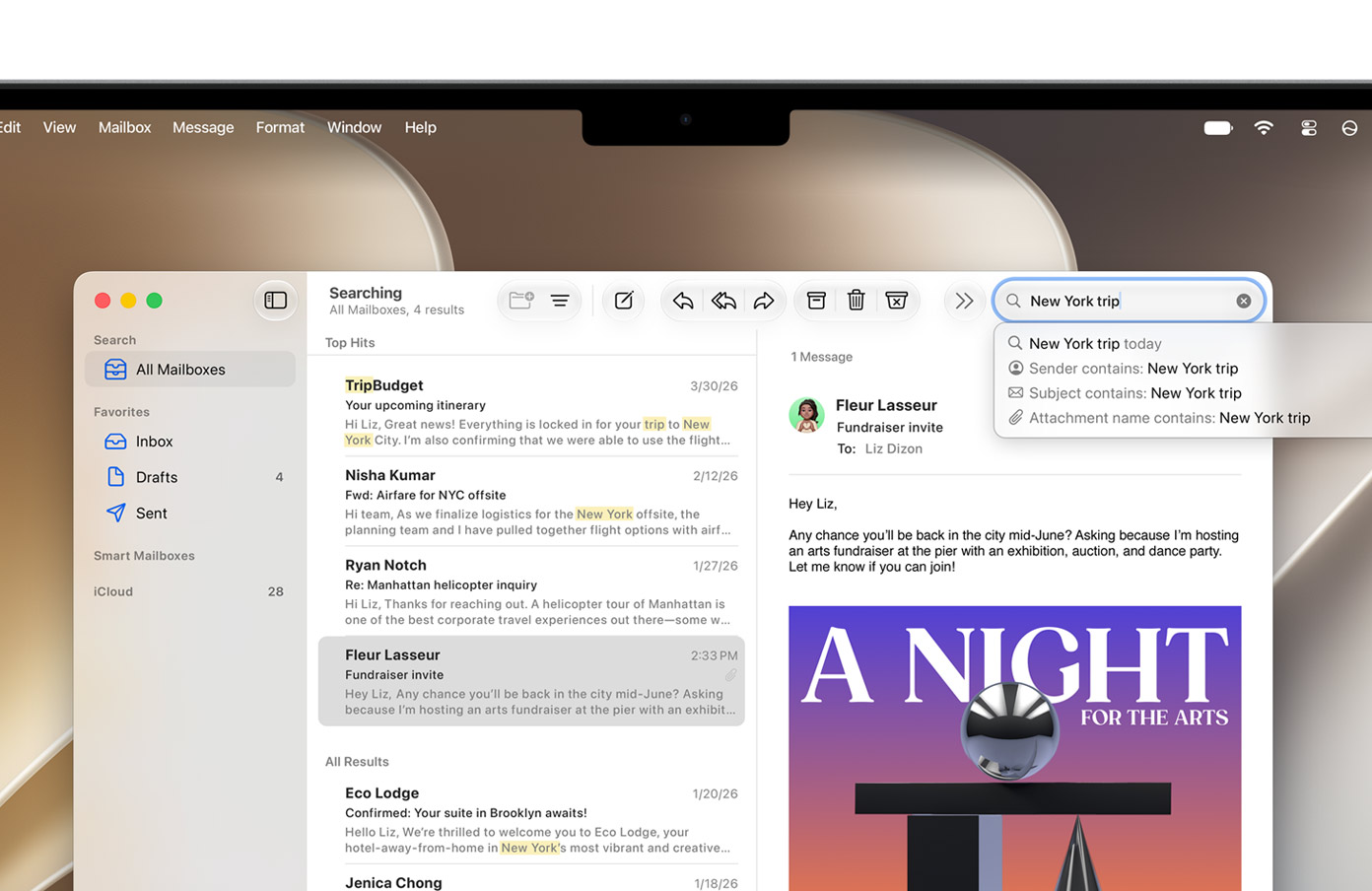
Search improvements don’t make exciting keynote demonstrations, but they’re exactly what I want from a productivity-focused Mac update. The Mac already stores enormous amounts of information. Making that information easier to retrieve is far more valuable than adding another place to create it.
This also fits nicely with Siri’s personal-context abilities.
Apple clearly wants macOS 27 to become much better at answering one of the most common questions I ask my computer: where the hell did I put that?
Passwords becomes more proactive
The Passwords app is also becoming more useful.
Instead of merely warning me that a password is weak or compromised and then leaving me to deal with the consequences, macOS 27 can update supported passwords on my behalf.
This is how security software should behave.
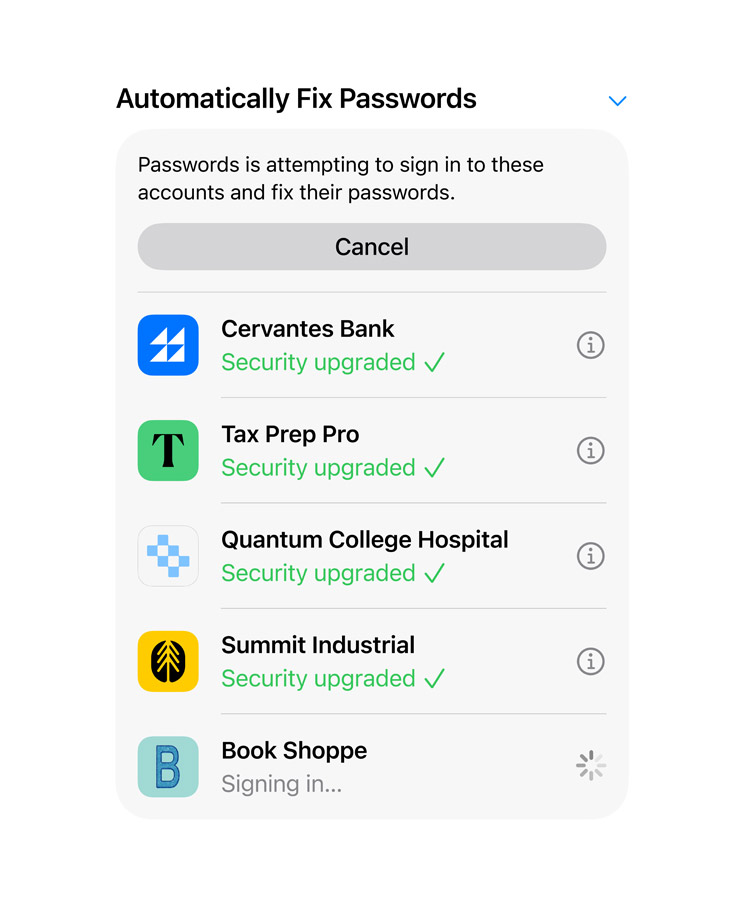
Warnings are useful, but every additional step between discovering a security problem and fixing it increases the chances that I’ll think, “I’ll sort that out later,” which is computer-user language for “I will never think about this again.”
Making the secure option the convenient option is always the right move.
It isn’t remotely sexy.
It is extremely useful.
Verdict
macOS 27 Golden Gate isn’t the sort of update that makes my Mac feel completely unfamiliar, and I’m glad Apple resisted that temptation. Instead, it feels like Apple looked at macOS and asked where intelligence could genuinely remove friction.
Siri AI inside Spotlight is the feature that makes the biggest difference to me. Command-Space was already where I went to find things, and now it can become the gateway to files, personal information and broader AI questions without adding another workflow to remember.
But Golden Gate isn’t just an AI update. Safari Notify Me is wonderfully practical, natural-language Shortcuts makes automation more approachable, Photos gets useful editing tools, Liquid Glass finally gains some restraint, and performance improvements make the entire system feel more polished.
That’s exactly what I want from macOS in 2026.
The Mac doesn’t need an AI circus.
It needs intelligence quietly working behind the scenes, helping me find things faster, automate tedious tasks and spend less time fighting my computer.
Golden Gate appears to understand the assignment.