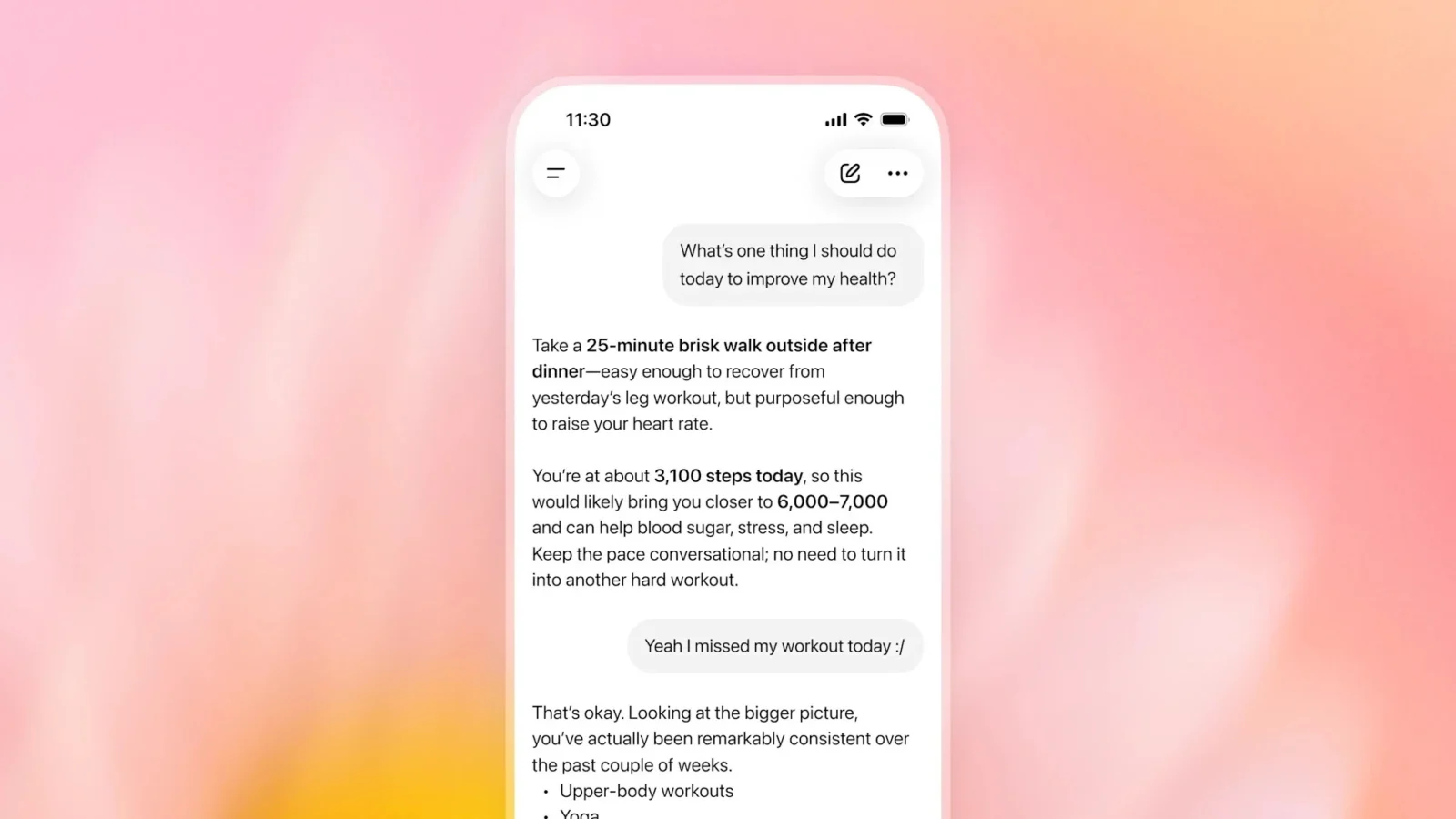
ChatGPT Work is taking another step toward becoming an actual web-based assistant rather than a chatbot that simply tells you what to do. OpenAI has added support for signing into compatible websites, allowing Work to continue tasks that previously would have stalled as soon as an account login appeared.
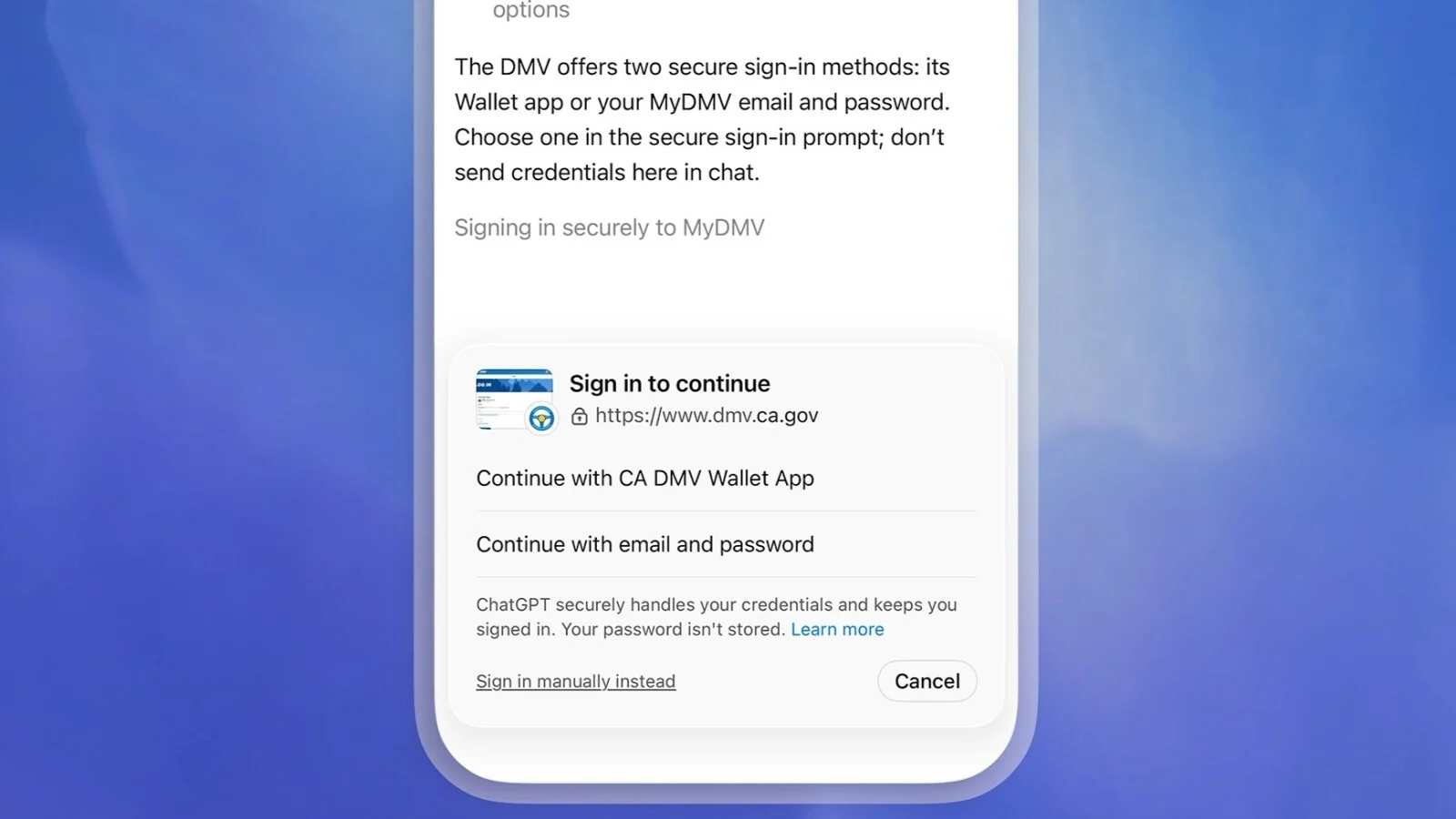
The feature is available through ChatGPT Work’s browser on web and mobile for Plus and Pro subscribers. When a task reaches a supported login page, ChatGPT presents the authentication screen so the user can enter their credentials directly. Password managers are supported, and additional security checks such as two-factor authentication codes may still require user involvement.
The important distinction is that OpenAI says the model itself cannot see usernames or passwords. Those credentials are not stored by ChatGPT or used for model training, according to the company. Once authenticated, however, a browsing session may remain signed in for later tasks, potentially removing the need to repeat the process every time. Users can erase browser data for individual sites or clear it more broadly through ChatGPT’s Cloud browser settings.
That seemingly mundane login capability addresses one of the biggest limitations facing so-called agentic AI. An assistant might be perfectly capable of navigating a website, comparing options and filling out forms, but many useful tasks eventually hit an authentication wall. Giving ChatGPT Work a controlled route through that wall makes longer workflows considerably more practical.
OpenAI suggests Work could handle tasks including arranging DMV appointments, completing parts of passport renewal processes or signing up for utilities after users authenticate. It could also navigate certain insurance portals to investigate medical costs. Those examples demonstrate the ambition here, but they also highlight why permissions and safeguards matter: accessing an account is very different from merely searching the public web.
OpenAI says ChatGPT will still request confirmation before consequential actions such as completing reservations or payments, rather than silently finishing every step. That keeps the user involved at points where mistakes could have financial or practical consequences.
The login upgrade arrives alongside broader automation improvements. ChatGPT Work can now create webhook-triggered scheduled tasks tied to supported Gmail, Slack and GitHub activity, meaning an automation can respond when a new email arrives, a Slack channel receives a message or a pull request changes. Free users, meanwhile, can create up to three active scheduled tasks, although webhook-triggered automation remains restricted to paid tiers.
Taken together, the changes show where OpenAI is pushing ChatGPT next: away from isolated prompts and toward software that can stay authenticated, monitor events and carry multi-step tasks further on its own. The bigger question will be whether users are comfortable giving an AI browser persistent access to the accounts where those useful tasks actually happen.