Netflix supports Dolby Vision across a growing selection of movies and TV shows, but seeing the familiar Dolby Vision badge beside a title does not necessarily mean that is what will appear on your screen. Getting Netflix Dolby Vision working at its intended quality requires the right subscription, compatible hardware and a sufficiently fast internet connection — and every device between Netflix and the display needs to cooperate.
The first requirement is Netflix’s Premium plan. Dolby Vision playback is tied to the service’s highest subscription tier, which also provides access to its best available streaming quality. A compatible television or display is equally important. Dolby Vision support is available across TVs from manufacturers including LG, Sony and TCL, alongside selected Amazon Fire TV models and other devices.
Netflix Dolby Vision is not limited to built-in smart TV apps. Compatible streaming boxes, game consoles and computers can also handle the format. On Windows, support is available through compatible configurations using Chrome or Microsoft Edge, while Mac users can access Dolby Vision through Safari when the hardware supports it.
Things become slightly more complicated for home theater setups. If the video signal passes through an AV receiver, soundbar or another device before reaching the television, that equipment must support Dolby Vision passthrough. Otherwise, the chain can fall back to another HDR format or lower-quality playback even when both the source and TV technically support Dolby Vision.
HDMI connections matter for the same reason. External streaming devices should use a suitable high-bandwidth HDMI cable connected to an appropriate television input, with HDCP 2.2 or later support where required. TV manufacturers sometimes limit their highest video capabilities to particular HDMI ports, so connecting everything correctly can be just as important as owning compatible hardware.
Bandwidth is another part of the equation. Netflix recommends an internet connection of at least 15Mbps for 4K streaming. Users should also make sure Netflix playback quality is configured appropriately and that HDR features are enabled on their television or source device. Firmware, operating systems and streaming apps should be kept current as well.
Dolby Vision builds on the basic idea behind HDR by using dynamic metadata. Unlike conventional HDR10, which relies on static metadata for an entire programme, Dolby Vision can adjust presentation from scene to scene or potentially frame to frame. That gives compatible displays more information about how brightness, contrast and colour should be presented, particularly when a production moves between very dark and very bright scenes.
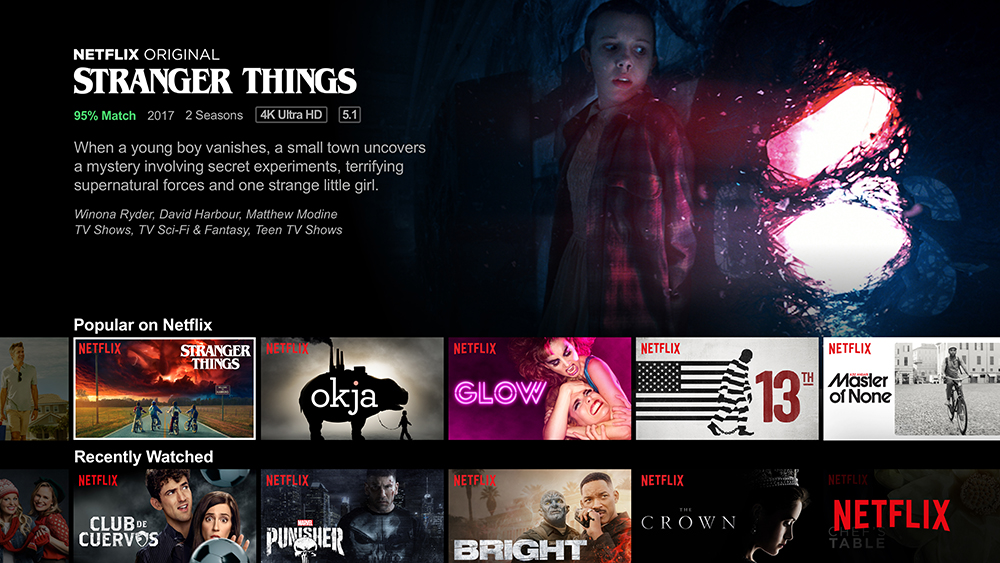
Netflix has plenty of material that can demonstrate the difference. Series including Stranger Things, Bridgerton, The Crown, The Sandman and Outer Banks are available with Dolby Vision, alongside films such as Glass Onion, Enola Holmes and The Gray Man.
The practical issue is that Dolby Vision remains an end-to-end format. A compatible television alone is not enough if the Netflix plan, streaming device, receiver, HDMI connection or settings cannot pass the necessary signal. For viewers who have invested in a good HDR display, checking that entire playback chain can make the difference between simply seeing an HDR picture and getting the Dolby Vision presentation they expected.