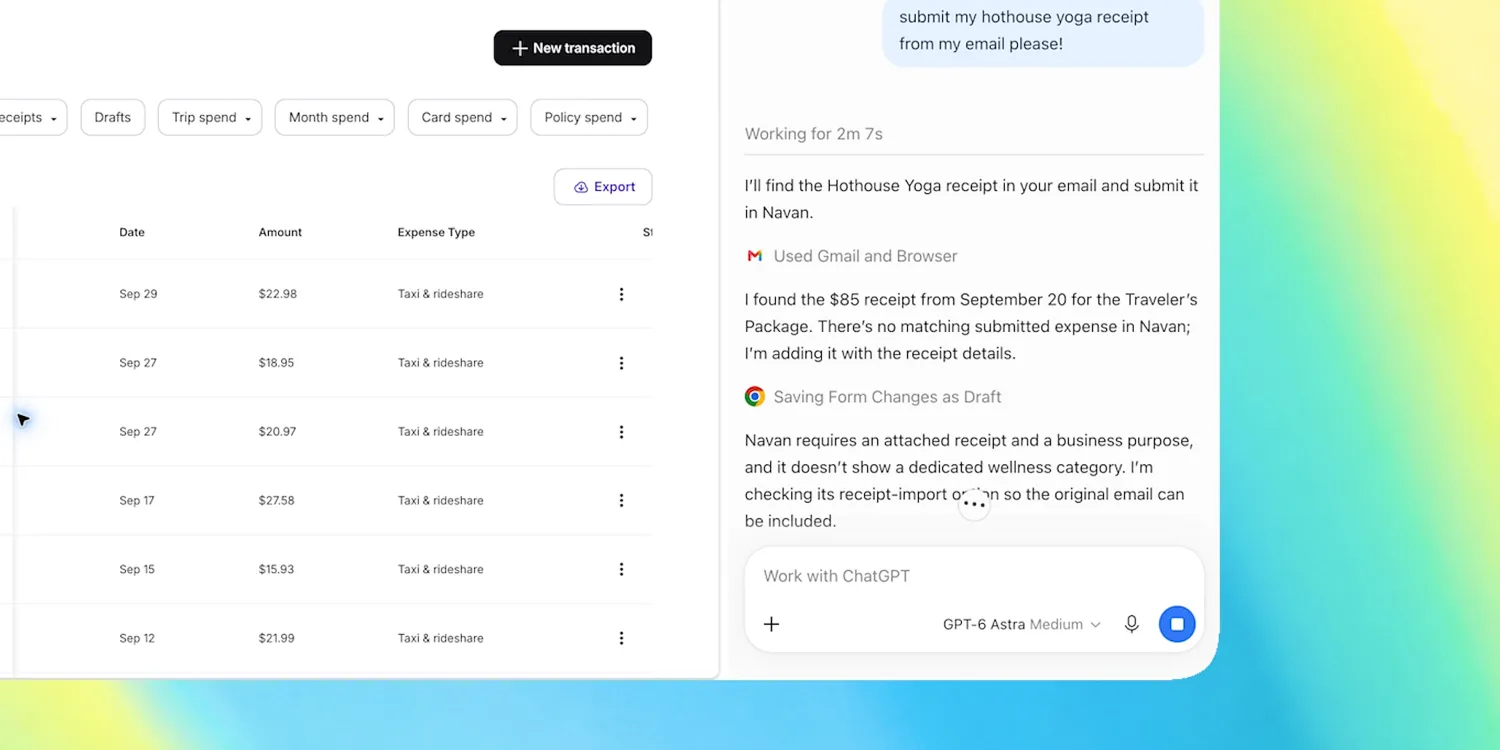

OpenAI is expanding how much context ChatGPT can gather from a user’s computer, introducing a new Mac feature that can turn everyday app and browser activity into information its AI assistants can reference later.
Called Computer History, the opt-in feature is rolling out on macOS for ChatGPT Pro, Business and Enterprise subscribers. It is not currently available in the European Economic Area, Switzerland or the UK. Business and Enterprise administrators can also decide whether people within their organisations are allowed to enable it.
The idea is to give ChatGPT and OpenAI’s Codex coding tools a better understanding of what users have been doing outside individual conversations. ChatGPT memory has previously focused largely on information gathered through chats. Computer History widens that context to activity taking place across selected Mac applications and websites.
Users retain some control over the scope. Individual apps and websites can be included or excluded, recording can be paused, and stored history can be viewed or deleted.
That inevitably brings Microsoft Recall to mind. Microsoft introduced Recall for Windows in 2024 as a way of making past computer activity searchable, only to delay its wider rollout after researchers and users raised security and privacy concerns. OpenAI is taking a different technical approach. Computer History does not continuously capture screenshots or record audio.
Instead, it relies on macOS accessibility APIs to collect interaction data including typing, clicks, keyboard shortcuts, application changes and contextual information exposed by the operating system. OpenAI periodically processes that activity into summaries describing what the user has been doing. Those summaries can then provide additional context for ChatGPT and Codex or help create repeatable workflows from previous activity.
Computer History also replaces OpenAI’s earlier Chronicle preview, suggesting the company is moving beyond experimental activity tracking toward something more closely integrated with its broader memory and agent strategy.
The distinction between recording actions and recording screens may reduce some obvious privacy risks, but it does not eliminate them. Patterns of typing, application use and browsing activity can still reveal sensitive information even without a screenshot of the underlying content.
OpenAI acknowledges that concern in its documentation. Computer History files may contain sensitive data and are not separately encrypted by the feature, meaning other software operating under the same macOS user account could potentially access them. macOS disk encryption can provide broader protection, but that is not the same as dedicated encryption for the history itself.
Activity summaries are generated in the cloud before being stored locally. OpenAI says it does not retain the underlying activity files except where legally required and does not use them to train its models. The process also consumes tokens, so usage limits and context-window constraints may matter for people generating substantial amounts of activity history.
There is currently no announced timetable for Computer History on Windows or mobile devices. Its Mac debut nevertheless points toward where personal AI assistants are heading: less dependence on what users explicitly tell them and more awareness of what users actually do. Whether that added context proves useful enough to justify the privacy trade-off will be the more important test.