TL;DR: The ThinkVision M16 excels as a lightweight, versatile 16-inch portable monitor with sharp WUXGA resolution, effortless USB-C connectivity, and smart ergonomic features that boost hybrid productivity without weighing you down. Excellent for professionals needing reliable extra screen space on the go, backed by strong efficiency and build quality at a fair price, though brightness suits indoor use best. A smart pick for nomadic geeks seeking practical second-screen freedom.
ThinkVision M16 Mobile Monitor
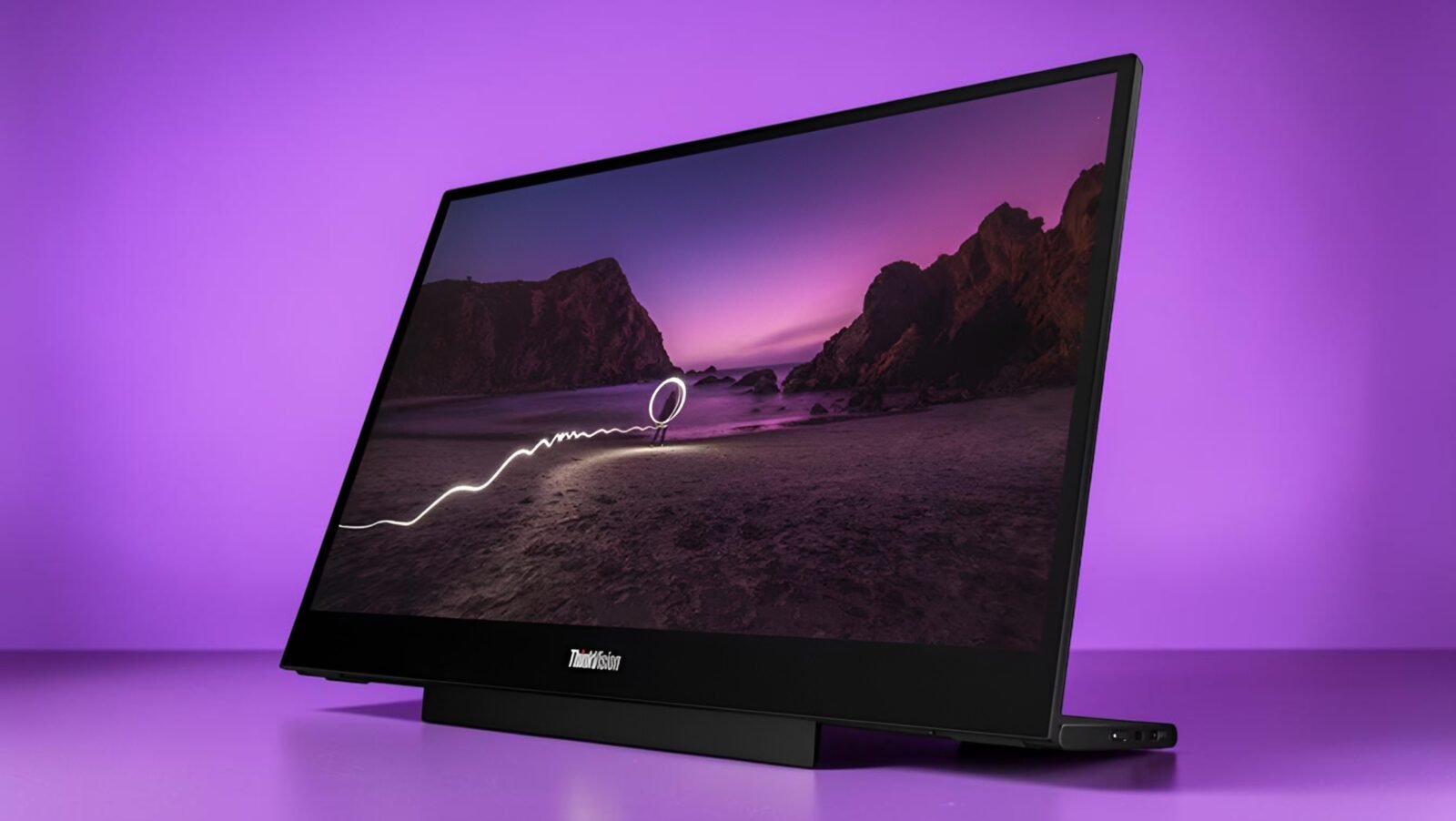
I have chased portable display perfection through more airport lounges and hotel desks than I can count, so when the ThinkVision M16 slid into my workflow, it felt like finally finding the missing piece in my nomadic setup puzzle. This 16-inch wonder promises serious productivity gains without turning your backpack into a workout session, and after weeks of real-world abuse, I am happy to report it mostly delivers on that geeky dream. From its featherlight build to that versatile L-shaped stand, the ThinkVision M16 understands the hybrid warrior’s pain points better than most competitors I have tested over the years.
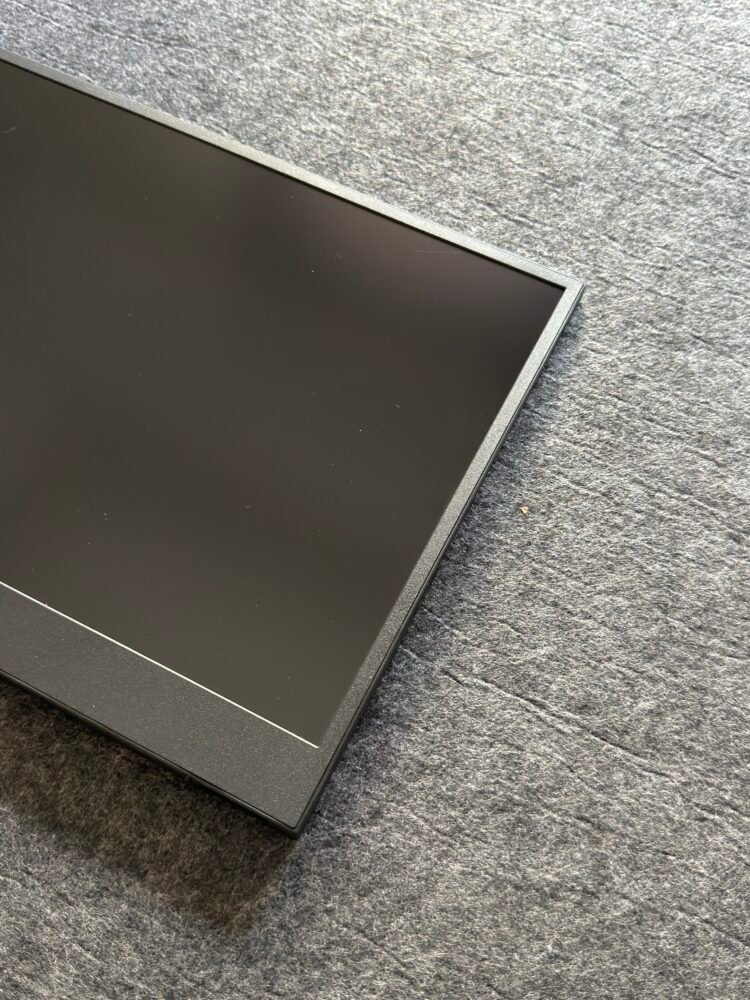
Picture this. You are juggling code reviews, reference docs, and a dozen browser tabs while your main laptop screen cries for mercy. The ThinkVision M16 steps in like a reliable wingman, expanding your digital real estate without demanding its own power strip or complicated setup ritual. At just under a kilogram and a ridiculous 7mm thin, it travels lighter than many tablets I have owned. I tossed it into my bag for a multi-city sprint last week and barely noticed the extra weight, which says everything about its portability game
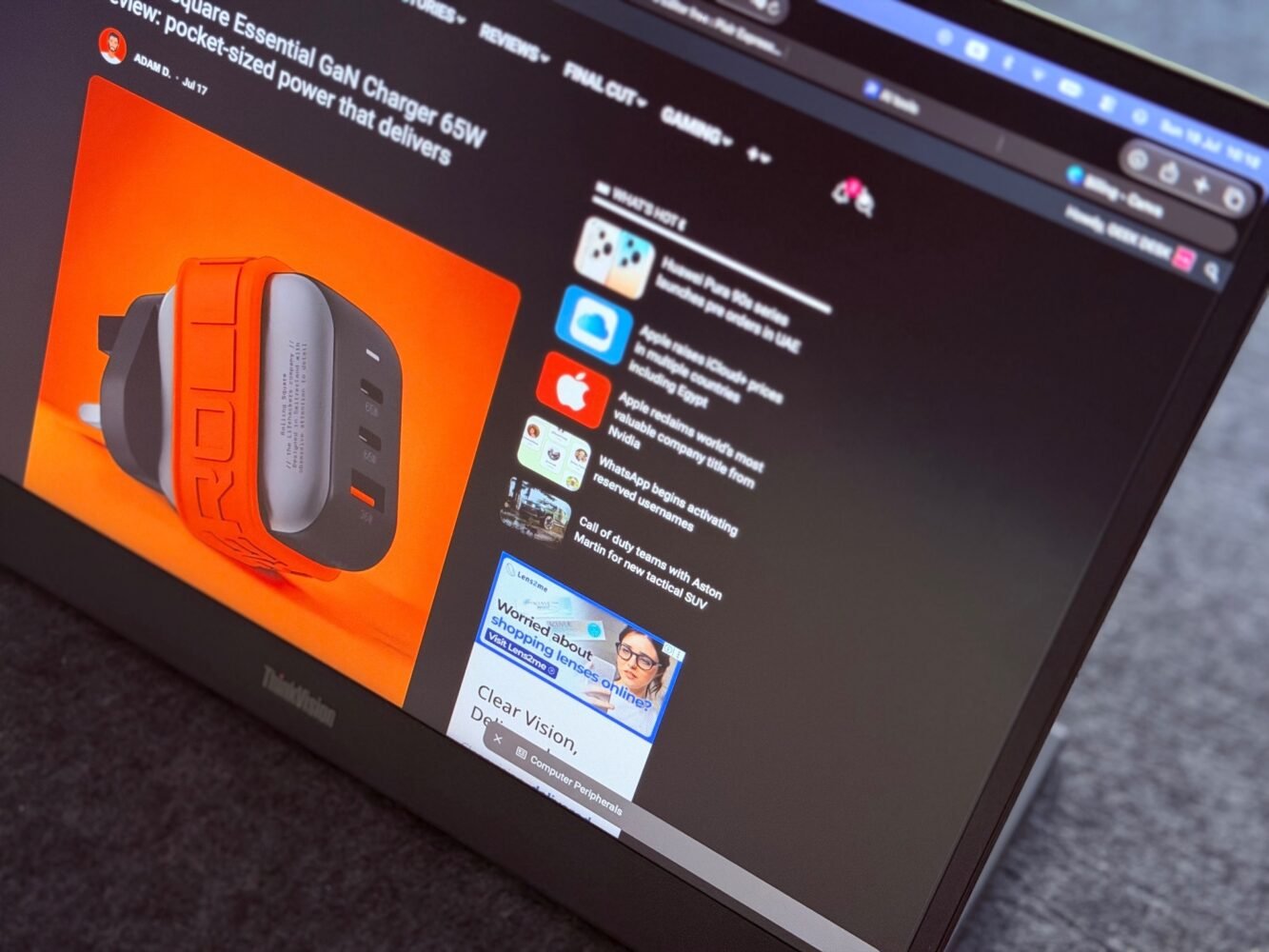
The overall design nails that professional-yet-approachable vibe we fellow tech enthusiasts crave. Matte finishes resist fingerprints better than expected, and the clean lines avoid the cheap plastic feel that plagues budget portables. It pairs beautifully with modern laptops, especially those ThinkPad and ThinkBook families, creating a cohesive ecosystem that just works when you need focus without friction.
Build Quality and Portability That Redefines On-the-Go Work
The ThinkVision M16’s ultra-slim profile makes it an absolute joy to carry anywhere work calls. That 980-gram weight without the stand transforms what used to be a reluctant addition to my kit into something I actively look forward to packing. I have hauled it through crowded commutes and quick coffee shop switches without once regretting the decision. The included sleeve adds decent protection for those inevitable bumps, though I still double up with my regular bag padding for peace of mind on rougher travels.
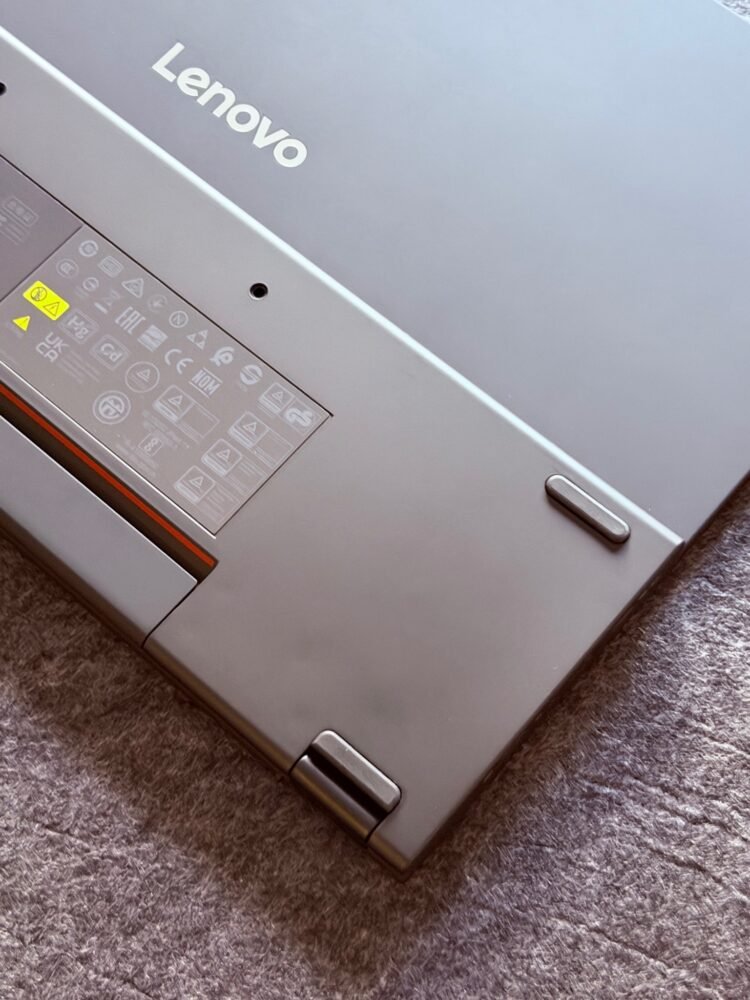
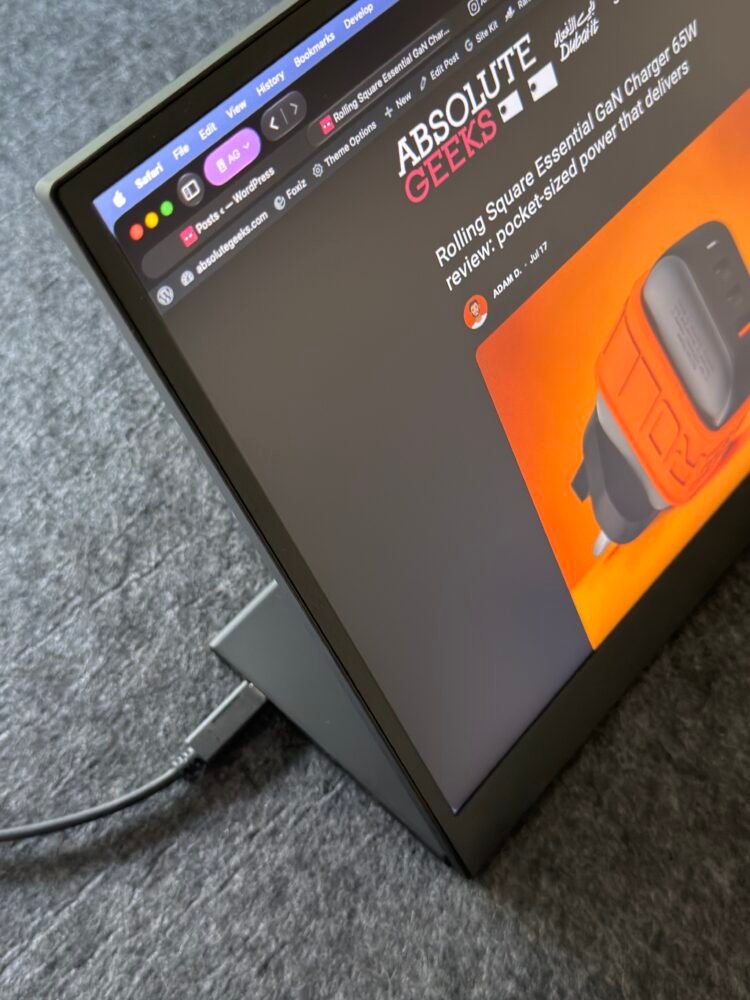
What really impressed me was the thoughtful mechanical design. The L-shaped stand offers tilt adjustments from zero to ninety degrees plus a modest ten-millimeter lift range that proves surprisingly useful. Switching between landscape and portrait modes happens effortlessly, which came in handy during a marathon document formatting session where vertical scrolling space suddenly became my best friend. It feels engineered by people who actually use these things daily rather than just spec them out in a lab.
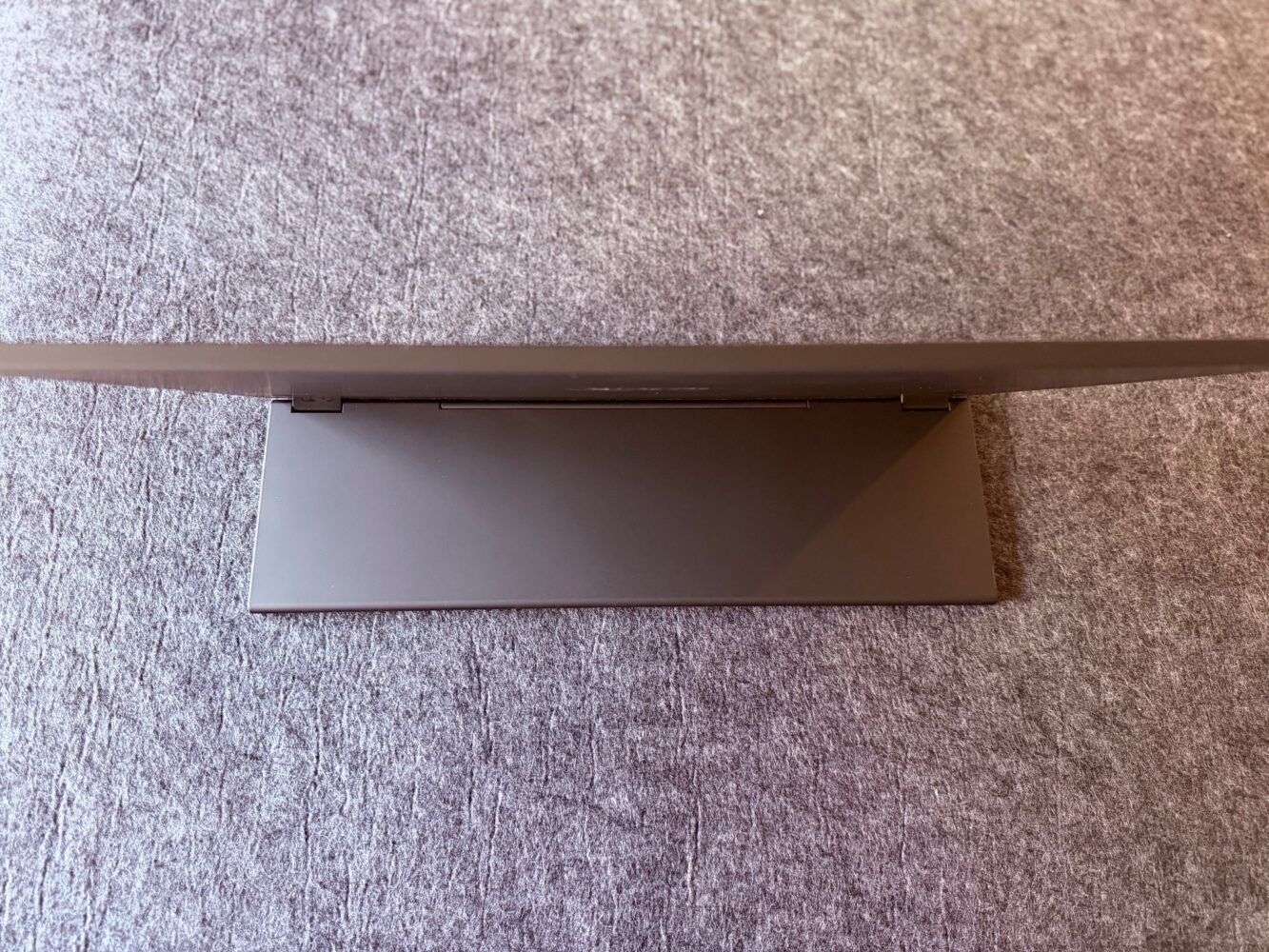
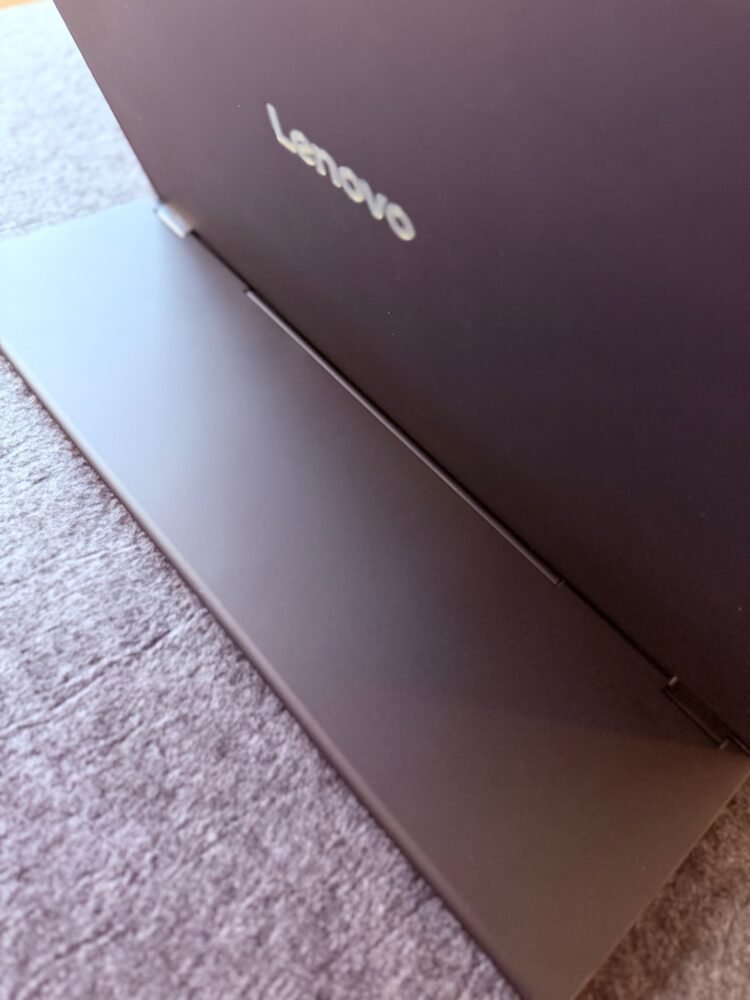
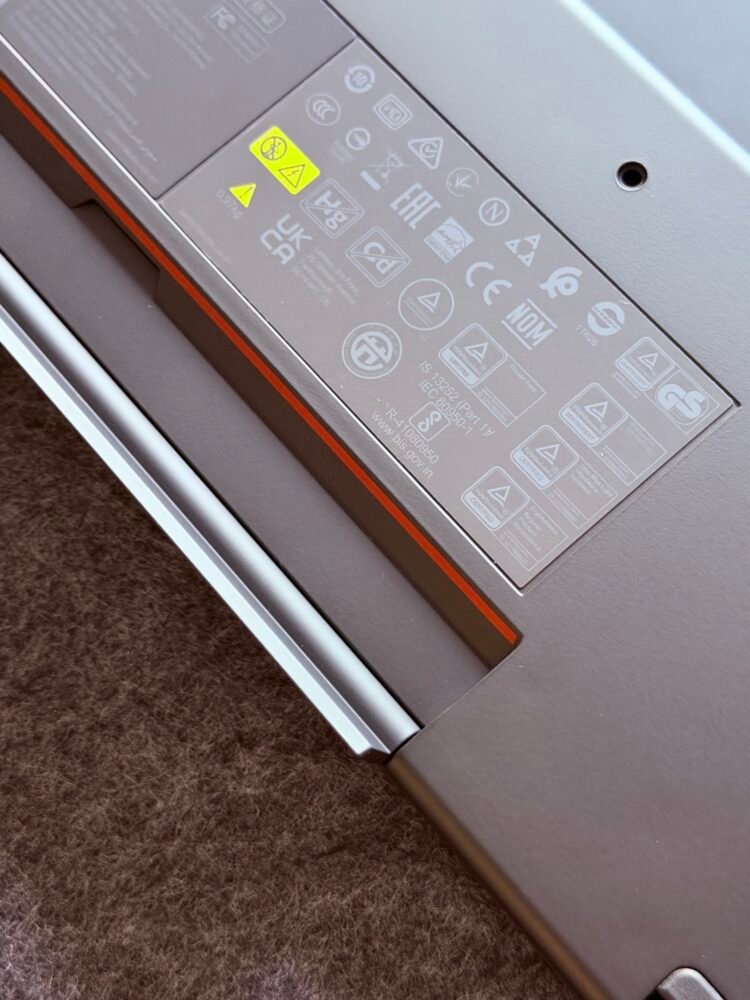
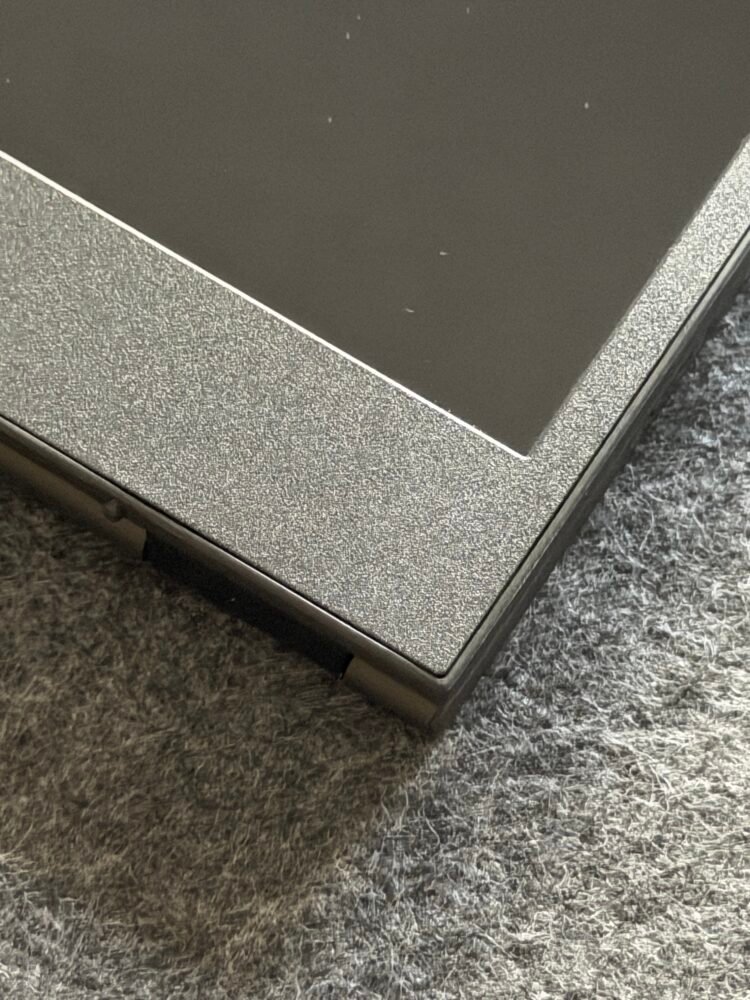
Build materials strike an excellent balance between durability and lightness. Nothing flexes worryingly under normal handling, and the whole unit projects quiet confidence. I appreciate the three-side near-edgeless design that maximizes screen real estate while keeping the footprint reasonable. At this size and weight, it strikes that magical middle ground between too small to be useful and too bulky to bother carrying. Fellow geeks who live in hybrid mode will get why this matters so much after one serious workday with it.
Display Excellence for Focused Productivity
The 16-inch WUXGA IPS panel on the ThinkVision M16 delivers a 1920 by 1200 resolution that feels perfectly proportioned for portable use. That 16:10 aspect ratio gives you extra vertical breathing room compared to standard 16:9 panels, making it ideal for documents, code, and anything requiring long scrolls without constant zooming. Colors cover 45 percent NTSC with eight-bit depth plus FRC, which translates to vibrant enough visuals for most professional tasks without claiming cinema-grade accuracy.
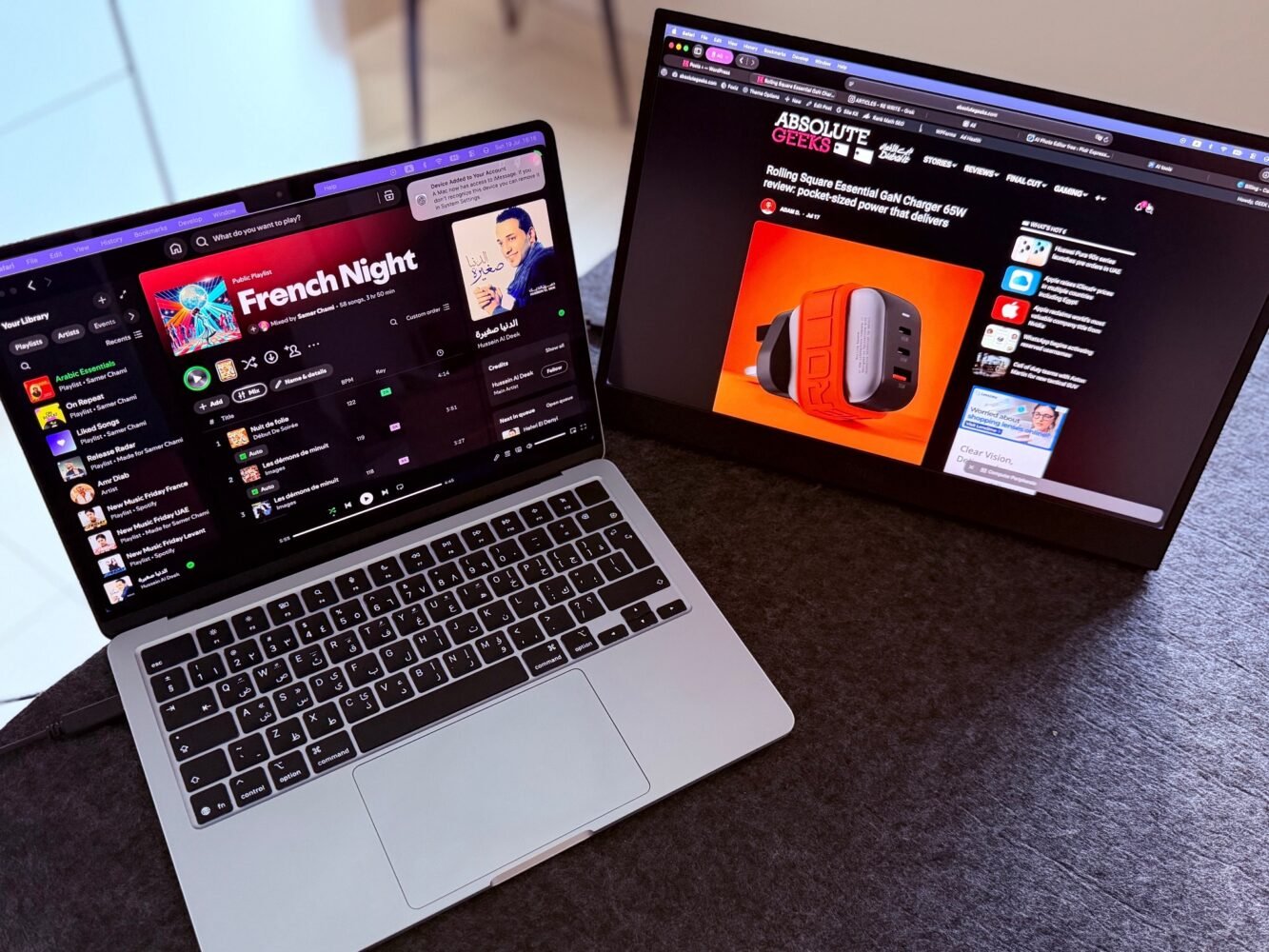
Brightness hits 300 nits typical, which handled my mixed indoor environments beautifully during testing. The 1500 to 1 contrast ratio provides solid depth for text-heavy work and lighter media consumption. TÜV-certified flicker-free technology combined with hardware low blue light solutions genuinely reduces eye fatigue during those inevitable twelve-hour grind sessions. I noticed the difference immediately compared to lesser portable displays I have suffered through before.
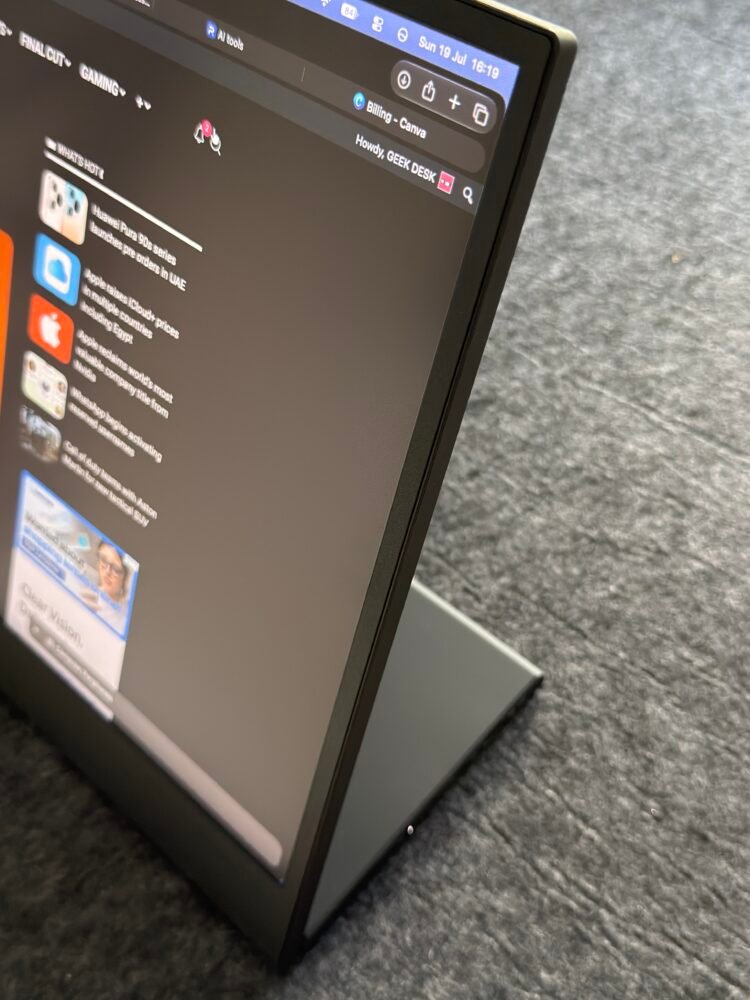
Viewing angles stay wide at 178 degrees both ways, so sharing the screen during quick collaborations never turns into a neck-craning exercise. The 60Hz refresh rate keeps everything smooth for typical productivity use, while six-millisecond response times in extreme mode handle occasional video playback respectably. It is not a gaming powerhouse, but that was never the point. This monitor excels at making extended work sessions feel sustainable rather than punishing.
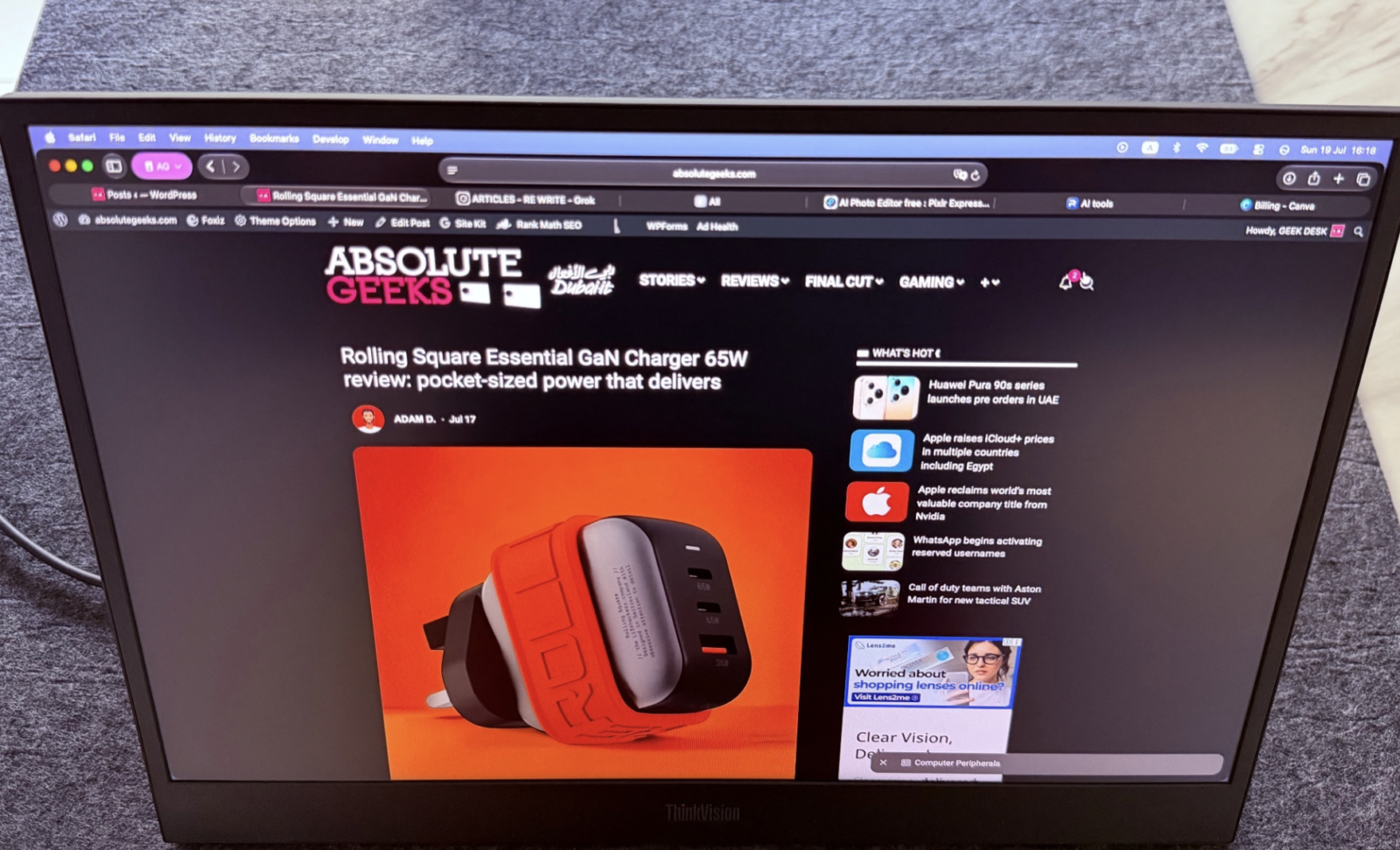
I spent days running my usual mix of development environments, research tabs, and creative reference materials across it. Text remains crisp, icons stay distinct, and the overall clarity supports deep focus without the visual noise that cheaper panels introduce. The 16:10 ratio particularly shines when working with timelines or multi-column layouts where every extra pixel counts.
Connectivity and Power Efficiency That Simplify Life
Dual USB-C 3.0 Gen 1 ports, one on each side, represent the ThinkVision M16’s connectivity highlight. Power delivery up to 65 watts means one cable often handles everything. Video, power, and data flow seamlessly from compatible laptops or even smartphones. My setups stayed remarkably clean during testing, with minimal cable clutter even in tight temporary workspaces.
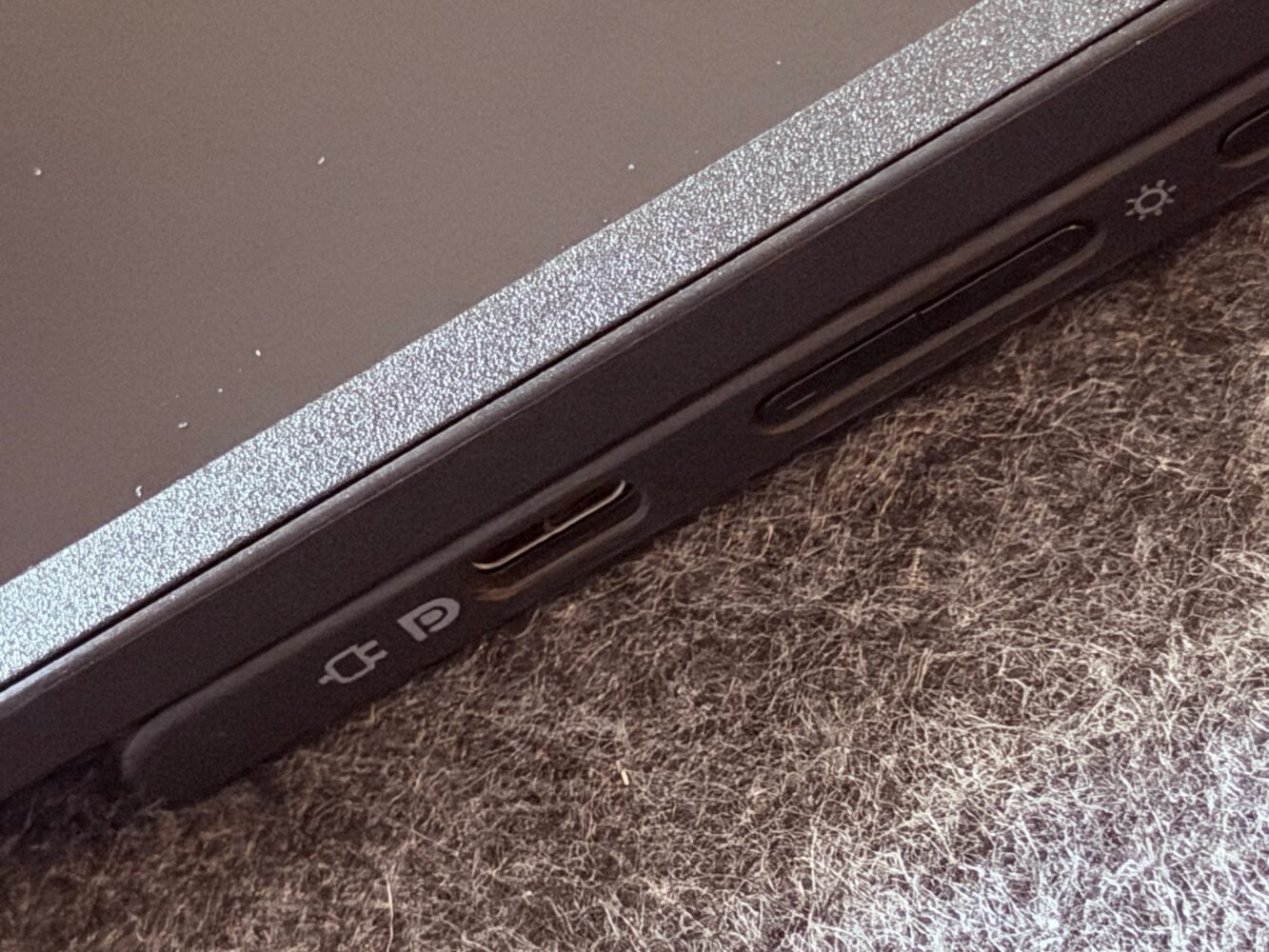
This single-cable magic transforms setup time from minutes of frustration into seconds of satisfaction. I connected it to different devices throughout my testing period and experienced consistent plug-and-play behavior. The ports’ strategic placement means you never fight awkward angles or tangled wires regardless of how you position the monitor.
Power consumption impresses deeply. Typical draw sits around 4.5 watts with a maximum of 5.5 watts, making it incredibly efficient for portable scenarios. ENERGY STAR 8.0 compliance and EPEAT Gold certification back up the responsible engineering claims. Sleep and off modes sip even less, which matters when you are running on laptop batteries in the field. I powered through full workdays with negligible impact on my source device’s juice.
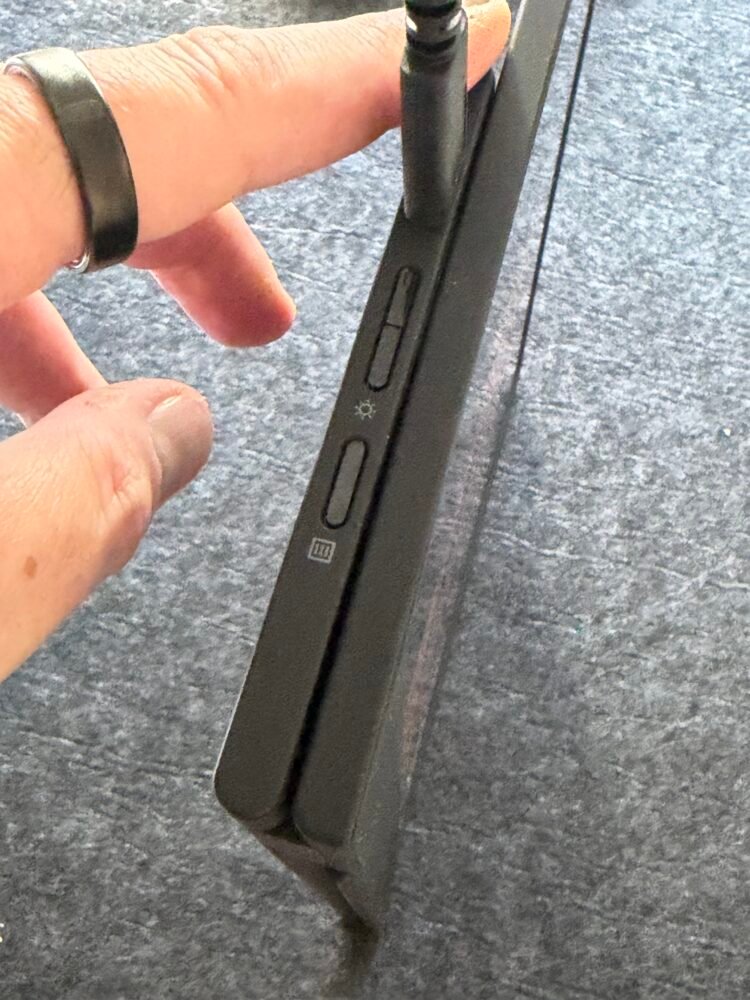
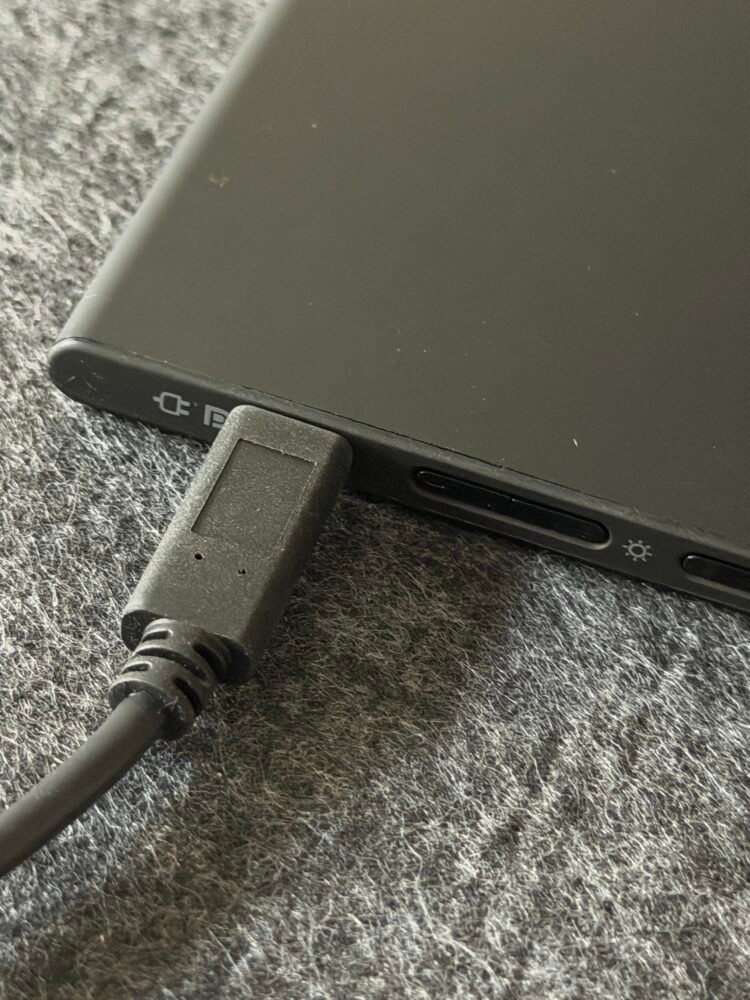
The included one-meter USB-C cable feels sturdy enough for daily use, and the overall ecosystem integration feels polished. Lenovo even throws in their Accessories and Display Manager software for additional tweaks, though I found the out-of-box experience already excellent for most users.
Real-World Performance and Everyday Reliability
Throwing the ThinkVision M16 into my actual workflows revealed its strengths consistently. During intense project sprints, it became my go-to reference screen for documentation while the primary laptop handled active coding. The extra space boosted my output noticeably without introducing lag or compatibility headaches. Portrait mode proved perfect for long PDFs and code reviews where vertical context matters.
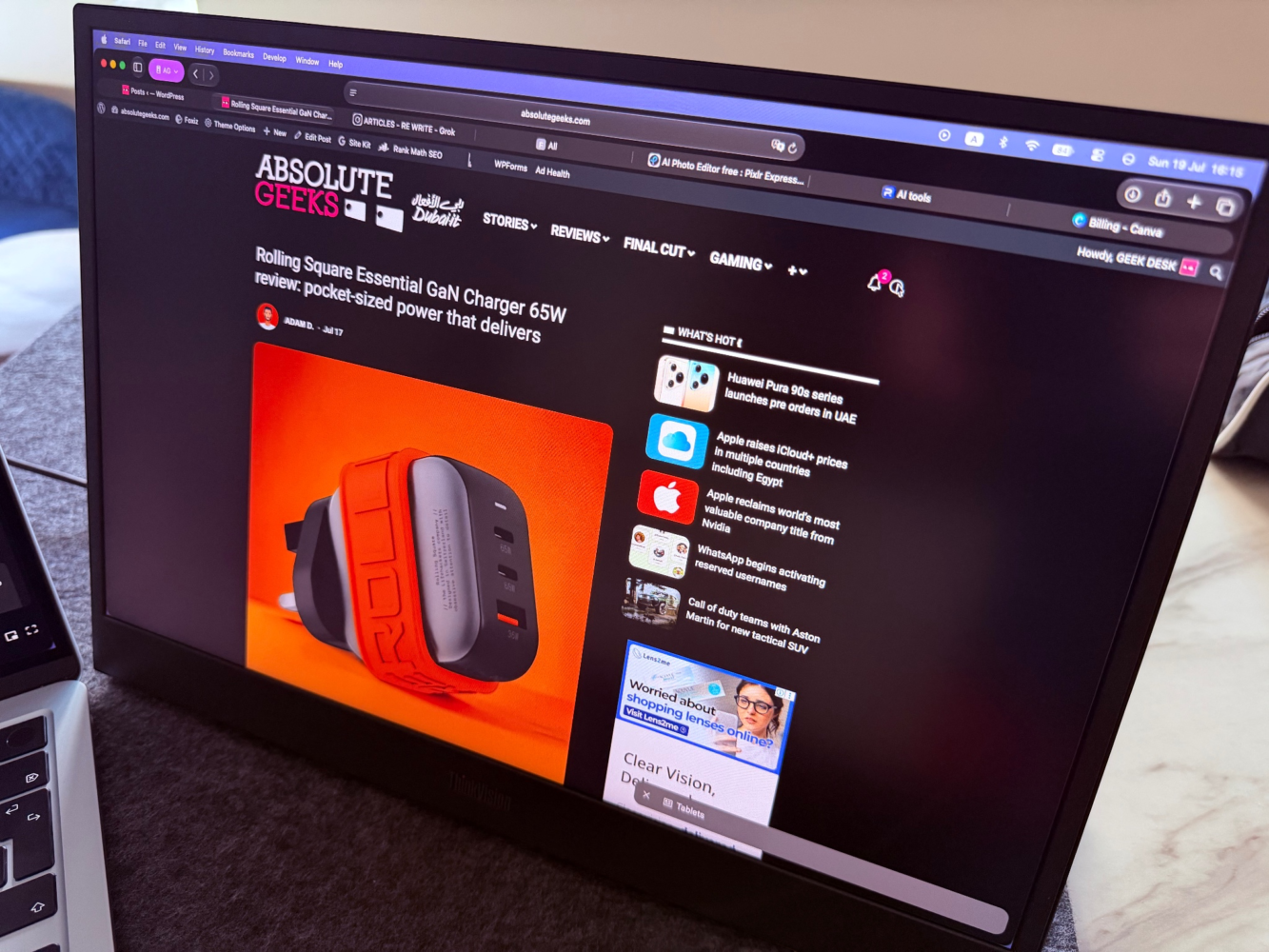
I tested it across varied lighting conditions and laptop pairings. Stability remained rock solid throughout. The stand’s adjustments let me dial in ergonomics quickly, reducing neck strain during marathon sessions. Early user reviews I glanced at echoed my positive experiences, with perfect five-star averages highlighting similar portability and performance wins. Casual media consumption worked better than expected too. Streaming videos looked crisp on the IPS panel, and the lightweight design meant I could easily reposition it for optimal viewing angles during breaks.
Wrapping Up the ThinkVision M16 Experience
After extensive testing across diverse scenarios, the ThinkVision M16 earns its place as a genuinely useful tool for the modern mobile professional. Its slim design, capable display, versatile stand, and efficient connectivity solve real problems without introducing new ones. While not perfect in every lighting extreme or for specialized creative work, it delivers outstanding everyday value.
This portable monitor changed how I approach extended work sessions on the move. The freedom it provides feels addictive once you experience consistent dual-screen productivity anywhere. Lenovo nailed the balance between features and practicality here.