

TL;DR: Lock individual apps with Face ID to hide contents from notifications and searches. Use hidden folders for extra discretion. Safari blocks trackers effectively while Passwords and Passkeys secure accounts. These tools offer layered privacy that remains convenient and powerful.

Privacy stands as one of the most important aspects of modern technology, especially as users juggle countless apps for social connection, entertainment, productivity, and health tracking. Apple has refined its approach over the years to deliver built-in protections that feel seamless and effective. Among the standout capabilities are tools that let people secure individual applications directly on their devices, creating personalized barriers around sensitive content without complicating everyday use. These options empower users to maintain control over what stays visible and accessible at any given moment.
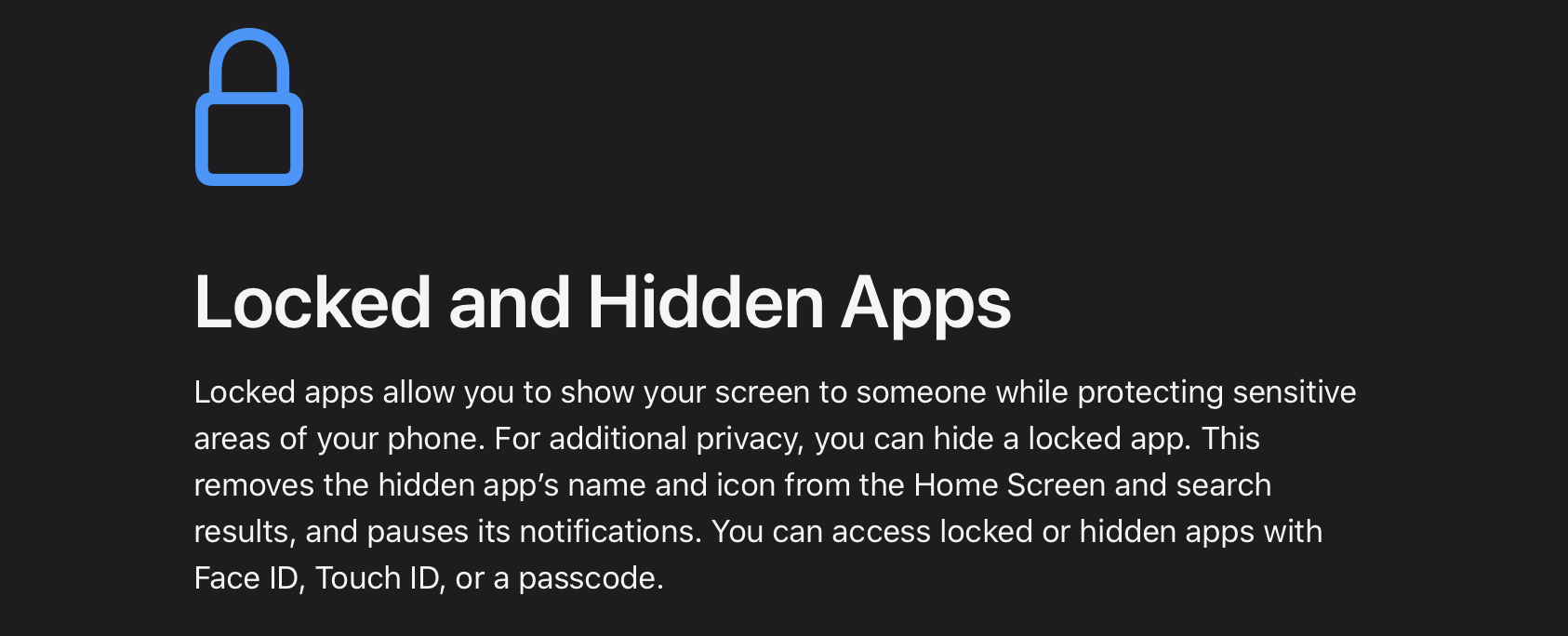
The locked apps functionality allows any application to require Face ID, Touch ID, or a passcode before opening. After activation through a simple long-press on the home screen, the app demands authentication each time, while its contents remain hidden from notifications, Spotlight searches, and system-wide suggestions. This prevents accidental exposure even when the device itself is unlocked for quick tasks. For popular services like social media platforms, video streaming, or messaging tools, it adds a reliable layer of protection around feeds, conversations, and personal recommendations. The system ensures that locked information does not leak into other areas, giving users confidence during shared moments or busy days filled with outdoor activities and late-night sessions.
Hidden apps build on this foundation by completely removing the icon from the main home screens and relocating it to a dedicated folder within the App Library. That folder stays protected behind biometrics, offering an additional level of discretion for applications containing private photos, work materials, or entertainment histories. Users can choose this option for services they access frequently but want to keep out of sight, such as streaming platforms or creative tools. The combination of locking and hiding creates flexible privacy controls that adapt to different lifestyles, whether someone is optimizing recovery metrics from wearables, planning gaming marathons, or managing content creation workflows.
Face ID serves as the central authentication method across these features, extending far beyond basic device unlocking. It secures app access, enables safe password autofill in Safari and other applications, and protects health records within the Health app by keeping data encrypted when the device locks. This biometric integration delivers speed and reliability, even after active days involving movement, dust, or varying lighting conditions common in vibrant cities. The technology ensures that privacy enhancements remain convenient rather than burdensome, allowing smooth transitions between secured and open applications.

Safari complements these app controls with strong browsing protections designed to minimize tracking. The browser blocks third-party cookies by default and uses on-device machine learning for intelligent tracking prevention that adapts over time. It hides IP addresses from known trackers, strips identifying parameters from URLs during Private Browsing, and automatically locks those private sessions when inactive. These safeguards create a cleaner online experience where cross-site activity stays limited, benefiting everything from research sessions to casual entertainment browsing.
The dedicated Passwords app acts as a secure repository for credentials, verification codes, and security alerts, all synchronized across devices through end-to-end encrypted iCloud Keychain. Passkeys advance this further by replacing traditional passwords with biometric sign-ins where private keys never leave the device or reach servers. This reduces risks associated with data breaches while making logins faster and more secure for apps and websites alike. Together with Face ID, it forms a robust account protection system that supports safe digital interactions without constant manual management.

Additional layers strengthen the overall framework. App Tracking Transparency requires explicit permission before applications can follow activity across other apps and websites, putting users firmly in control of data sharing. Safety Check offers a convenient dashboard for reviewing and revoking accesses quickly when needed. On-device processing for intelligent features keeps sensitive information local, while apps like Maps deliver helpful guidance without building extensive user profiles. Messages maintain end-to-end encryption, and the Health app safeguards fitness and wellness data through strong encryption tied to device lock states.
These privacy tools work together to address common concerns in today’s connected environment. Users can secure social platforms, streaming services, messaging apps, and more while enjoying the full capabilities of their devices. The protections support active routines involving health monitoring, creative work, and entertainment without adding friction. By focusing on hardware and software integration, Apple delivers features that feel natural and reliable across different usage scenarios.
Understanding these options helps individuals make informed decisions about their digital security. Simple setup steps through Settings allow quick activation of locked and hidden apps, Safari enhancements, and Passwords management. The result is greater peace of mind and control, enabling focus on what matters most in daily life.